
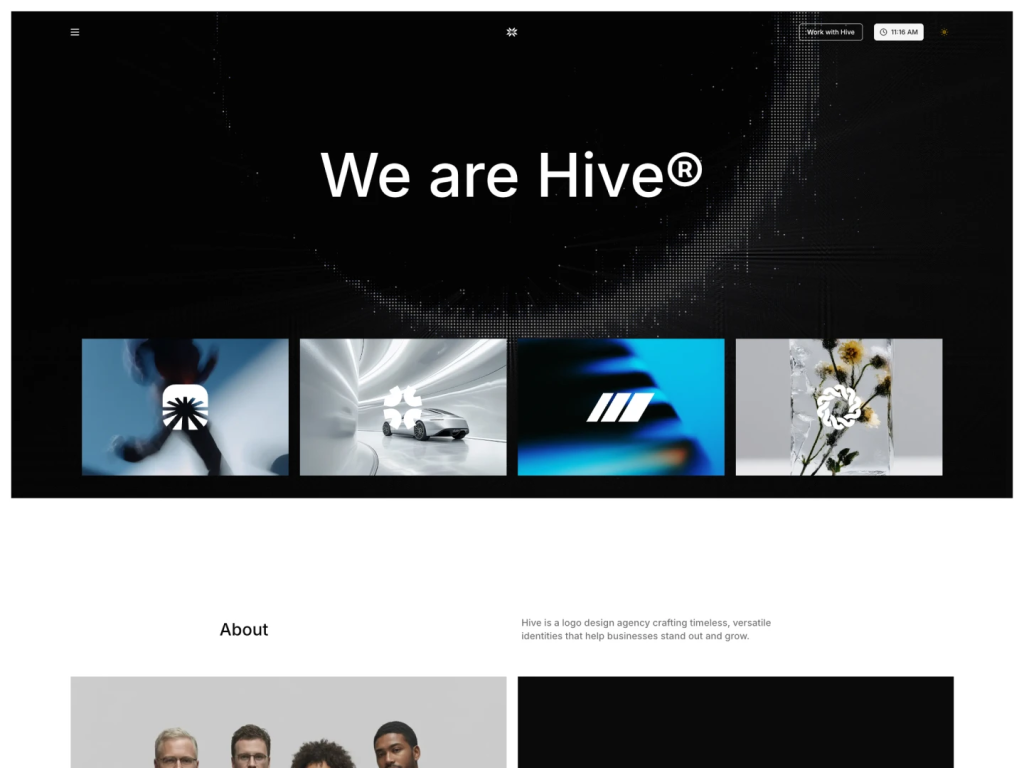
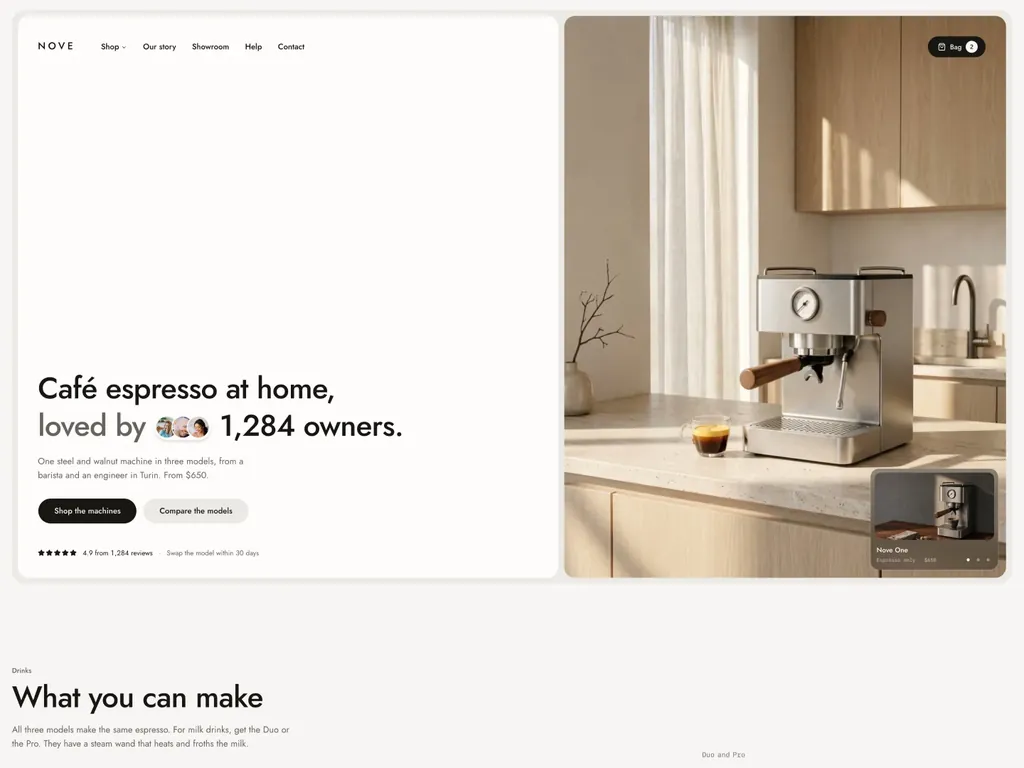
Next.js and Astro single-product store with a model picker and checkout UI
TEMPLATES
Tailwind Templates & UI Kits
140+ website templates built with Tailwind CSS for Next.js, Astro, React and shadcn/ui: landing pages, SaaS, blogs, portfolios and dashboards. Live previews.
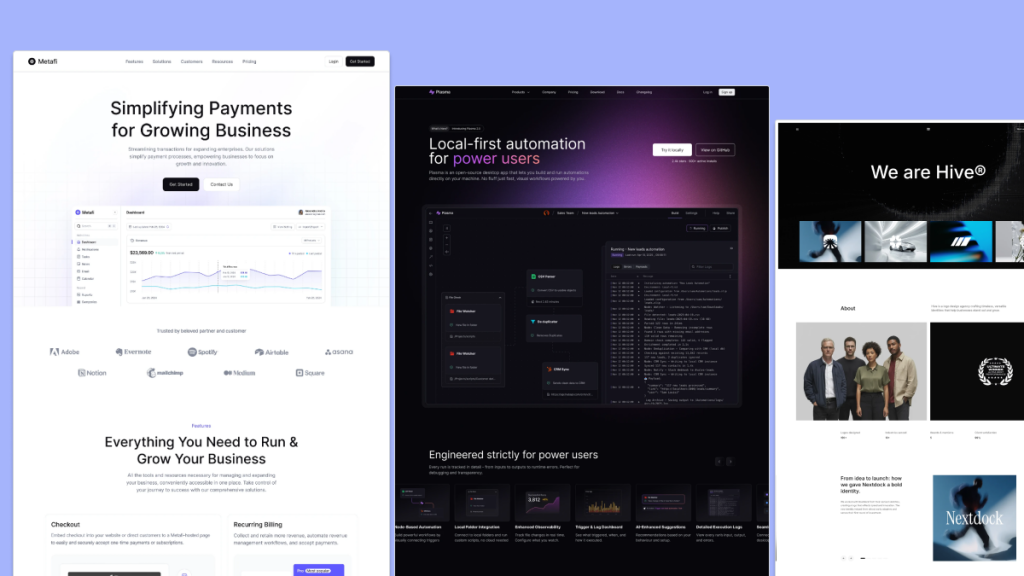 ShadcnblocksSPONSOREDshadcn/ui blocks, components and 21 Next.js and Astro templates via the CLI
SPOTLIGHT · TEMPLATESSponsoredYour product here
Advertise in Templates All templates
146 templates Reviewed by the Tailkits editors. No votes, no rankings.
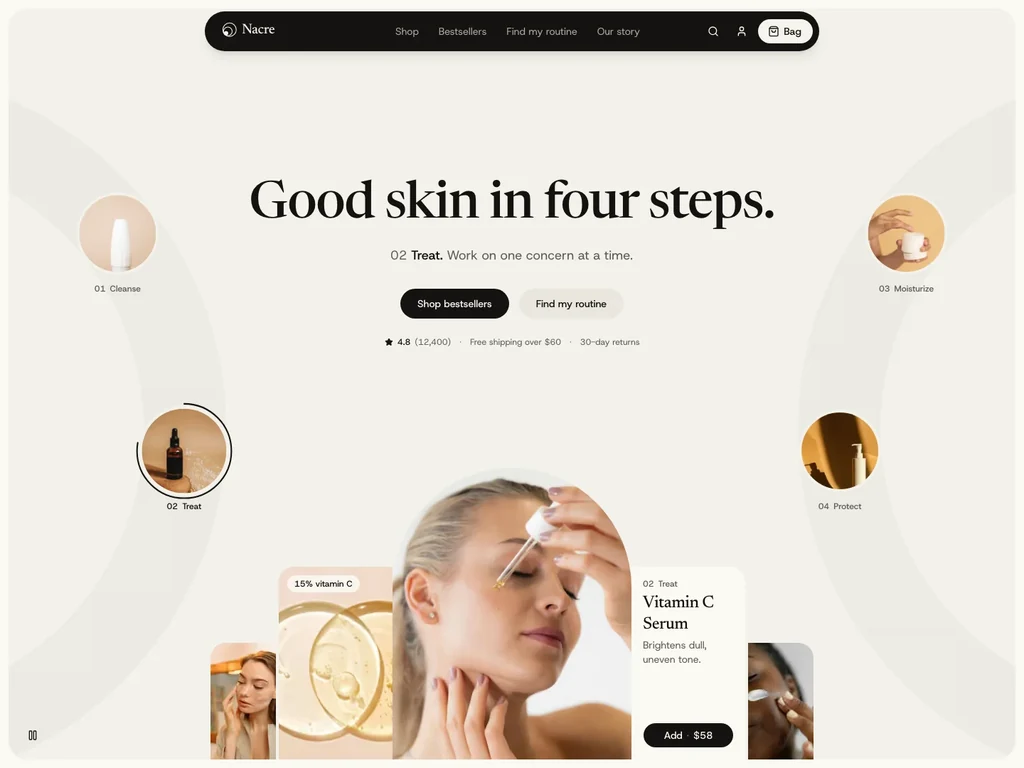
Next.js and Astro skincare store with a routine quiz and checkout UI
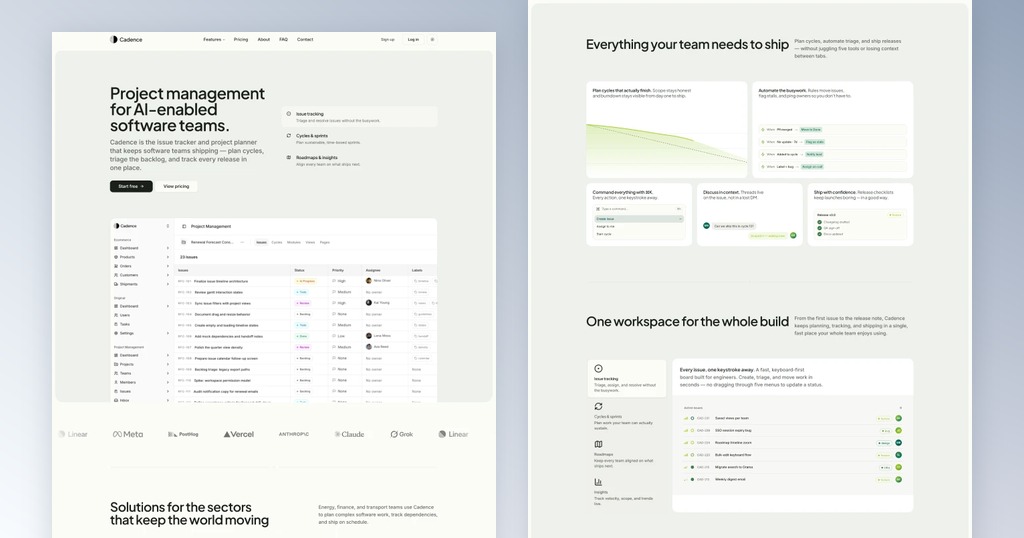
Calm, motion-driven product template for Next.js & Astro
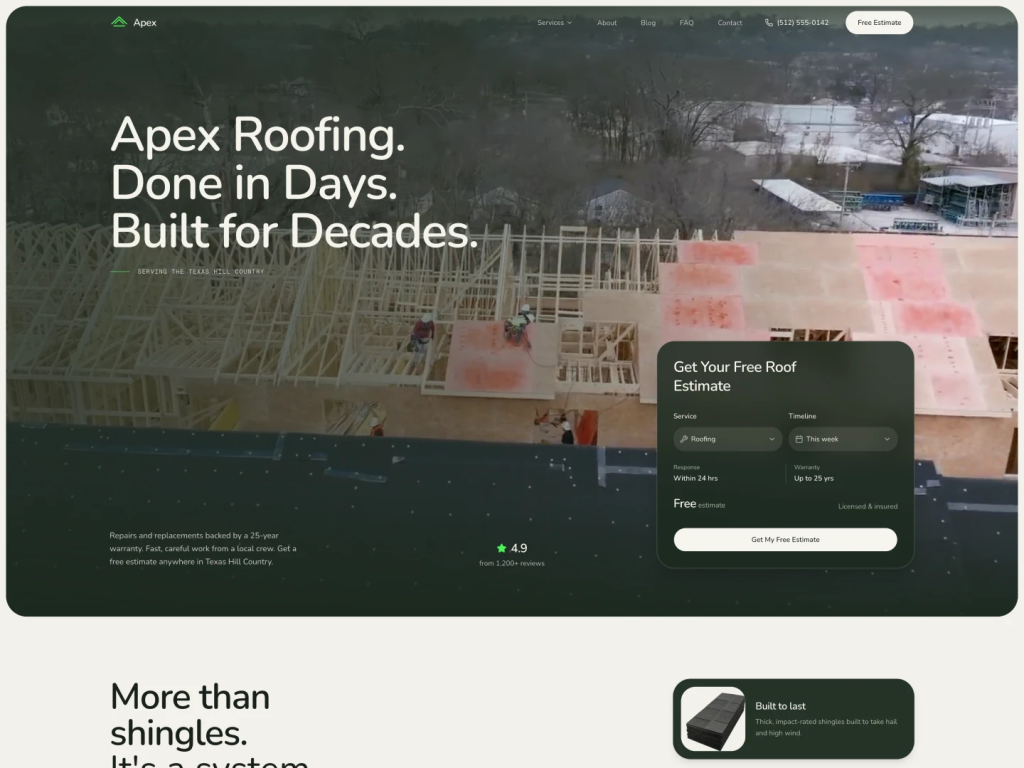
Next.js and Astro roofing template with trade pages and before-after sliders
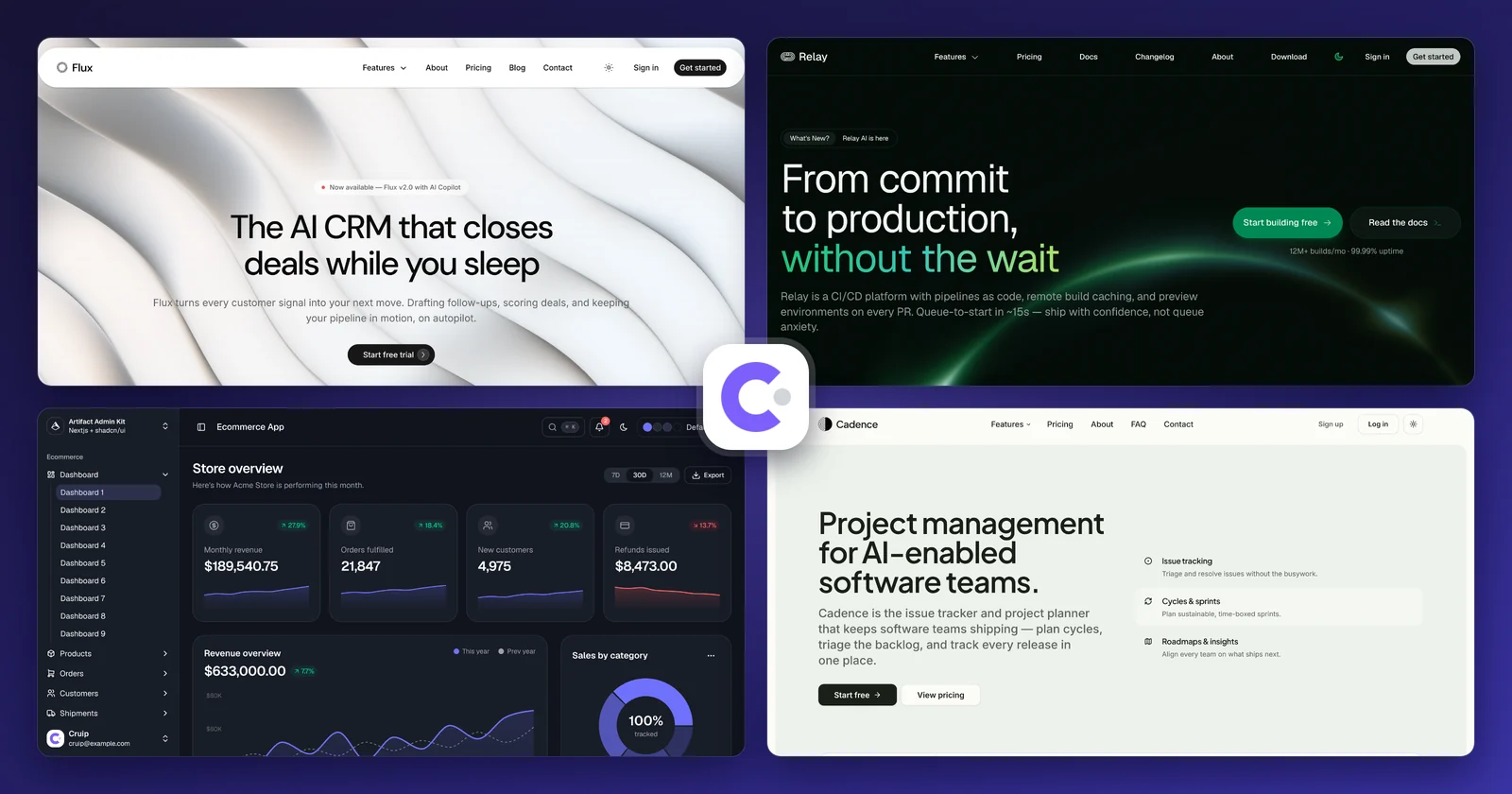
Flux, Cadence, Relay and Artifact: Tailwind templates for Next.js and Astro
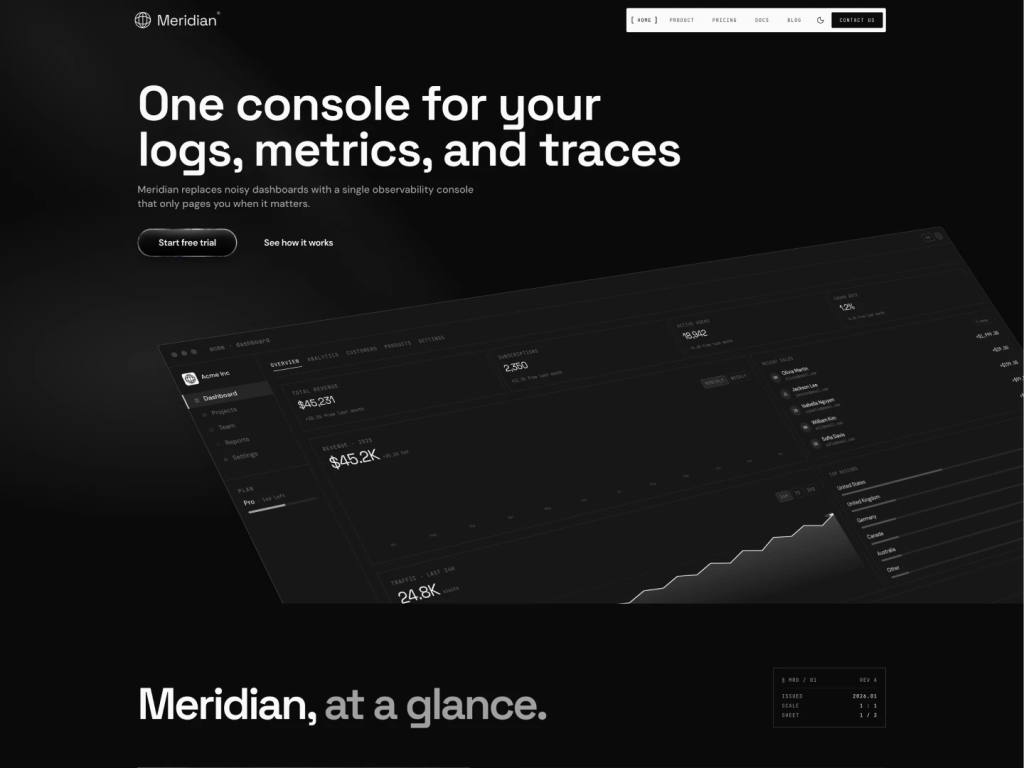
Developer SaaS template with docs and animations
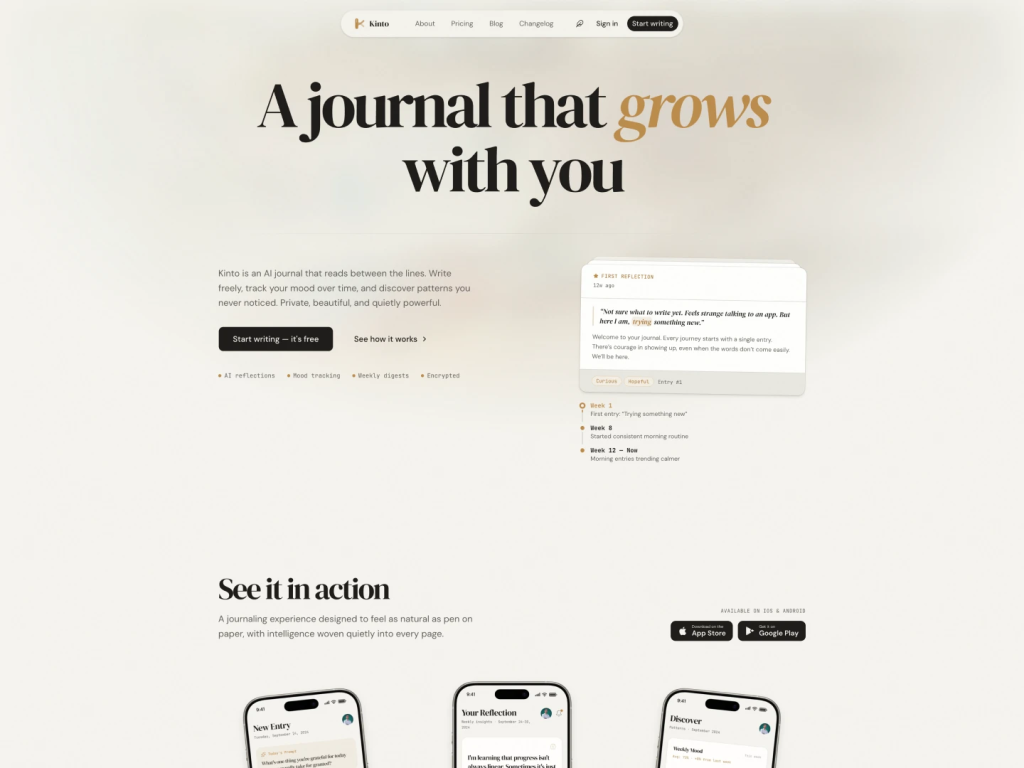
Elegant Tailwind template for wellness, journal apps
shadcn/ui blocks, components and 21 Next.js and Astro templates via the CLI
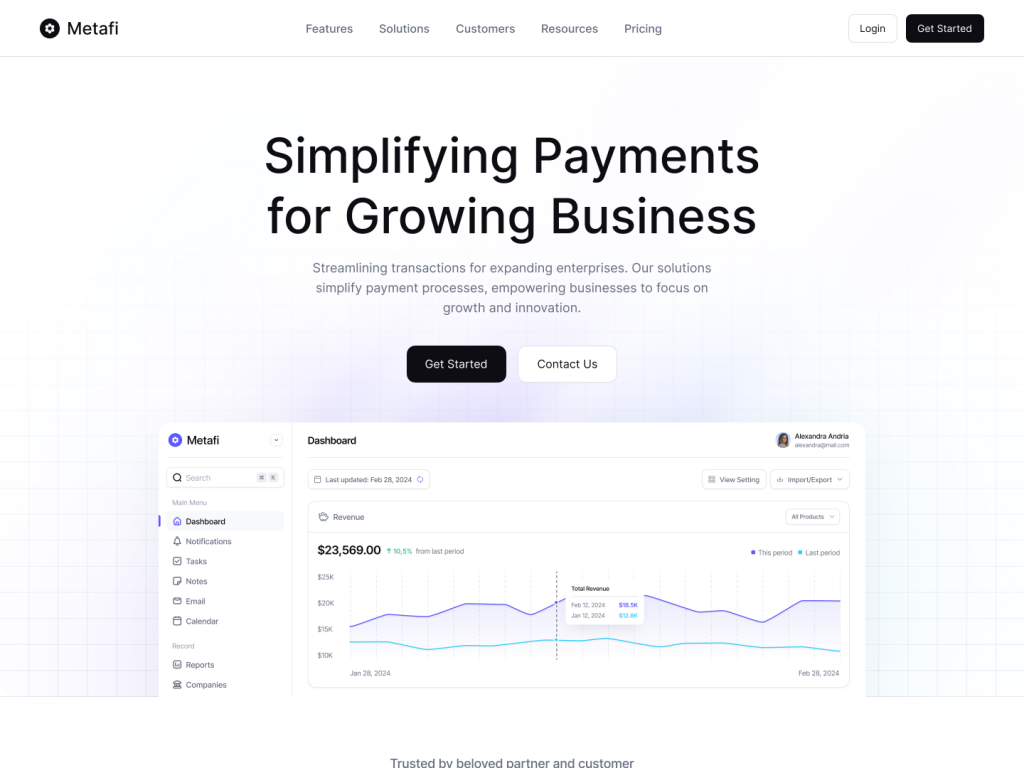
shadcn/ui marketing starter kit
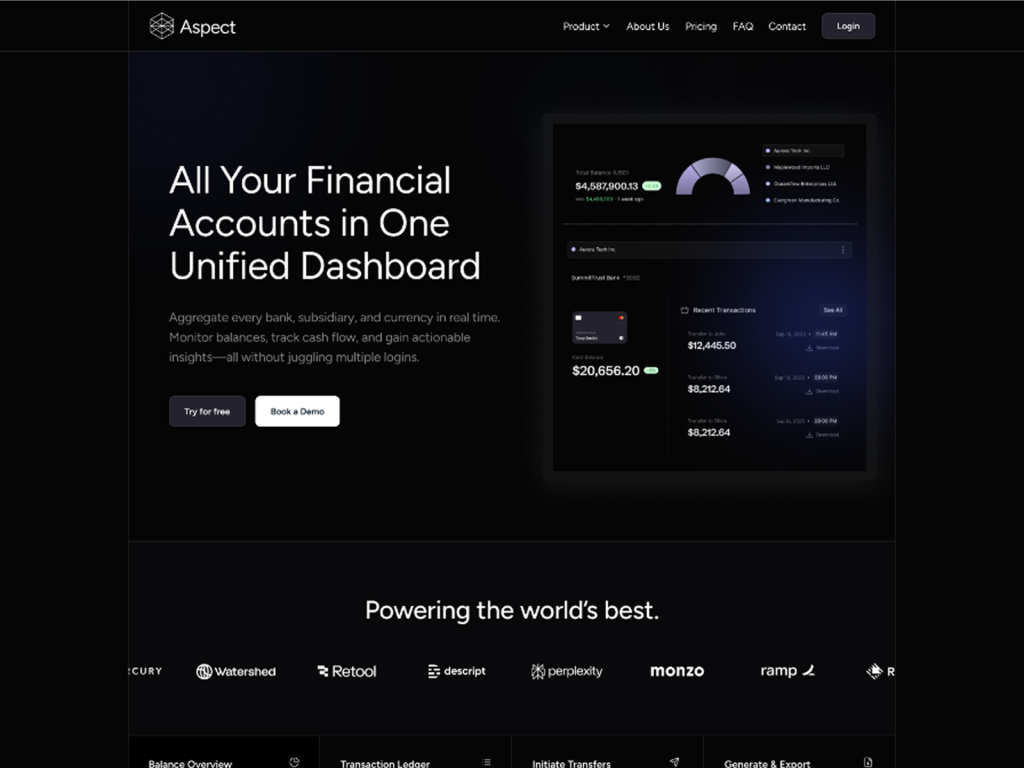
Corporate site template with 100 + shadcn/ui blocks
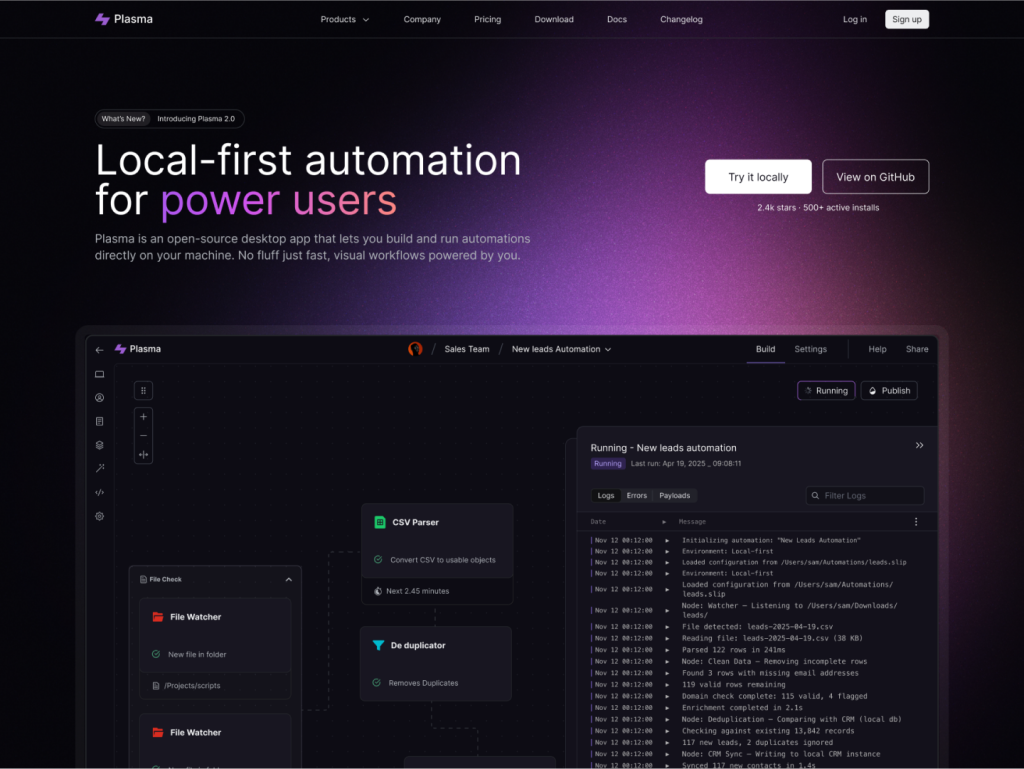
Developer SaaS template for Next.js 16 & Astro 6
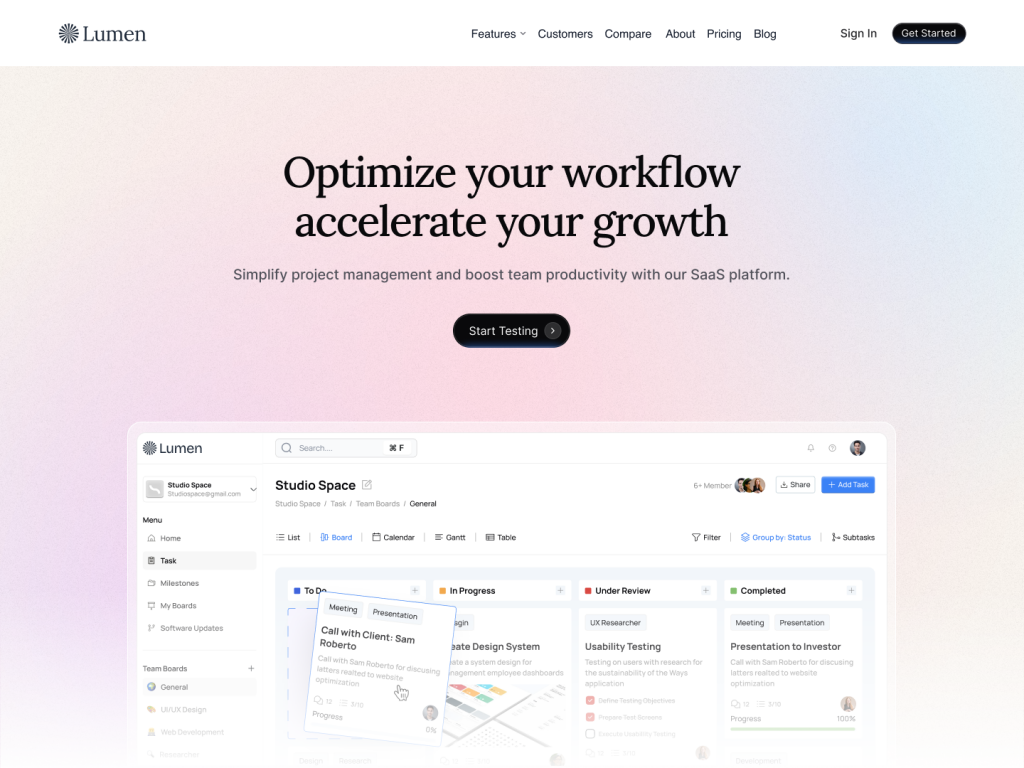
10+ pages, 100+ comps, SEO-ready, Figma included
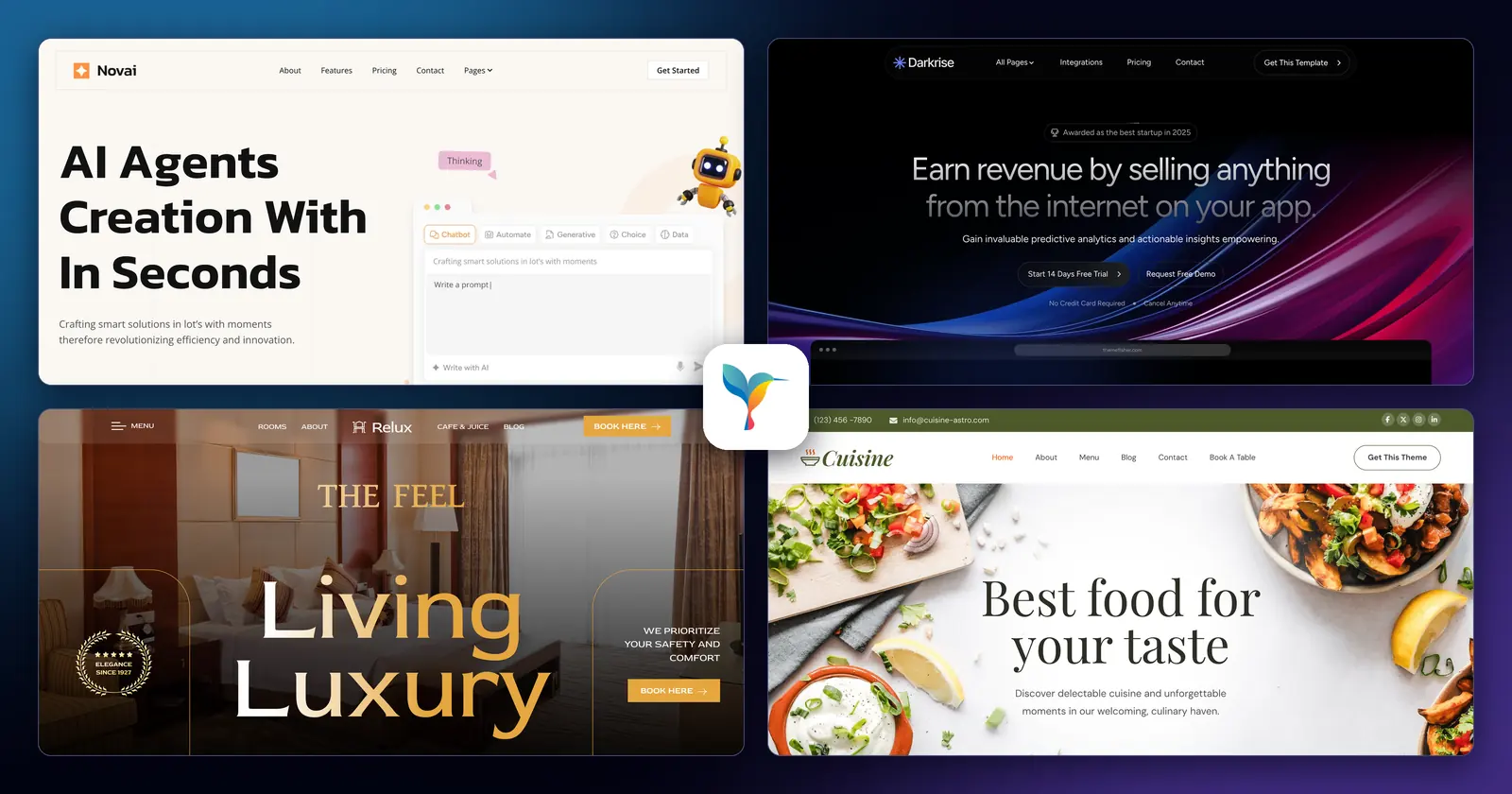
42 Astro and Tailwind CSS themes for SaaS, agencies and local businesses
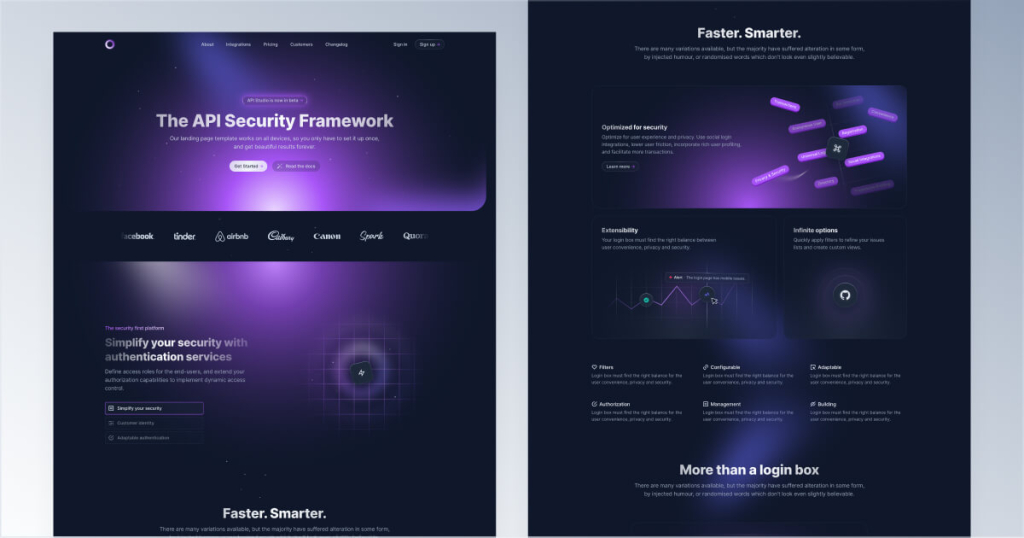
Dark landing page template with hand-drawn art
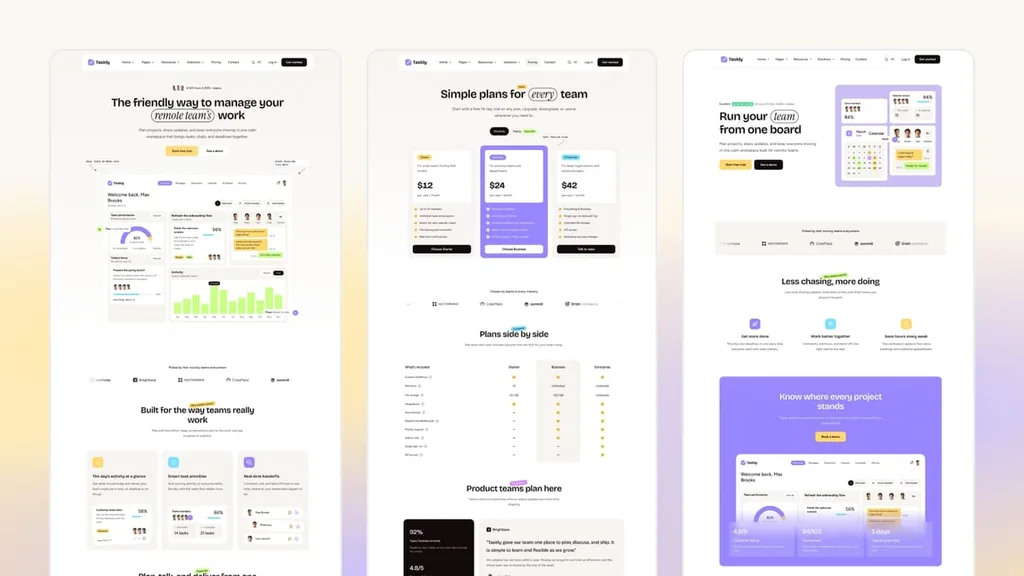
Astro theme for task-app SaaS sites, with 3 homepages in English and French
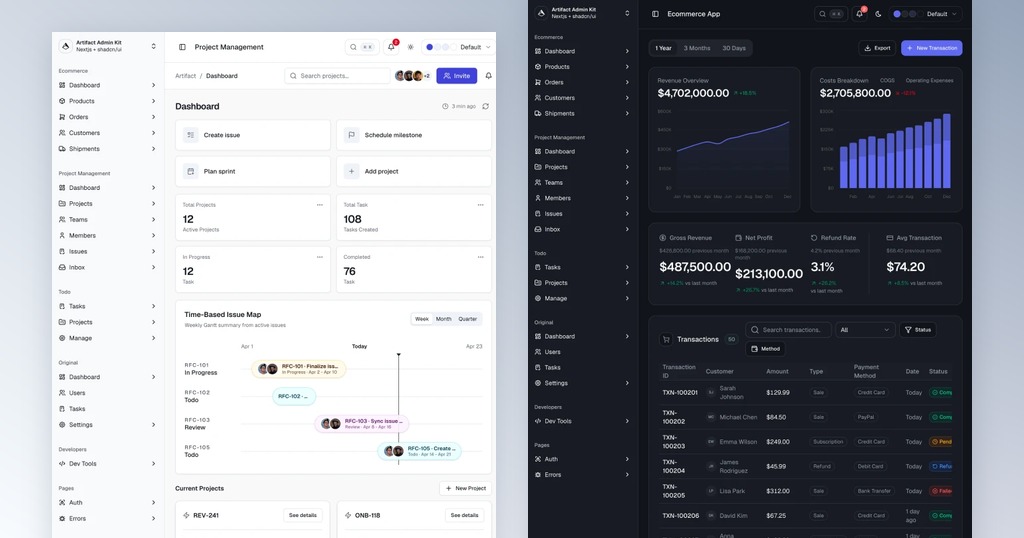
Next.js & shadcn/ui admin dashboard kit with 100+ screens
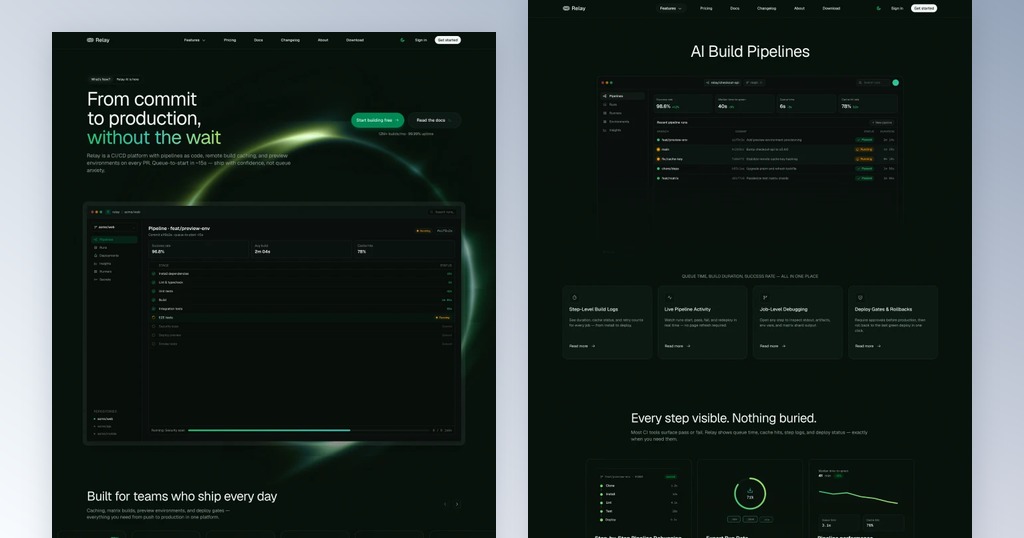
Dark, developer-first SaaS template for Next.js & Astro
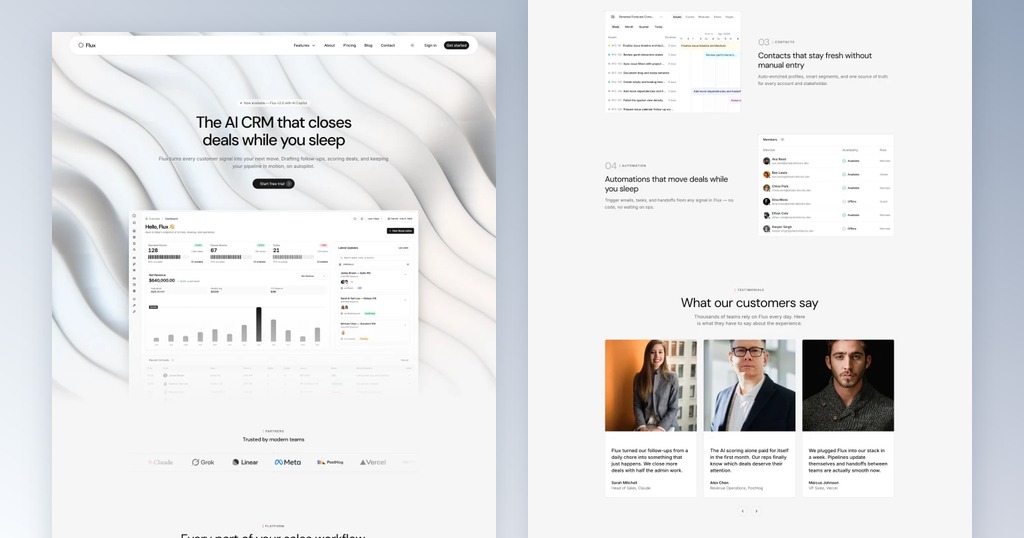
Modern SaaS marketing template for Next.js & Astro
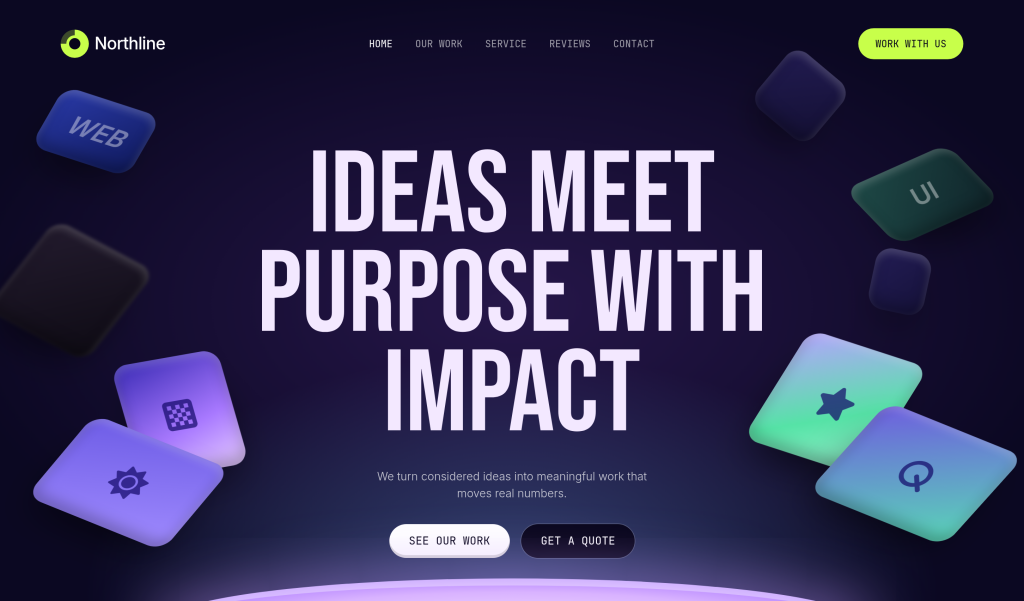
Creative agency HTML template for showcasing work.
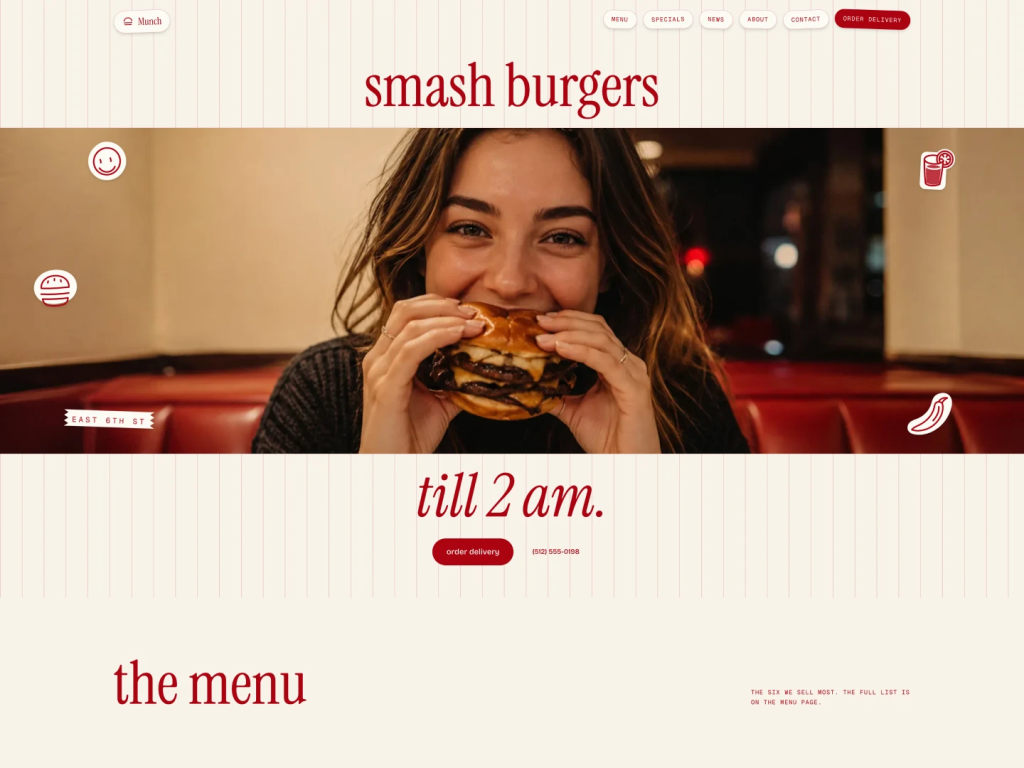
Next.js and Astro restaurant template with a nutrition menu and delivery cart
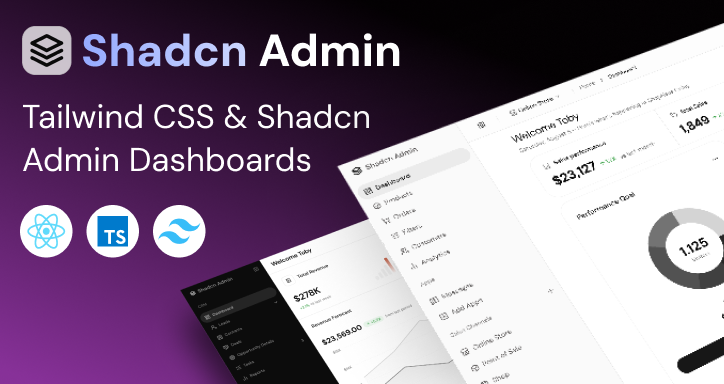
Two shadcn/ui admin dashboards sold as Next.js, React (Vite) and Vue projects
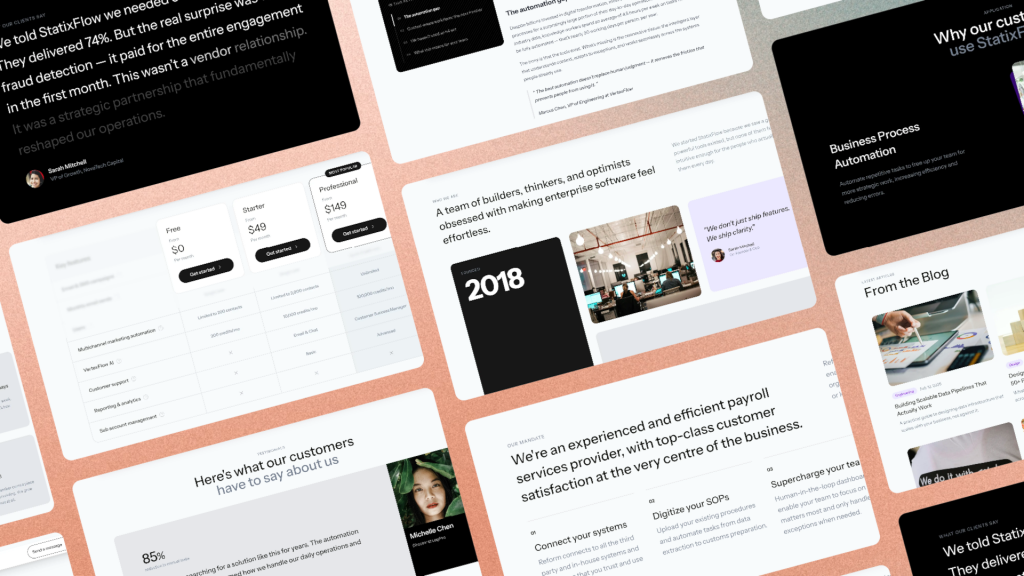
Tailwind SaaS template with GSAP animations

Legal services template for Next.js and Astro
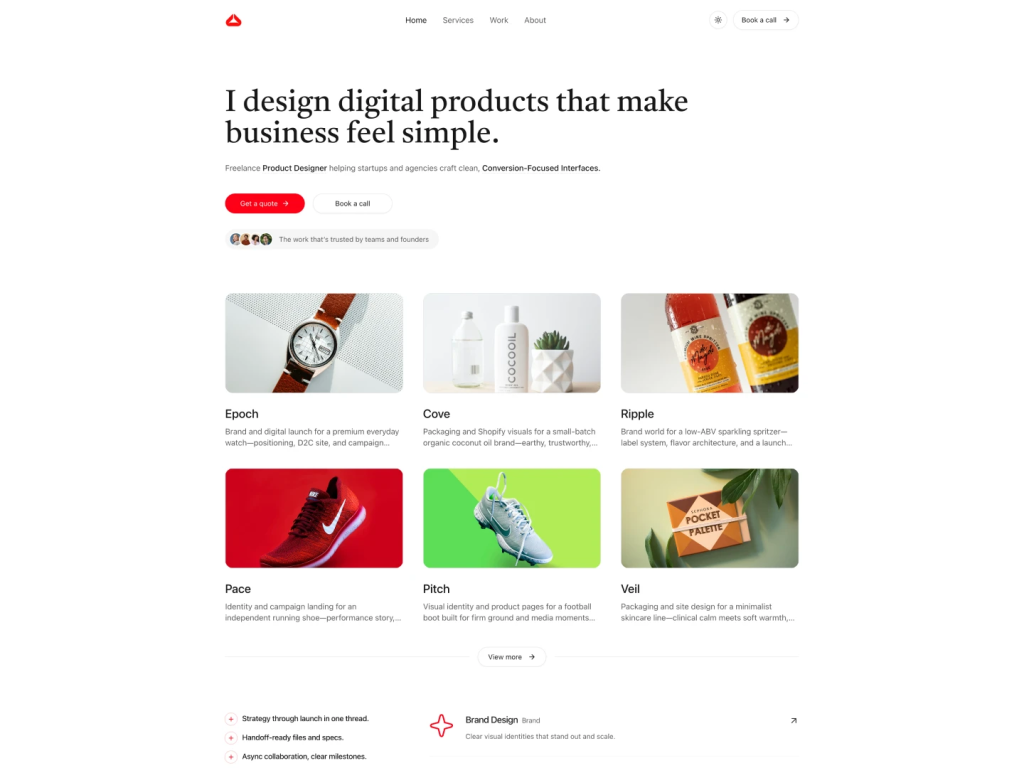
Clean portfolio template for freelancers
shadcn/ui portfolio template
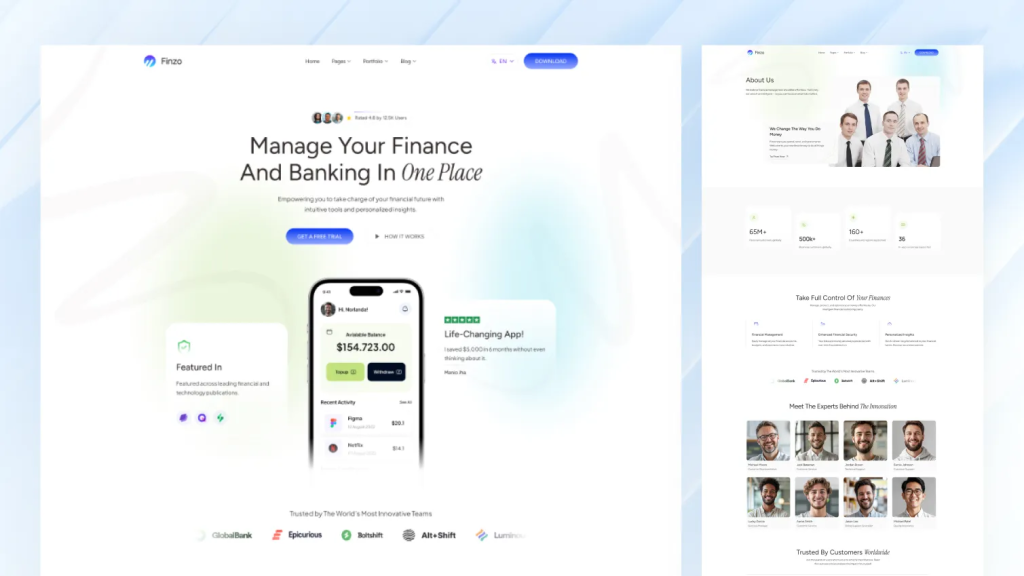
Modern finance and banking Astro template
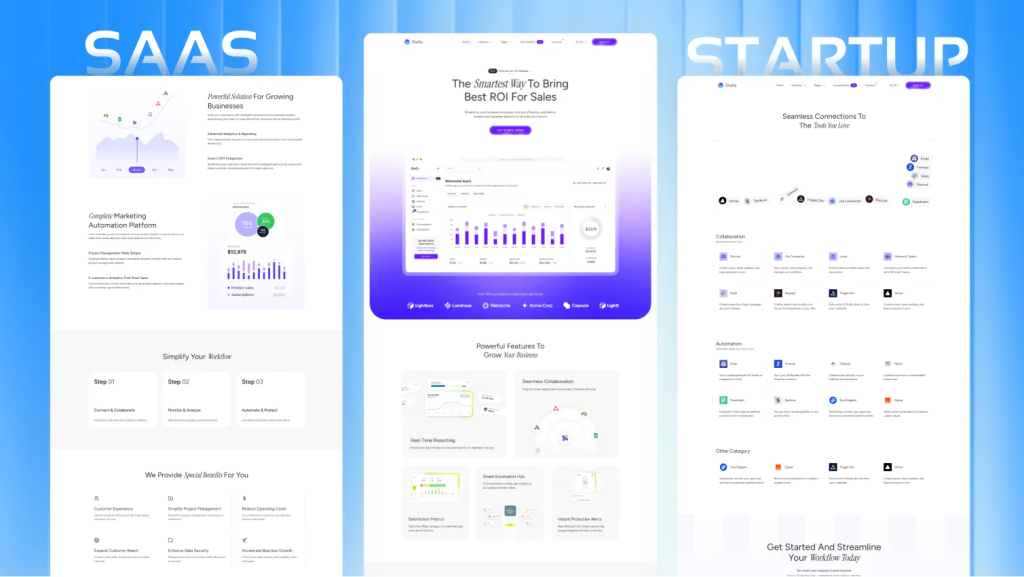
Fast Astro theme for SaaS sites with i18n + SEO
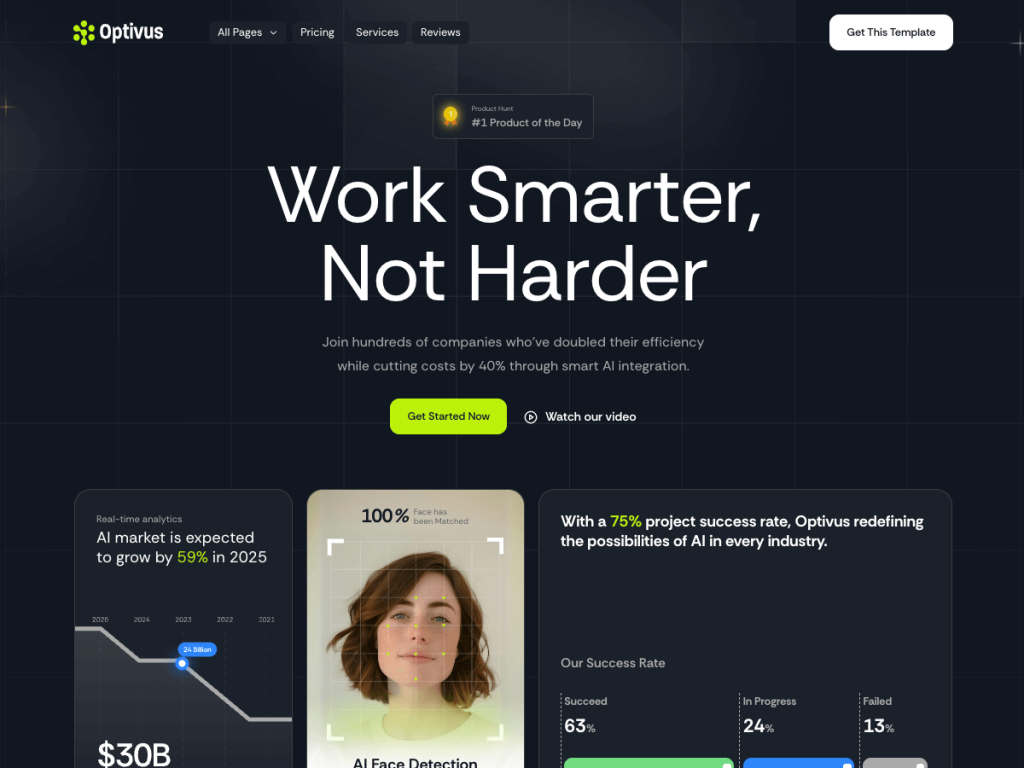
16-page Astro theme for AI SaaS and automation teams
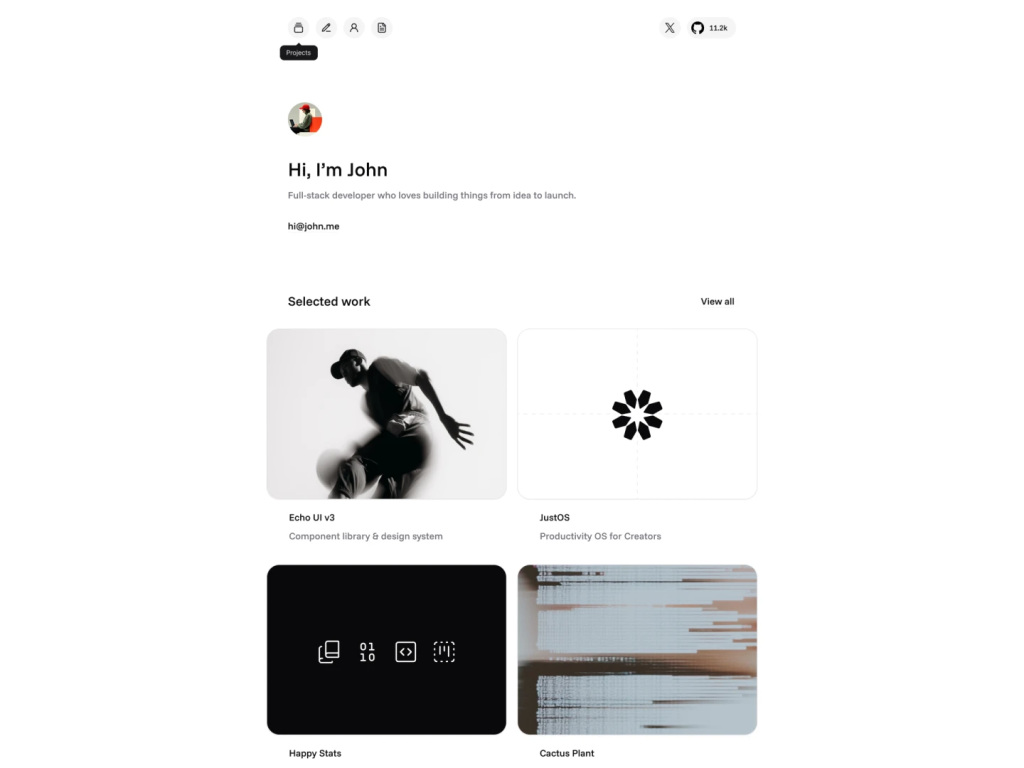
Modern personal portfolio template built with shadcn/ui.
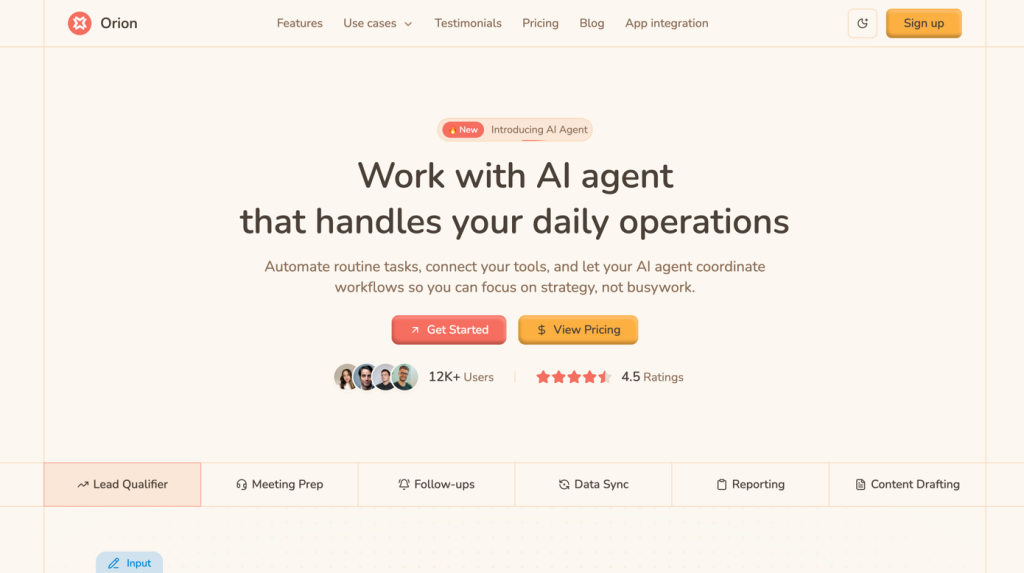
AI automation landing page built with shadcn UI
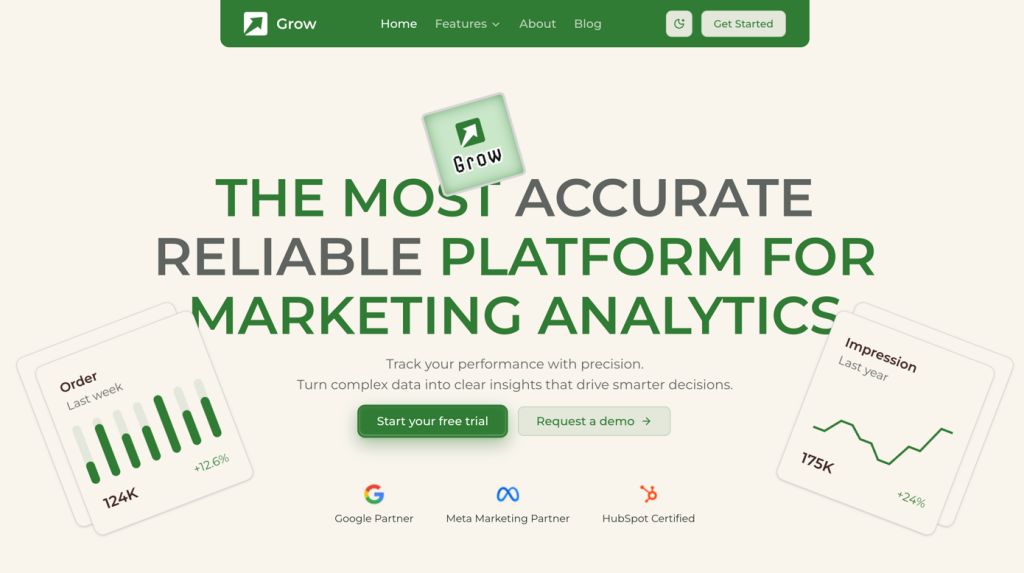
Analytics landing page built with shadcn UI, Tailwind v4
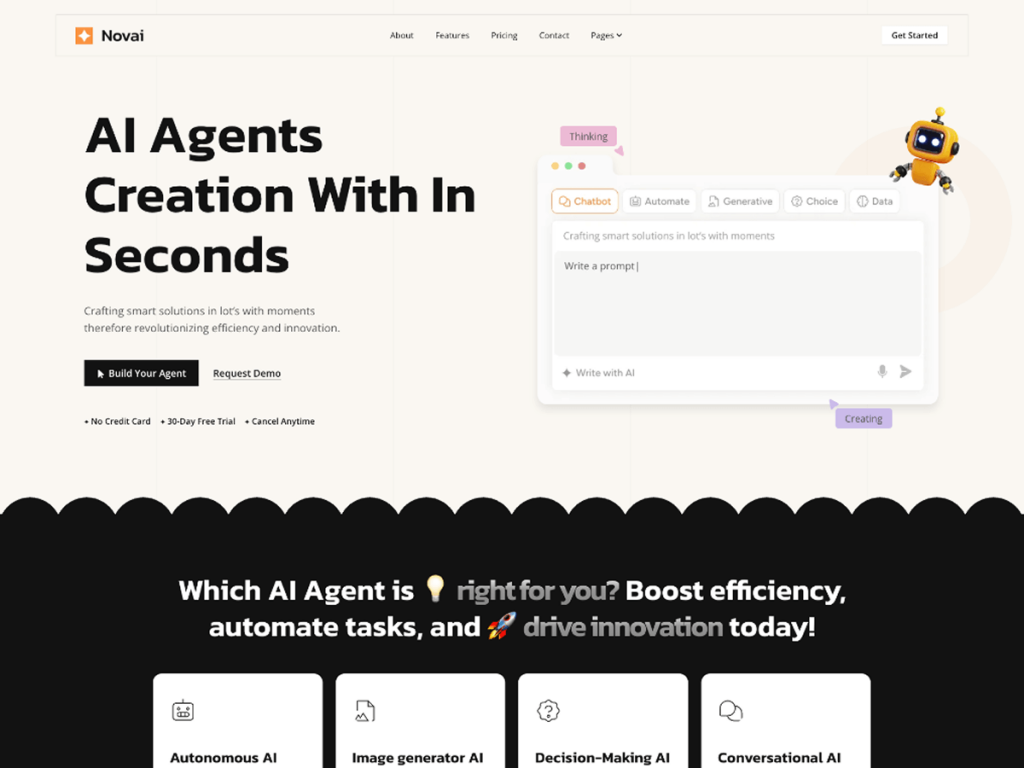
Astro theme for AI startups and SaaS
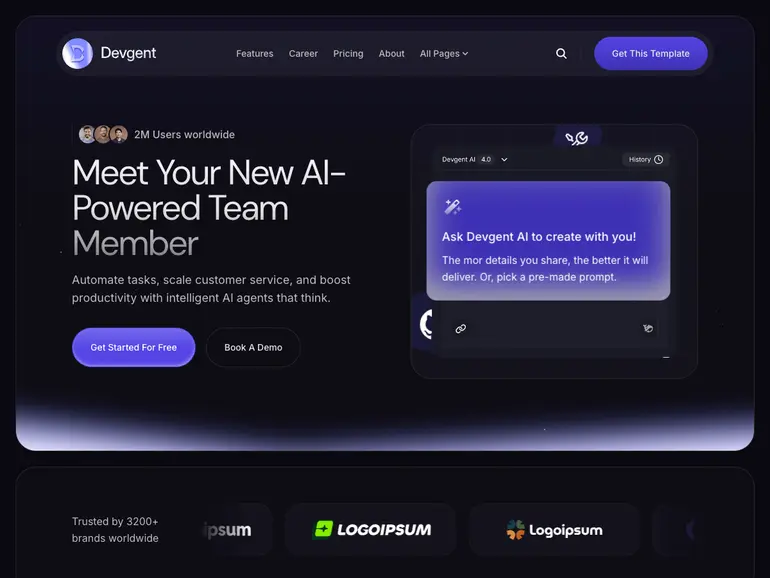
Dark Astro template for AI agent startups
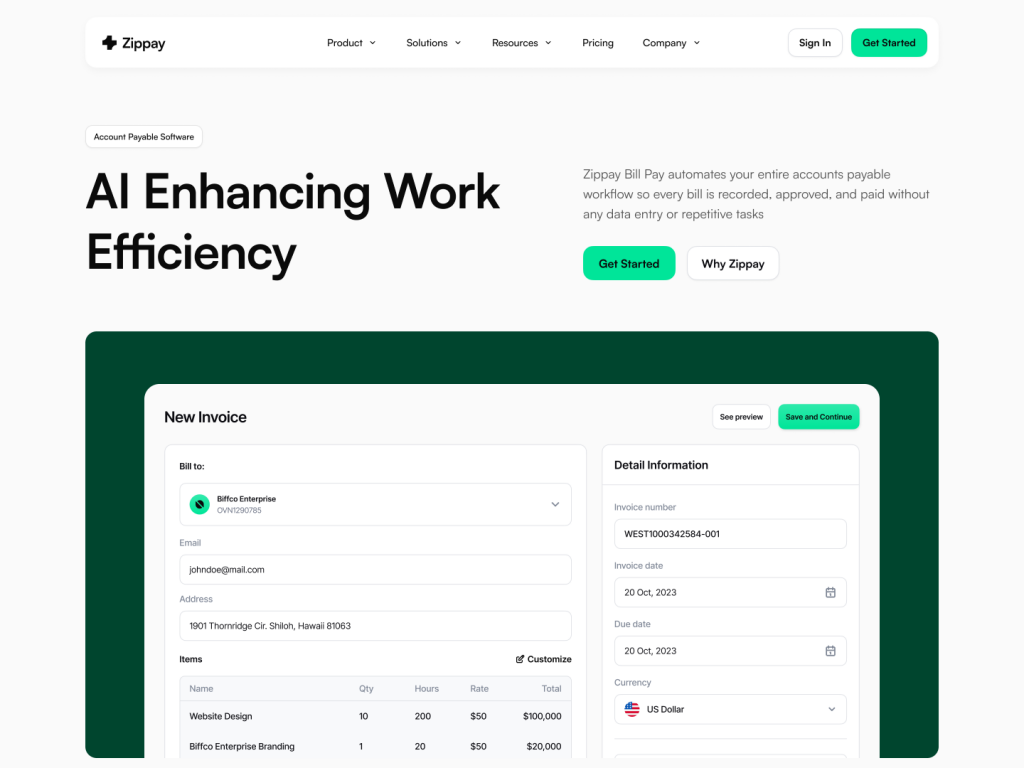
Multi-page fintech template for Next.js/Astro
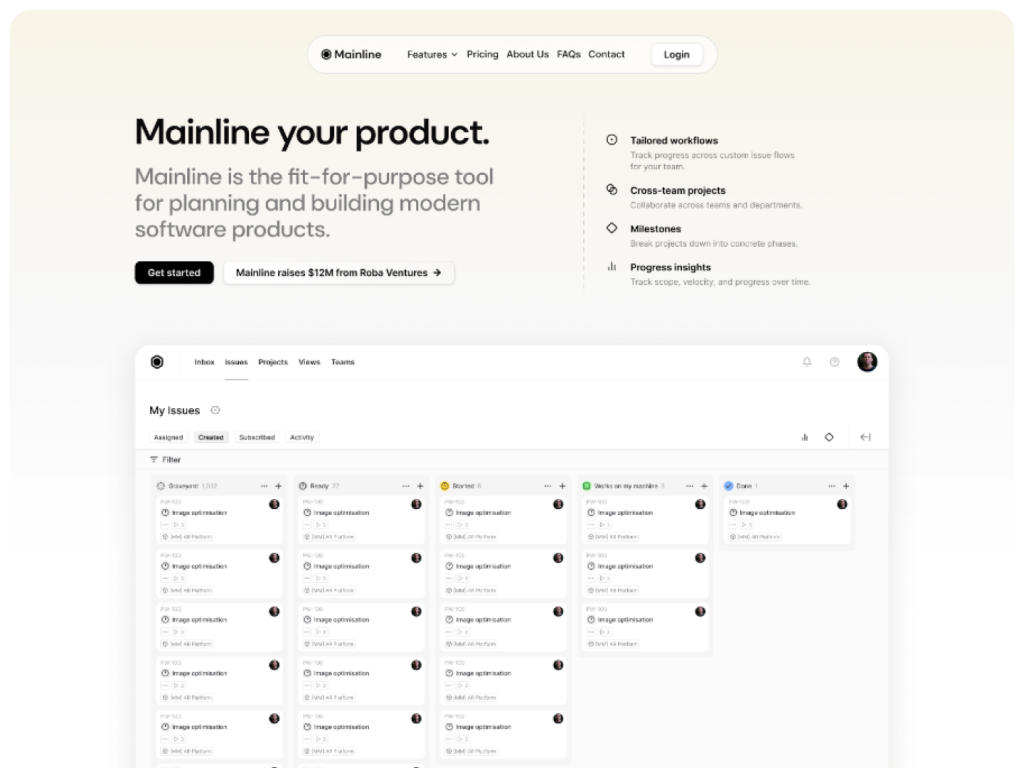
10+ page shadcn/ui template
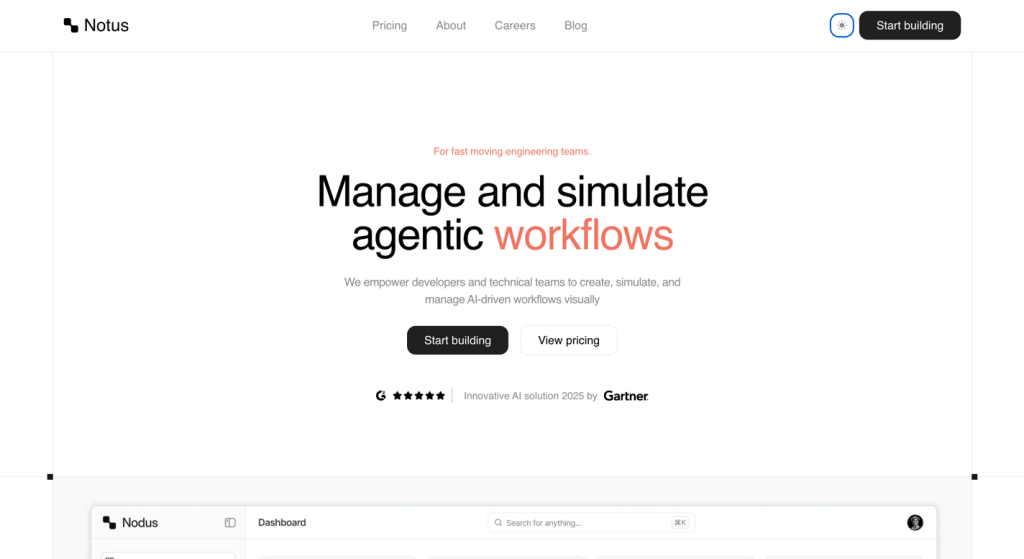
Clean AI agent template with motion

Clarity Astro offers 14 pages, MDX support & Tailwind
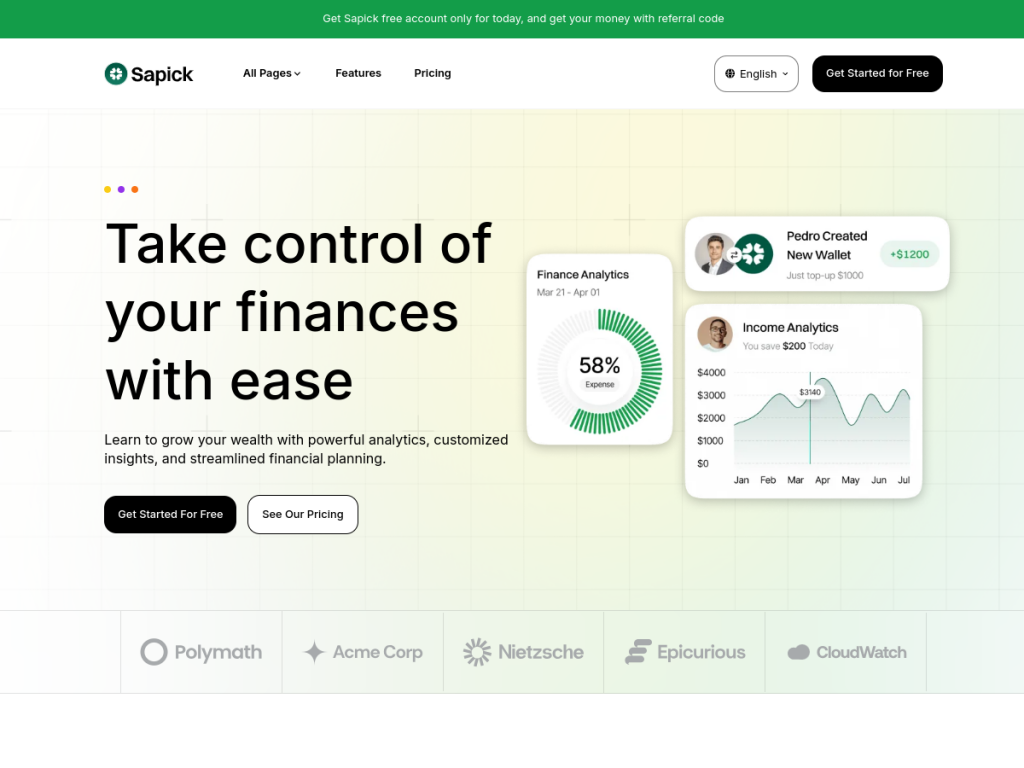
12+ pages, fast, multilingual, built for startups
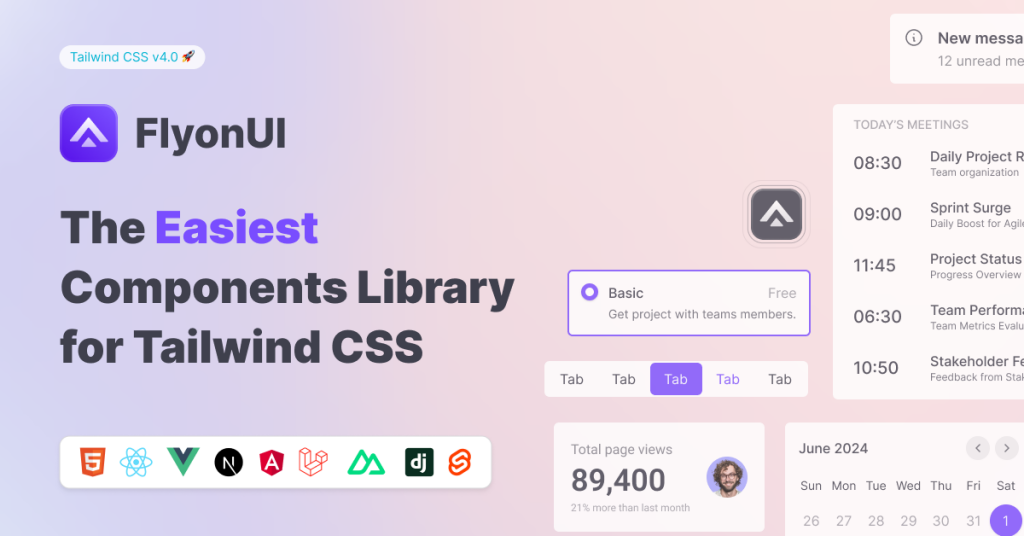
Free & Pro Tailwind CSS Templates & Themes

15+ page minimal Astro template
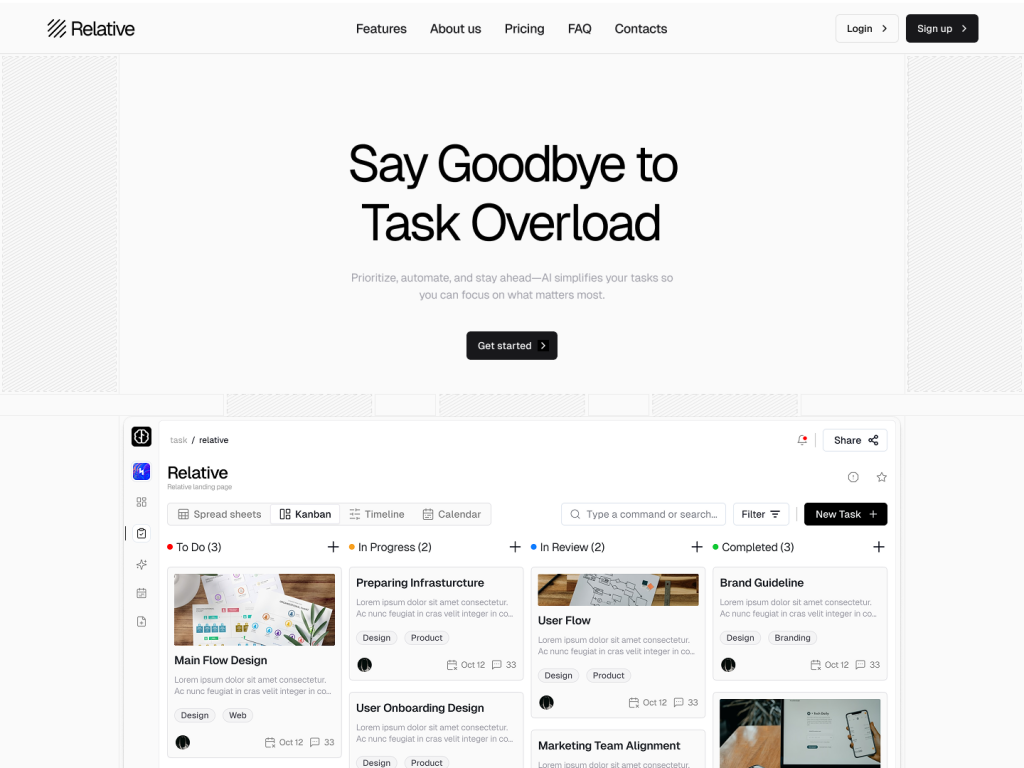
10 page modern landing page tempalte
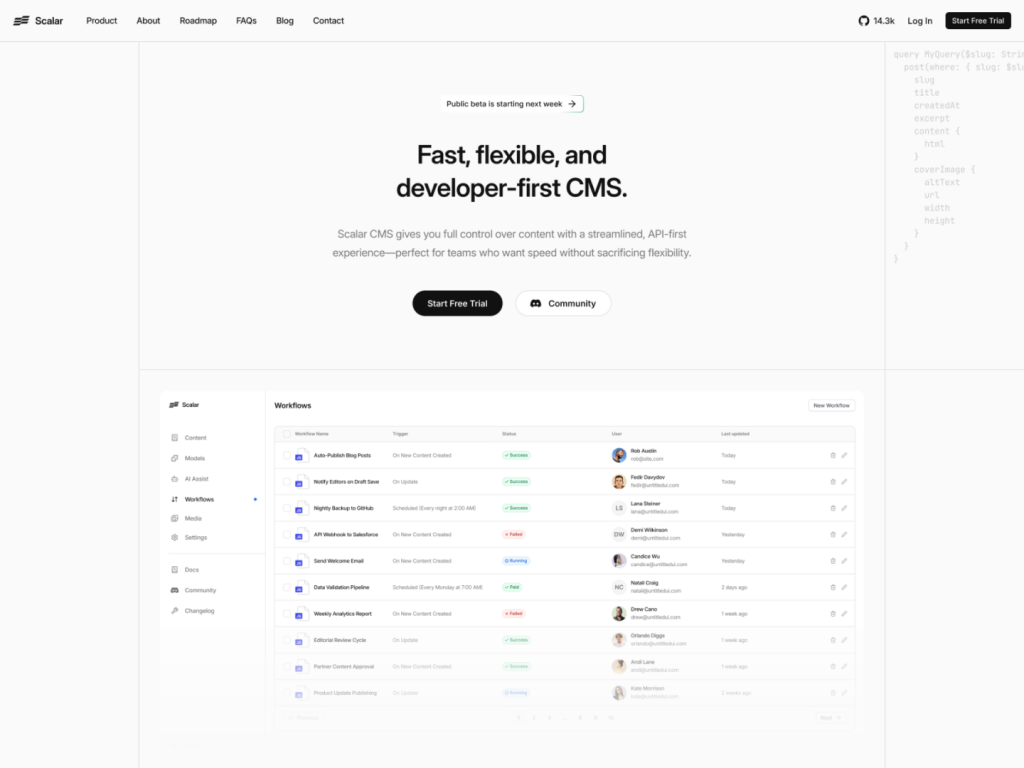
Modern SaaS template built with shadcn/ui & Tailwind
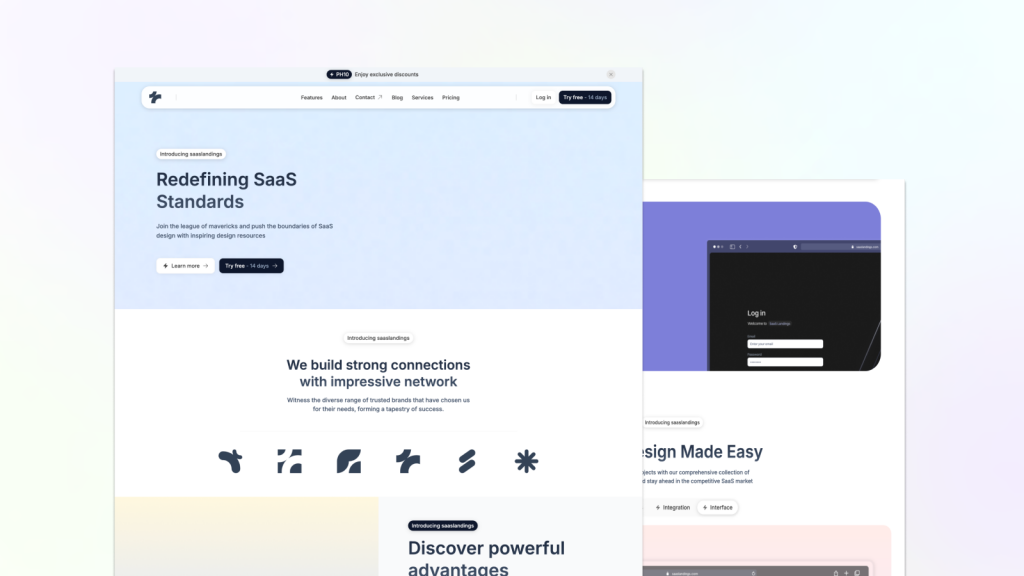
Fast, clean Astro Tailwind theme
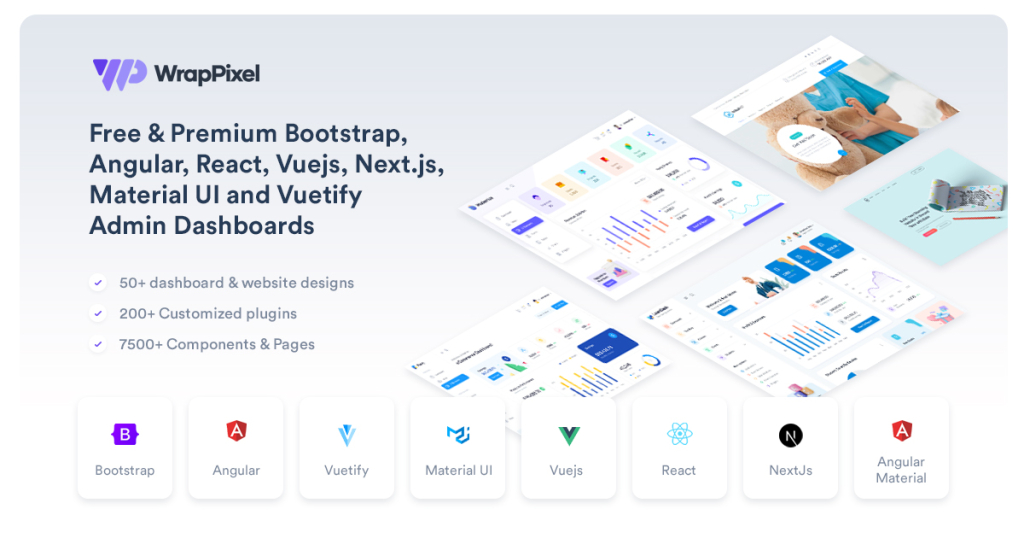
One pass. All WrapPixel templates.
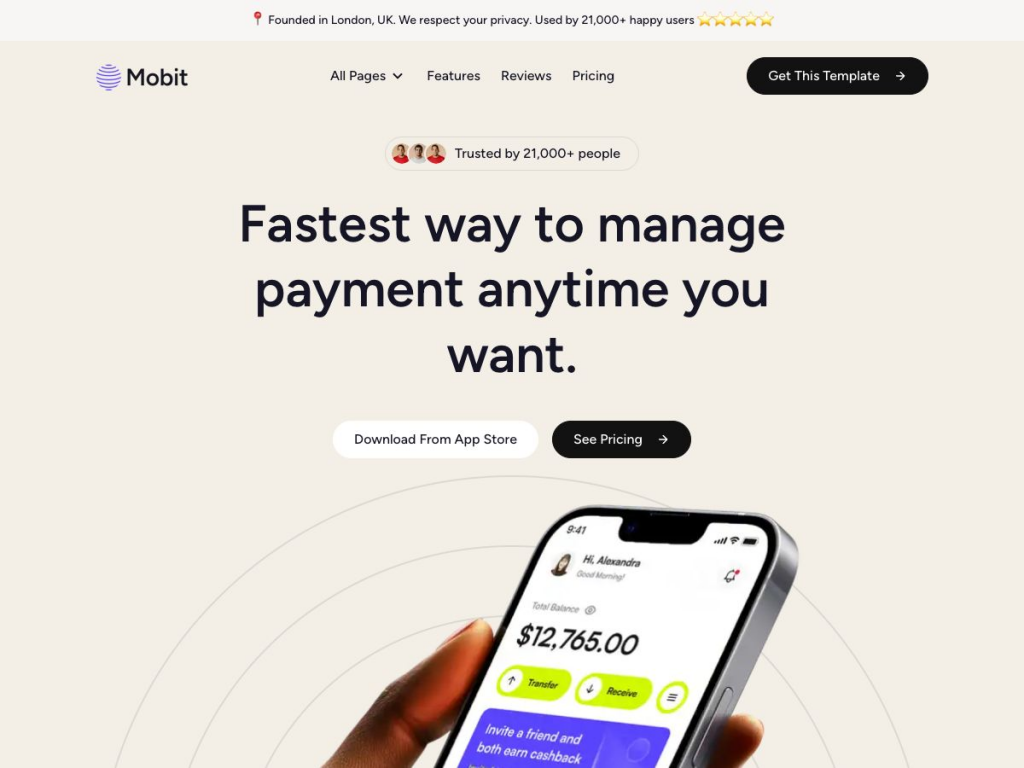
Modern template for SaaS apps
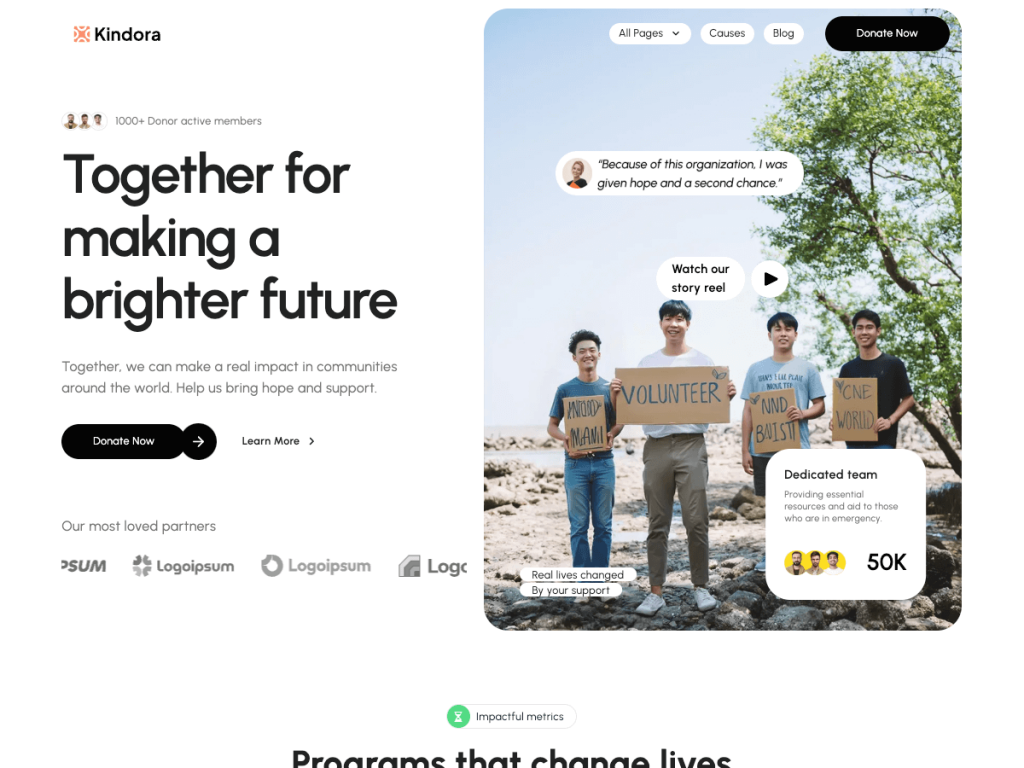
Astro theme for charities, nonprofits & fundraising
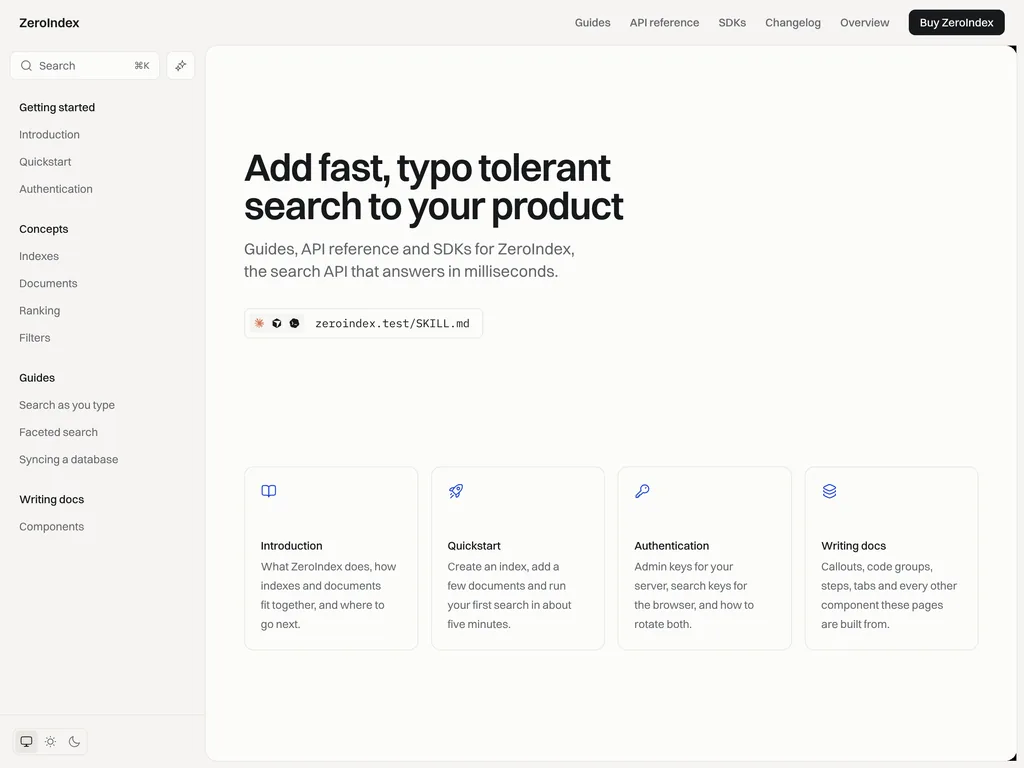
Astro API docs theme with side-by-side requests and Markdown for AI tools
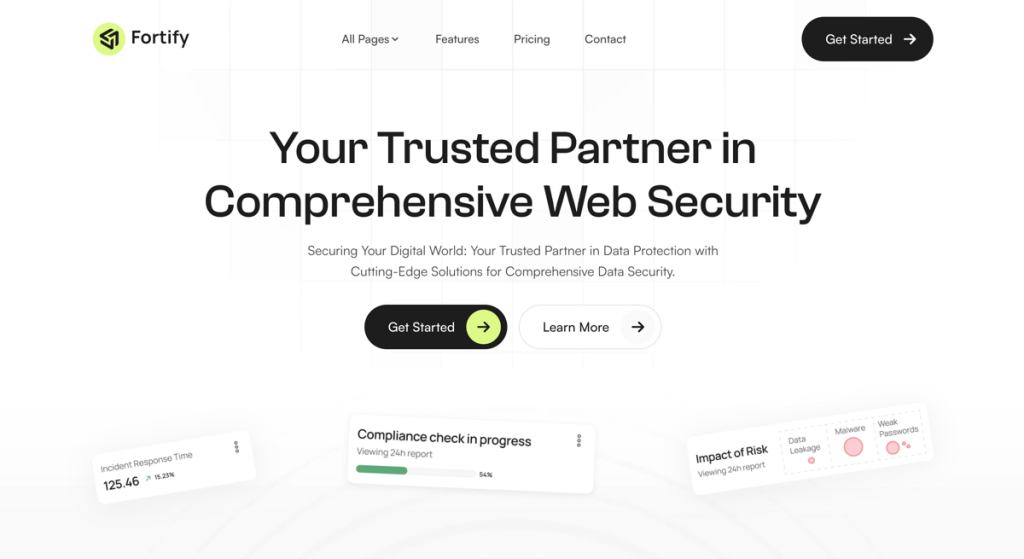
Sleek, fast Astro SaaS theme for startups
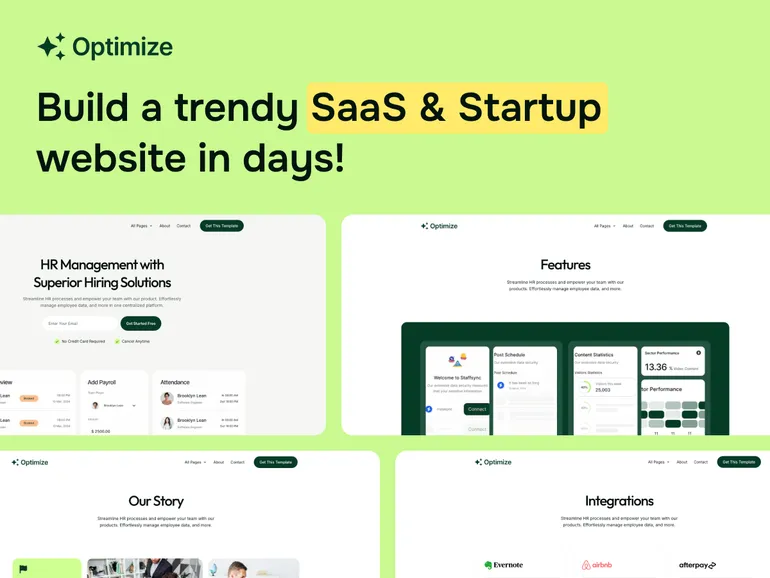
13 page fast SaaS theme for startups
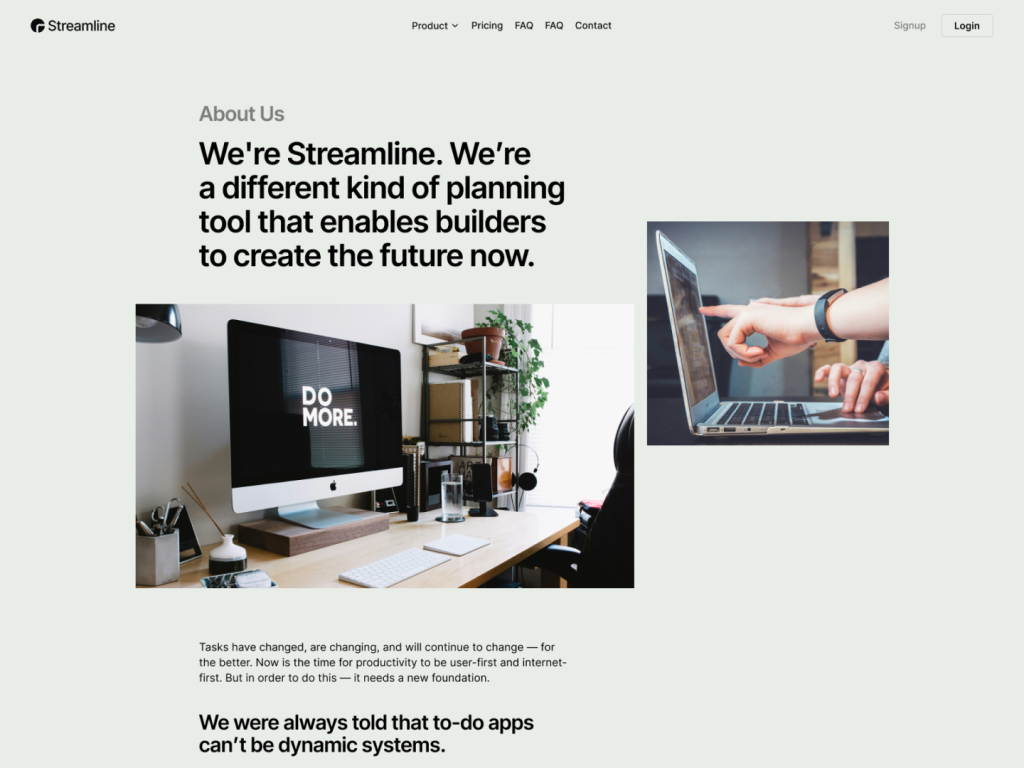
10 page Next.js & Astro template
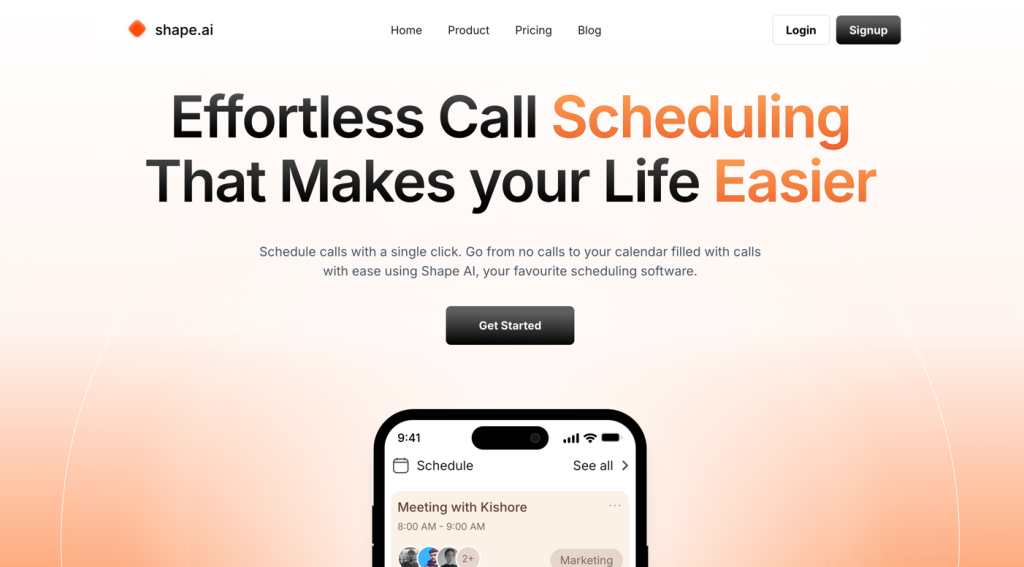
Clean Next.js template for scheduling apps
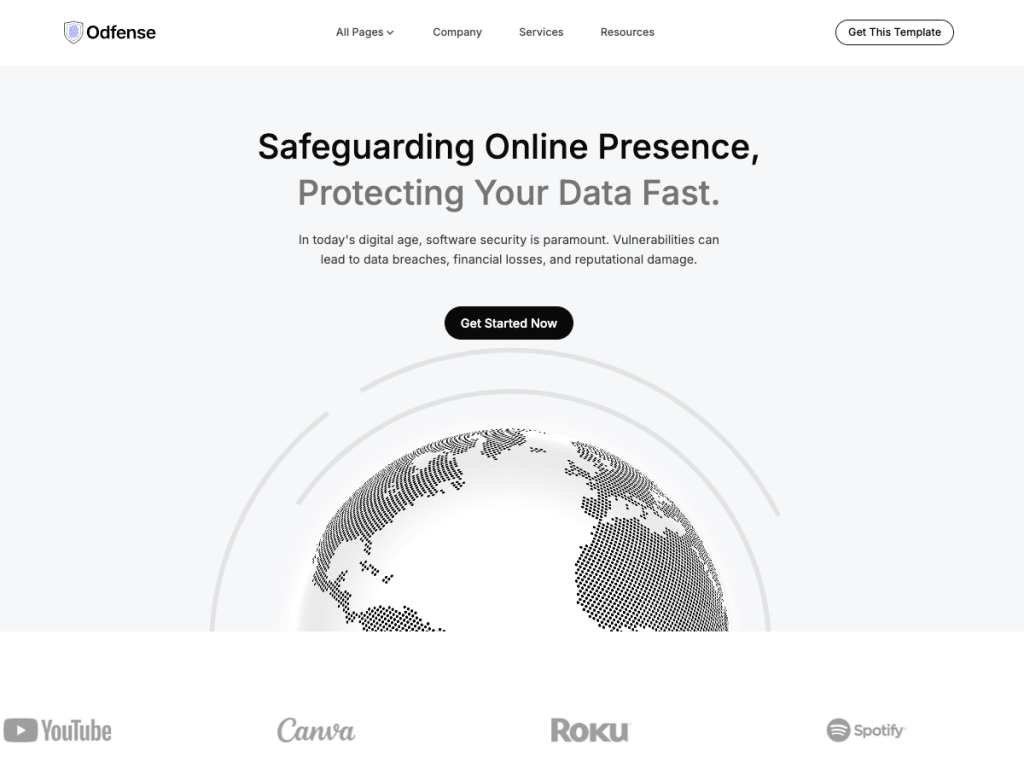
Fast IT template with Tailwind and Astro v5
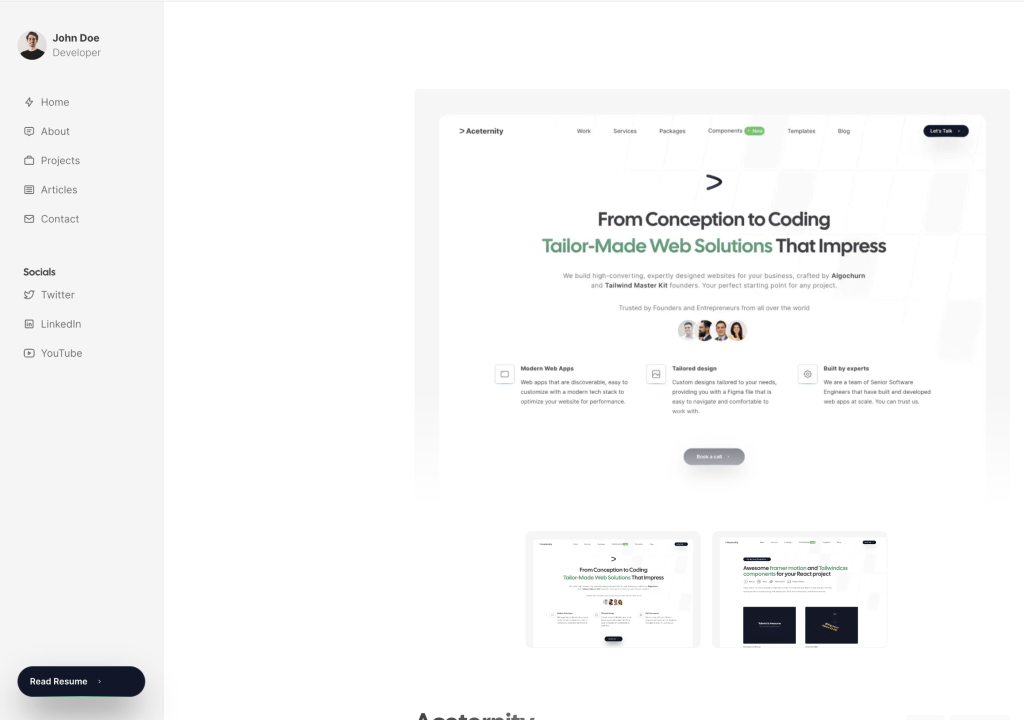
Developer portfolio with sidebar, blog, and projects
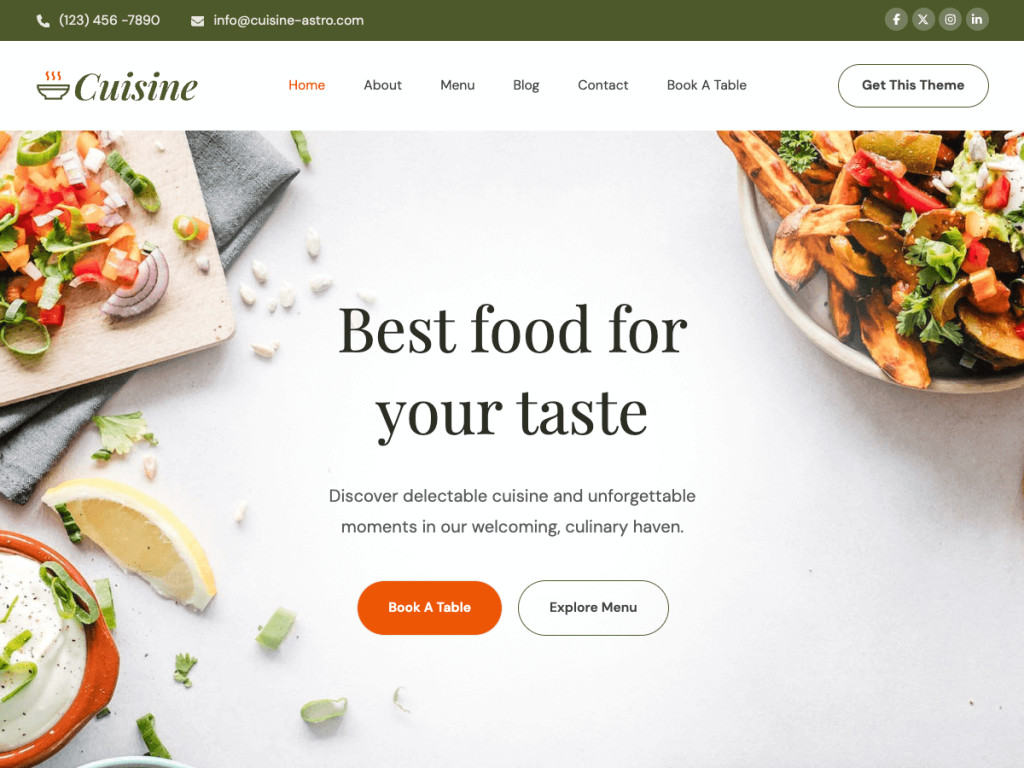
Elegant, fast restaurant template

Lightning-fast Astro template for SaaS websites
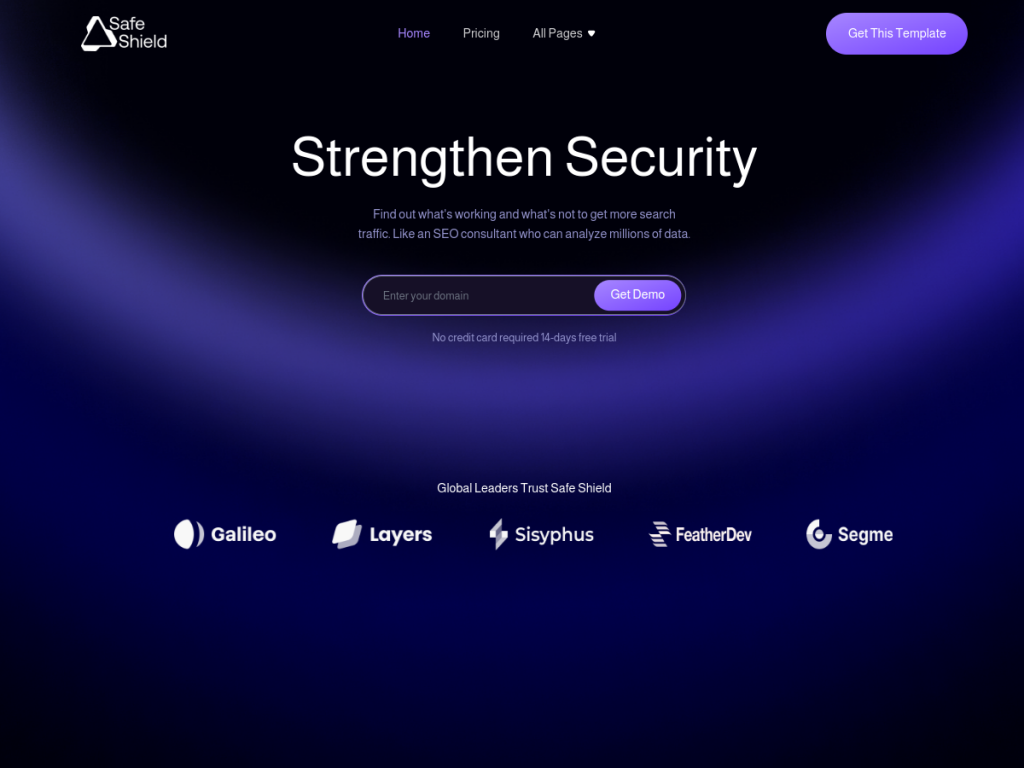
Security-ready SaaS Astro template, 13+ pages
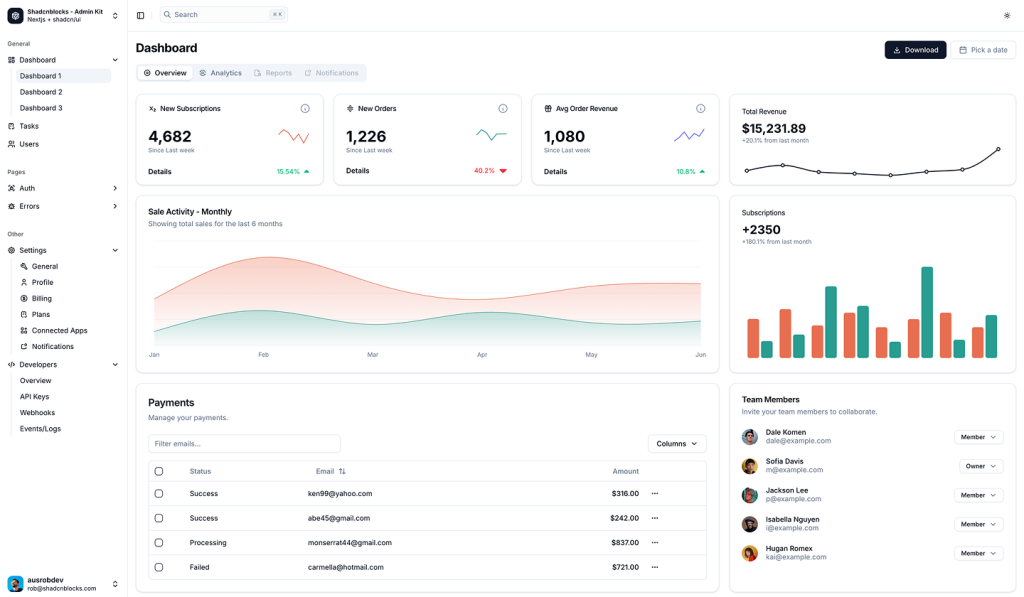
Shadcn/ui admin components
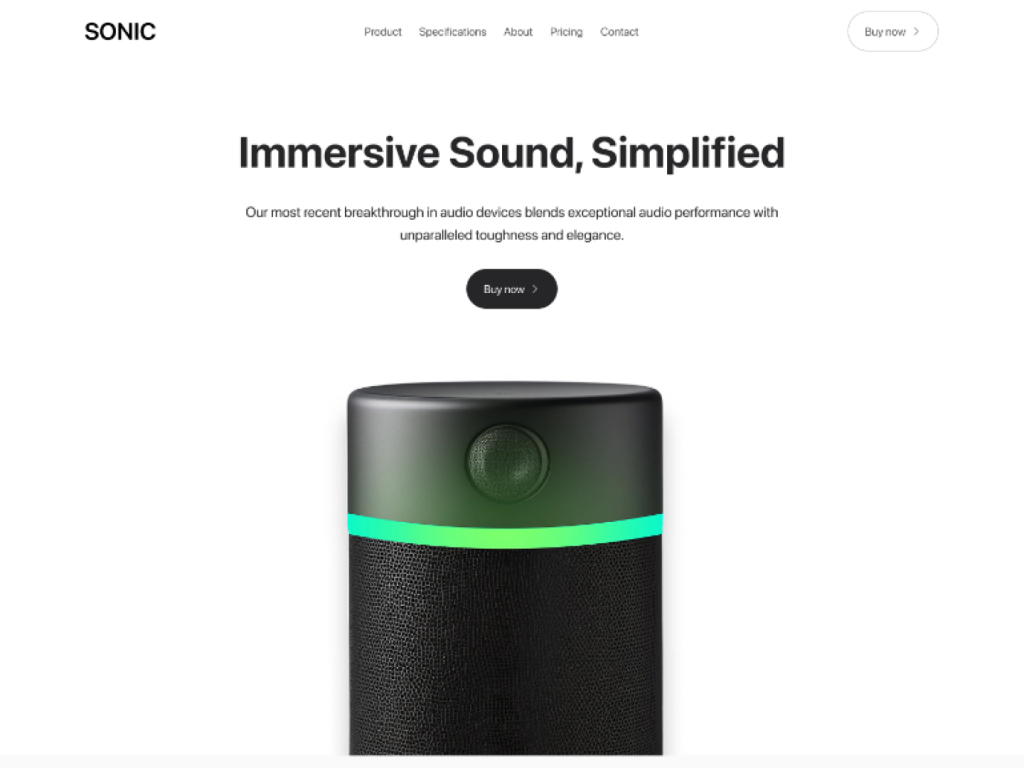
Single-product Tailwind landing template
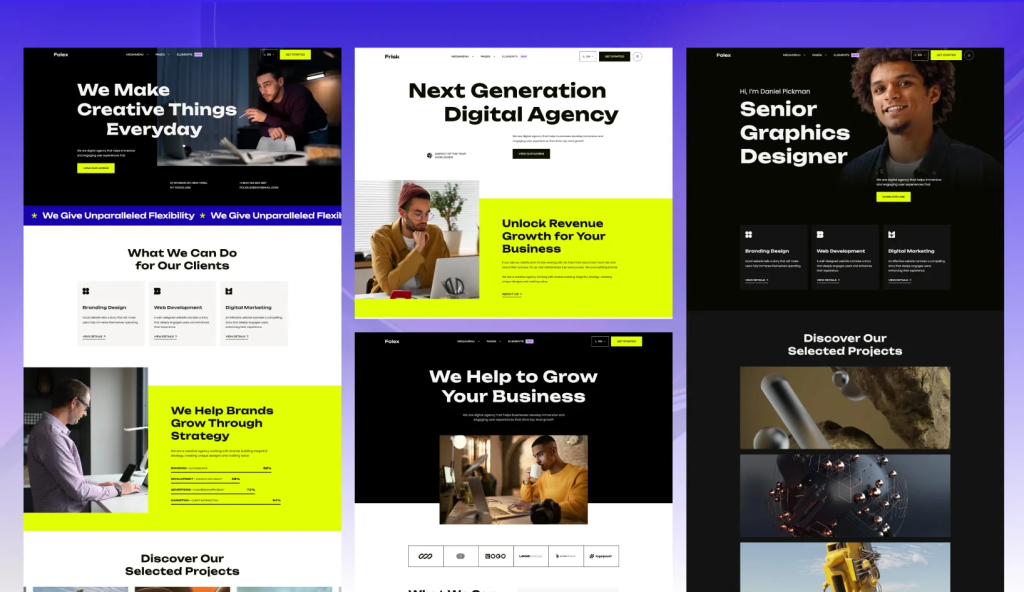
Fast Astro theme for agencies.
Premium blocks & templates for high conversion and SEO
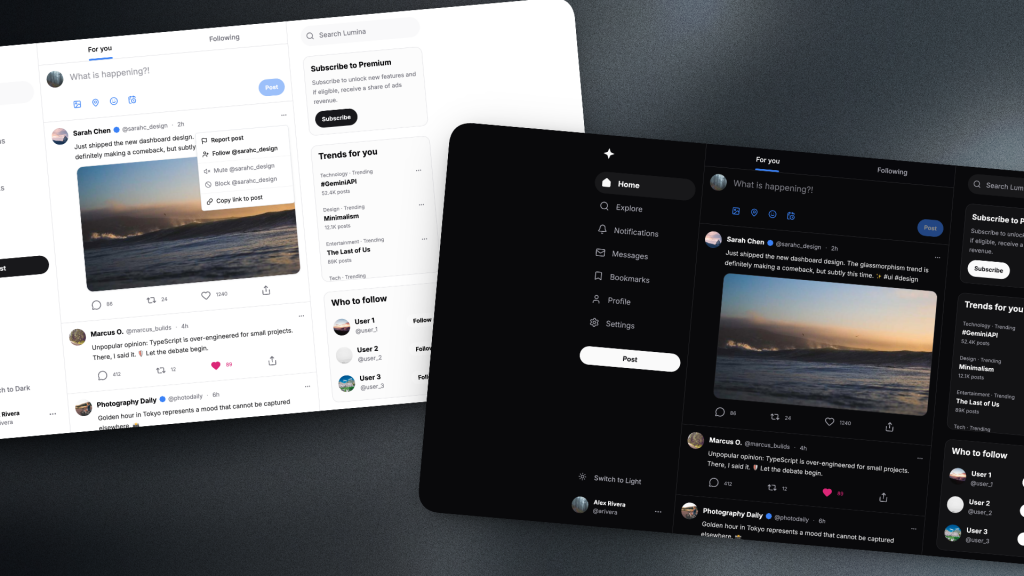
React & shadcn/ui social template
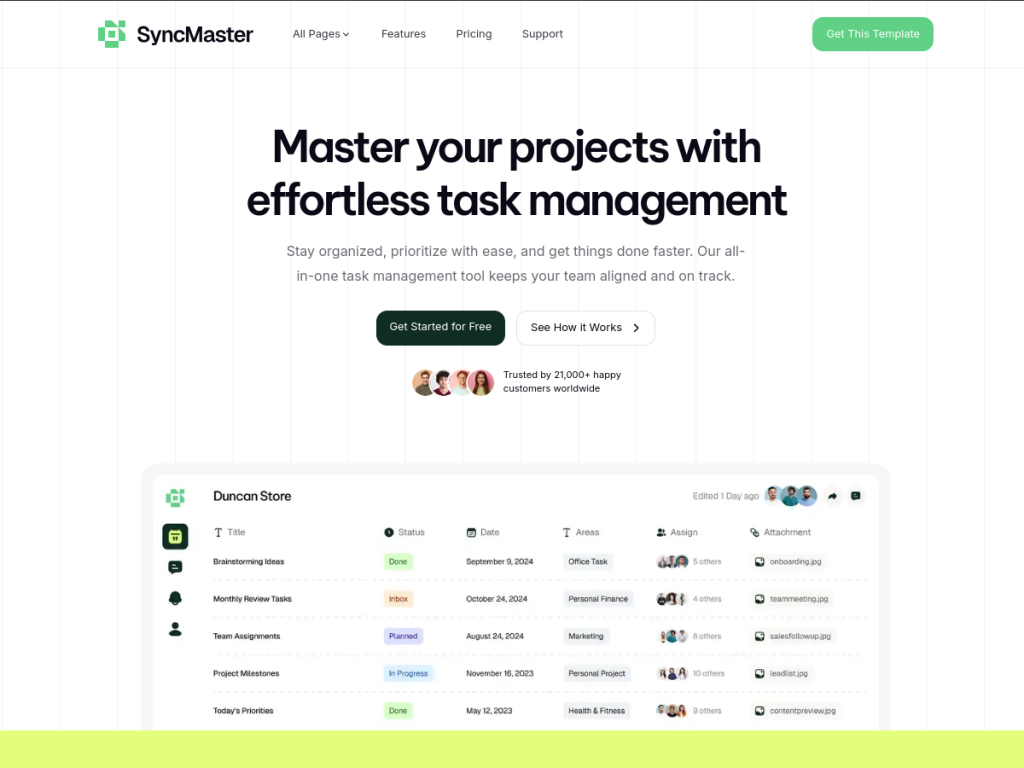
Responsive SaaS template built with Astro & Tailwind

Fast Astro template for service businesses
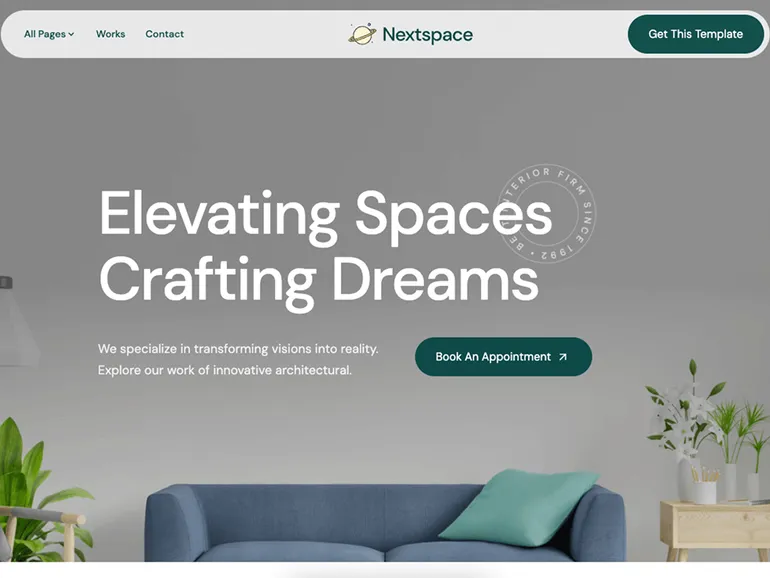
Astro theme for architecture and interior studios, with project case studies
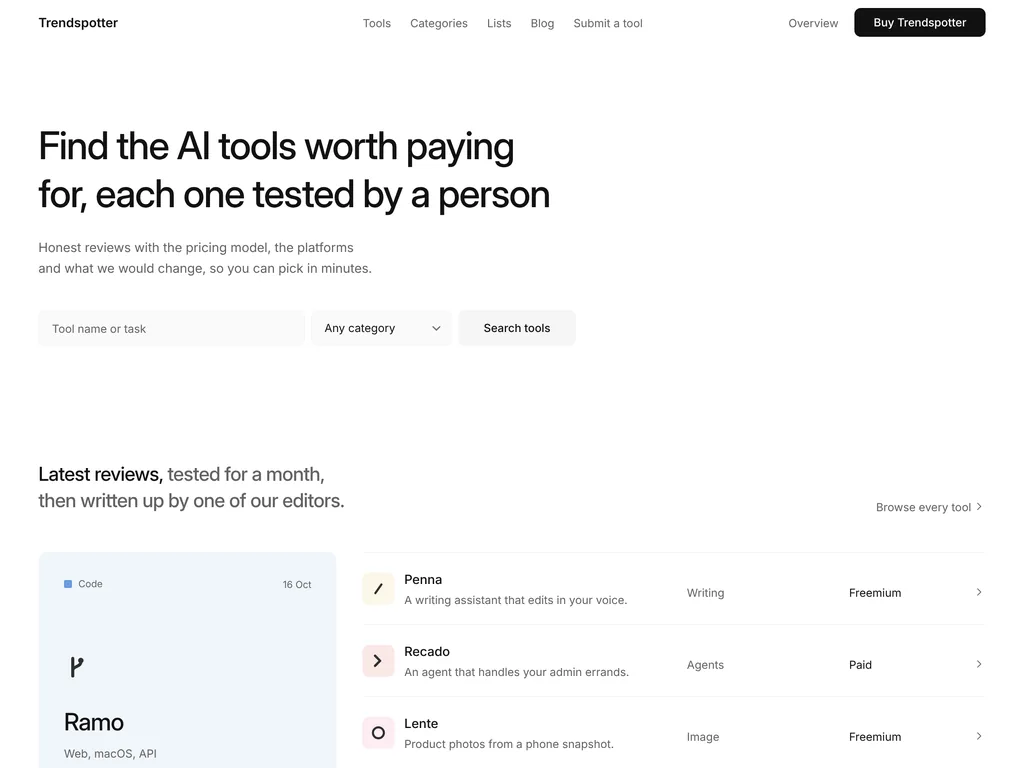
Astro AI tools directory with combined filters, editor reviews and lists
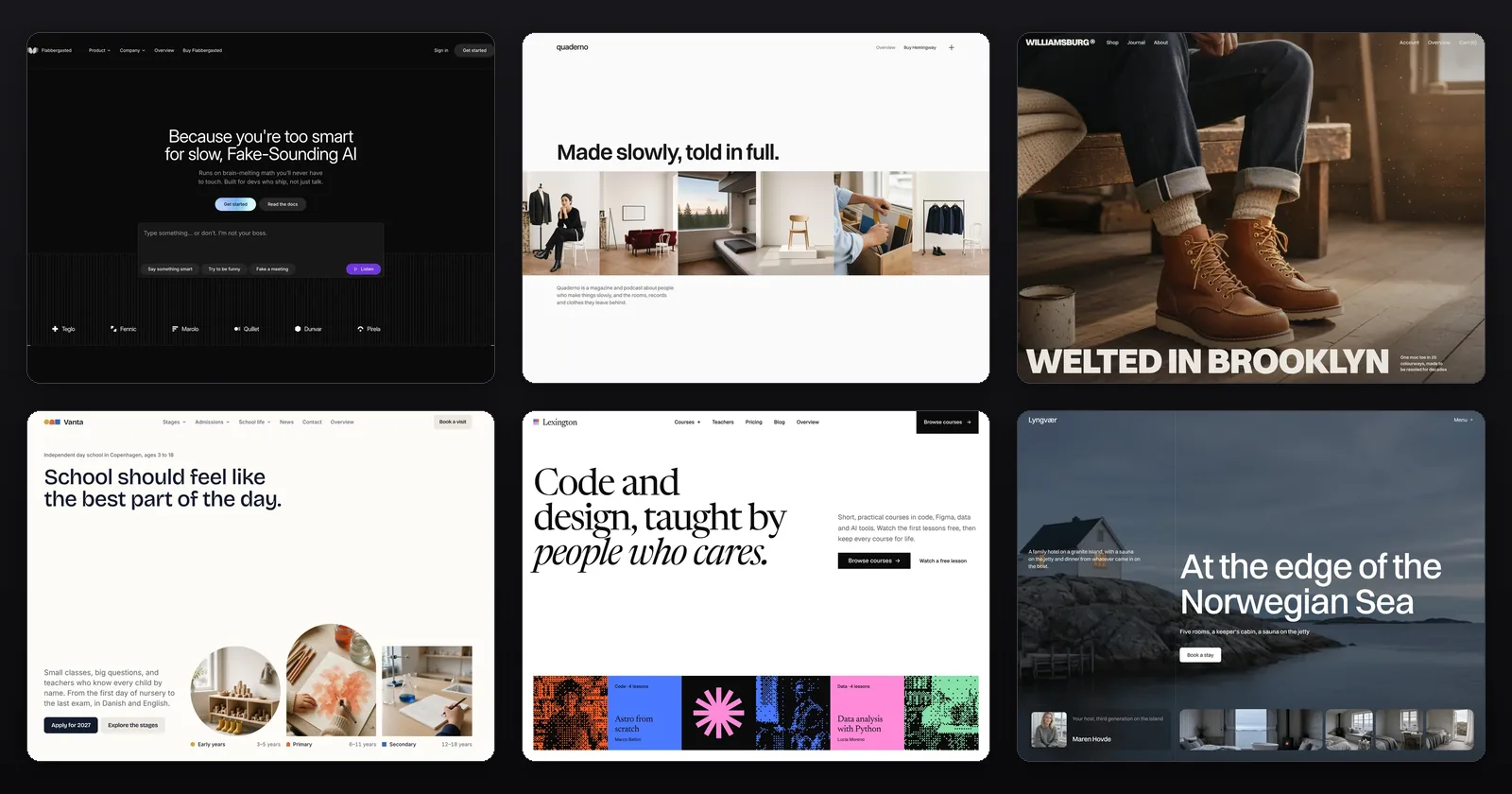
53 Astro and Tailwind CSS themes for $99, 40 of them new or redesigned
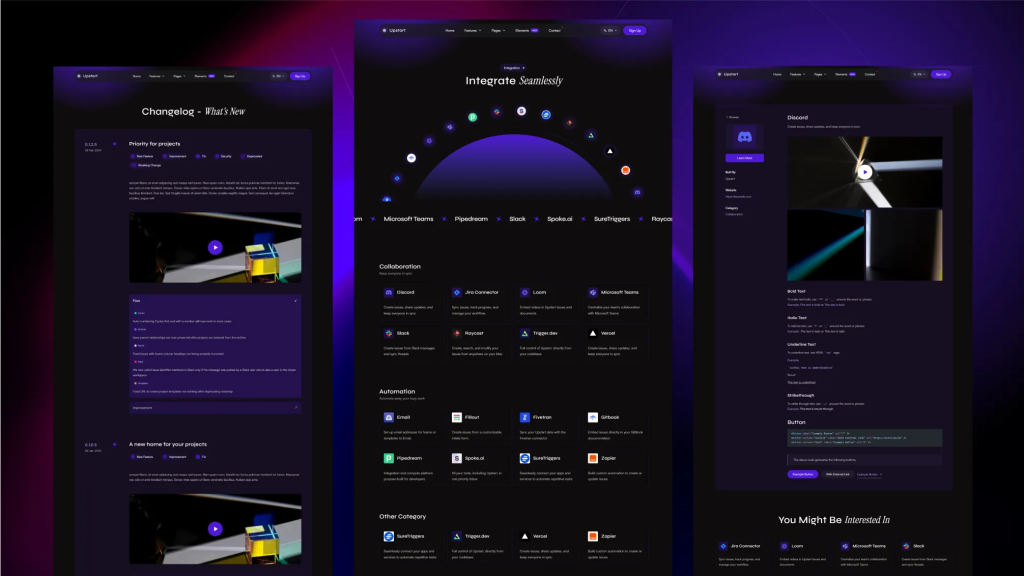
Sleek, multilingual Astro template for startups.
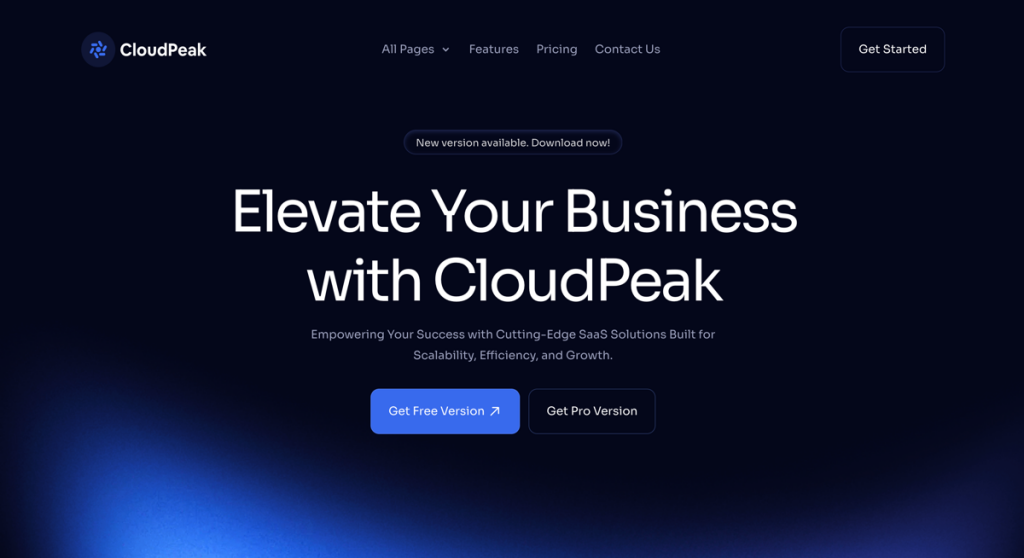
15‑page Tailwind theme to launch SaaS sites faster

Dark Astro voice AI SaaS theme with a playground UI and five-plan pricing
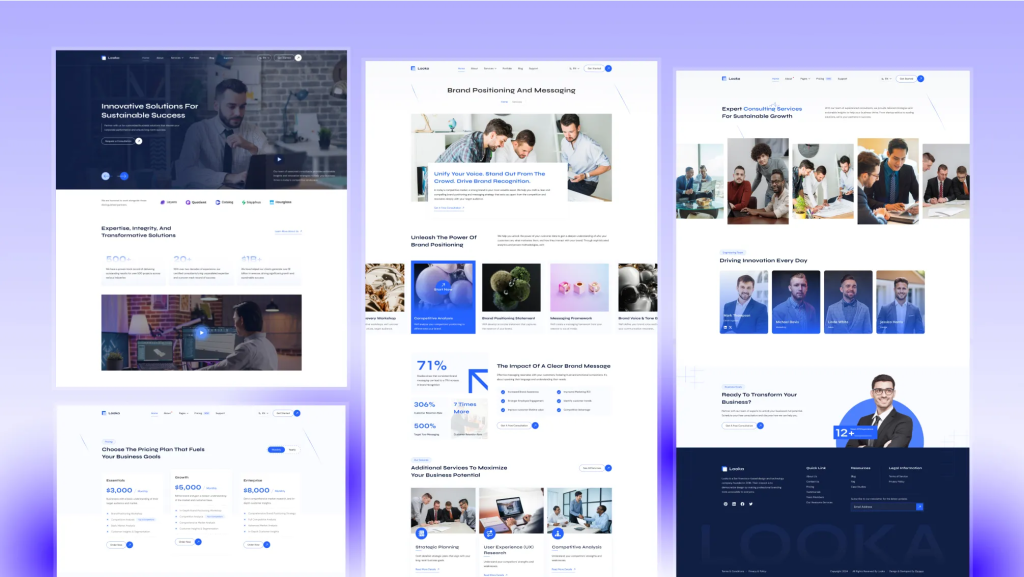
High-performance Astro theme for business sites
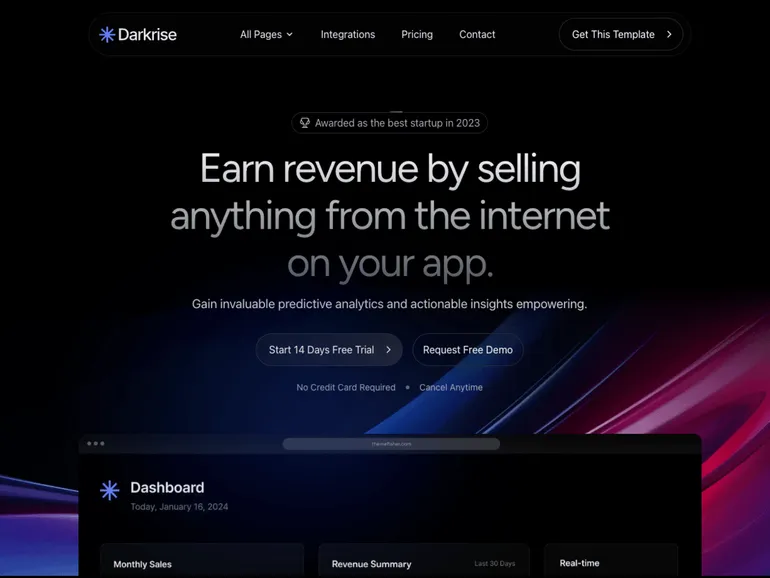
Modern dark Astro theme
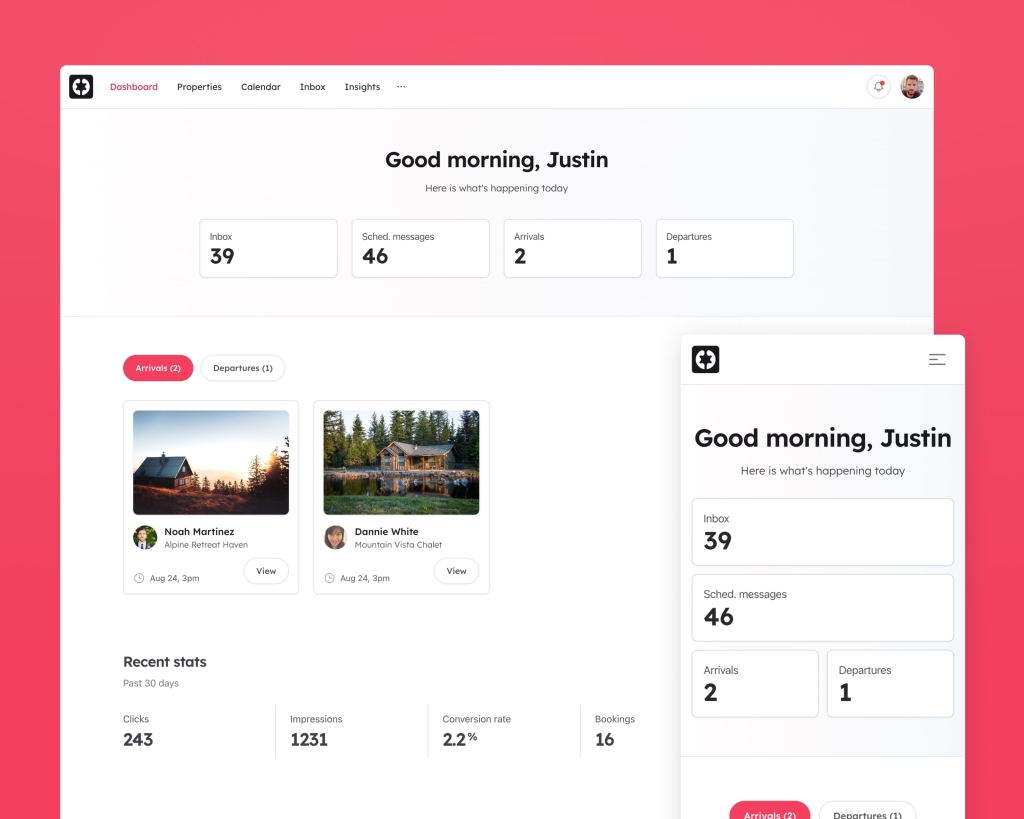
Rails property-management kit for short-stay hosts: bookings, calendar, inbox
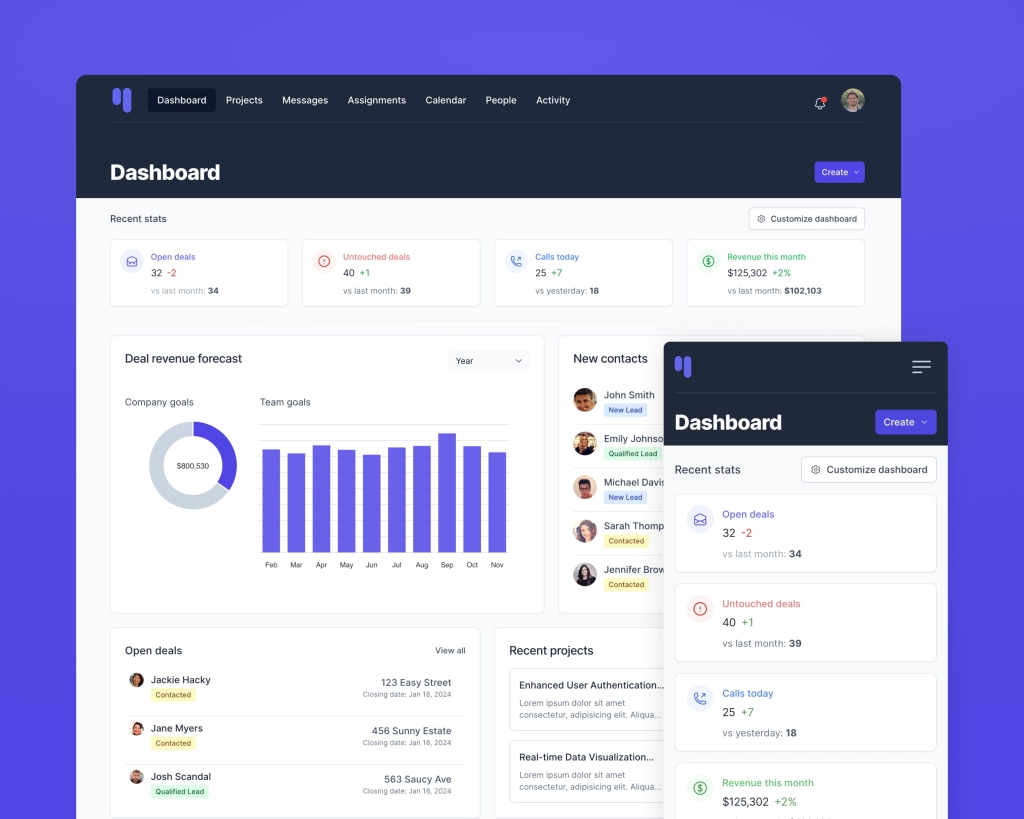
Tailwind CRM dashboards for Rails
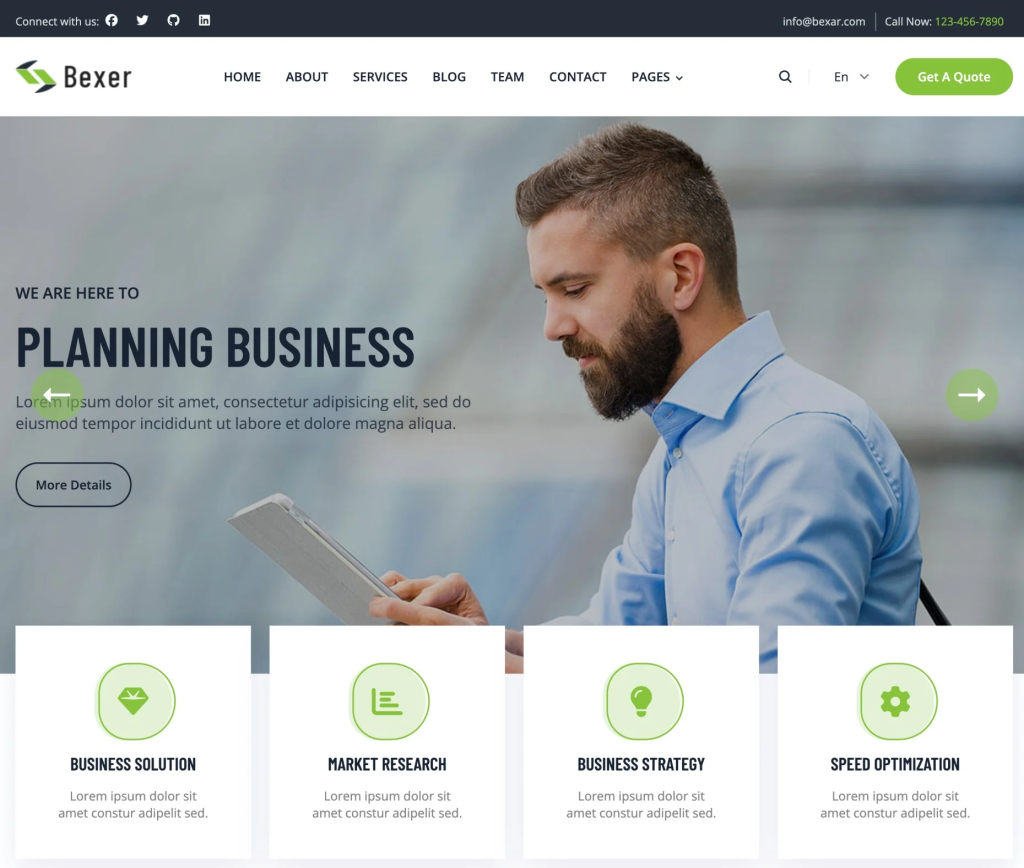
Tailwind business theme with 20 + ready pages
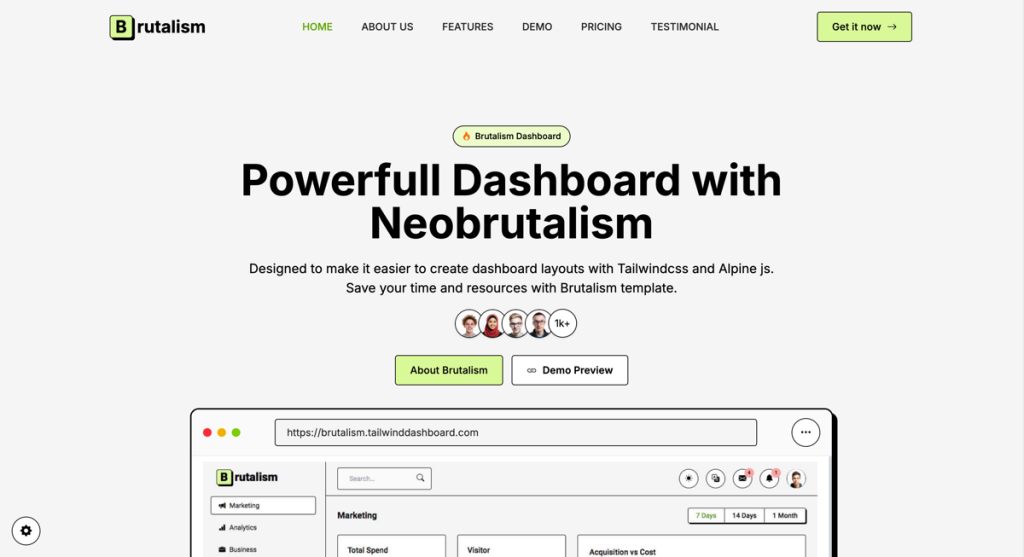
Create bold, brutalist dashboards
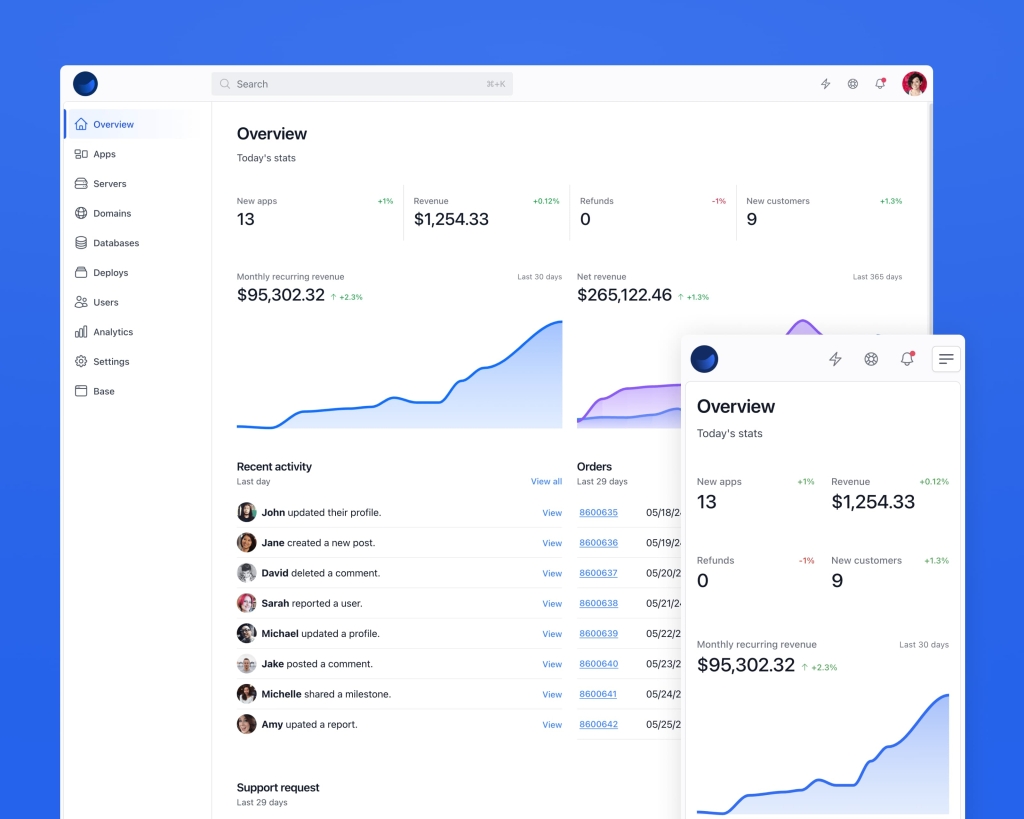
Server & database dashboards UI
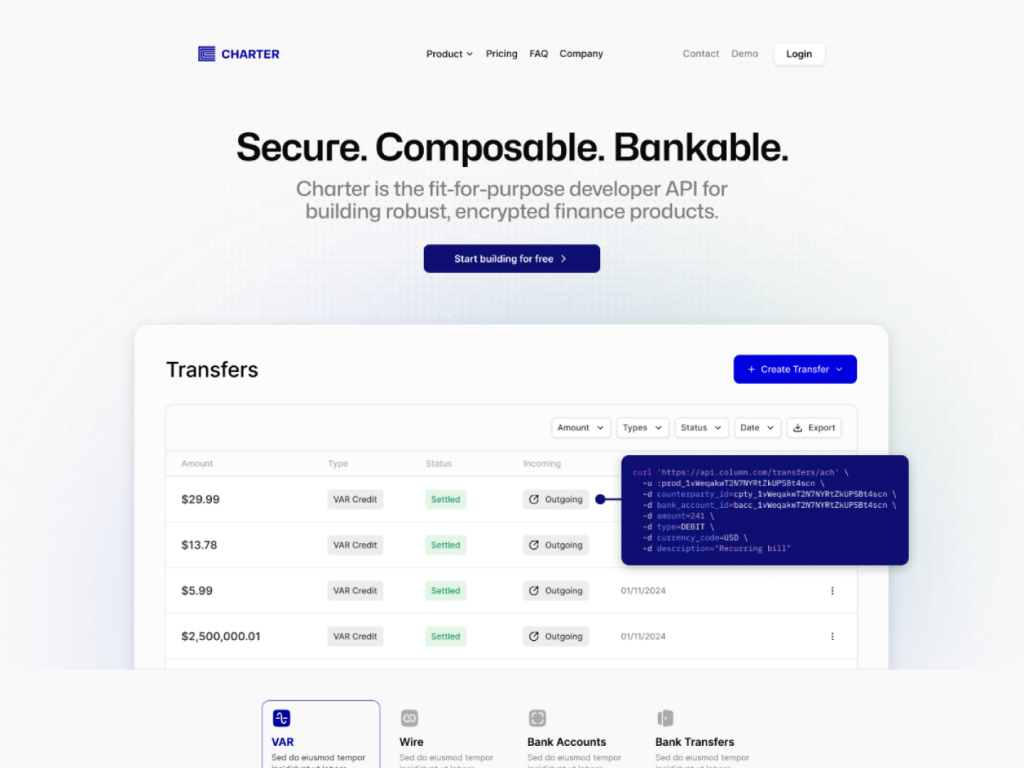
10+ page fintech template designed for modern startups.
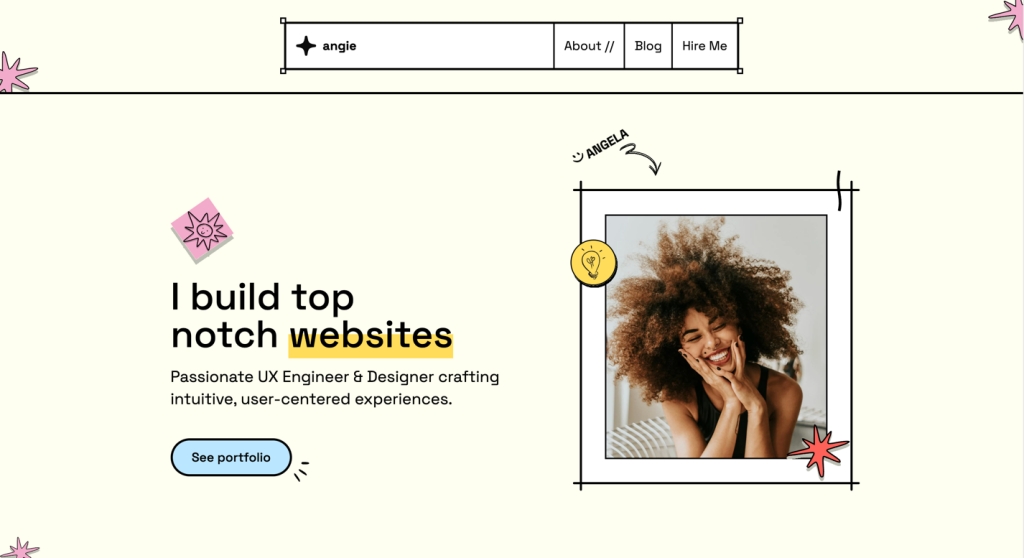
brutalist Astro template for devs & designers
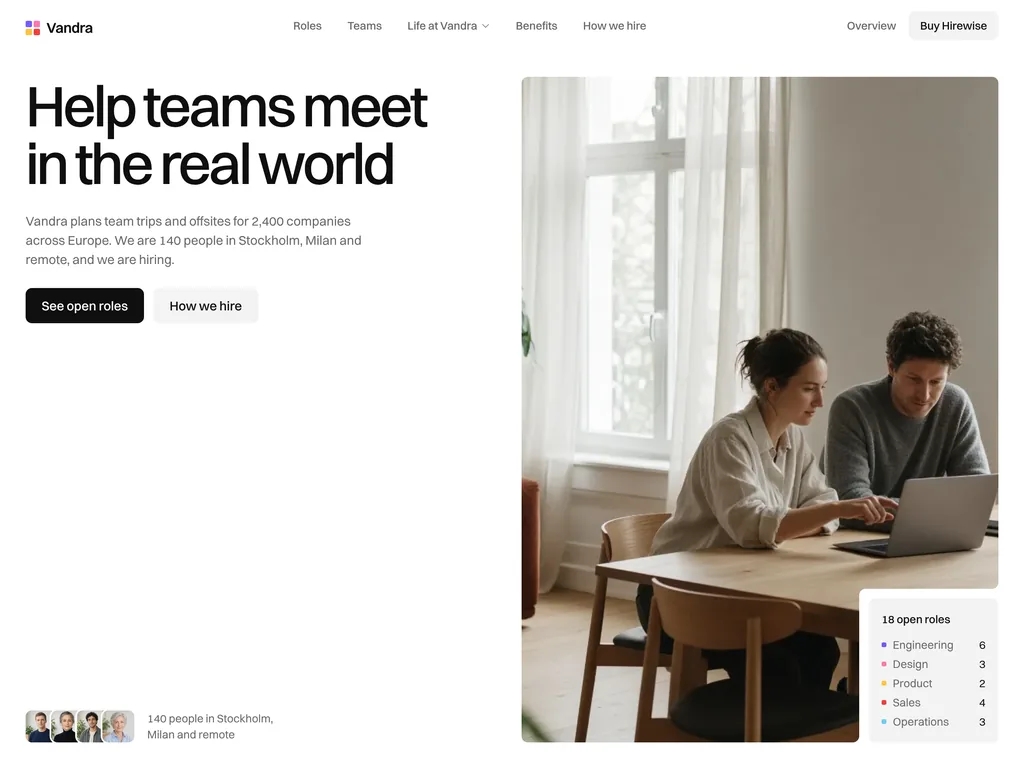
Astro careers site theme with salary bands, team pages and a 3-step apply form
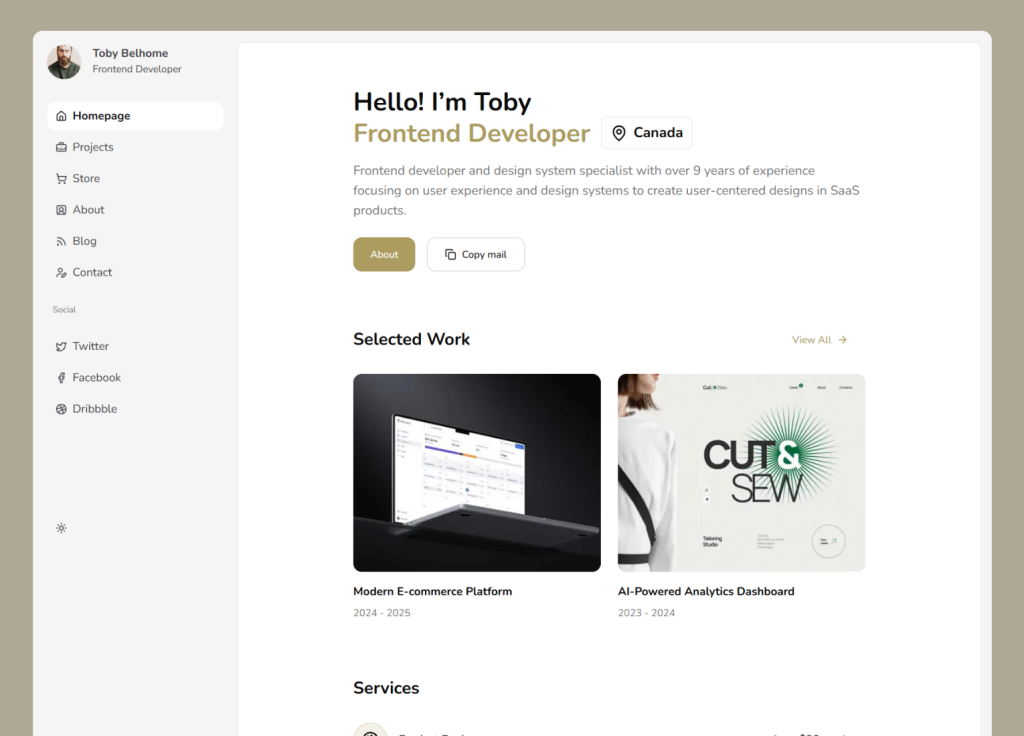
Dashboard-style shadcn/ui portfolio template
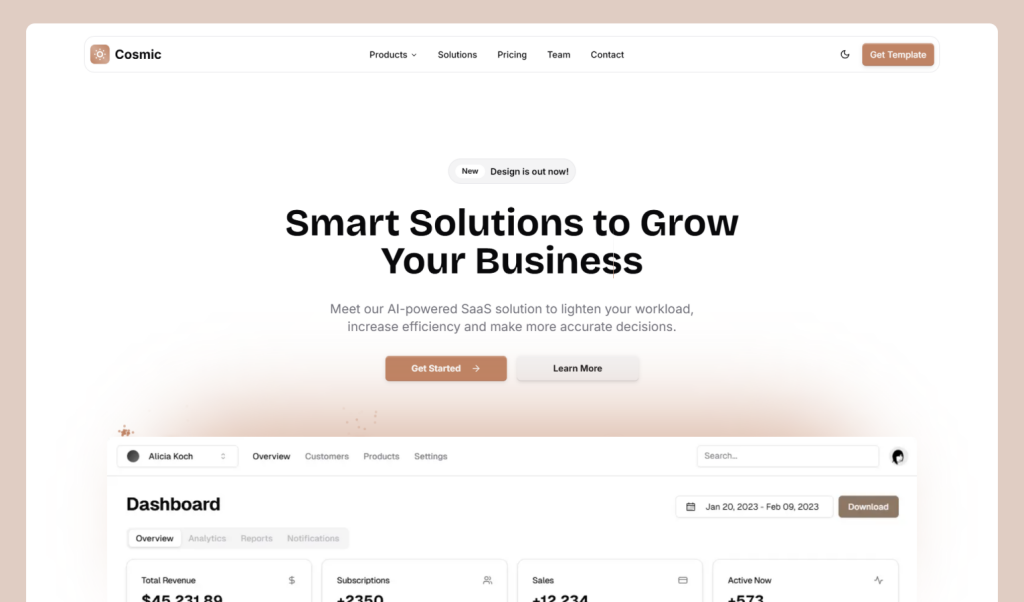
shadcn/ui SaaS landing page template
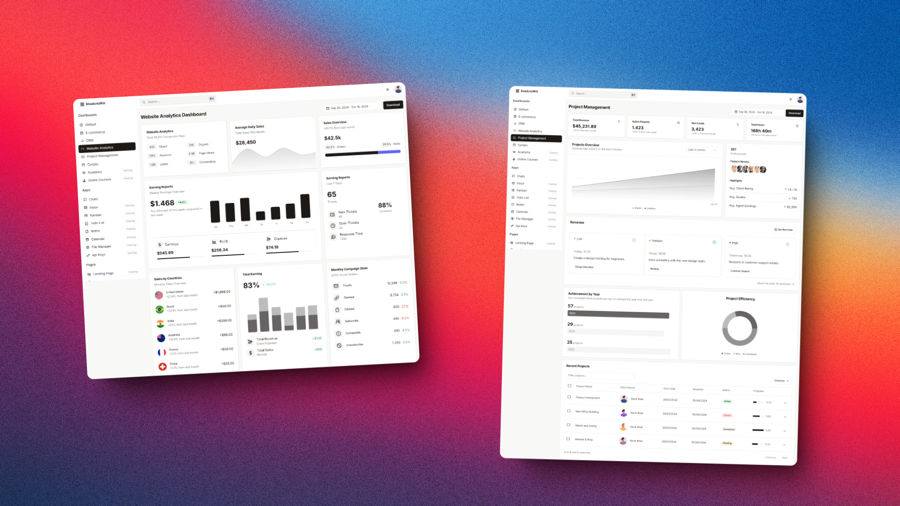
16 Next.js admin dashboards, 17 web apps and 6 site templates on shadcn/ui
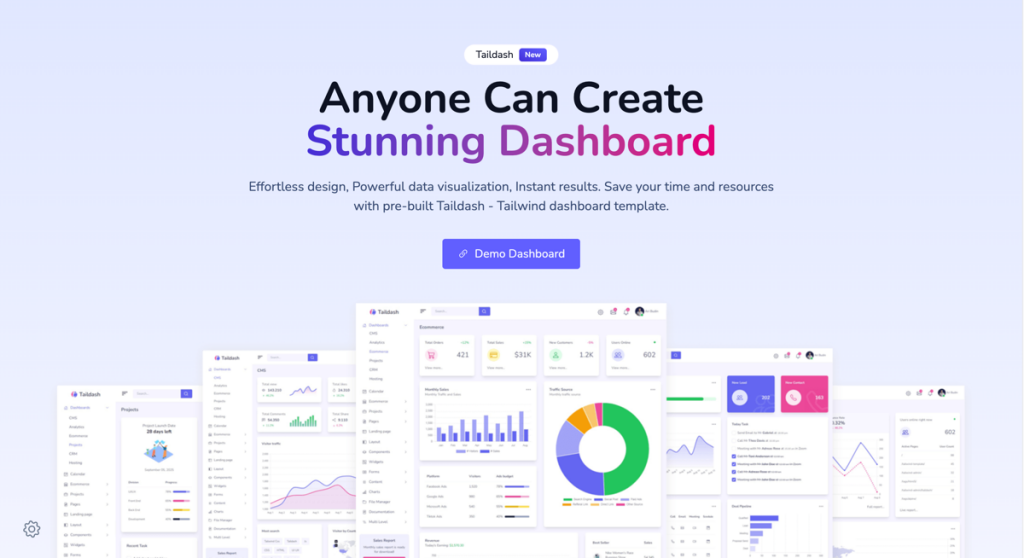
Developer-friendly dashboard template
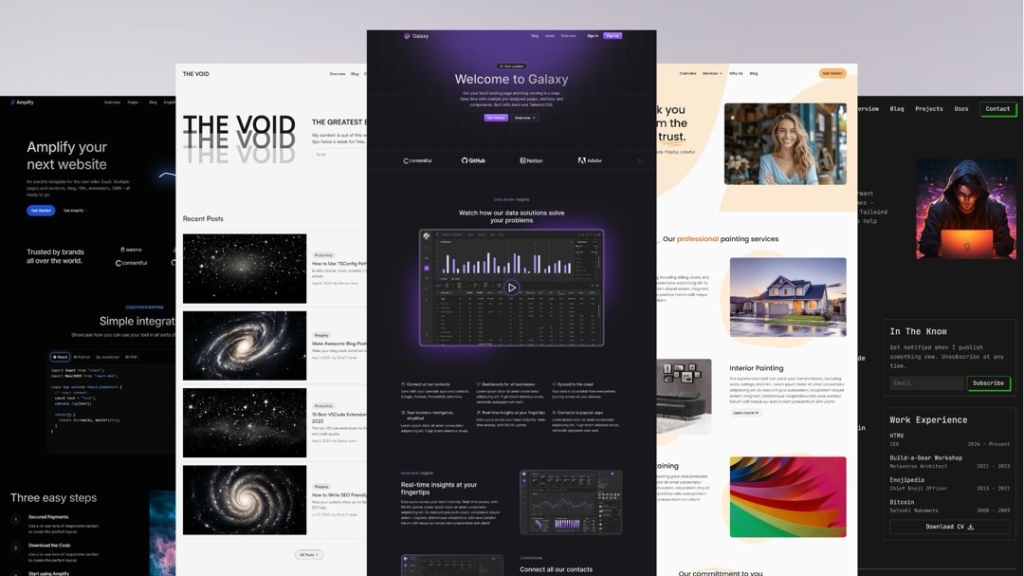
Production-ready Astro and Tailwind CSS templates
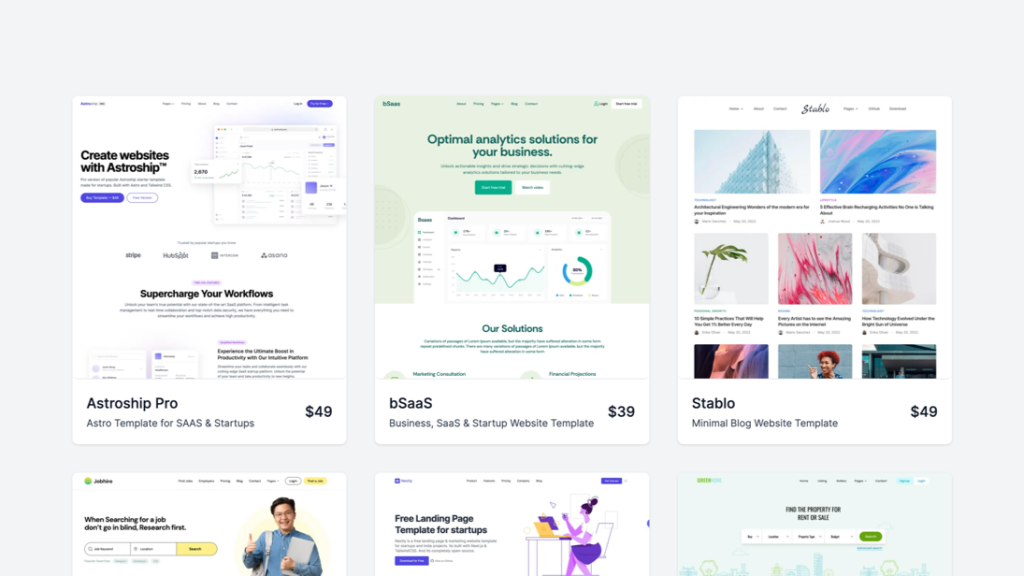
A bundle of 9+ modern templates
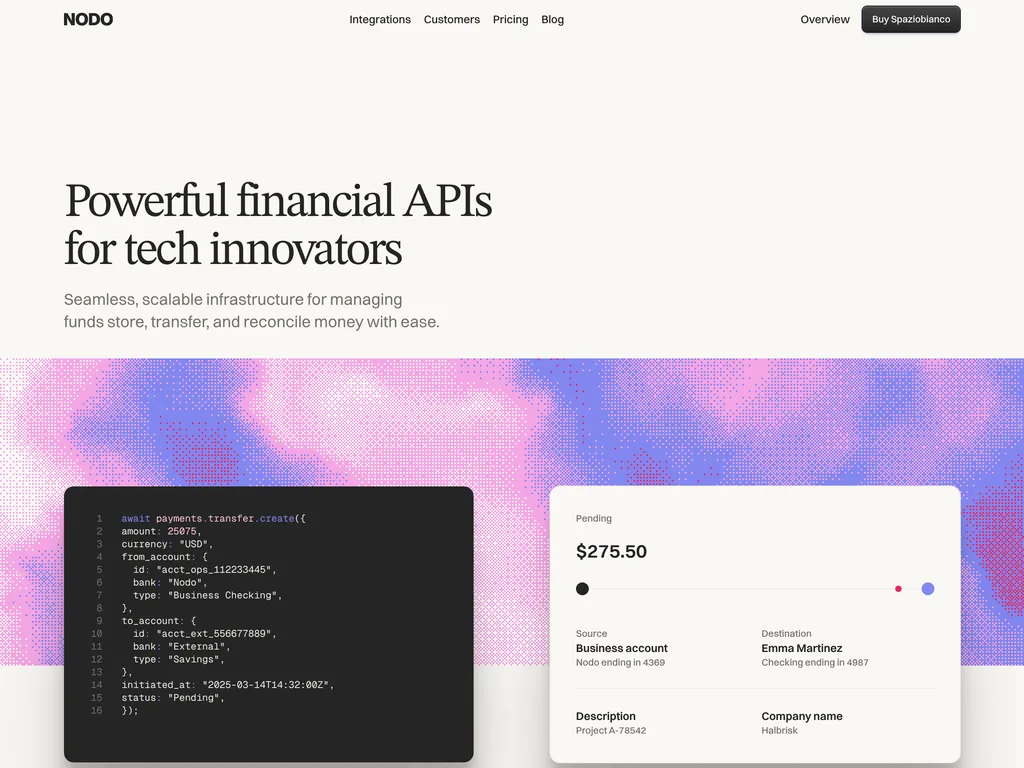
Editorial Astro theme for fintech and API products, with a fees page
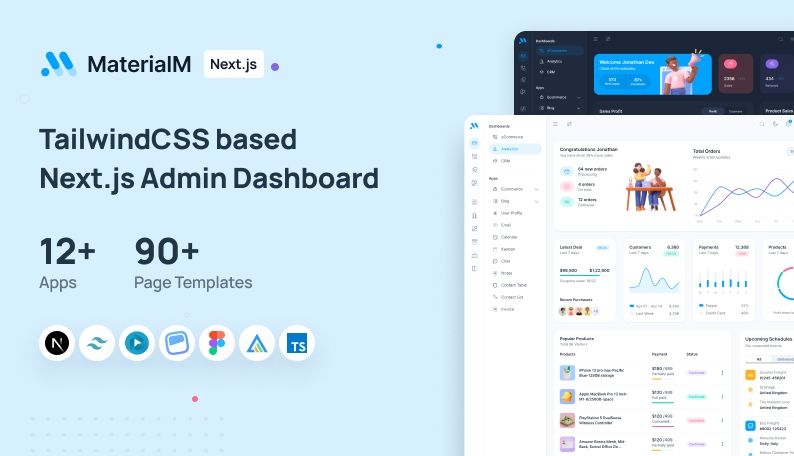
Admin template with 90+ pages 12+ apps

17‑page business template
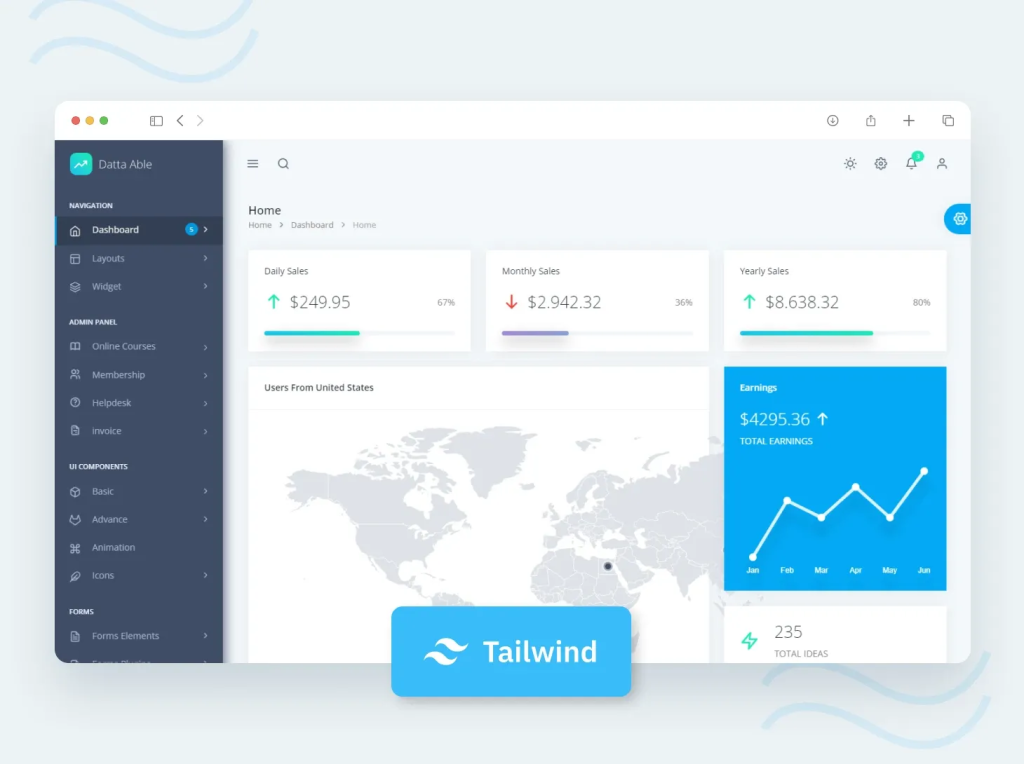
130 page admin template

Laravel Livewire UI Toolkit
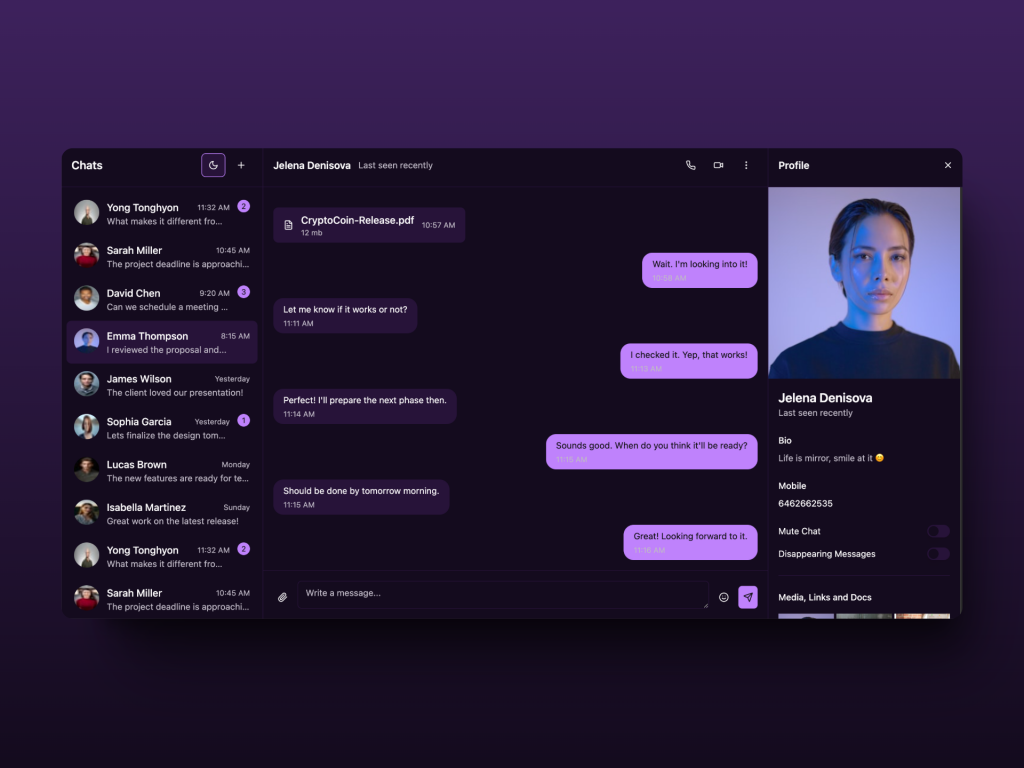
React Chat Template built with shadcn/ui and Tailwind
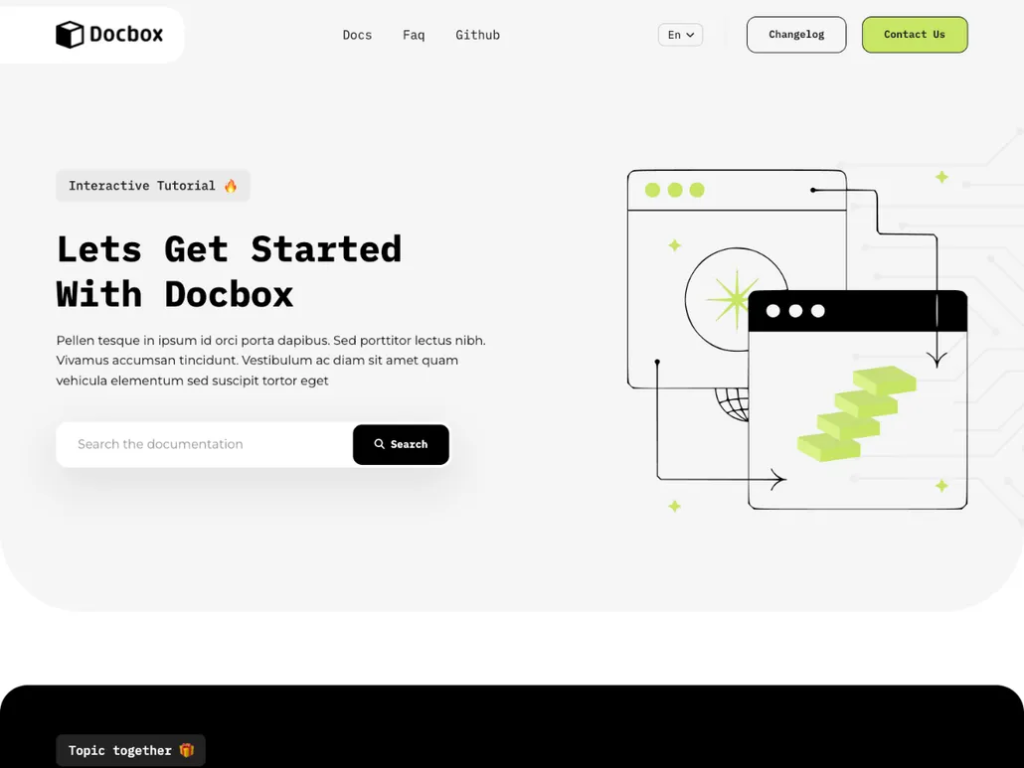
Create beautiful docs quickly with the Docbox
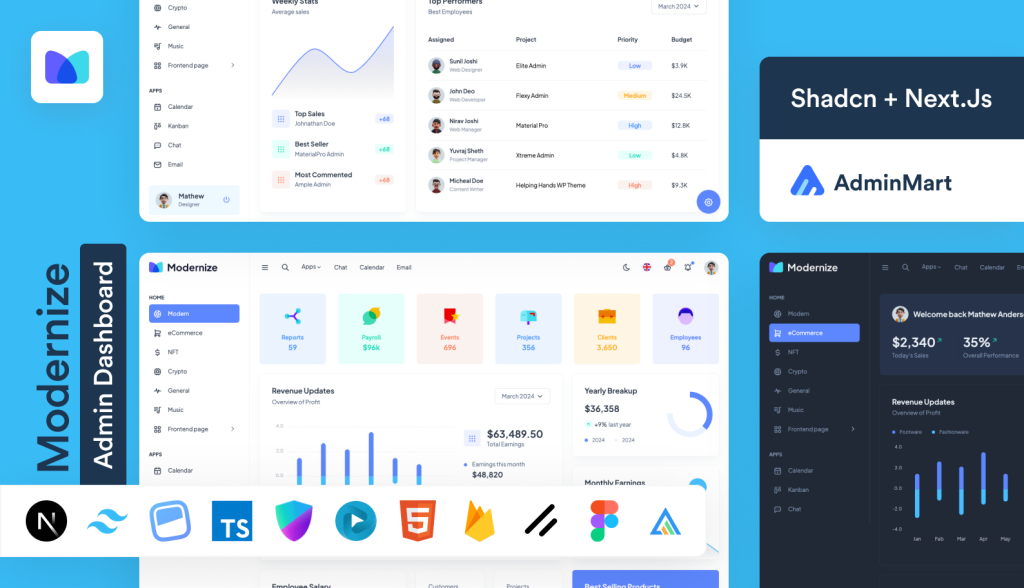
Feature rich Next.js admin template
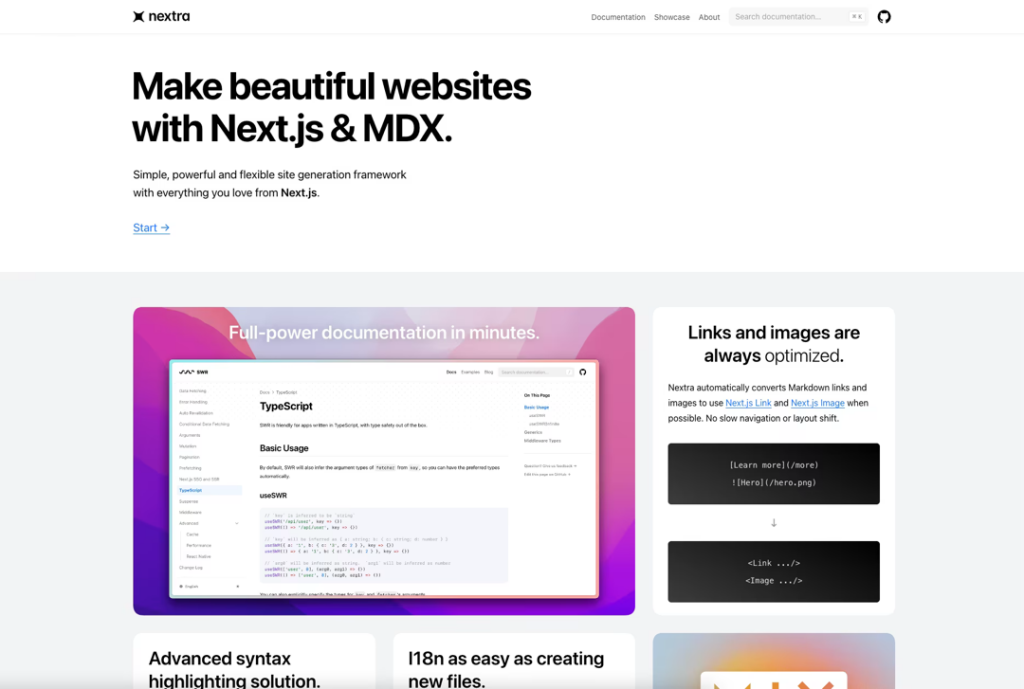
Markdown-powered Next.js docs template
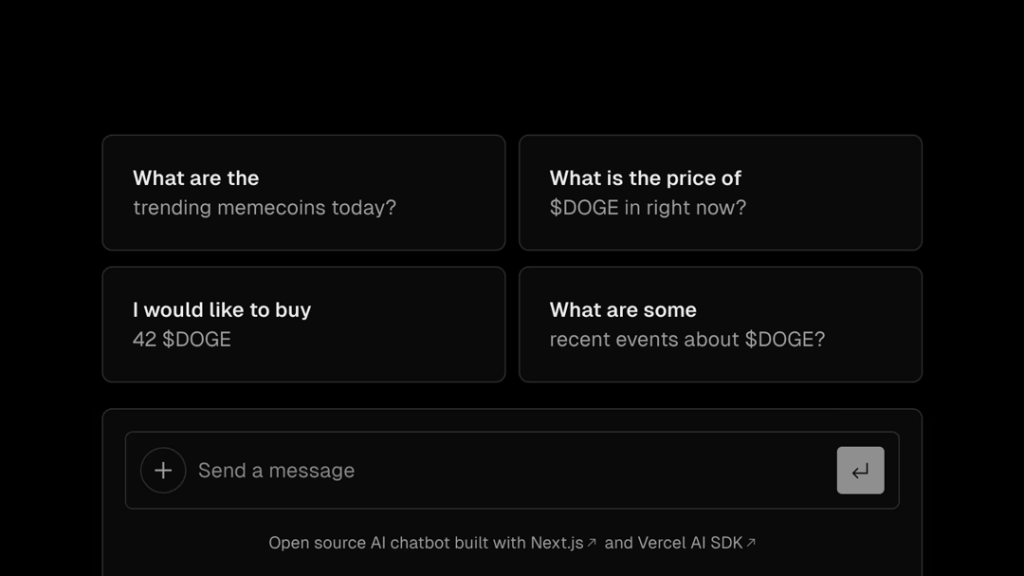
Next.js AI chatbot template

Next.js image gallery template
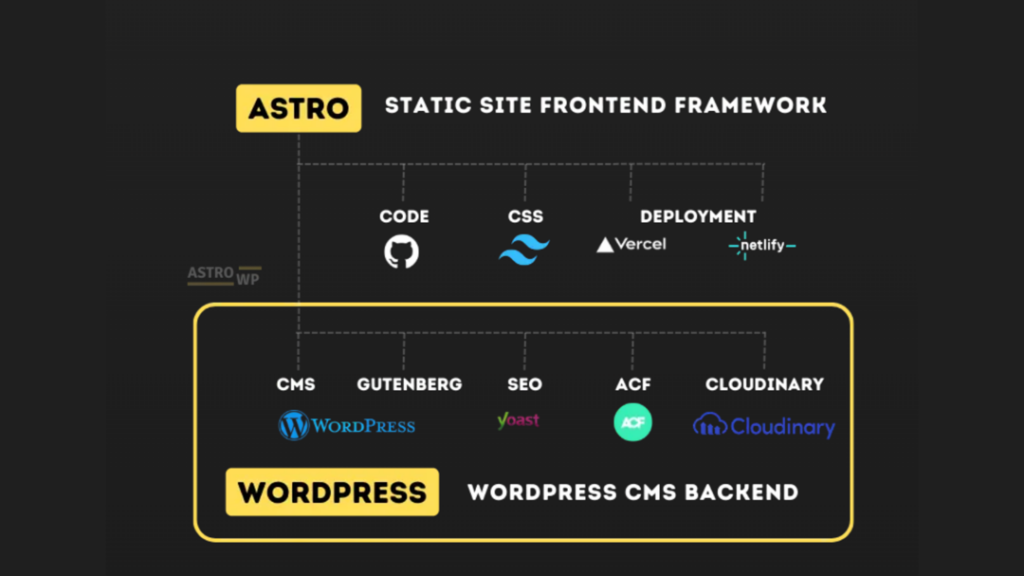
WordPress starter kit to build Astro sites
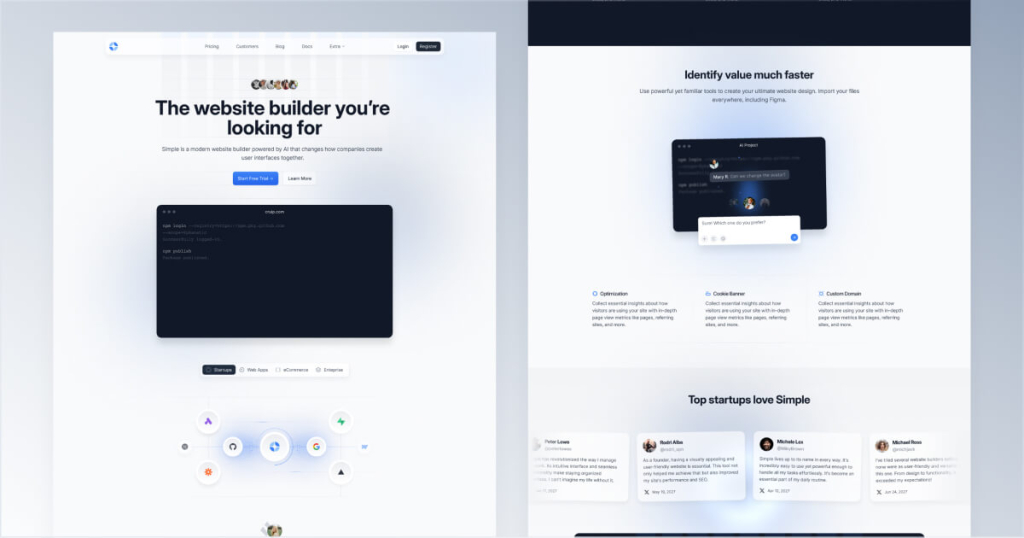
Clean, multi-page Tailwind CSS website template
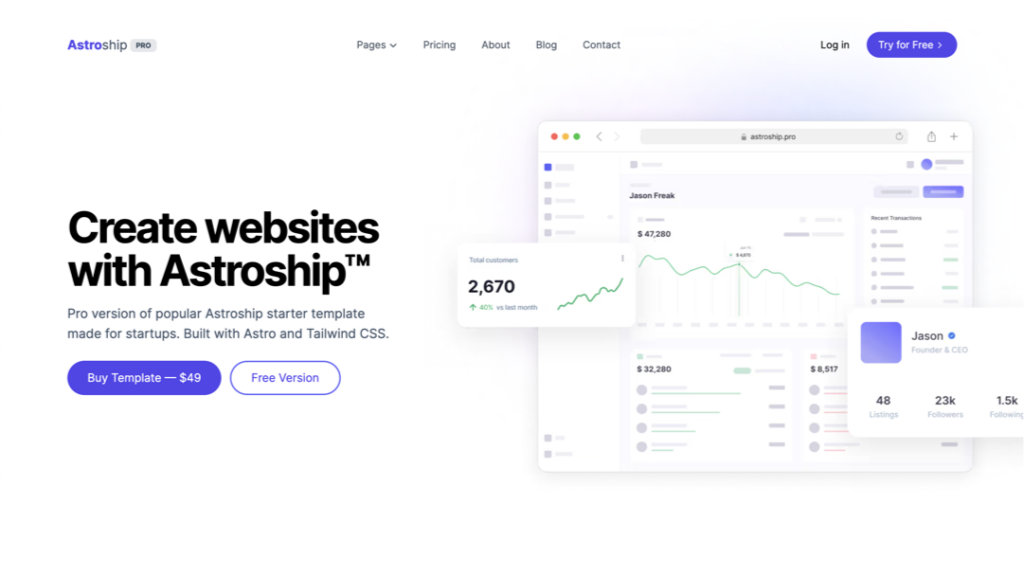
Tailwind & Astro SaaS template with 10+ pages
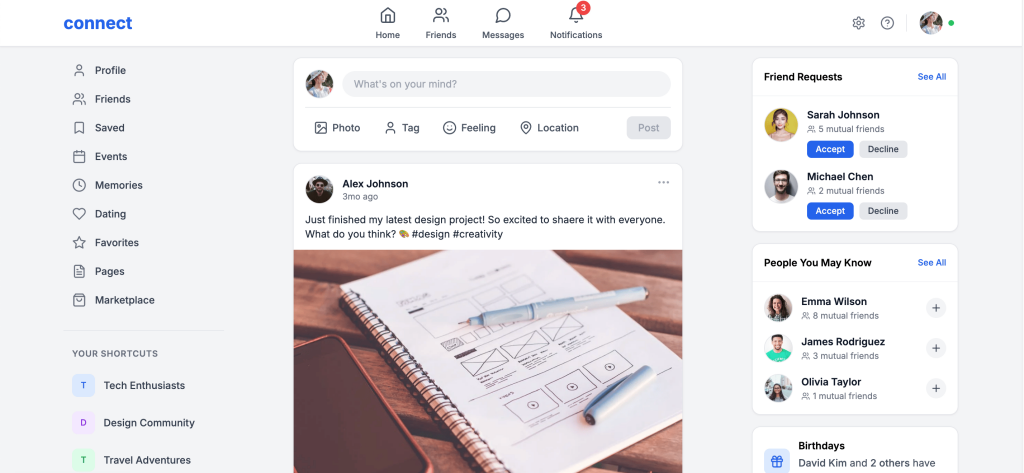
Tailwind Social Media template with Next.js
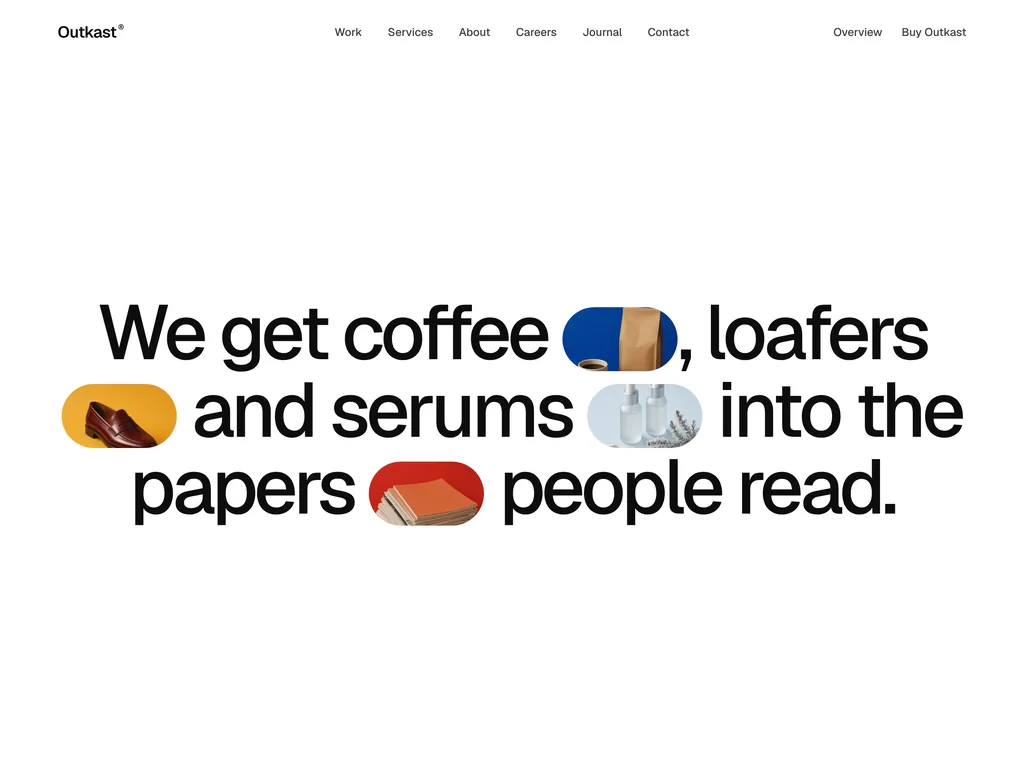
Astro PR agency theme with case studies told through press coverage
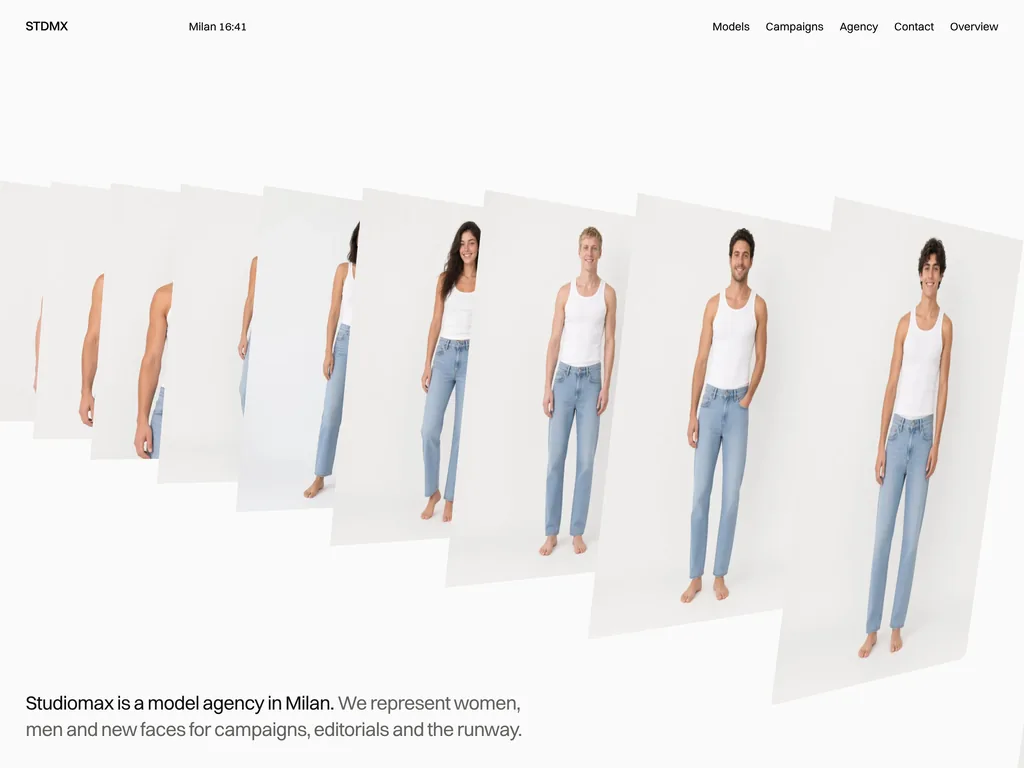
Light Astro theme for model agencies, with a filterable board and booking forms
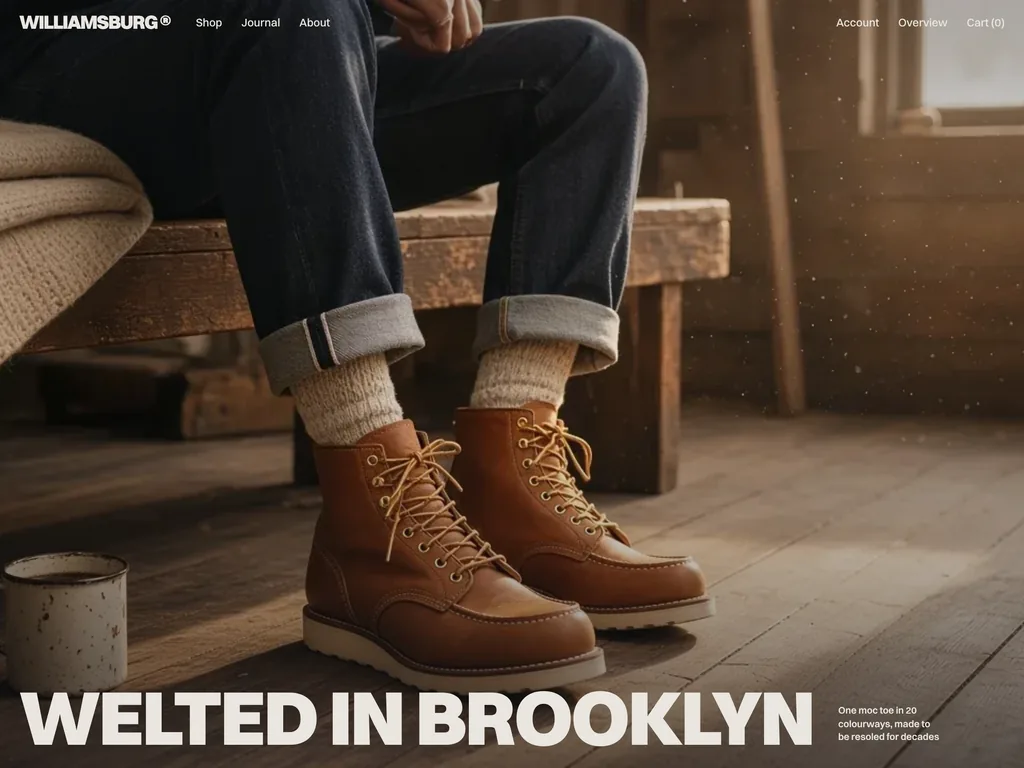
Bold Astro store theme with a saved cart drawer and checkout screens
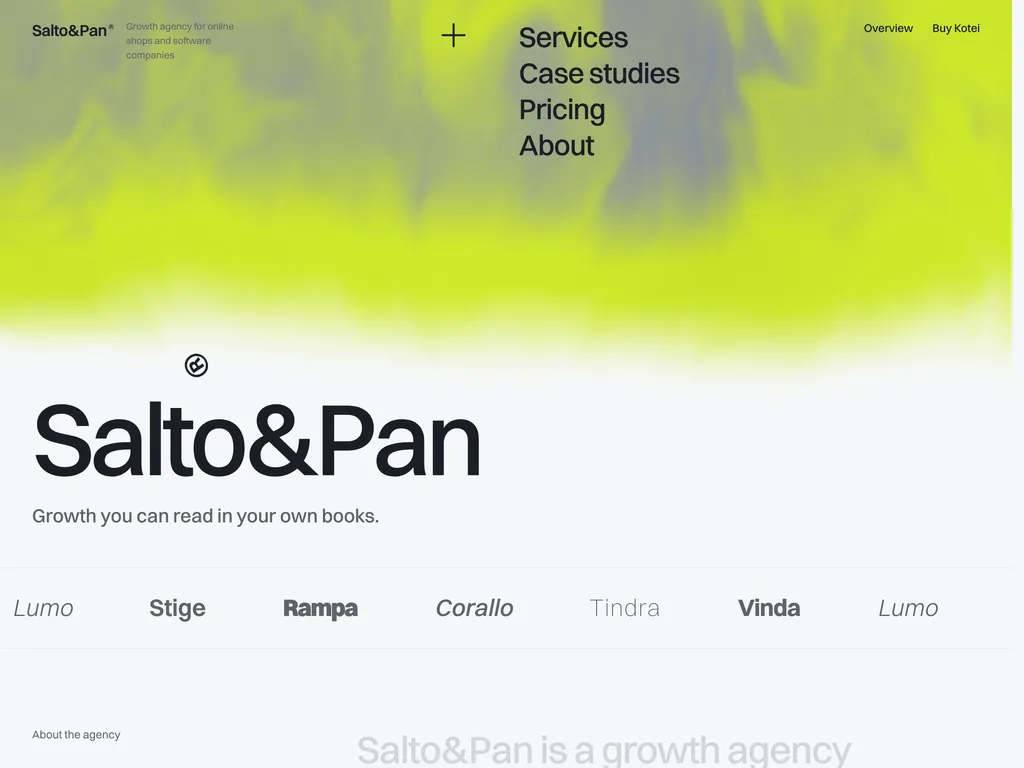
Astro growth agency theme with a 12-week pricing planner and case filters

Astro conference theme with a day-by-day schedule, speakers and ticket tiers
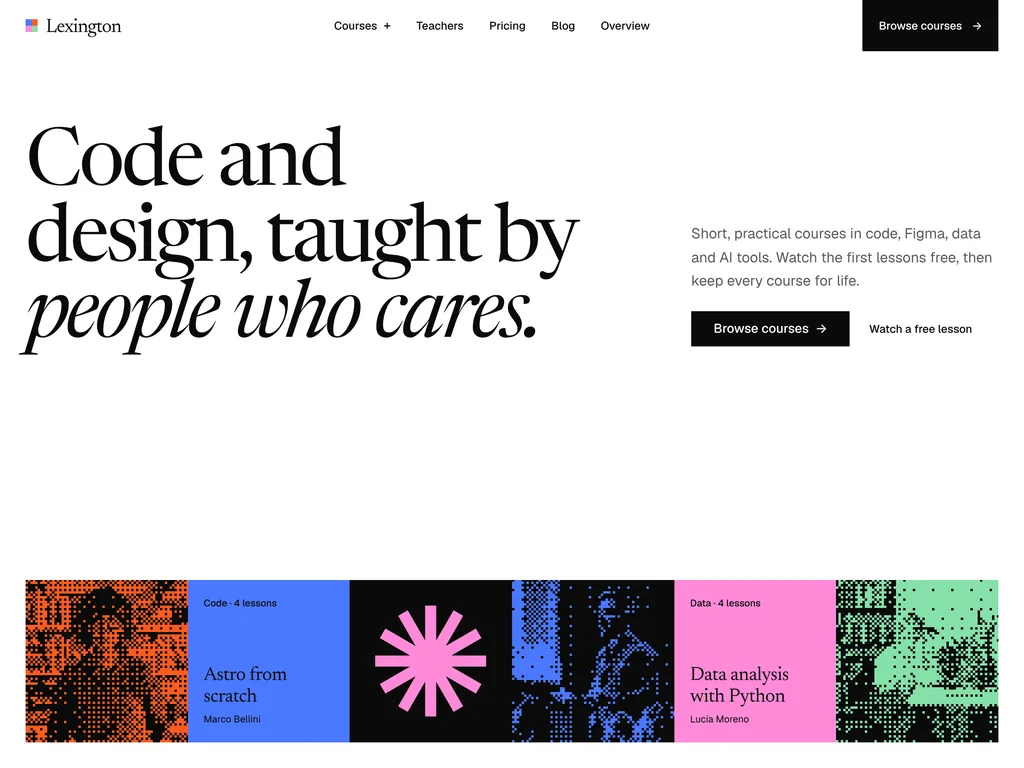
Tile-based Astro theme for selling courses and paths, with free preview lessons
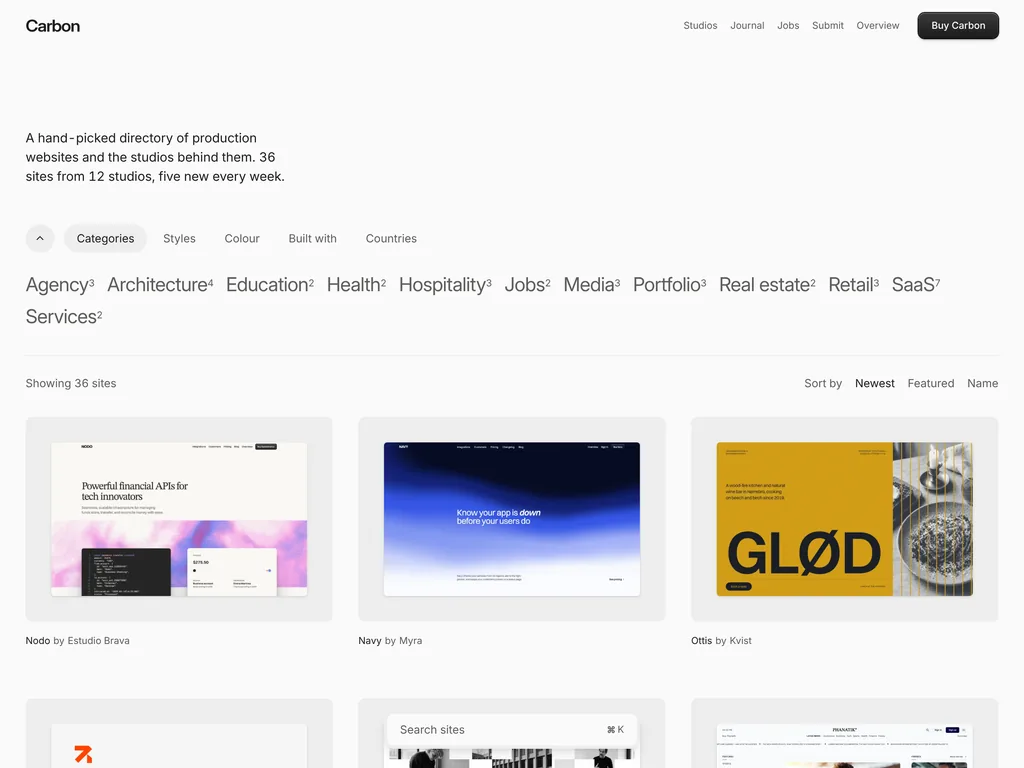
Black and white Astro directory of websites with big-word filters
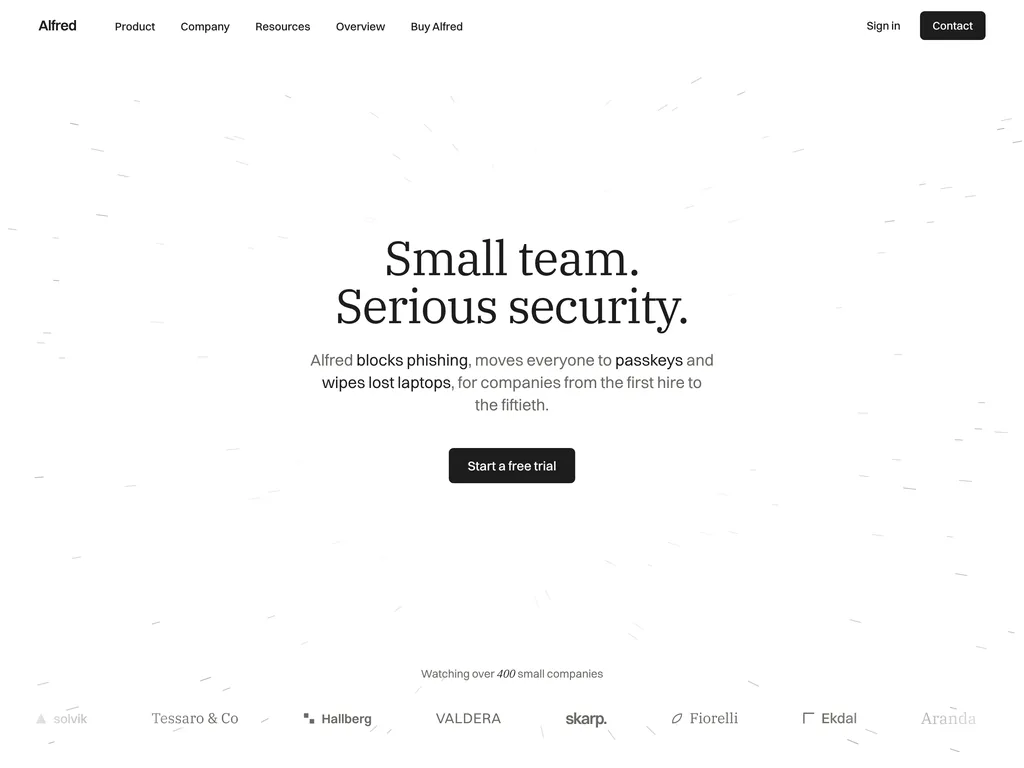
Calm Astro SaaS theme for security startups, with status and incident pages
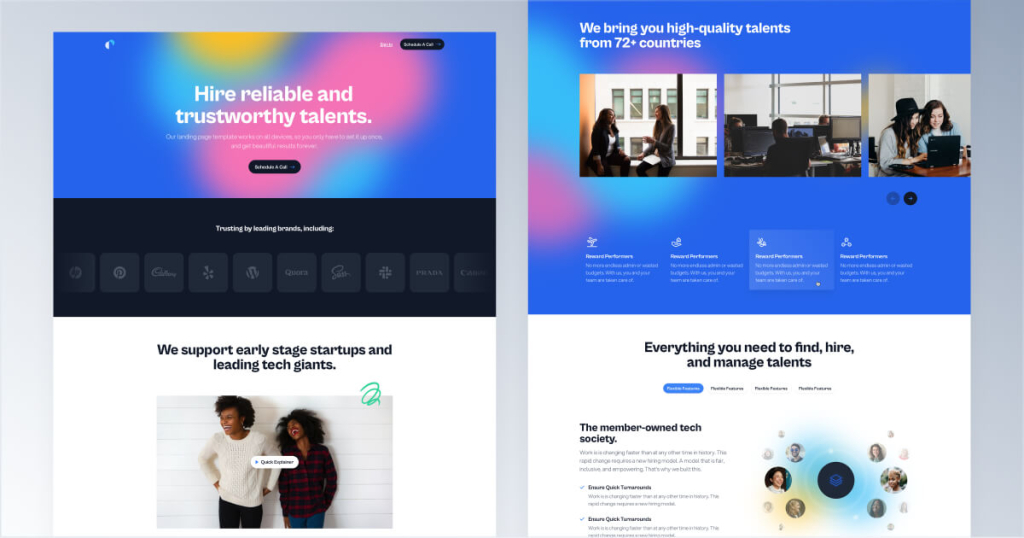
Colorful template for SaaS and recruiting sites
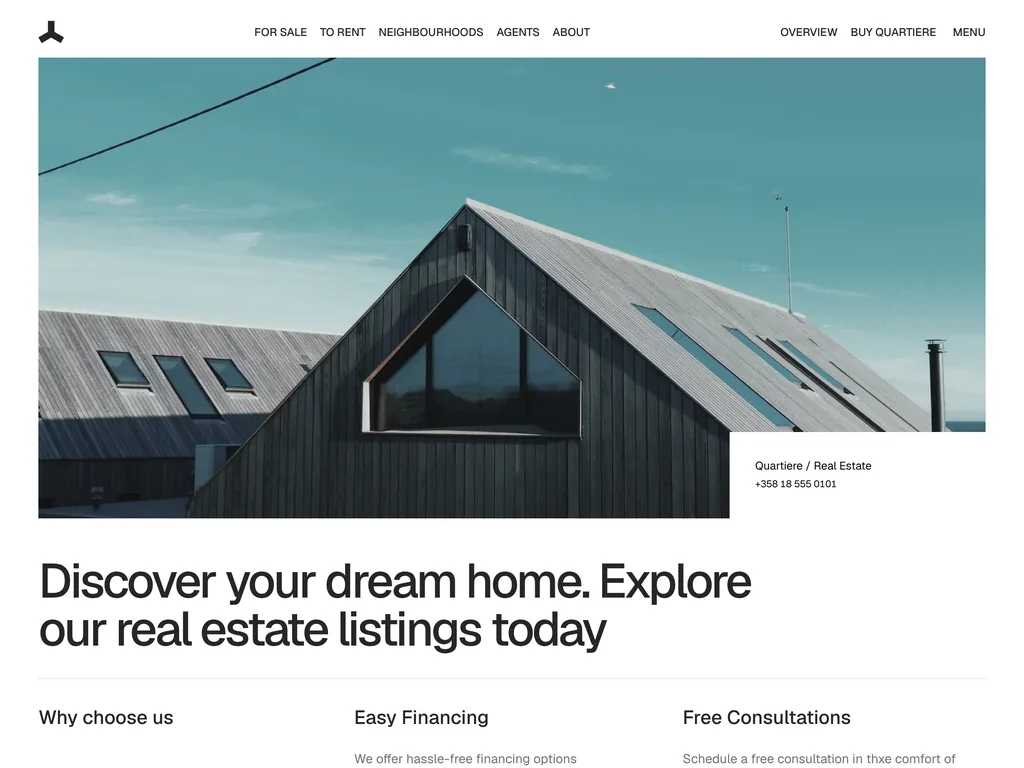
Astro real estate theme with rentals, neighbourhood guides and agent profiles
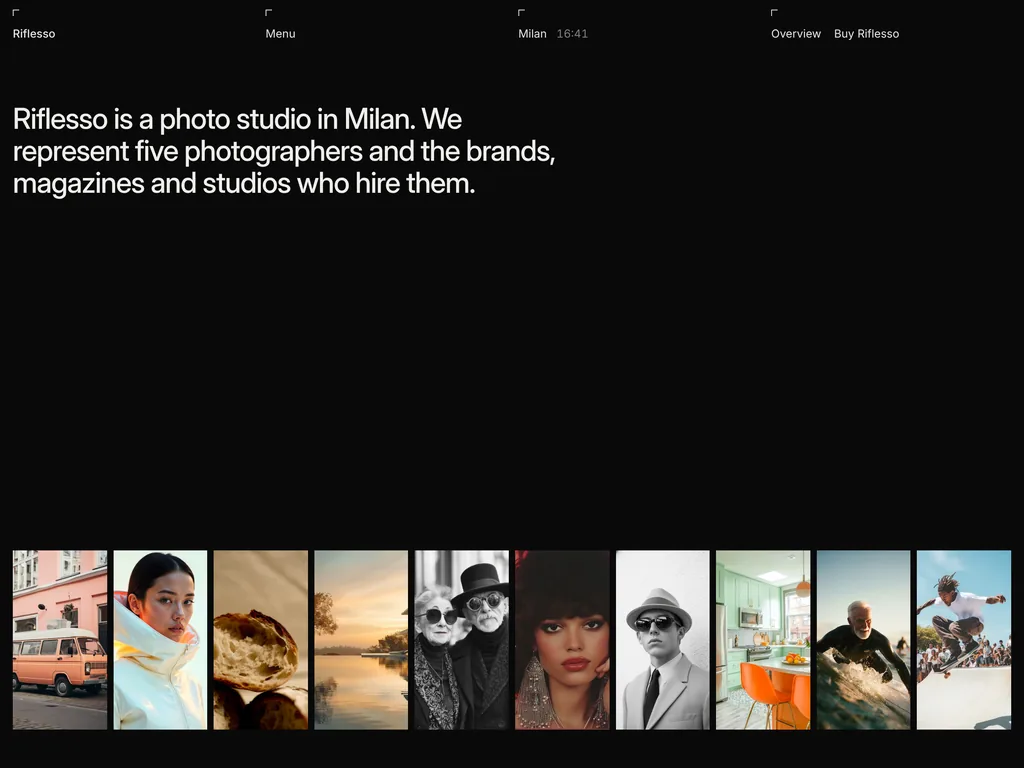
Dark Astro theme for photo studios, with artist pages, films and an archive
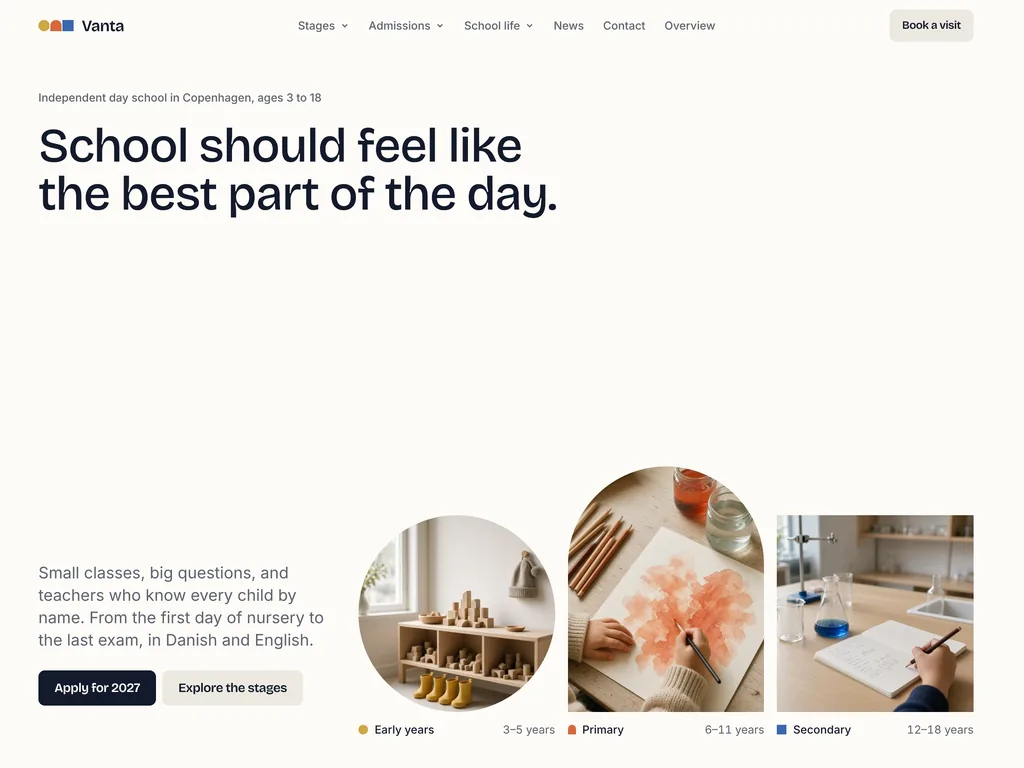
Astro private school theme with stage pages, admissions dates and a fees table
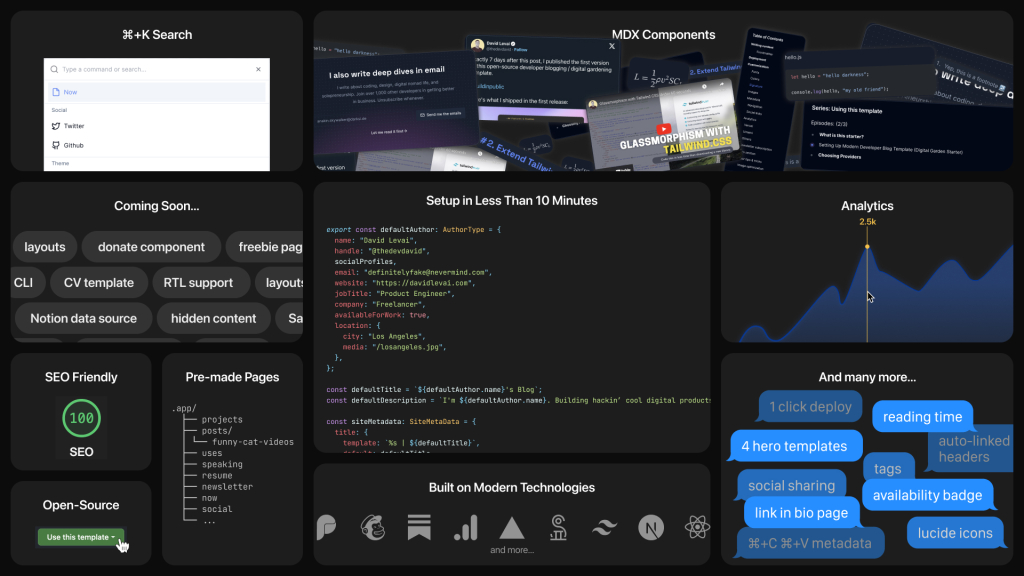
Customizable digital garden for developers
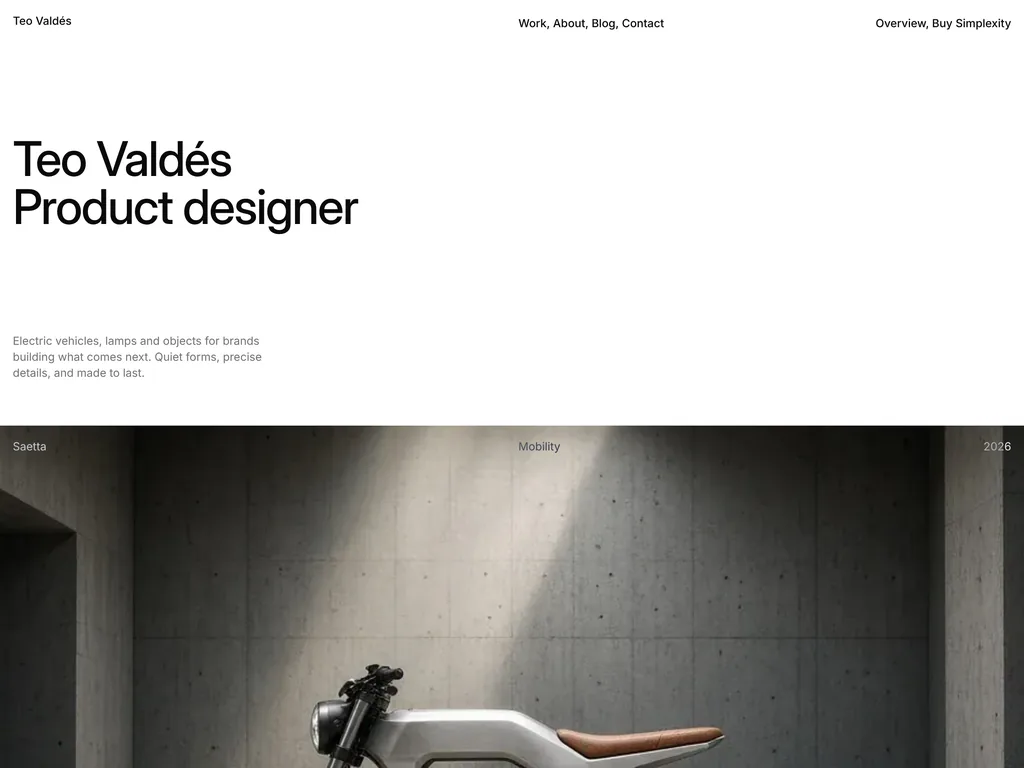
Astro portfolio for product designers, built around full-bleed photography
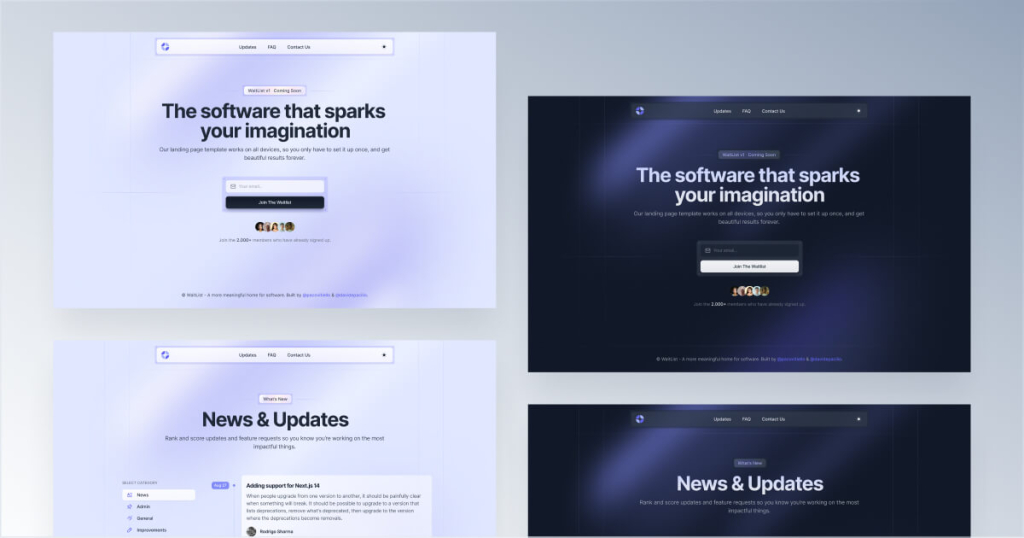
Coming soon template to collect emails
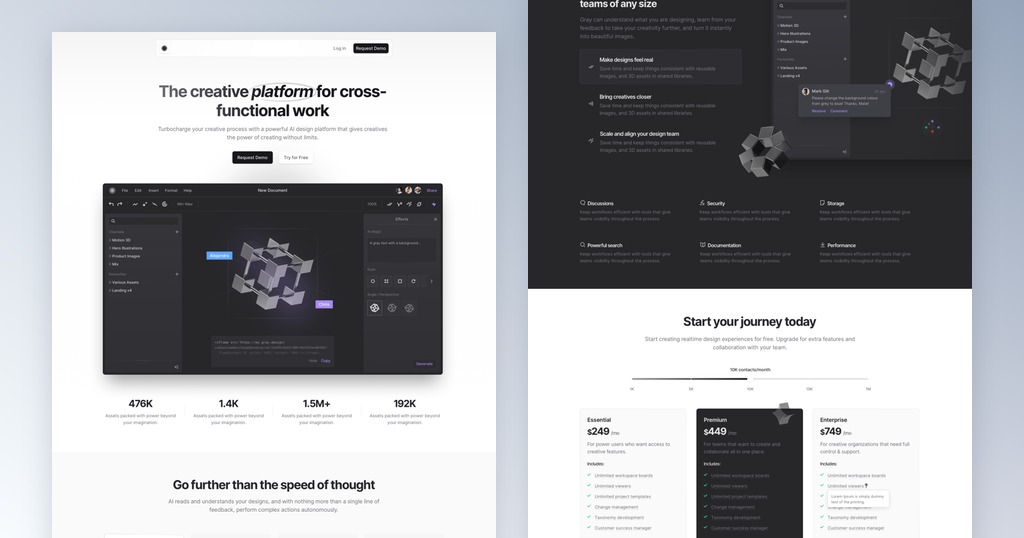
Minimal black & white SaaS landing page

Dark Astro job board theme with a salary on every listing and a salary guide
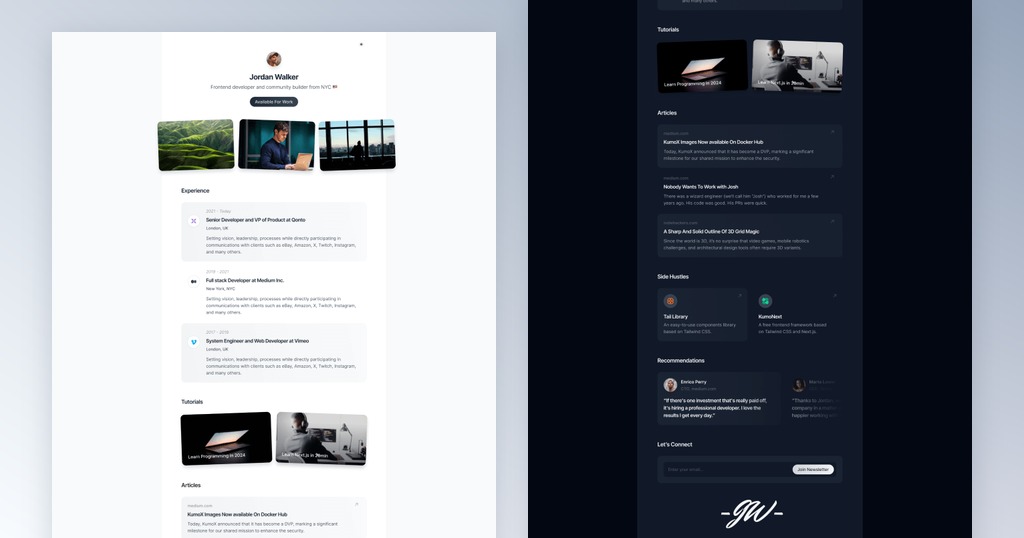
One-page portfolio template for developers
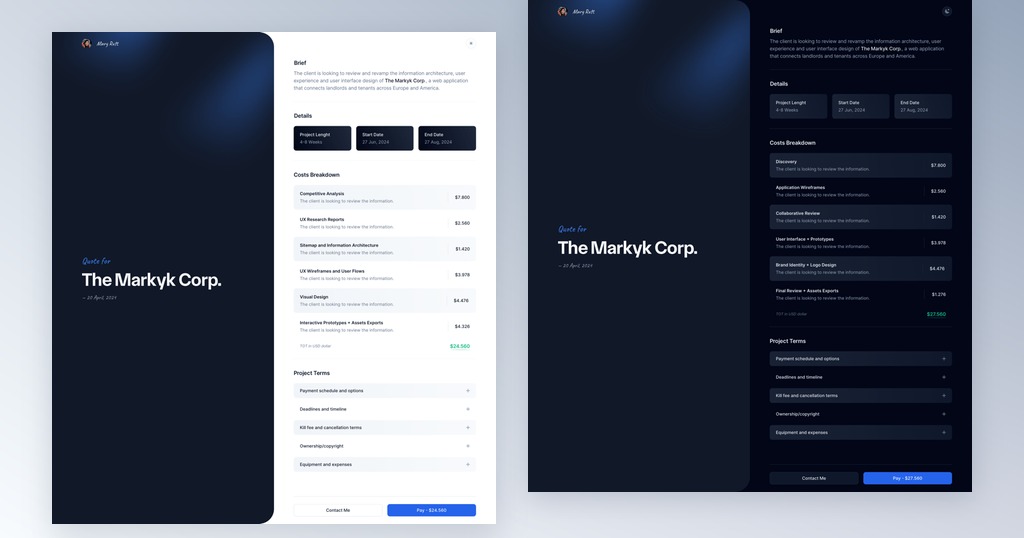
Quote and invoice template for freelancers
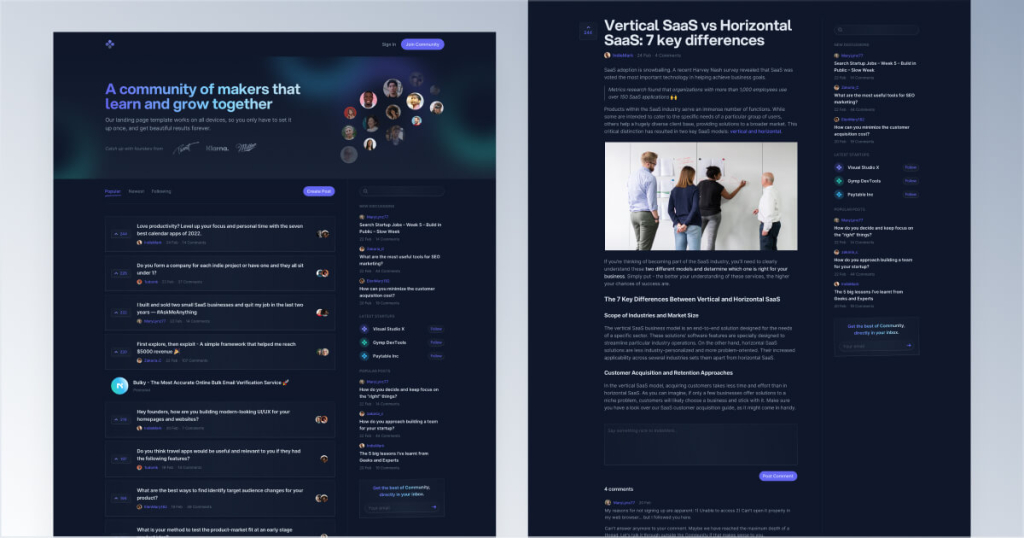
Forum template for makers and startups
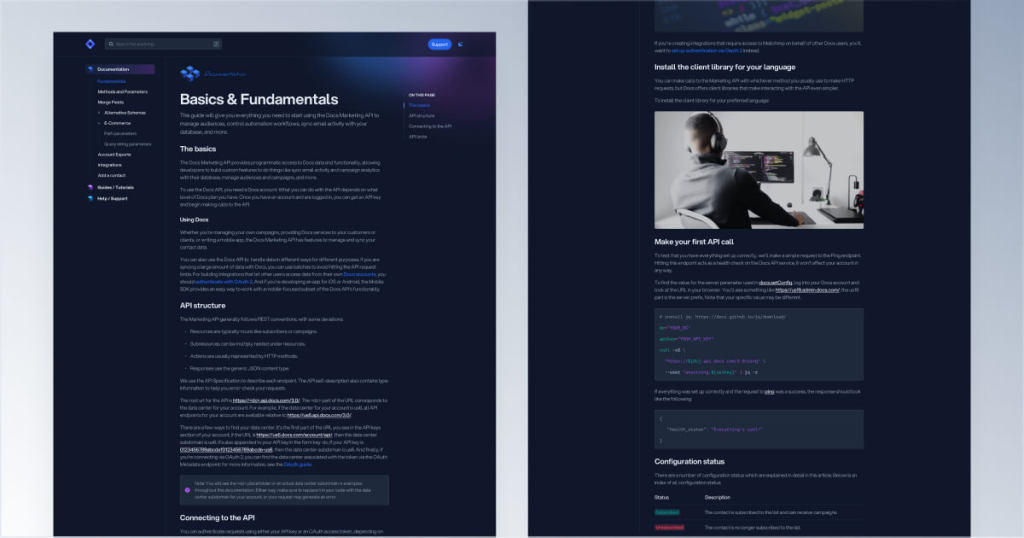
Tailwind CSS documentation template
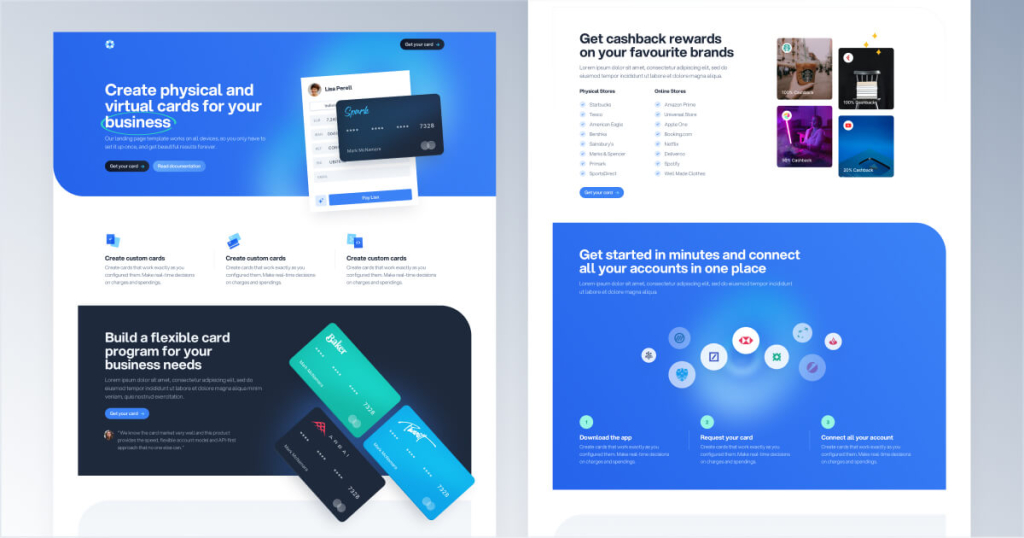
Landing page template for finance apps
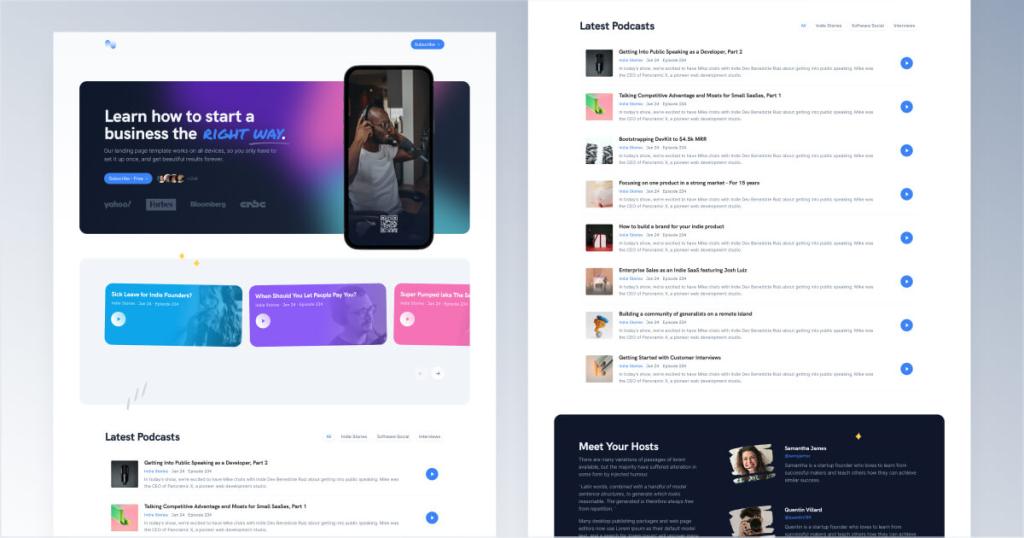
Podcast website template with an audio player
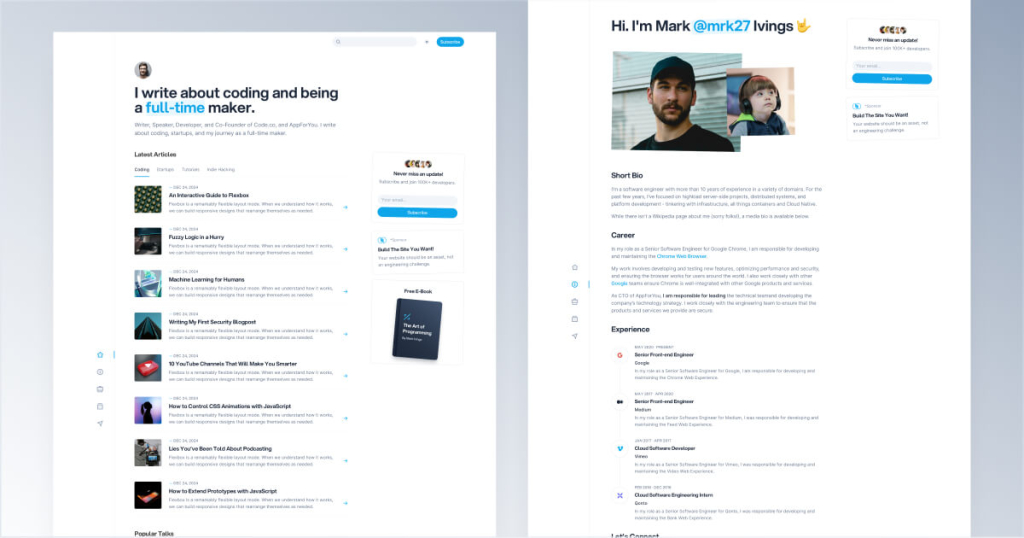
Personal blog template for developers
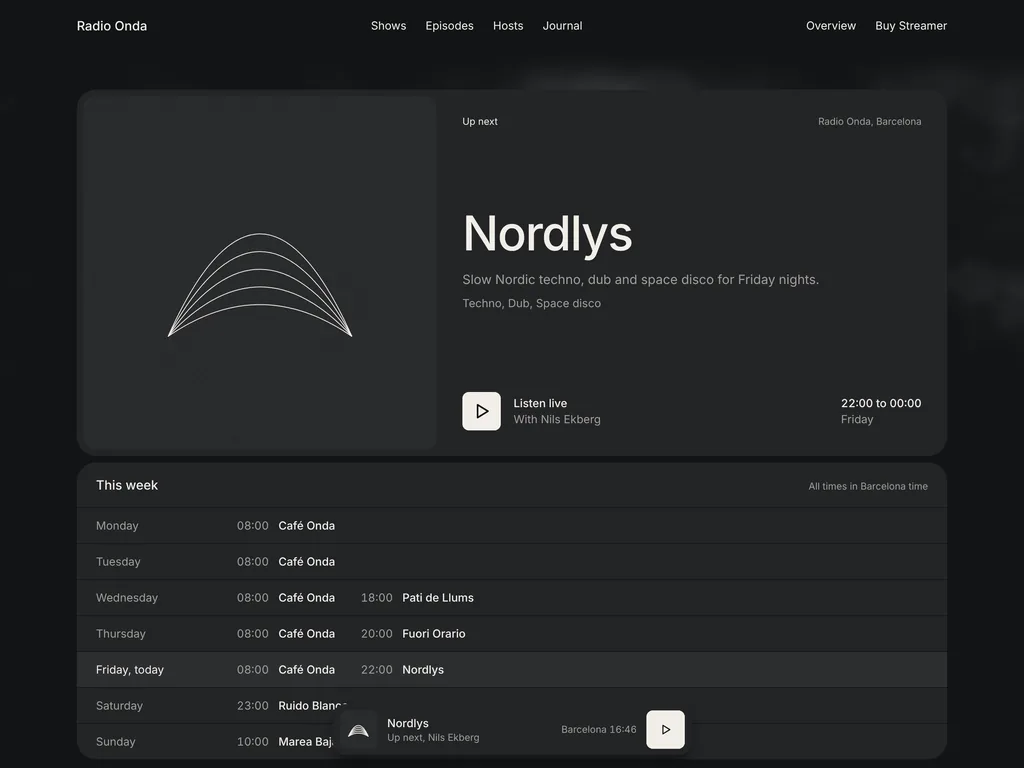
Dark Astro radio theme with a live player, weekly schedule and show archive
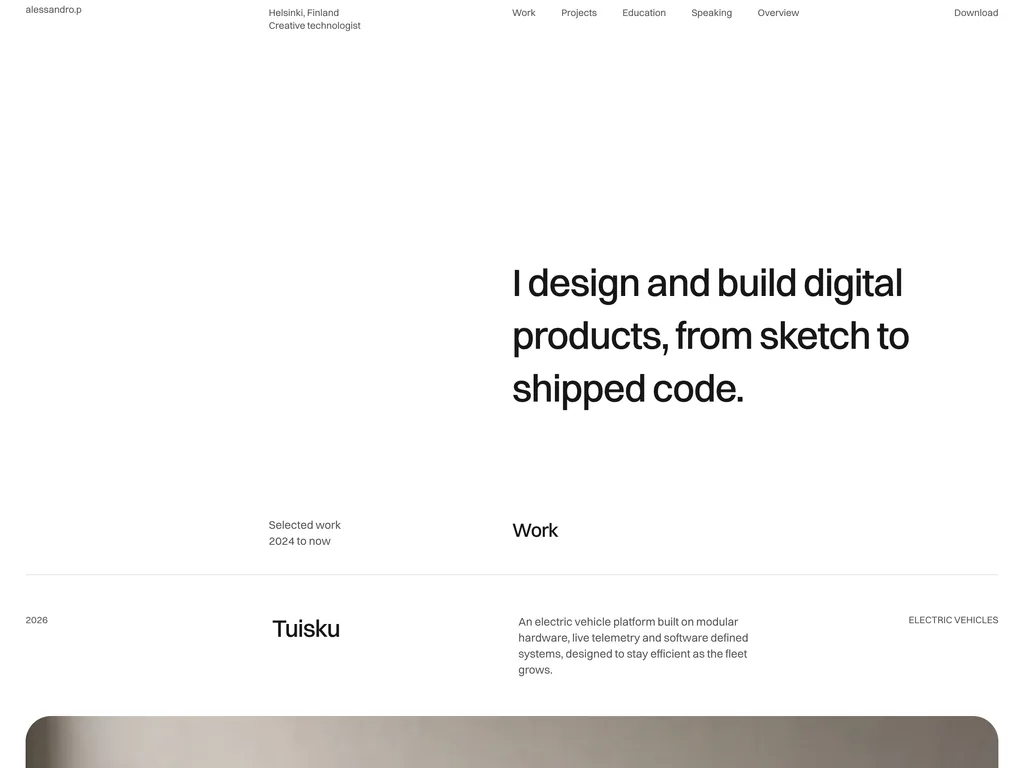
Free one-page Astro portfolio, monochrome, with a light and dark switch
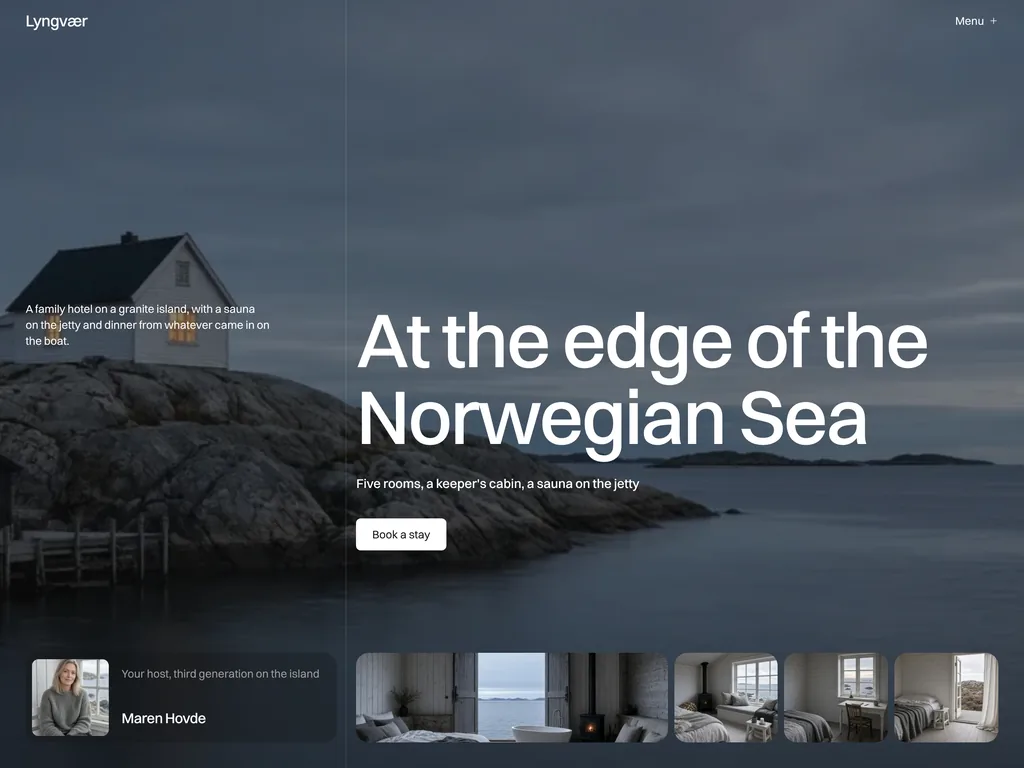
Astro hotel theme with room pages, seasonal offers and a booking request form
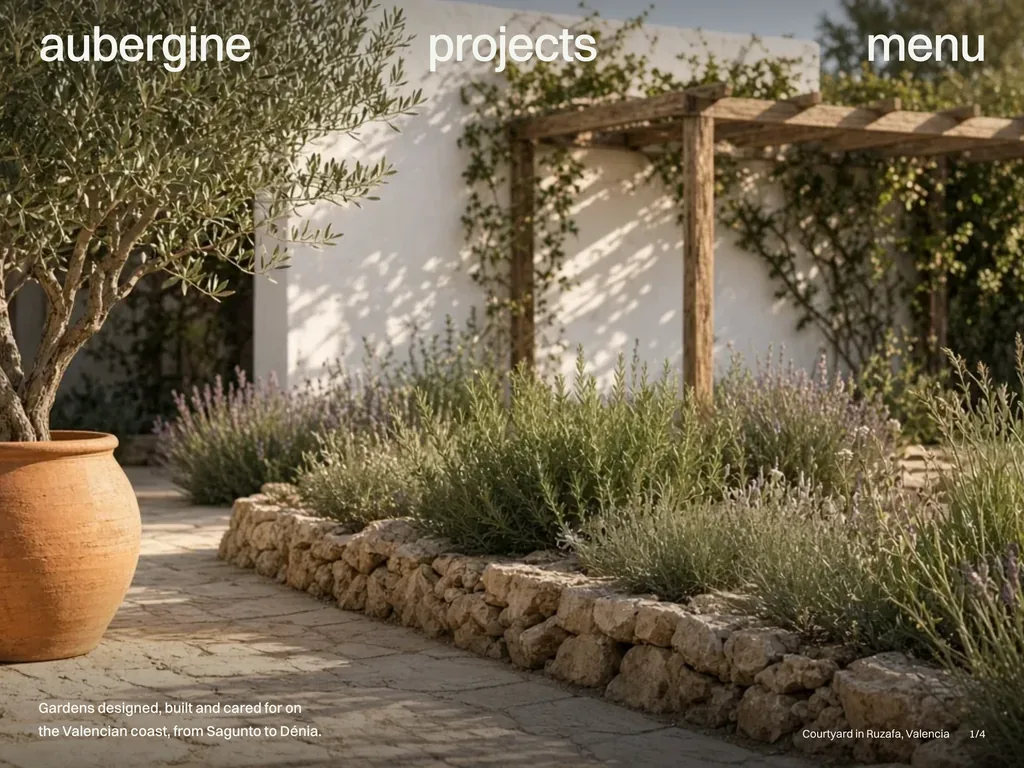
Astro landscaping theme with before-and-after projects and a quote form
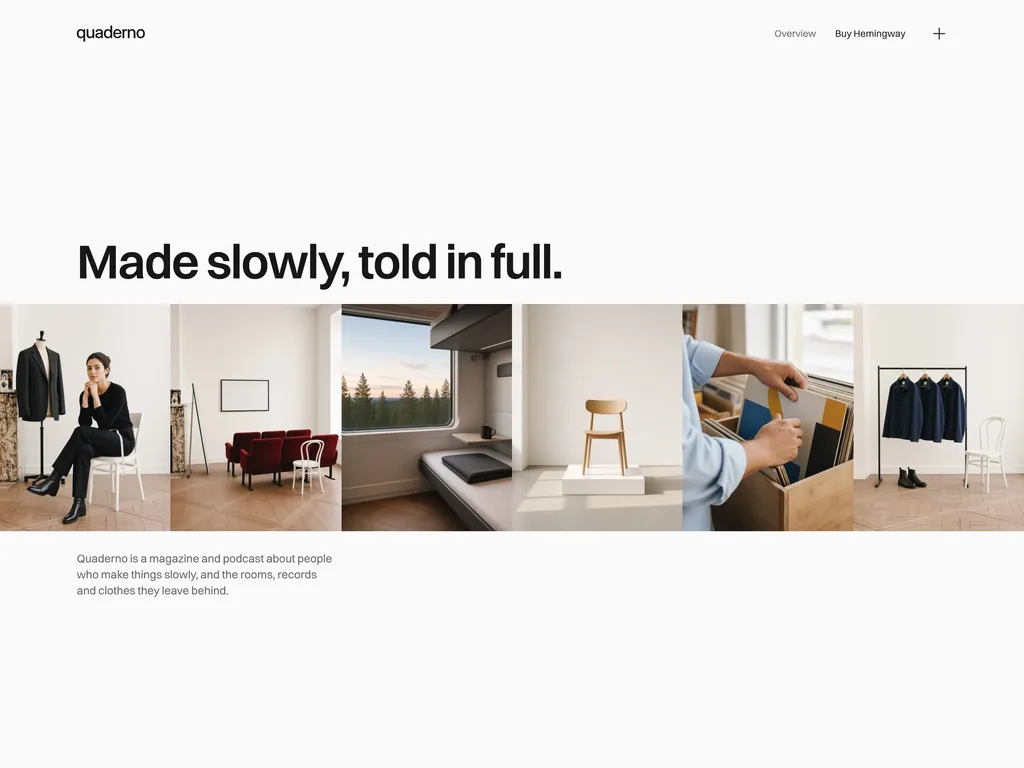
Astro magazine and podcast theme with a print-like layout and audio player
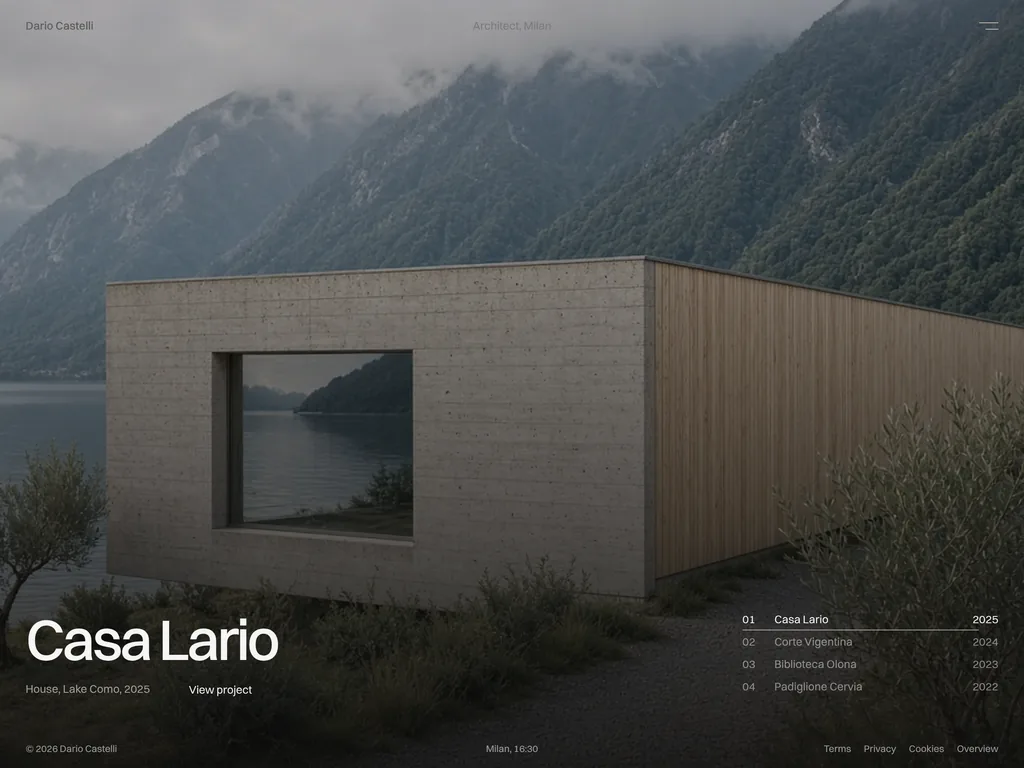
Dark, one-screen Astro portfolio for architects, with rotating projects
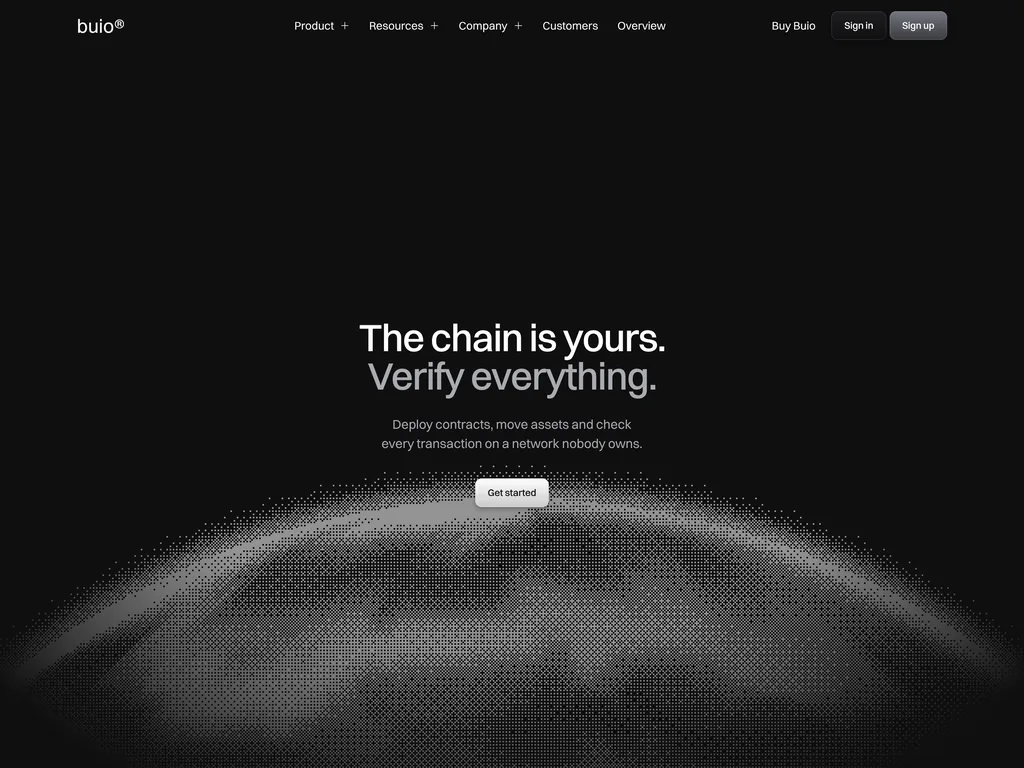
Monochrome Web3 SaaS theme for Astro with WebGL dither art and a whitepaper
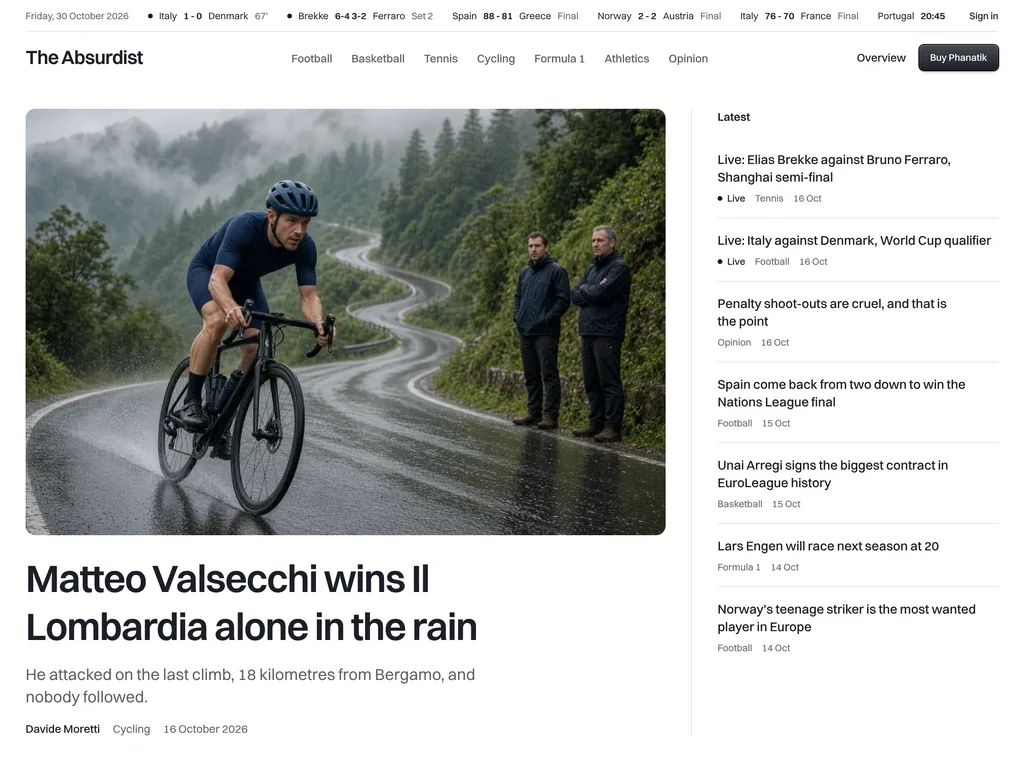
Astro sports news theme with sport fronts, a scores strip and ad slots
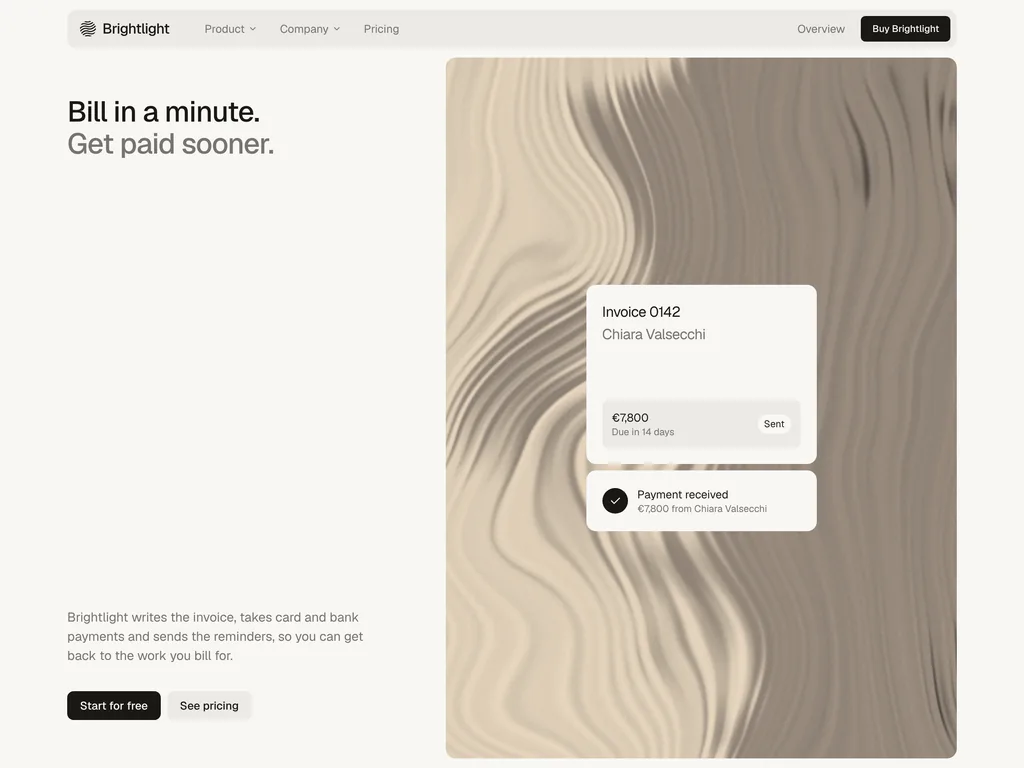
Calm Astro theme for invoicing apps, with painted WebGL tiles
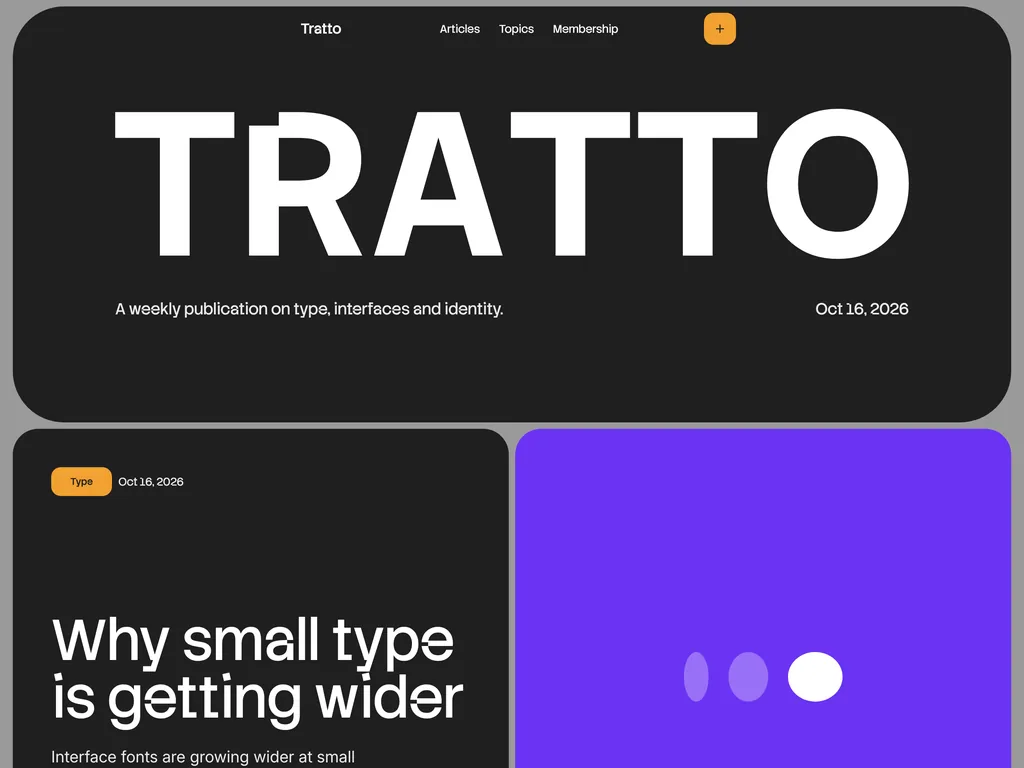
Bento-style Astro design magazine with drawn covers and a members gate
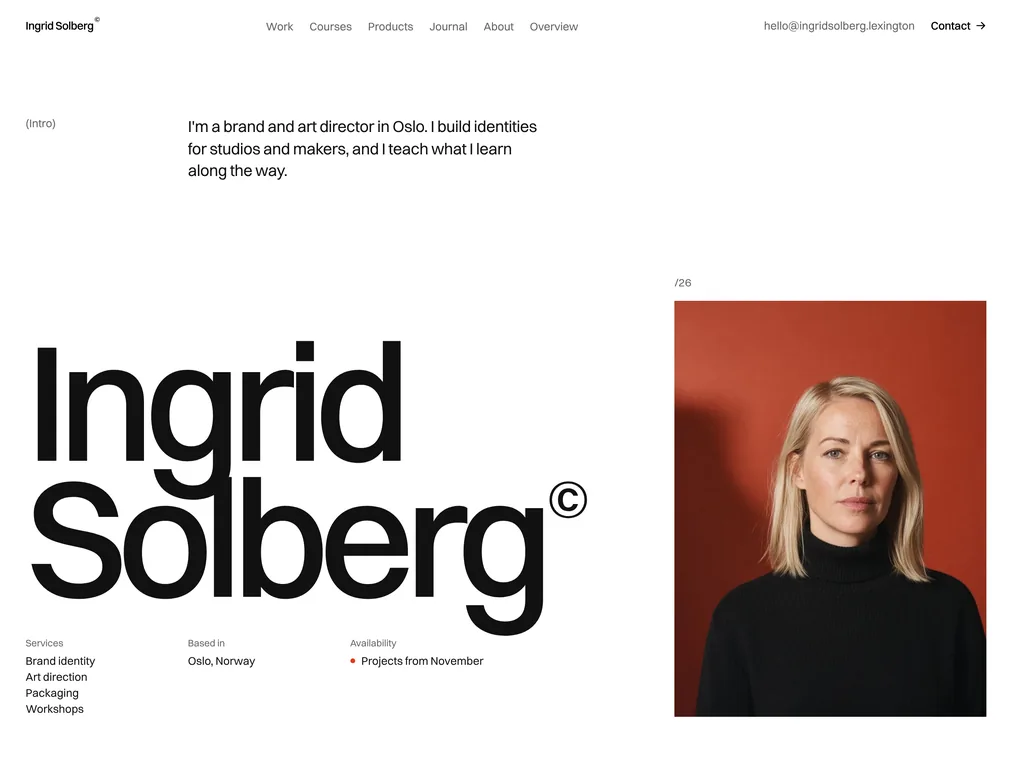
Astro portfolio for designers who also sell courses, templates and workshops
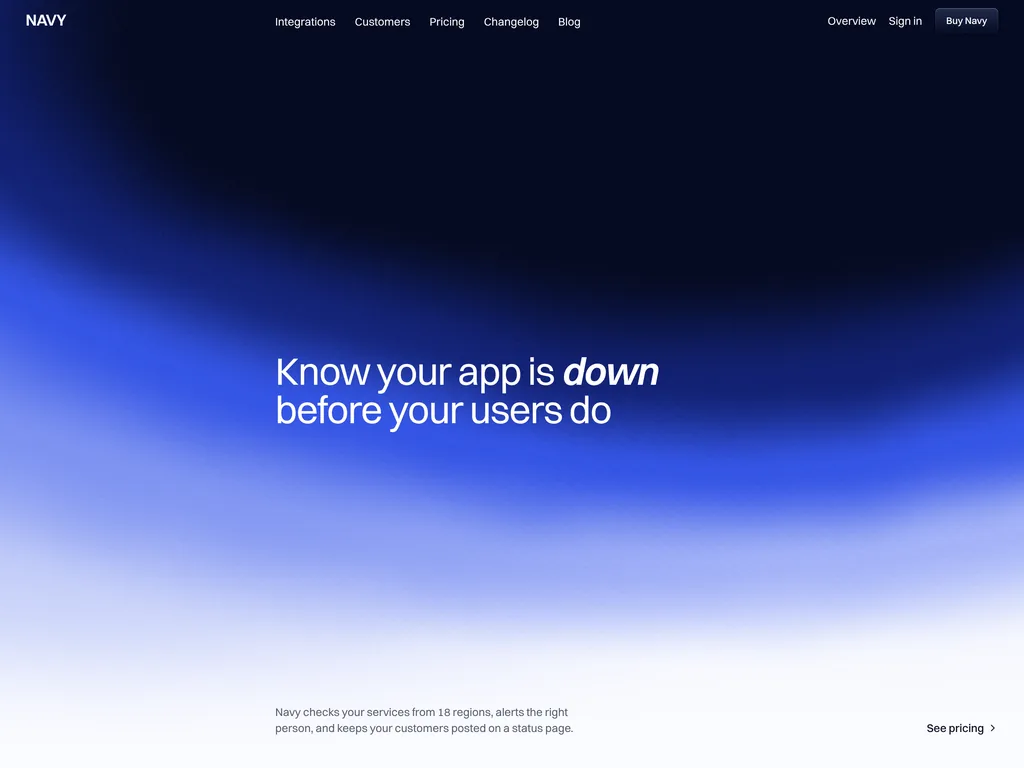
Light Astro SaaS theme with status, security and four-tier pricing pages
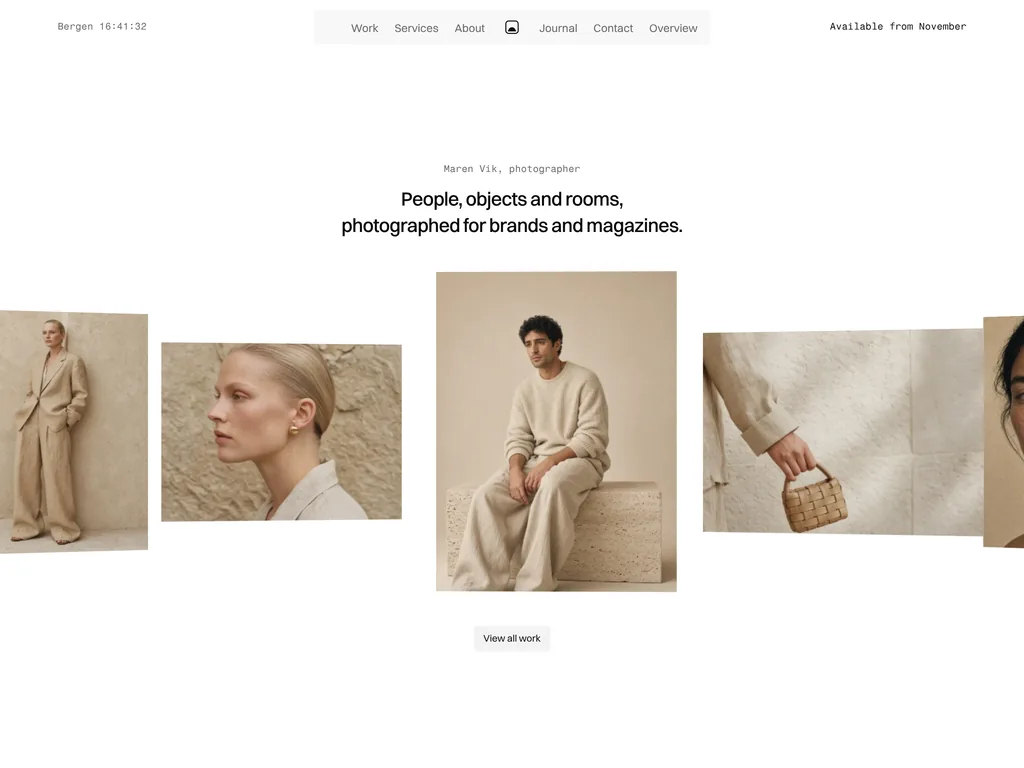
Astro photography portfolio with day rates, a licensing table and a photo viewer
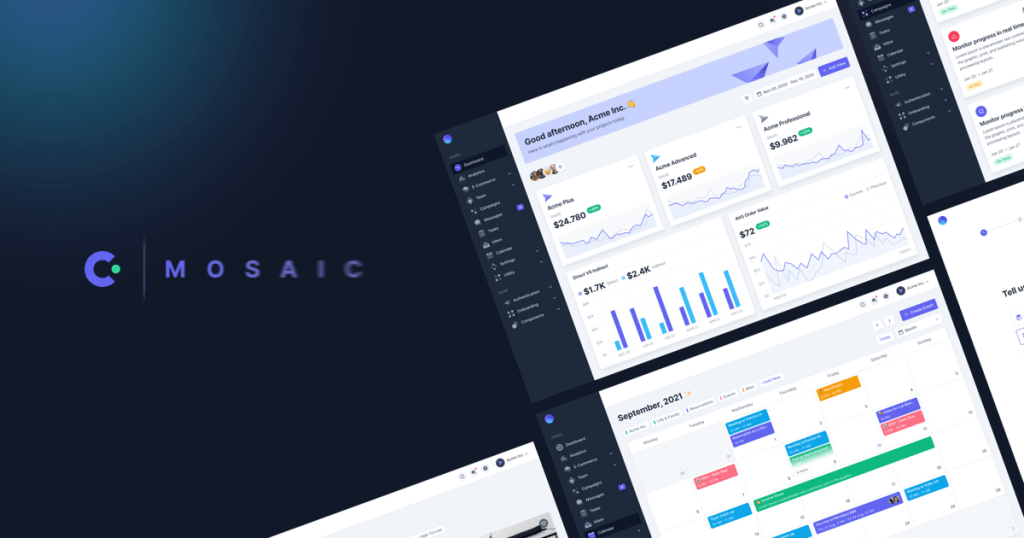
Tailwind CSS admin dashboard template with 60+ pages
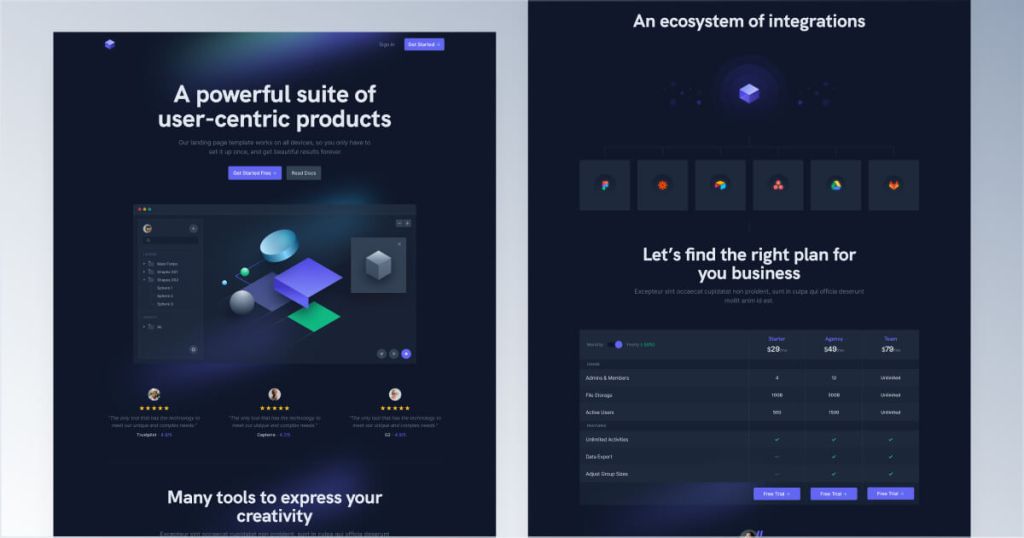
Dark landing page template for SaaS and tools
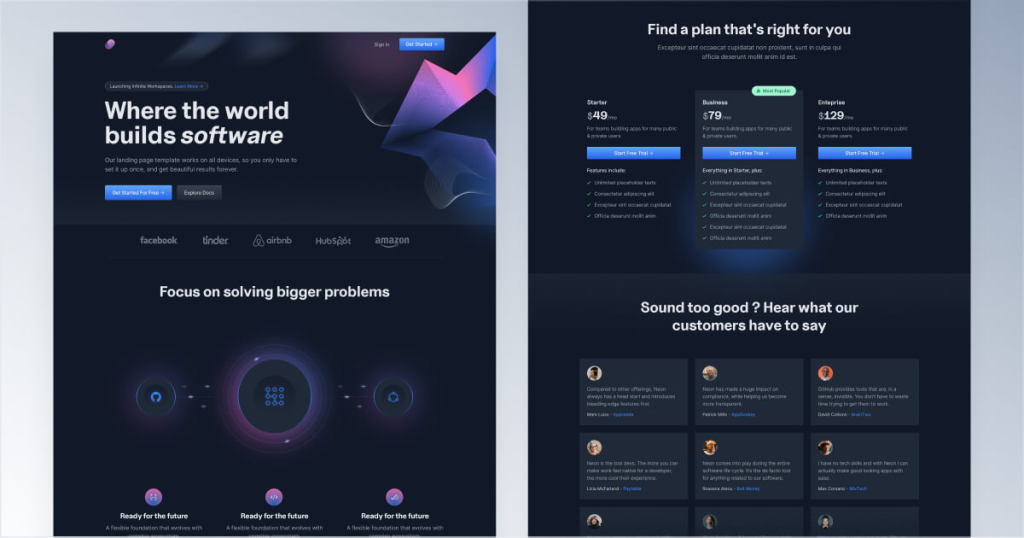
Dark landing page template for startups
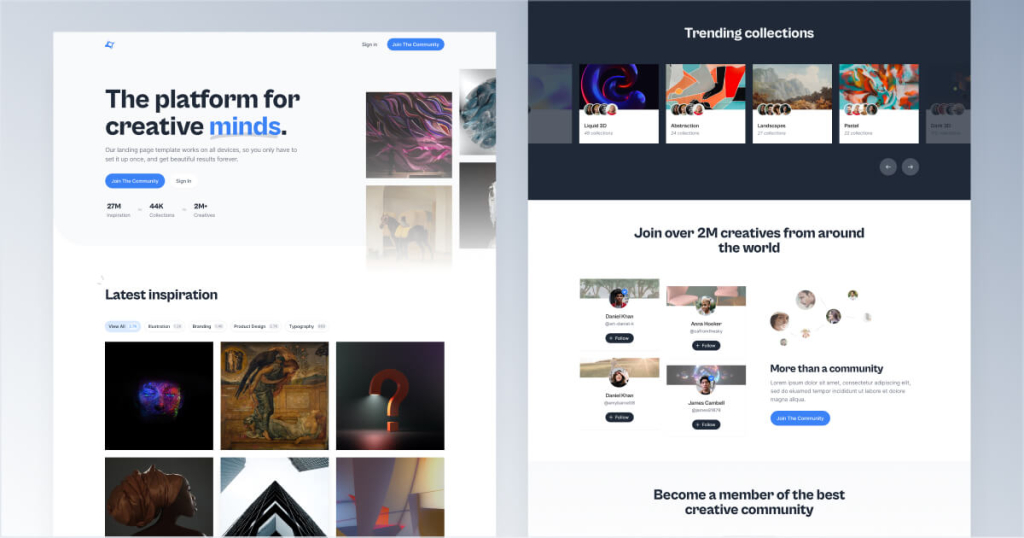
Landing page template for creative communities
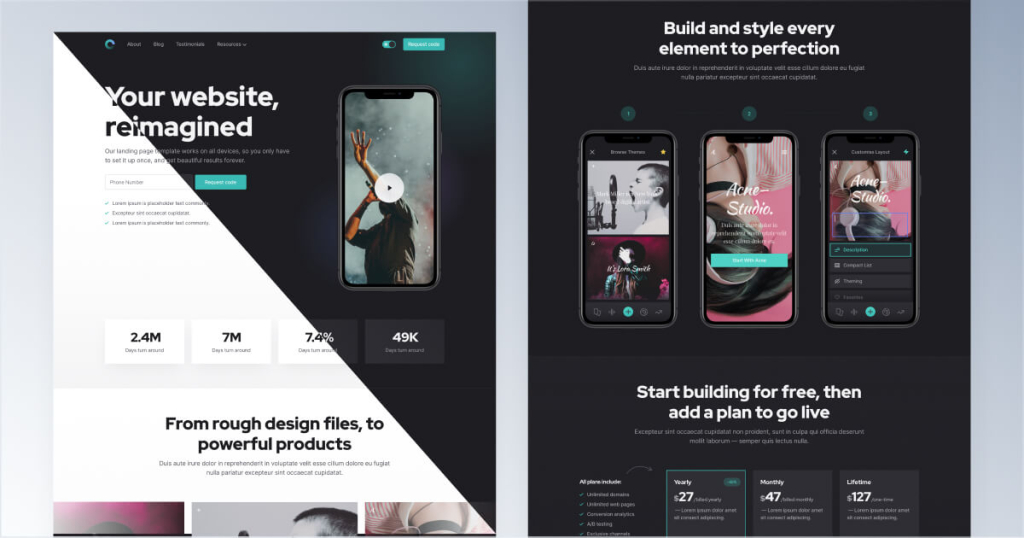
Dark & light website template for mobile apps
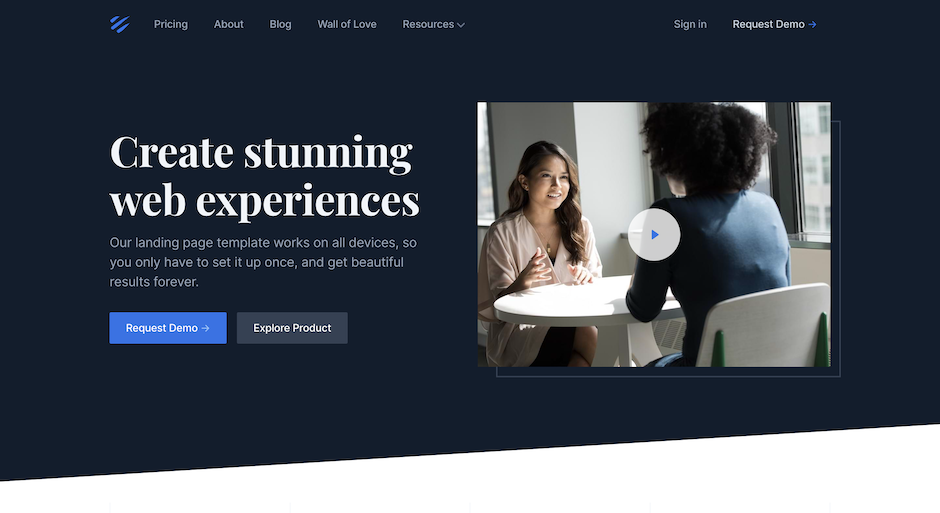
Elegant 12-page corporate website template
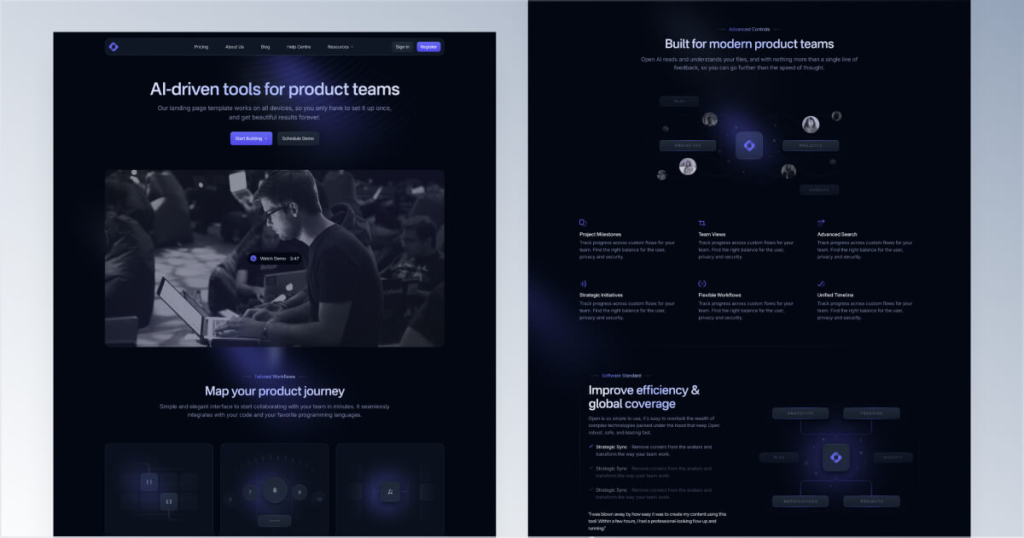
Dark SaaS website template with 12 pages
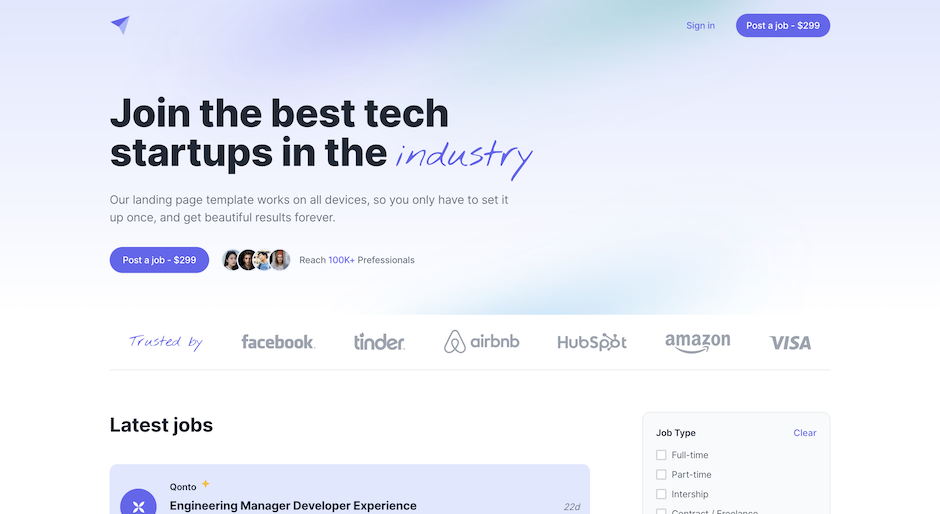
Tailwind CSS job board and directory template
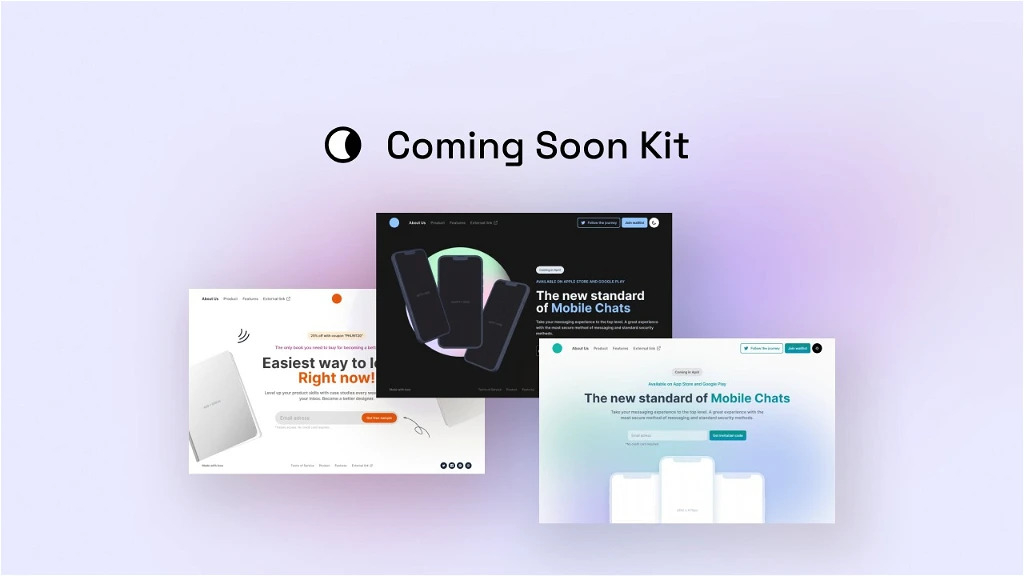
150+ Coming soon templates
Nothing here. Yet.
Try a different search or clear a filter to find what you need.
A little less searching. A little more building.
Built something good? Submit a productHow to choose a Tailwind template
Each template here is a complete website or app layout built with Tailwind CSS. Its product page shows the price, the frameworks it works with, a live preview and, when we could read it from the demo's CSS, the Tailwind version. A Tailkits editor reviews every listing before it goes live, and templates whose demo or store page stops working are delisted.
Pick the stack first
Next.js for apps, dashboards and SaaS sites with logins, user data or server-side logic. For a starter with the essentials already connected, look at boilerplates.
Astro for landing pages, blogs and documentation. It ships no JavaScript by default, so content pages load fast.
React with shadcn/ui if your app already uses shadcn/ui: the template shares its components and theme variables.
HTML with Alpine.js for static sites, or as the front end of a Laravel, Django or Rails app.
Then the use case
The list covers landing pages, SaaS and startup sites, blogs, portfolios, documentation, dashboards, agency sites and online stores. Search it, or filter it by price.
Free or paid
Every card says whether a template is free, freemium or paid. Free templates are usually open source. Paid ones differ in what you get (more pages, Figma files, updates, support) and in what the license allows, so read the maker's page before you buy. Our guide to free vs paid Tailwind UI kits covers the trade-offs.
Tailwind CSS v4 or v3
For a new project, prefer a v4 template. Tailwind CSS v4 moved configuration from tailwind.config.js into CSS, so a v3 template needs an upgrade before it matches a v4 setup.
Related
Need parts rather than a whole site? Browse Tailwind components. For ready-made looks, see our pick of the best Tailwind CSS themes, and for newsletters, free Tailwind email templates.
GOOD TO KNOW
Frequently asked questions
Answers to common questions about templates.
Are these Tailwind templates free?
Some are. Every card shows whether a template is free, freemium or paid, and you can filter the list by price. Free templates are usually open source; paid ones are sold by their makers on their own sites.
Do the templates use Tailwind CSS v4?
Most do. When we could read the version from a template's live demo, its product page lists Tailwind CSS v4 or v3 under Key points.
Should I choose a Next.js or an Astro template?
Choose Astro for content sites such as landing pages, blogs and docs: it ships no JavaScript by default, so pages stay fast. Choose Next.js for apps and dashboards with logins, user data or server-side logic. Some makers sell the same design in both.
Can I use a template for client projects?
That depends on its license. Open-source templates under the MIT license allow commercial use. Paid templates come with the maker's own license, which may limit the number of projects or forbid reselling the template itself. Check it on the maker's site before you start.
What is the difference between a template and a component library?
A template is a complete site or app, with pages and layout ready to customize. A component library gives you parts, such as navbars, pricing tables and page sections, to assemble yourself. Tailkits lists both, under Templates and Components.
How are templates chosen for Tailkits?
Makers submit their templates, and a Tailkits editor reviews each one before it is published. Templates whose demo or store page stops working are delisted.