

Accessible Angular UI primitives, Tailwind ready
Taiga UI
Angular component kit with 130+ building blocks
FreeComponents
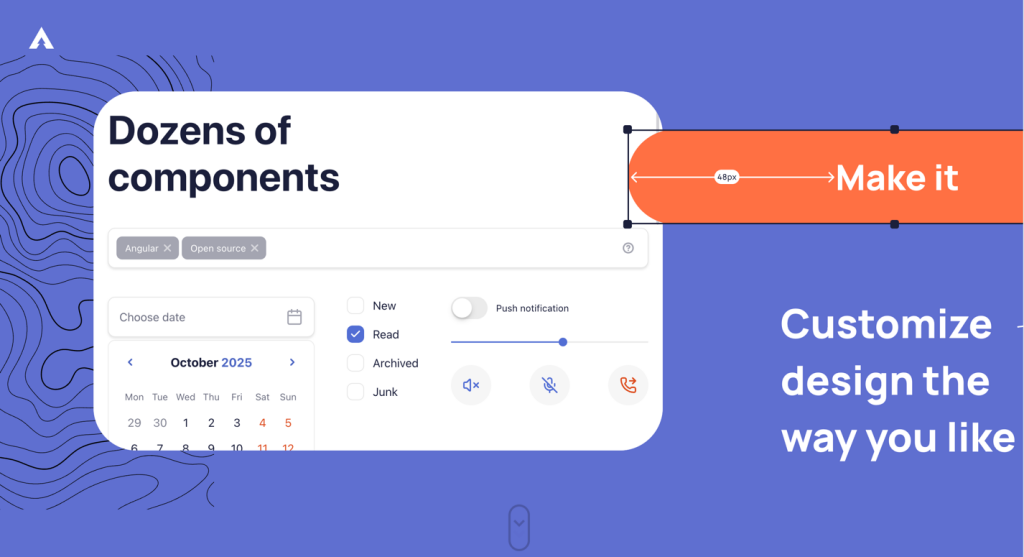
taiga-ui.devExplore the product
AT A GLANCE
- Website
- taiga-ui.dev
- Pricing
- Free
- Categories
- Components
- Listed
- Oct 2025
- Updated
- Oct 2026
Details about Taiga UI
KEY POINTS
- Copy & paste
- Open source
What Is the Taiga UI?
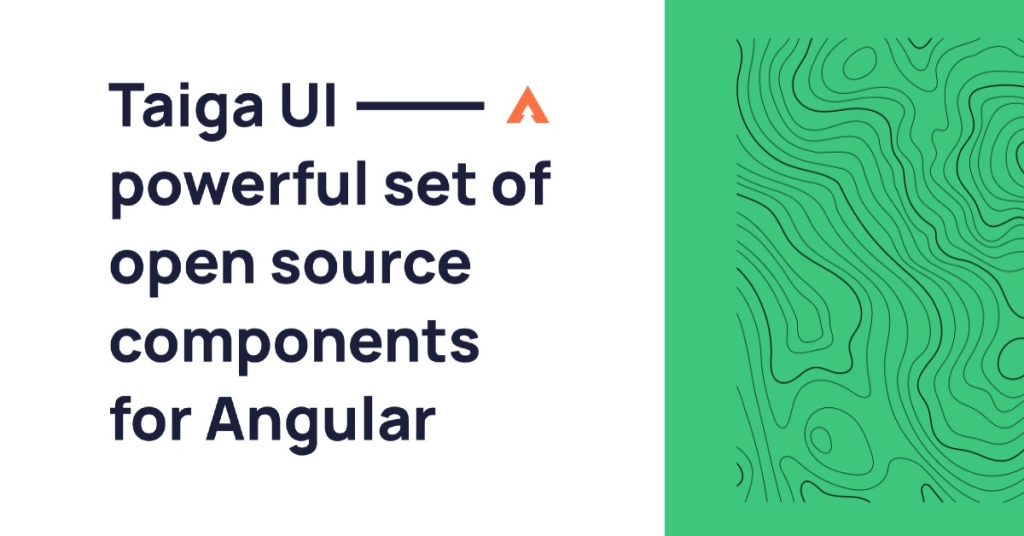
Taiga UI is an open-source, Angular-first component library focused on speed, flexibility, and small bundles via full treeshaking. It ships 130+ components plus directives, tokens, and utilities.
Features ✨
Fully treeshakable, modular packages with secondary entry points.
Quick install with guided setup for Angular CLI and Nx.
130+ components, 100+ directives, and rich utilities.
Uses ng-polymorpheus and Angular Web APIs wrappers for modern browser features.
Dark theme and CSS custom properties for easy theming.
Active maintenance with frequent releases (v4.57.0).
Included Components 📒
Forms (masked inputs via Maskito), validation helpers, date & number inputs.
Overlays: dialogs, notifications, tooltips, sheets, dropdowns.
Navigation & layout primitives: tabs, steppers, menus, grids.
Extras: editor module, event plugins, DOMPurify sanitizer pipe.
Pros and Cons
Pros ✅
Fast start with CLI/Nx auto-configuration and clear docs.
Small bundles thanks to aggressive treeshaking and OnPush strategy.
Broad, production-ready catalog (130+ components).
Strong ecosystem (Maskito, ng-web-apis, editor, more).
Cons ⚠️
Angular-only; not intended for React/Vue/Svelte stacks.
Large surface area can feel overwhelming at first. (Docs are comprehensive, but there’s a learning curve.)
Integration
Angular CLI / Nx: official guides for automatic and manual setup.
Maskito for input masking; ng-web-apis wrappers for browser APIs.
Editor module and Figma kit for end-to-end design/dev workflow.
Versioning: v4 requires Angular 16+; migration schematics are provided.
FAQ
Does it support older Angular versions?
v4 targets Angular 16+; migration schematics are available for v3→v4
How do I install it quickly?
Use the automatic install from the docs for Angular or Nx; it configures styles and providers
Is theming built-in?
Yes, CSS custom properties and dark mode support are included.
What makes bundles small?
Modular packages with secondary entry points ensure unused code is tree-shaken away.
New components like Taiga UI, in your inbox
The best developer tools, templates and UI components added to Tailkits, each reviewed by an editor. Free, unsubscribe in one click.
27 new in the last 30 days323 products reviewed so farSee what you get
KEEP EXPLORING
More components Good company for Taiga UI.
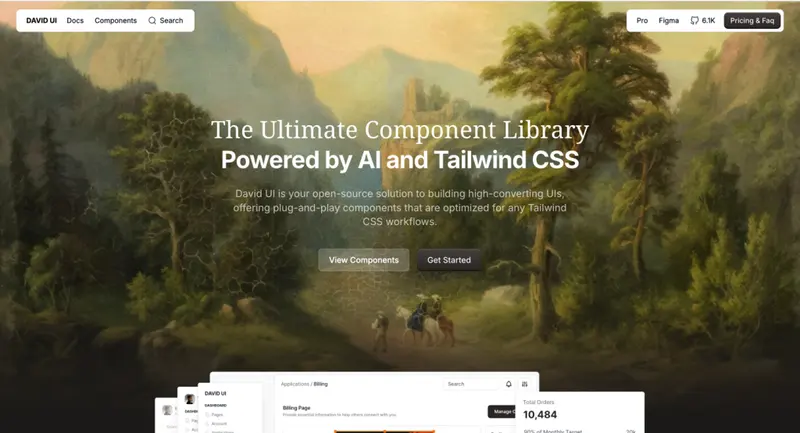
300+ copy-paste Tailwind CSS UI components
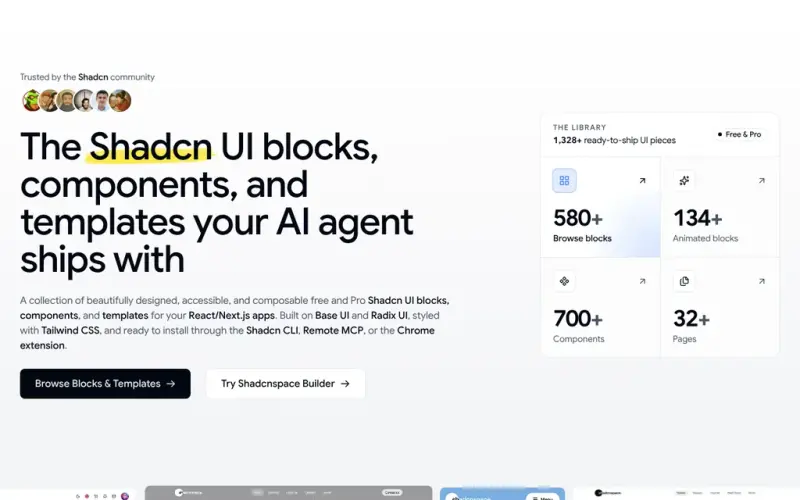
shadcn/ui blocks, components and templates with a public MCP server and CLI
Do you make Taiga UI? Get a badge for your site
An optional "Featured on Tailkits" badge that links to this page. Pick light or dark and paste the code into your site, for example in the footer.