
Self-hostable workflow automation with AI Agent nodes and an agent builder
OpenAI dots
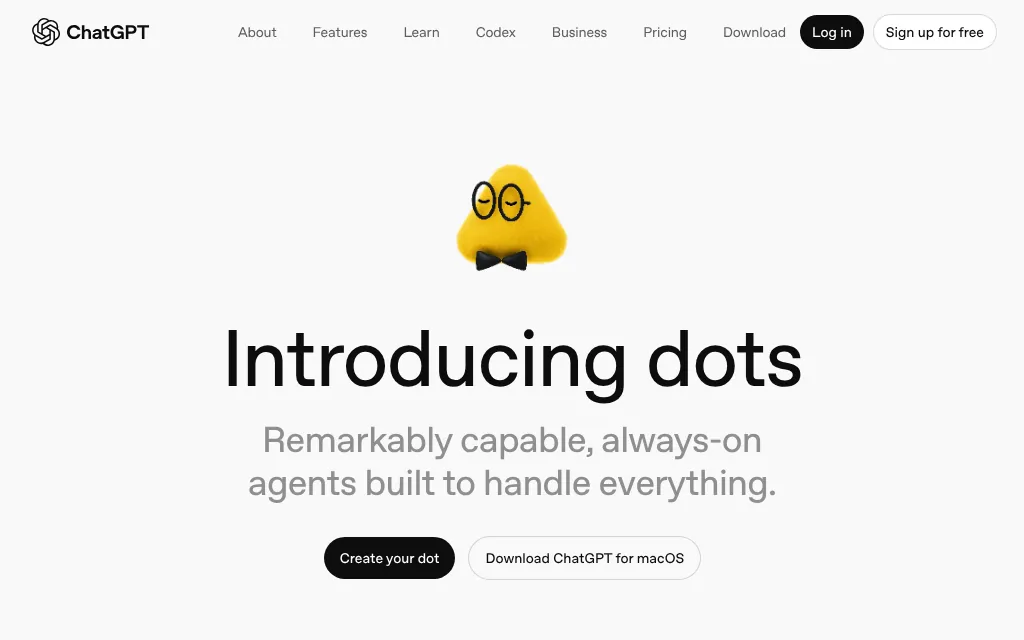
OpenAI's always-on ChatGPT agent with its own cloud computer, from $100
PaidAgents
chatgpt.comExplore the product
AT A GLANCE
- Website
- chatgpt.com
- Pricing
- Paid
- Categories
- Agents
- Listed
- Nov 2026
- Updated
- Nov 2026
Details about OpenAI dots
Short verdict: dots is OpenAI's always-on agent inside ChatGPT: a persistent agent with its own cloud computer, your ChatGPT memory and the apps you connect, which keeps working between conversations and brings you work to review. You reach it in ChatGPT, Slack or Microsoft Teams, and Auto-review plus your own rules decide what it may do alone. The catch is access: it needs ChatGPT Pro (from $100 a month), a Business Premium seat or Enterprise, Pro users in the EEA, Switzerland and the UK were left out at launch, and OpenAI has not published how much dot work a plan covers. It suits people who already pay for Pro or Business Premium; anyone who wants to try an always-on agent for less should look at Grok Bot or Claude first.
How we reviewed it: We did not create a dot or sign in to ChatGPT. On 12 November 2026 we read OpenAI's dots page and the ChatGPT pricing page, and OpenAI's DevDay recap thread on its community forum. OpenAI's help center and openai.com blocked our automated browser, so details from the help center (the Pro tier prices, usage rules and the privacy FAQ) come from search excerpts of those pages and are marked as such. We could not test how well a dot works, how fast it uses up a plan, or which countries are eligible today.
What dots costs and includes
| Item | OpenAI dots, 12 November 2026 |
|---|---|
| Type | Persistent personal agent inside ChatGPT, announced at DevDay on 29 September 2026; OpenAI writes the name in lowercase |
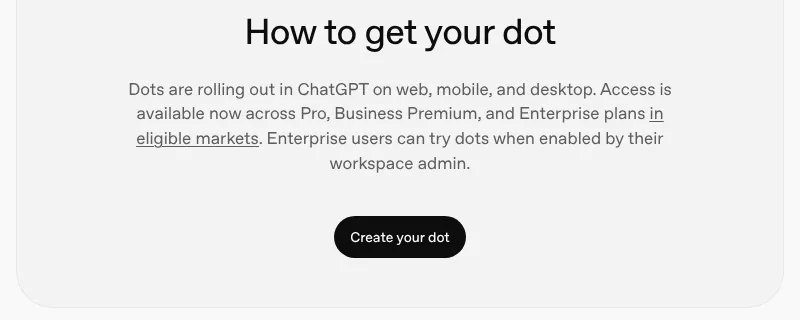
| Plans | Pro, Business Premium and Enterprise (admin-enabled); the pricing page lists dots as "No" on Free, Go and Plus |
| Price | Pro comes in three tiers, $100, $200 and $500 a month, per OpenAI's help center; a Business Premium seat is $100 a user a month billed annually or $125 monthly, 2 seats minimum |
| How many | One dot per user to start; "teams of dots" are a future plan, per OpenAI's DevDay recap |
| Where it works | Its own cloud computer, ChatGPT's connected apps and Codex; your computer only if you connect it |
| Where you talk to it | ChatGPT on web, mobile and desktop (message or call), Slack and Microsoft Teams; texting is "coming next" |
| Models | "OpenAI's family of frontier models"; launch coverage named GPT-6 Astra |
| Regions | At launch, Pro users outside the EEA, Switzerland and the UK; OpenAI now says "eligible markets" without a list on the page |
What sets dots apart
It keeps working between conversations
OpenAI pitches a dot as "an extension of you": it starts with context from your ChatGPT memory, takes on a responsibility you hand it, works out the next steps itself and keeps making progress after you leave the chat. It comes back with work to review and decisions that need you. Grok Bot is the only other agent here that takes initiative like this; Claude runs agent tasks when you start or schedule them.
Its own computer, with rules you set
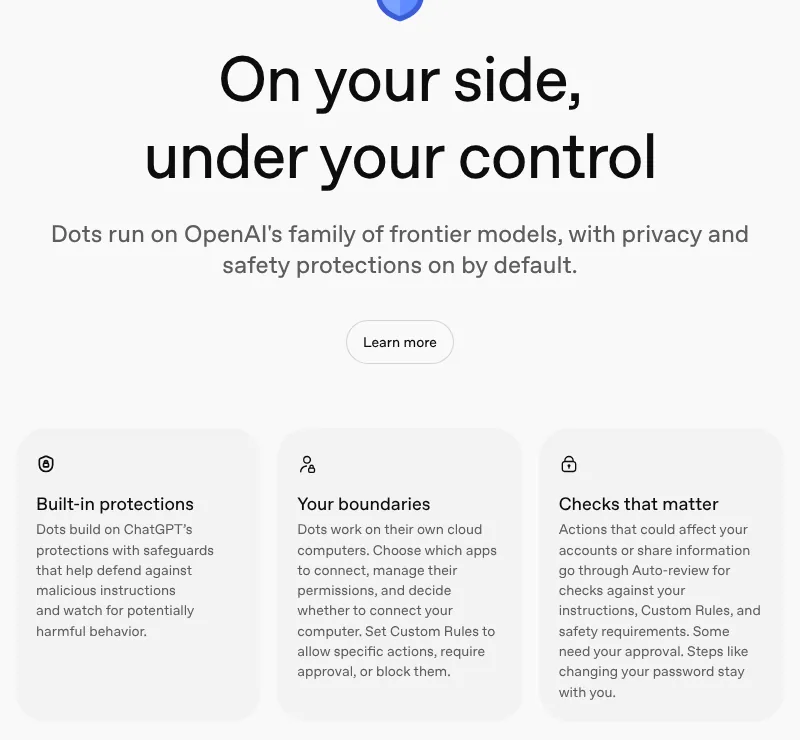
Each dot works on its own cloud computer, and you choose which apps it connects to and whether to connect your own computer. Custom Rules allow, require approval for, or block specific actions. Actions that could affect your accounts or share information pass through Auto-review, some need your approval, and steps such as changing a password stay with you.
It shows up where you work
Besides ChatGPT, a dot can sit in a Slack channel or a Microsoft Teams chat. For companies, OpenAI said at DevDay that it is previewing "specialist dots" with set responsibilities inside a company and plans to manage them through Microsoft Agent 365.
Codex is part of the toolkit
A dot uses Codex for code, so its examples include tracing a mobile checkout bug and building a small feature for an engineer to review. For sustained coding work, OpenAI's dedicated agent is Codex.
Limits and costs to watch
An expensive entry ticket. The cheapest way in is $100 a month for Pro 100, five times the $20 entry price of Claude and more than three times Grok Bot's $30.
Usage rules only partly published. OpenAI's help center says your first dot is included and chatting with it does not count toward ChatGPT limits, while tasks it runs in Codex or ChatGPT Work do. OpenAI has not published how much dot work a Pro or Business Premium plan covers.
Background work is narrower. According to OpenAI's privacy FAQ, proactive background research is limited (read-only, in excerpts we saw) and is not trained on directly, although anything a dot brings from it into a conversation can be.
Regional gaps. Pro users in the EEA, Switzerland and the UK were excluded at launch, and we could not read the current list of eligible markets.
Six weeks old. dots launched on 29 September 2026, and features such as texting and teams of dots are still announced rather than shipped.
How dots compares with Grok Bot and Claude
| 12 November 2026 | OpenAI dots | Grok Bot | Claude |
|---|---|---|---|
| Computer | Its own cloud computer; connecting your computer is optional | One persistent cloud computer per user (browser, files, terminal), shared by all your Bots; commands on your desktop only if you allow them | Isolated cloud sessions; the desktop app adds your local folders and computer use (research preview, macOS and Windows) |
| Browser | Works on its own computer; OpenAI does not detail the browser | Browser on the cloud computer; can route traffic through your own connection | Built-in browser in the desktop app, or your Chrome through Claude in Chrome |
| Apps | ChatGPT's connected apps you choose, plus Codex for code | App catalog (Gmail, Calendar, Drive, Slack, Notion, GitHub and more), custom MCP servers, 1Password | Connectors, plugins and skills |
| Where you talk to it | ChatGPT web, mobile and desktop, Slack, Microsoft Teams; texting "coming next" | Desktop app (macOS, Windows, Linux), iOS, Android, Slack, Microsoft Teams, X, video calls | Claude desktop, web and mobile apps |
| When it runs | Always on: keeps working between conversations and raises things on its own | Always on: routines on a schedule or on events (a Slack or Teams message, an email, a Linear issue), and Bots that take initiative | On demand, plus scheduled tasks (hourly, daily, weekly, weekdays) that run in the cloud with your laptop closed |
| Cheapest plan that includes it | ChatGPT Pro 100, $100 a month; Business Premium seat $100 a month billed annually, 2-seat minimum | The X Subscription Premium, $30 a month ($300 a year) | Claude Pro, $20 a month ($17 billed annually) |
| Free tier | No | No; some accounts get a trial credit with a 7-day window | No |
| Training on your data | Personal plans: follows "Improve the model for everyone"; Business and Enterprise: off by default | Follows your Cursor privacy setting: with Privacy Mode on, no training | Pro, Max and Ultra: used unless you opt out; Team and Enterprise: off by default |
Pros and cons
Pros
Proactive: it carries a responsibility forward between conversations instead of waiting for a prompt.
Starts from your ChatGPT memory and connected apps, so there is little setup for existing ChatGPT users.
Works in Slack and Microsoft Teams as well as ChatGPT.
Custom Rules and Auto-review give per-action control; Business and Enterprise data is not used for training by default.
Cons
Starts at $100 a month; not on Free, Go or Plus.
Pro launched without the EEA, Switzerland and the UK.
One dot per user for now.
How much dot work a plan covers is not public; Codex and Work tasks draw on those products' limits.
On personal plans, dots' conversations and work can train OpenAI's models unless you turn the setting off.
Alternatives to dots
Grok Bot gives you several named Bots on one shared cloud computer from $30 a month (The X Subscription Premium), with routines that start on a schedule or on events. Choose it for more than one agent at a lower price, if you accept that all your Bots share files and logins.
Claude, Anthropic's app, can run agent tasks on every paid plan from $20 a month and work in folders on your own computer through the desktop app. Choose it for documents, spreadsheets and scheduled reports, if you do not need an agent that acts unprompted.
OpenAI Codex is the better fit when the work is mainly code; dots hands coding to Codex anyway.
For other agents, see AI agents.
Who should use dots
dots fits people who already pay for ChatGPT Pro or a Business Premium seat, live in ChatGPT, Slack or Teams, and want an agent that follows a project for weeks and asks only when a decision is theirs. Skip it for now if you are on Plus, in the EEA, Switzerland or the UK on a personal plan, or need published usage limits before you commit $100 a month.
FAQ
Is OpenAI dots free?
No. As of 12 November 2026 the ChatGPT pricing page lists dots as not included on Free, Go and Plus. You need ChatGPT Pro, whose cheapest tier is $100 a month, a Business Premium seat ($100 a user a month billed annually, or $125 monthly), or an Enterprise workspace whose admin has turned dots on.
Is dots available in the EU and the UK?
Not for Pro users at launch: on 29 September 2026 OpenAI rolled dots out to Pro users in markets excluding the European Economic Area, Switzerland and the UK. OpenAI's dots page now says access is available "in eligible markets"; check the list in OpenAI's help center before you subscribe.
Does OpenAI train on what my dot does?
On personal plans it can: OpenAI's privacy FAQ says the "Improve the model for everyone" setting controls whether your dots' conversations and work may be used, and you can turn it off in ChatGPT settings. OpenAI says it does not train directly on proactive background research. Business, Enterprise and Edu workspaces are not used for training by default.
Does using a dot count toward my ChatGPT limits?
Partly. According to OpenAI's help center, chatting with your dot does not count toward ChatGPT usage limits, but tasks it runs in Codex or ChatGPT Work count toward those products' limits.
KEEP EXPLORING
More AI agents Good company for OpenAI dots.
Hosted AI agent that turns prompts into research, slides, sites and videos

Self-hosted open-source AI agent that writes its own skills, in 20+ chat apps