
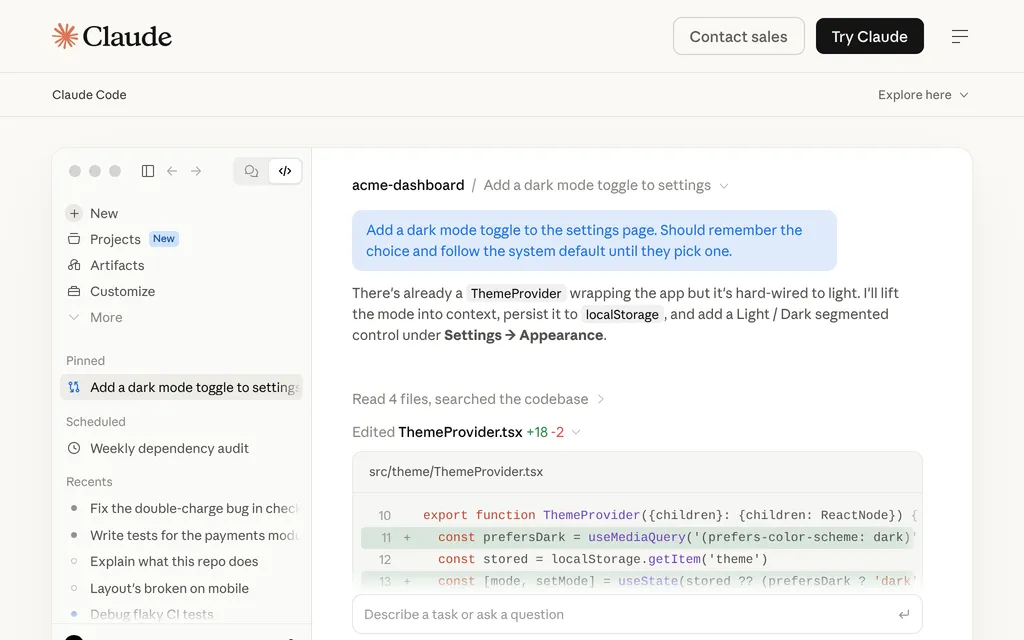
Anthropic's coding agent for terminal, IDE, desktop and web, from $20 a month
Kilo Code
Open-source coding agent for VS Code, JetBrains and CLI with 500+ models
FreeAI Coding
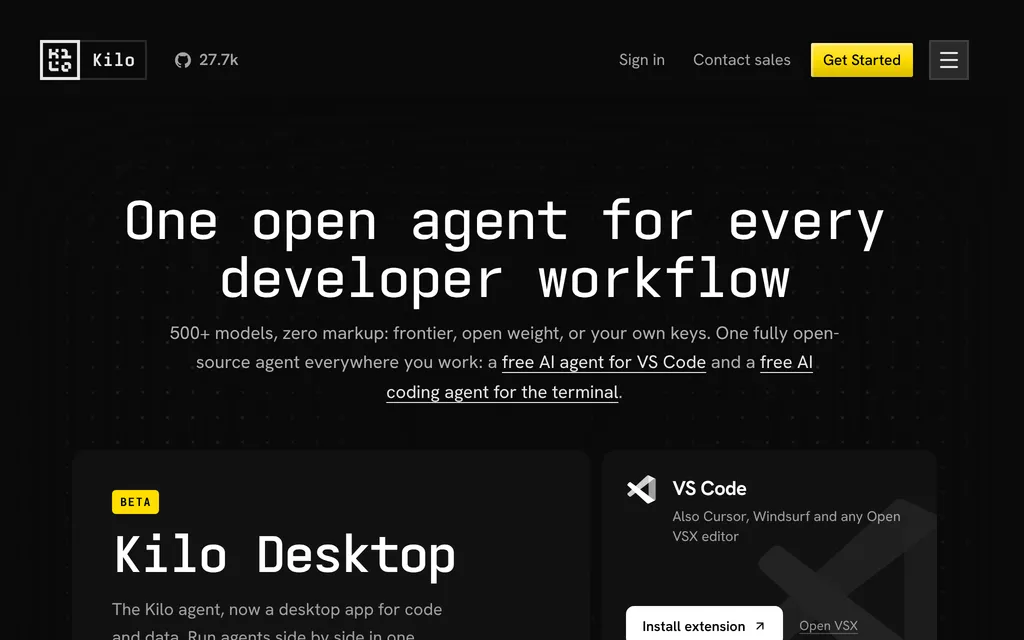
kilo.aiExplore the product
AT A GLANCE
Details about Kilo Code
Short verdict: Kilo Code is an open-source coding agent for VS Code, JetBrains IDEs and the terminal, with a beta desktop app, cloud agents and a model gateway that, Kilo says, charges provider rates with no markup. Its appeal is choice: 500+ models through one account, your own keys, local models or a ChatGPT subscription, plus built-in Code, Plan, Ask and Debug agents. The costs sit at the edges: a 5% fee on credit purchases, per-second billing for cloud agents even when you bring your own keys, and a free model tier that may send prompts to providers that log them. Anaconda bought Kilo in July 2026. It suits developers who want one open agent across editor and terminal with pay-as-you-go models; anyone who wants a flat subscription that covers heavy frontier-model use should look elsewhere.
How we reviewed it: We did not sign up for Kilo or run it against a model. On 21 October 2026 we read Kilo's pricing and Kilo Pass pages, its documentation on free usage, gateway billing, cloud agents, Kilo Desktop and Kilo Deploy, its privacy policy and Anaconda's acquisition announcement. We checked the GitHub repository and ran npm view @kilocode/cli (version 7.8.15).
What Kilo Code costs and includes
| Item | Per Kilo, 21 October 2026 |
|---|---|
| Type | Open-source coding agent: IDE extensions, CLI, Kilo Desktop (beta), Cloud Agents, a code reviewer and the Kilo Gateway for models |
| Where it runs | VS Code and Open VSX editors such as Cursor; JetBrains IDEs; a CLI installed with npm, Homebrew or a shell script; Kilo Desktop (beta, with Python notebooks, conda environments and a local model server) for macOS on Apple silicon, Windows and Linux; Cloud Agents in the browser; Slack; iOS and Android apps |
| Models | 500+ models from 60+ providers through Kilo Gateway, with Auto Model routing (Frontier, Efficient or Free); your own keys; local models through Ollama or LM Studio; a ChatGPT Go, Plus or Pro subscription |
| Free tier | The extensions and CLI are free. Free models, including the Auto Free router, are limited to 200 requests an hour per IP address |
| Paid plans | No individual subscription required. Teams $15 per user a month, with a 14-day Enterprise trial; Enterprise priced on request; optional Kilo Pass credit plans at $19, $49 or $199 a month |
| How usage is limited | Pay-as-you-go credits at provider rates plus a 5% processing fee; cloud compute billed per second, separately from models |
| Open source | MIT for the VS Code, JetBrains and CLI clients; Kilo Gateway and the cloud backend are source-available. 27.7k GitHub stars. The CLI is a fork of OpenCode |
| Data use | Kilo says it never trains on your code; its docs warn that Auto Free may route to providers that log prompts |
| Owner | Anaconda, which announced the acquisition on 15 July 2026 |
| Latest notable release | Kilo Desktop (beta), announced 6 October 2026; version 7.8.15 of the CLI and extensions on 19 October 2026 |
What Kilo Code does differently
One gateway at provider prices
Kilo Gateway puts 500+ models behind one balance, and Kilo says it passes provider rates through without markup. Auto Model picks a model strategy per task in three tiers: Frontier for the most capable paid models, Efficient for lower spend and Free. You can switch models mid-task, and a connected ChatGPT subscription runs supported OpenAI models on that plan instead of Kilo credits.
Four agents and parallel worktrees
Kilo ships Code, Plan, Ask and Debug agents, and Code, Plan and Debug can hand work to sub-agents; custom agents get their own prompts, tool permissions and models. Kilo's agent manager runs local and cloud agents side by side in isolated git worktrees, and Kilo says sessions can move between the IDE, the CLI and the cloud. For CI, kilo run --auto runs without permission prompts unless a rule denies an action.
Cloud Agents you can pick up locally
Cloud Agents run Kilo in isolated containers connected to a GitHub, GitLab or Bitbucket repository (Bitbucket for organizations only). You start them from the IDE, the CLI, Slack or the web, review the result as a pull request and, per Kilo, resume the same session locally with its context. Compute is billed per second: $0.60 an hour for the Docker and Small sizes, $1.20 for Standard and $0.33 for Code Review.
Fees and defaults to check
A 5% processing fee applies to credit top-ups and Kilo Pass purchases (Kilo pricing), so a $20 top-up costs $21, and the fee is not refunded. Seat subscriptions and invoiced payments don't carry it.
Kilo Pass bonuses take a streak. Payments convert 1:1 into credits; monthly plans add 10% in the first month, 50% in the second and up to 40% after that, and annual plans add 50% every month. Bonus credits arrive after you use the paid ones and expire at the end of each month.
Your own keys don't cover cloud compute. Cloud Agents and Code Review bill container time to your Kilo balance, and you need at least $5 in it to start a container.
Background spending. Autocomplete and background tasks such as session titles use credits by default, and autocomplete stops when credits run out unless you route it through your own Mistral account.
Free models can log prompts. Kilo's free-usage docs say Auto Free "may route your requests to providers that log prompts and outputs and use them to improve their services", including NVIDIA's free endpoints, and tell you not to send personal or confidential data.
Maturity. Kilo Desktop and Cloud Agents are in beta, and inactive cloud sessions are deleted after 7 days during the beta. Kilo Deploy, its one-click deployment for Next.js and static sites, is end of life. CLI telemetry is on by default;
experimental.openTelemetry = falseturns it off.
Pros and cons
Pros
Free, MIT-licensed clients for VS Code, JetBrains and the terminal.
500+ models at provider rates, per Kilo, plus your own keys, local models or a ChatGPT plan.
Code, Plan, Ask and Debug agents with sub-agents and parallel worktrees.
Cloud Agents for GitHub, GitLab and Bitbucket, billed by the second.
A team plan at $15 per user a month, with no markup on models.
Cons
A 5% fee on every credit purchase and Kilo Pass payment.
Cloud compute costs extra even when you bring your own keys.
Auto Free may send prompts to providers that log and reuse them.
Desktop and Cloud Agents are in beta, and Kilo Deploy is end of life.
The gateway and cloud backend are source-available, not MIT, and the owner changed in July 2026.
How Kilo Code compares
Cline is Apache-2.0 licensed with 70.7k GitHub stars and offers an optional $9.99-a-month ClinePass for open-weight models, but no plan between Free and Enterprise. Choose it if you want approval on every step and a CLI with hooks, schedules and a Kanban board.
OpenCode, the project Kilo's CLI was forked from, is MIT-licensed with 219.6k GitHub stars; its free models are capped at 200 requests a day, and OpenCode Go costs $10 a month. Choose it for a terminal-first agent with a larger community.
GitHub Copilot is closed source and charges a subscription: Pro is $10 a month with $15 of AI credits and unlimited completions. Choose it if you would rather pay a fixed monthly price and want agents that start from GitHub issues.
See all AI coding tools for editors and other agents, and AI app builders for prompt-to-app tools.
Who should use Kilo Code
Use Kilo Code if you want an open-source agent in VS Code, a JetBrains IDE or the terminal and want to pay for models as you go, mixing frontier, open-weight, local and free models without an account at each provider. It also suits small teams that want shared billing and usage analytics for $15 per user a month. Look elsewhere if you want a flat subscription that covers heavy frontier-model use, or if you need cloud agents and a desktop app that are out of beta.
FAQ
Is Kilo Code free?
Yes. As of 21 October 2026, the Kilo Code extensions for VS Code and JetBrains and the Kilo CLI are free and MIT-licensed, and Auto Free gives access to free models. Paid models cost provider rates through Kilo credits plus a 5% processing fee on purchases, or are billed by your provider when you use your own keys. Teams costs $15 per user a month.
What is Kilo Pass?
Kilo Pass is an optional credit subscription at $19, $49 or $199 a month, as of 21 October 2026. Payments convert 1:1 into Kilo credits, and bonus credits are added: 10% in the first month and 50% in the second on monthly plans, then up to 40%, or 50% every month on annual plans. Bonus credits expire at the end of each month, and the 5% processing fee applies.
Does Kilo Code train on my code?
Kilo says it never trains on your code and passes prompts to the model provider you choose. Its docs warn that Auto Free may route requests to providers that log prompts and outputs and use them to improve their services, so keep personal or confidential code away from the free tier.
Who owns Kilo Code?
Anaconda. It announced the acquisition of Kilo Code on 15 July 2026 and says Kilo remains available for individual builders, teams and organizations. The editor extensions and the CLI are MIT-licensed open source.
KEEP EXPLORING
More AI coding tools Good company for Kilo Code.
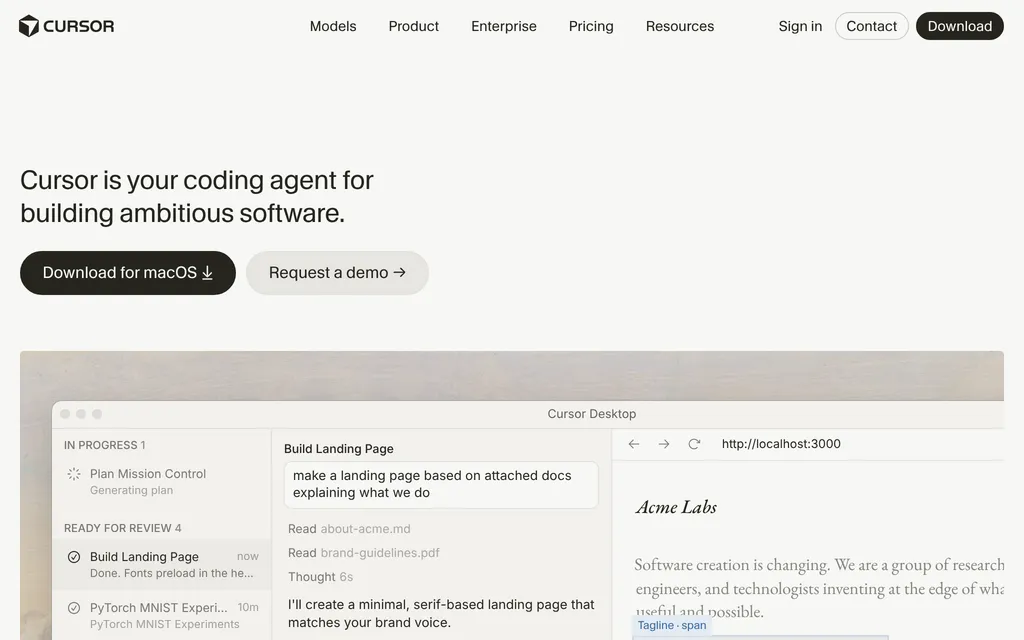
AI code editor with parallel cloud agents, sold in The X Subscription from $8
OpenAI's coding agent for CLI, IDE, ChatGPT app and cloud, from $20 a month