
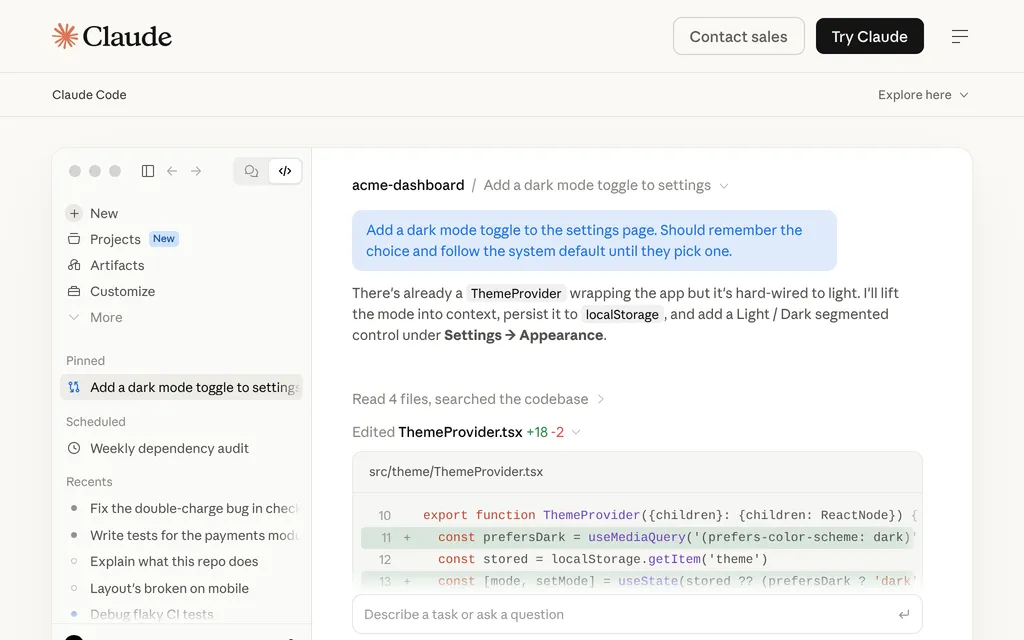
Anthropic's coding agent for terminal, IDE, desktop and web, from $20 a month
Cline
Open-source coding agent for VS Code, JetBrains and CLI; pay only for models
FreeAI Coding
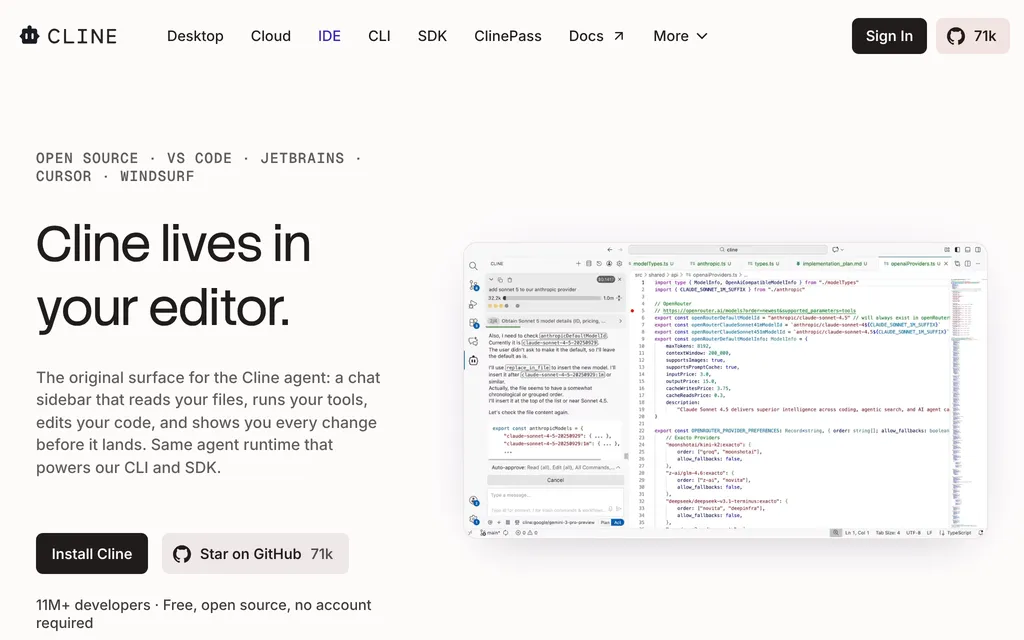
cline.botExplore the product
AT A GLANCE
Details about Cline
Short verdict: Cline is an open-source (Apache-2.0) coding agent that runs as a VS Code or JetBrains extension, a terminal CLI, a desktop app in beta and a cloud agent in the browser. It plans before it edits, asks you to approve each file change and command unless you switch on auto-approve, and works with your own API key, Cline's pay-as-you-go credits or a local model. The software is free, but the model bill is yours: there is no flat plan that covers frontier models, and Cline's free models are rotating promotions with quotas. It suits developers who want to choose and switch models and see every step; anyone who wants one predictable monthly price for frontier models should look at subscription tools.
How we reviewed it: We did not sign up for Cline or run it against a model. On 21 October 2026 we read Cline's pricing, Desktop, Cloud, CLI, ClinePass and Enterprise pages, its documentation on model providers, free models, cloud agents and telemetry, and its privacy notice. We checked the GitHub repository and release list and the VS Code and JetBrains marketplace listings, and ran npm view cline (version 3.0.73).
What Cline costs and includes
| Item | Per Cline, 21 October 2026 |
|---|---|
| Type | Open-source coding agent: IDE extension, CLI, desktop app (beta), cloud agents and an SDK |
| Where it runs | VS Code and VS Code-based editors such as Cursor; JetBrains IDEs; Zed, Neovim and Emacs through the Agent Client Protocol (ACP); a CLI for macOS, Linux and Windows (Node.js 22 or later); Cline Desktop (beta) for macOS, Windows and Linux; Cloud Agents in any browser, including on a phone |
| Models | Your own key for Anthropic, OpenAI, Google Gemini, OpenRouter, AWS Bedrock, GCP Vertex, Groq, DeepSeek and others; local models through Ollama, LM Studio or any OpenAI-compatible endpoint; 100+ models through Cline's own provider. You can switch models mid-task |
| Free tier | The agent is free for individual developers. Free models are limited-time promotions with a usage quota |
| Paid plans | No subscription required. Cline credits are pay-as-you-go and, per Cline, sold at cost; ClinePass is an optional $9.99 a month for open-weight models (a processing fee may apply); Enterprise is priced on request. No team seat plan is listed |
| How usage is limited | By your provider or your credit balance. ClinePass quotas run over a rolling 5-hour window, a week and a month. Cloud Agents allow 10 sessions at once and 50 new sessions a day |
| Open source | Apache-2.0, 70.7k GitHub stars; 5,694,569 installs on the VS Code Marketplace |
| Data use | With your own key, prompts go to your provider and Cline does not collect them, per its privacy notice. Telemetry is on by default |
| Latest notable release | Cline Desktop (beta), announced 14 September 2026, build 0.0.48 on 17 October 2026; VS Code extension 4.1.25 on 16 October 2026 |
What Cline does differently
Plan first, then approve each step
In Plan mode Cline works out a strategy with you before it touches files; Act mode carries it out. Each file edit and terminal command waits for your approval unless you turn on auto-approve, and every step gets a checkpoint you can undo with one click. Cline runs commands such as a dev server or a test suite in your terminal and reacts to their output as it appears. A .clinerules file in the repository teaches it your coding standards and conventions.
A CLI built for automation
The CLI (npm i -g cline) adds approval hooks that run your script before every tool call, cron schedules for recurring agents, connectors so you can talk to an agent from Slack, Discord, Telegram or Linear, agent teams that share a task board, and a separate git worktree per task. In CI it runs headless with JSON output and full auto-approve. cline --kanban opens a local board where each card runs an agent in its own worktree, linked cards start when the card before them lands, and you comment on the diff line by line; the board can also run Claude Code and Codex.
Cloud agents and a desktop app
Cloud Agents take a task in the browser, work on one GitHub repository in an isolated sandbox and push to their own cline/ branch as they go. A sandbox pauses after 15 idle minutes and resumes with its files intact. Cline Desktop is a standalone app with parallel sessions, scheduled tasks, queued follow-up messages, forks that rewind the workspace to an earlier message, and an importer that continues sessions started in Claude Code or Codex.
Costs and defaults to check
Free models are promotions. They rotate, come with a usage quota and are not available through the Cline API, and Cline says their usage "may be used to help improve model performance and quality".
ClinePass has quotas. The $9.99 plan (ClinePass docs) covers open-weight models such as GLM-5.3, Kimi K3, DeepSeek V4 Pro and Qwen3.8 Max, with what Cline calls 2-5x the usage of standard API rates, measured over 5 hours, a week and a month. Cline has already dropped some models from it "due to capacity constraints and model upgrades".
Telemetry is on by default in the extensions, the desktop app and the CLI. It leaves out code and prompts except for requests through Cline's own providers, where it can include the prompt and the response. Turn it off in settings, or set
telemetryOptOutin~/.cline/data/settings/global-settings.jsonfor the CLI.Newer surfaces are rough. Cline calls the desktop app a beta with "rough edges", and Cloud Agents don't yet load your rules, skills, MCP servers or connectors.
No self-serve team plan. Nothing sits between Free and Enterprise, and the pricing page lists the JetBrains extension as an Enterprise feature even though the plugin installs free from JetBrains Marketplace.
Pros and cons
Pros
Free and Apache-2.0 licensed, with 70.7k GitHub stars and an SDK to embed the agent in your own tools.
Works with your own keys, local models, Cline credits or ClinePass, and switches models mid-task.
Plan mode, approval on each step and one-click checkpoints keep changes reviewable.
The same agent runs in VS Code, JetBrains, the terminal, a desktop app and the browser.
CLI hooks, schedules, connectors and a headless mode for CI.
Cons
No flat plan for frontier models, so the model bill grows with use.
Telemetry is on by default and can include prompts sent through Cline's providers.
Free models are rotating promotions with quotas.
The desktop app is beta, and Cloud Agents skip your rules, skills and MCP servers.
No self-serve team plan.
How Cline compares
Kilo Code covers the same ground with MIT-licensed VS Code and JetBrains extensions and a CLI, adds 500+ models at provider rates plus a 5% fee on credit purchases, and has a $15-per-user Teams plan that Cline lacks. Choose it if your team wants shared billing without an Enterprise contract.
OpenCode is a terminal-first, MIT-licensed agent with 219.6k GitHub stars, free models capped at 200 requests a day and an optional OpenCode Go plan at $10 a month. Choose it if you work mainly in the terminal and want a larger open-source community.
GitHub Copilot charges a subscription instead: Pro is $10 a month with $15 of AI credits and unlimited completions. Choose it if you prefer a fixed monthly price and agents that start from GitHub issues.
See all AI coding tools for editors and other agents, and AI app builders for prompt-to-app tools.
Who should use Cline
Use Cline if you want an open-source agent you can point at the model provider of your choice, including a local model, and you like approving changes step by step, or if you want to script agents with hooks, schedules and CI runs. Its Enterprise plan also fits companies that must keep inference inside their own cloud or on-premises. Look elsewhere if you want one flat monthly price that covers frontier models, or a team plan you can buy without talking to sales.
FAQ
Is Cline free?
Yes. As of 21 October 2026, Cline's VS Code and JetBrains extensions, CLI and desktop app are free and open source under the Apache-2.0 license. You pay only for model usage, through your own API key, pay-as-you-go Cline credits or the optional $9.99-a-month ClinePass, and Cline offers some free models as limited-time promotions with a quota.
What is ClinePass?
ClinePass is an optional $9.99-a-month subscription, as of 21 October 2026, to open-weight models such as GLM-5.3, Kimi K3, DeepSeek V4 Pro and Qwen3.8 Max inside Cline; a processing fee may apply. Cline says it gives 2-5x the usage of standard API rates, with quotas measured over a rolling 5-hour window, a week and a month.
Does Cline see or train on my code?
Not when you use your own key: Cline's privacy notice says requests made with your own API key go directly to your provider and Cline does not collect them. With Cline's own providers, Cline forwards your requests, some model providers may use content for training unless you opt out, and free-model usage may be used to improve models. Telemetry is on by default and can be turned off.
Can I use Cline with local models?
Yes. Cline works with Ollama, LM Studio and any OpenAI-compatible endpoint, and its CLI can run offline against a local server. You can also switch between local and hosted models in the middle of a task.
KEEP EXPLORING
More AI coding tools Good company for Cline.
AI code editor with parallel cloud agents, sold in The X Subscription from $8
OpenAI's coding agent for CLI, IDE, ChatGPT app and cloud, from $20 a month