
Anthropic's coding agent for terminal, IDE, desktop and web, from $20 a month
GitHub Copilot
GitHub's coding agent for your editor, terminal and PRs, Pro from $10 a month
FreemiumAI Coding
github.comExplore the product
AT A GLANCE
- Website
- github.com
- Pricing
- Freemium
- Categories
- AI Coding
- Listed
- Sep 2026
- Updated
- Oct 2026
Details about GitHub Copilot
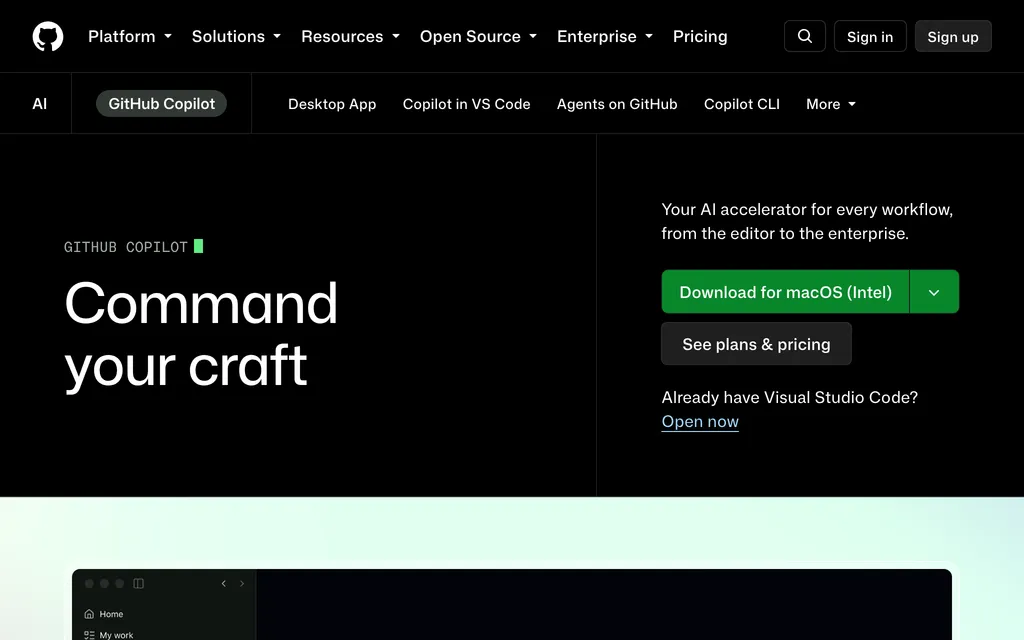
Short verdict: GitHub Copilot is GitHub's coding agent: completions and agent mode in your editor, a terminal agent called Copilot CLI, a desktop app for parallel agent sessions, and a cloud agent that takes an assigned issue and can open a pull request. It lives where your repositories, issues and pull requests already are, and one plan covers editors from VS Code to Xcode. The catch is billing: since 1 June 2026, chat and agent work draw on a monthly allowance of AI credits, worth $15 on the $10 Pro plan, and long agent sessions on frontier models use it up quickly. Interactions on individual plans may also be used to train models unless you opt out. It suits developers and teams already on GitHub; heavy agent users should budget for Pro+ or Max, and anyone who wants an open-source agent should look elsewhere.
How we reviewed it: We did not sign up for Copilot or run it against a model. On 21 October 2026 we read GitHub's plans page, the Copilot docs on plans, AI credits and model prices, the 2026 changelog entries and blog posts about plan changes, and the policy page on training data. We also read the Copilot CLI and Copilot app repositories and ran npm view @github/copilot (version 1.0.102, published that day). GitHub changed Copilot's plans several times in 2026; check the plans page before you pay.
What GitHub Copilot costs and includes
| Item | Per GitHub, 21 October 2026 |
|---|---|
| Type | Coding agent in editor extensions, a terminal agent (Copilot CLI), a desktop app and a cloud agent on GitHub |
| Where it runs | VS Code, Visual Studio, JetBrains IDEs, Xcode, Eclipse, Neovim, Zed, SQL Server Management Studio and Raycast; the terminal; the Copilot app for macOS, Windows and Linux; github.com, GitHub Mobile, Slack, Teams and Jira. Not available on GitHub Enterprise Server |
| Models | Anthropic Claude (Haiku, Sonnet, Opus, Fable), OpenAI GPT-5.x and GPT-6, Google Gemini, xAI Grok, Moonshot Kimi K3 and Microsoft MAI-Code. Opus and Fable need Pro+ or higher; Free and Student get automatic model selection only. Your own API key works in Copilot CLI and the Copilot app, and in VS Code on Business and Enterprise |
| Free tier | Copilot Free: 2,000 code completions a month plus limited chat and agent use with automatic model selection; no cloud agent and no pull request reviews. GitHub's own pages disagree on how much chat Free includes. Copilot Student is free for verified students |
| Paid plans | Pro $10 a month (1,500 AI credits, worth $15), Pro+ $39 ($70 of credits), Max $100 ($200 of credits). Business $19 and Enterprise $39 per seat a month, with 1,900 and 3,900 credits per user pooled across the organization. Monthly prices only; no annual price is listed |
| How usage is limited | AI credits at $0.01 each, charged by model and tokens. Completions and next edit suggestions are unlimited on paid plans. Allowances reset on the 1st of each month (UTC) and do not roll over |
| Open source | No. Copilot CLI ships under a proprietary license; the Copilot app's GitHub repository is for releases and issues |
| Data use | Since 24 April 2026, interactions on Free, Pro, Pro+ and Max may be used to train models unless you opt out. Business and Enterprise data is not used for training |
| Latest notable release | HydraFusion Max, a multi-model option in VS Code, the Copilot app and the CLI (research preview, 14 October 2026); Copilot CLI 1.0.102 on 21 October 2026 |
What Copilot does beyond completions
Issues in, pull requests out
On every plan except Free you can assign work to Copilot's cloud agent, which researches, plans and writes the change, with or without opening a pull request, and Copilot code review comments on pull requests in GitHub. Delegating tasks to Claude by Anthropic or OpenAI Codex (public preview) is included on Pro+, Max, Business and Enterprise; GitHub's pages disagree on whether Pro includes it.
A desktop app for parallel sessions
The GitHub Copilot app, generally available since 17 June 2026 for macOS, Windows and Linux, runs several agent sessions at once, each on its own git worktree and branch. You pick Interactive, Plan or Autopilot mode and a model per session, inspect diffs, run checks in a built-in terminal and browser, and merge the pull request in the app. It works on every plan, or with your own key and no plan. Computer use, in public preview since 1 October 2026, lets the CLI and the app operate desktop applications on macOS and Windows after you approve it.
Sandboxes and your own models
Local sandboxing became generally available on 7 October 2026 in Copilot CLI, the Copilot app and VS Code sessions that use Agent Host: commands the agent runs get restricted access to files, the network and credentials, at no extra cost. Since April 2026 Copilot CLI can use Anthropic, Azure OpenAI or any OpenAI-compatible endpoint, including local Ollama, and COPILOT_OFFLINE=true stops it from contacting GitHub.
Credits, training and plan changes to watch
Agent work spends credits. Each interaction is priced by model and tokens: Claude Opus 5.5 costs $4 per million input tokens and $20 per million output tokens, GPT-6 Astra $10 and $50 (GitHub's model prices).
Part of the allowance can shrink. Pro's $15 is $10 of base credits plus a $5 "flex allotment" that GitHub says will vary over time. Past the allowance you set a dollar budget, and for individuals extra usage may be capped. On Business and Enterprise, Copilot pauses until the next month unless an admin allows paid usage.
Training is on by default for individuals. To opt out, set "Allow GitHub to use my data for AI model training" to Disabled in your Copilot settings.
Plans changed often in 2026. On 20 April GitHub paused new Pro, Pro+ and Student sign-ups, tightened limits and removed Opus from Pro; credits replaced premium requests on 1 June, and sign-ups reopened from 17 June.
Smaller print. Pull request reviews also use GitHub Actions minutes, plans bought in GitHub Mobile cannot buy extra credits, and third-party agents, HydraFusion and computer use are previews.
Pros and cons
Pros
One plan covers VS Code, Visual Studio, JetBrains, Xcode, Eclipse, Neovim and Zed, plus a terminal agent and a desktop app.
The cloud agent and code review work directly on GitHub issues and pull requests.
Unlimited completions on every paid plan, from $10 a month.
Models from six makers, plus your own keys and local models in the CLI and the app.
Local sandboxing for agent commands at no extra cost.
Cons
Chat and agent work draw on credits; Pro includes $15 of usage, and part of that can change.
Interactions on individual plans may be used for training unless you opt out.
Opus and Fable models start at Pro+, $39 a month.
The free tier uses automatic model selection only and has no cloud agent.
Closed source, and plan terms changed several times in 2026.
How GitHub Copilot compares
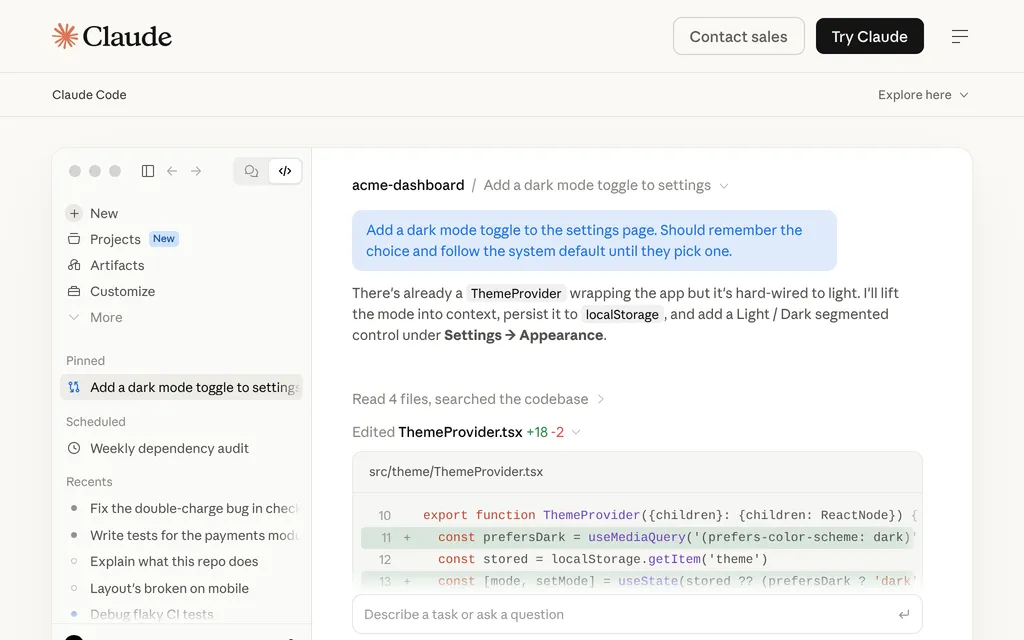
Claude Code has no free tier and runs Claude models only, from $20 a month on Pro, with limits that reset every 5 hours plus weekly caps. Choose it if you want Anthropic's agent and models.
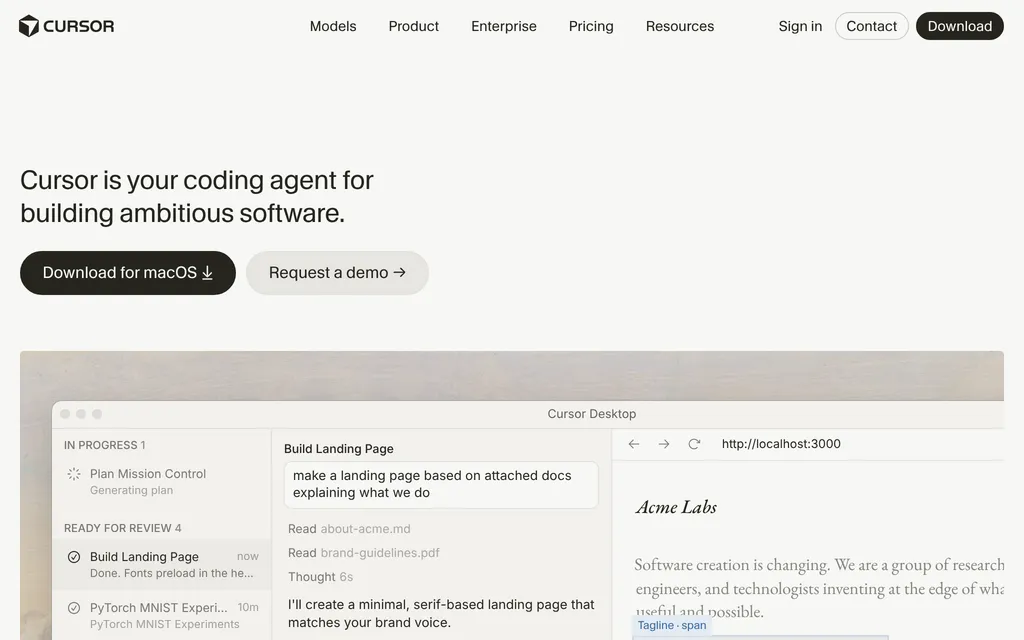
Cursor is an AI code editor whose $8 Plus plan runs only Cursor's own models; Claude, GPT or Gemini cost extra at API list price from the $30 Premium plan. Choose it if you want an editor built around agents, with cloud agents in isolated VMs.
OpenAI Codex comes with ChatGPT plans (Plus is $20 a month), and its CLI is open source under Apache-2.0 and can run local models. Choose it if you already pay for ChatGPT and want cloud tasks that keep running while your computer sleeps.
See all AI coding tools for editors and other agents, and AI app builders for prompt-to-app tools.
Who should use GitHub Copilot
Choose Copilot if your code lives on GitHub and you want one subscription for completions in your editor, an agent in the terminal and agents that pick up issues and open pull requests; companies get seat management, pooled credits and IP indemnity on Business. Look elsewhere if you want open-source tooling, plan long daily agent sessions on Opus-class models on a small budget, or would rather not manage a training opt-out.
FAQ
Is GitHub Copilot free?
Yes, there is a free plan. As of 21 October 2026, Copilot Free includes 2,000 code completions a month and limited chat and agent use with automatic model selection, but no cloud agent or pull request reviews. Verified students get Copilot Student at no cost, and verified teachers and maintainers of popular open-source projects can get Pro free.
How much does GitHub Copilot cost?
As of 21 October 2026, Copilot Pro costs $10 a month, Pro+ $39 and Max $100, with AI credits worth $15, $70 and $200 a month included. Business costs $19 and Enterprise $39 per seat a month. Usage beyond the included credits costs $0.01 per credit, and code completions are unlimited on all paid plans.
Does GitHub Copilot train on my code?
It can on individual plans. Since 24 April 2026, GitHub may use prompts, outputs, code snippets and context from Copilot Free, Pro, Pro+ and Max to train models unless you set "Allow GitHub to use my data for AI model training" to Disabled in your Copilot settings. Business and Enterprise data is not used for training.
Can I use my own API key or local models with GitHub Copilot?
Yes, in Copilot CLI and the Copilot app. Both accept your own keys for providers such as Anthropic, Azure OpenAI and other OpenAI-compatible endpoints, and both can use local models through Ollama. In VS Code, bring-your-own-key is available on Copilot Business and Enterprise and does not apply to code completions.
KEEP EXPLORING
More AI coding tools Good company for GitHub Copilot.
AI code editor with parallel cloud agents, sold in The X Subscription from $8

OpenAI's coding agent for CLI, IDE, ChatGPT app and cloud, from $20 a month