 HOT
HOTTailkits UI
NEWConsistent UI, zero hallucinations

Discover curated animated Tailwind CSS components from top libraries. Free and premium options with smooth transitions, interactive effects, and Framer Motion integration.
HOTConsistent UI, zero hallucinations
 HOT
HOT12+ Shadcn Templates
 HOT
HOT1216 shadcn/ui blocks for Tailwind
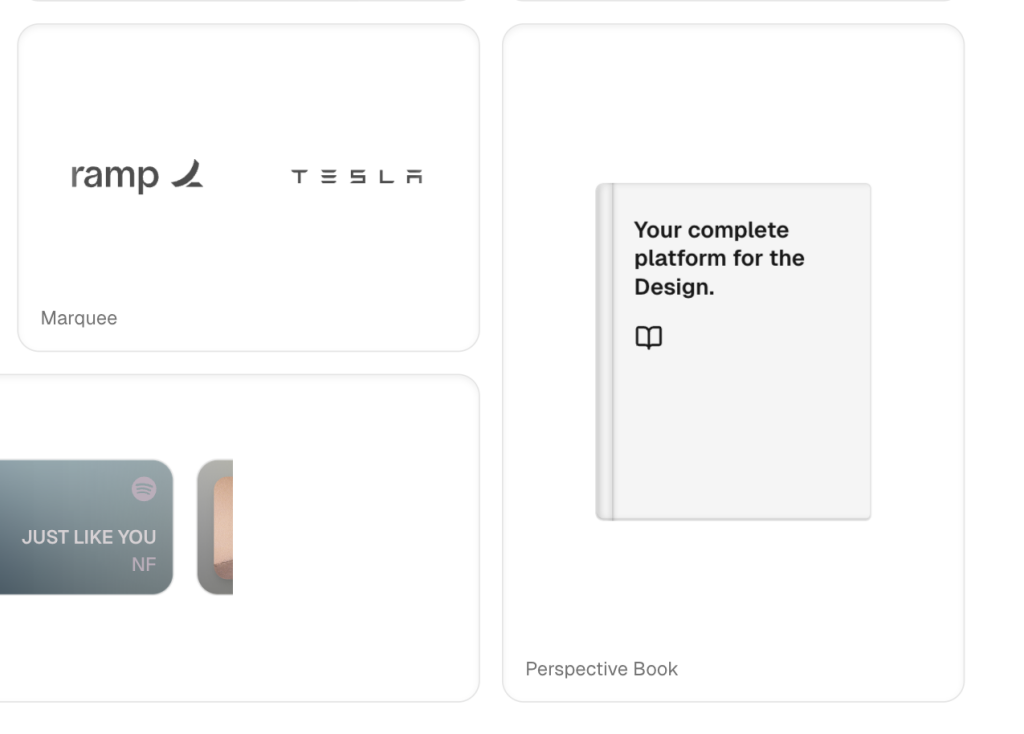
Refined animated React components for design engineers
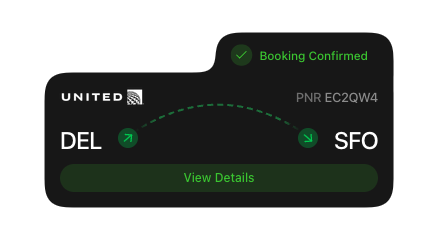
Animated toast alerts, beautiful by default

Premium animated React components, blocks, templates
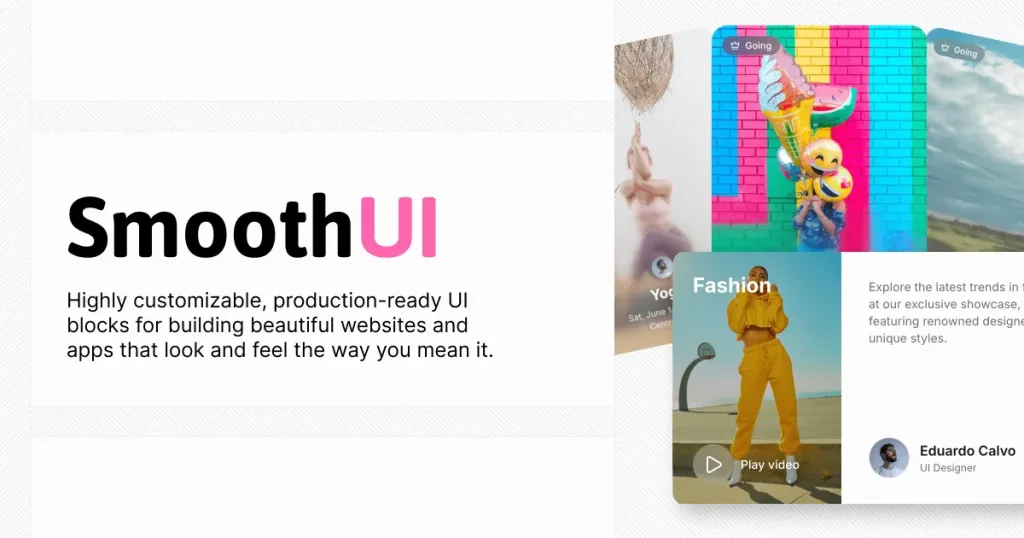
Animated React components for Tailwind projects

UI Components for React
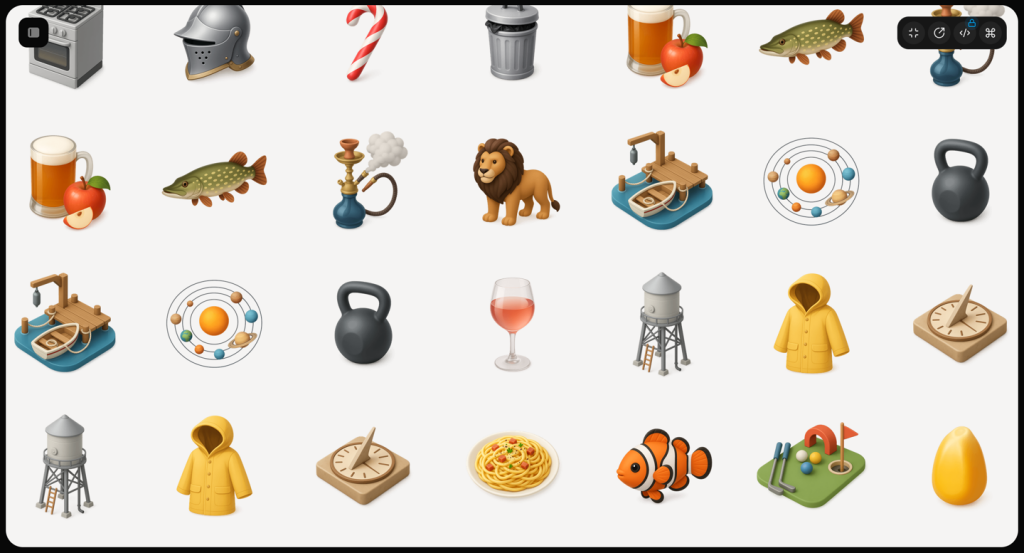
70+ animated shadcn/ui components for Next.js
Force your AI to use a professional design system. Build brand-matched, consistent UIs with 200+ vetted components.

Free and premium Shadcn blocks
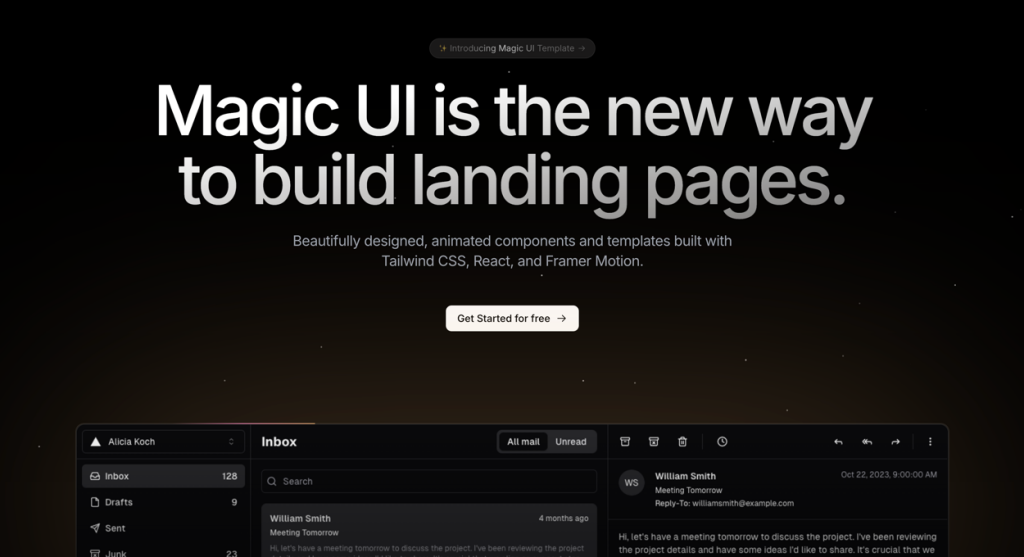
50+ animated sections and 3+ templates
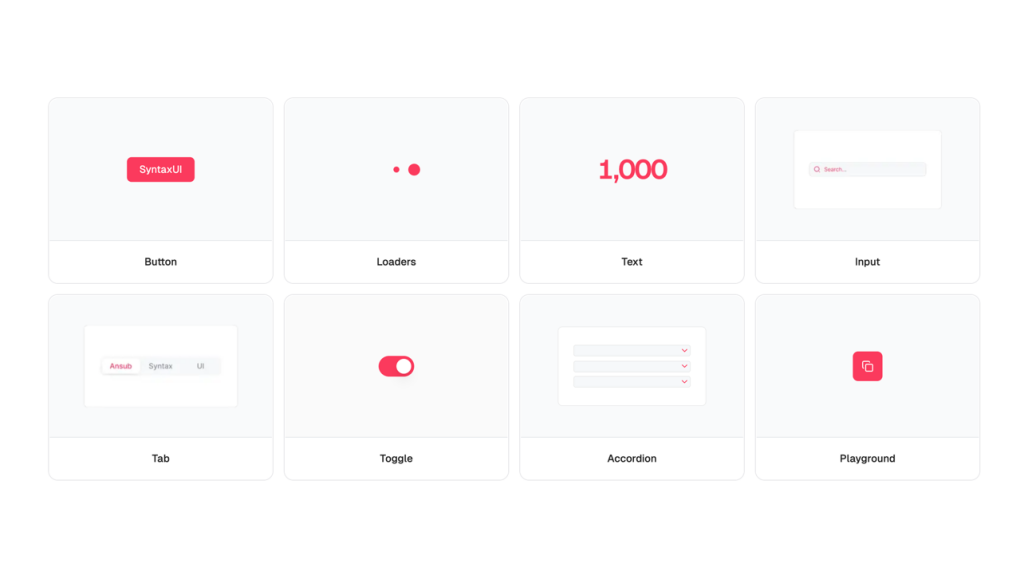
Free Tailwind & React UI components for rapid builds
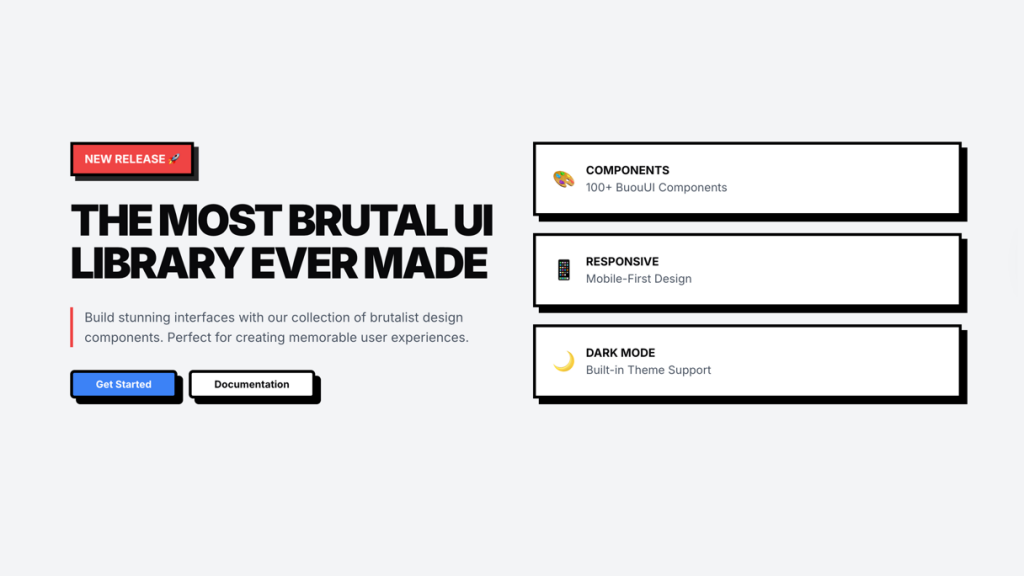
Retro Tailwind components ready to copy‑paste
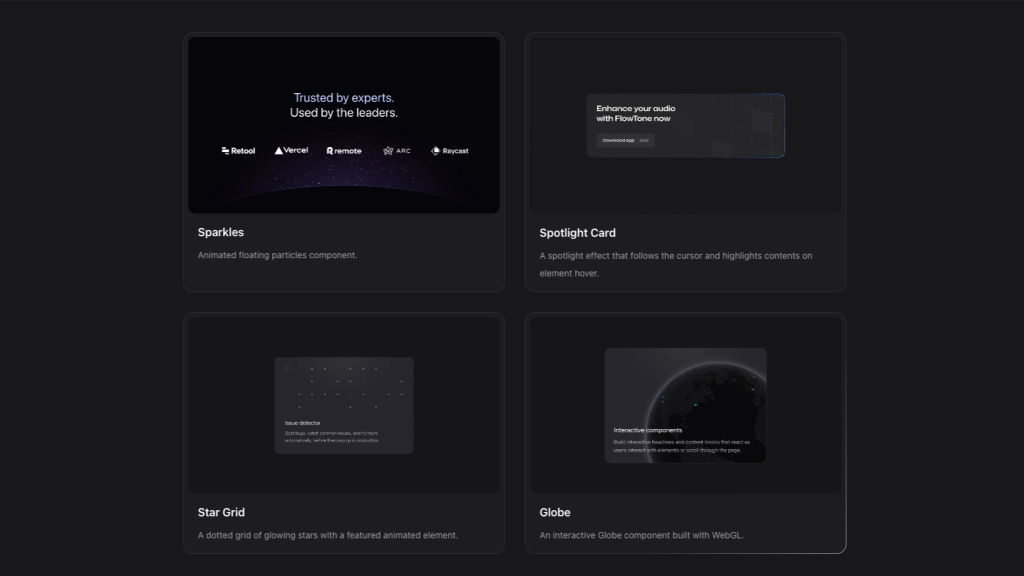
Interactive Tailwind components for React and Vue.js
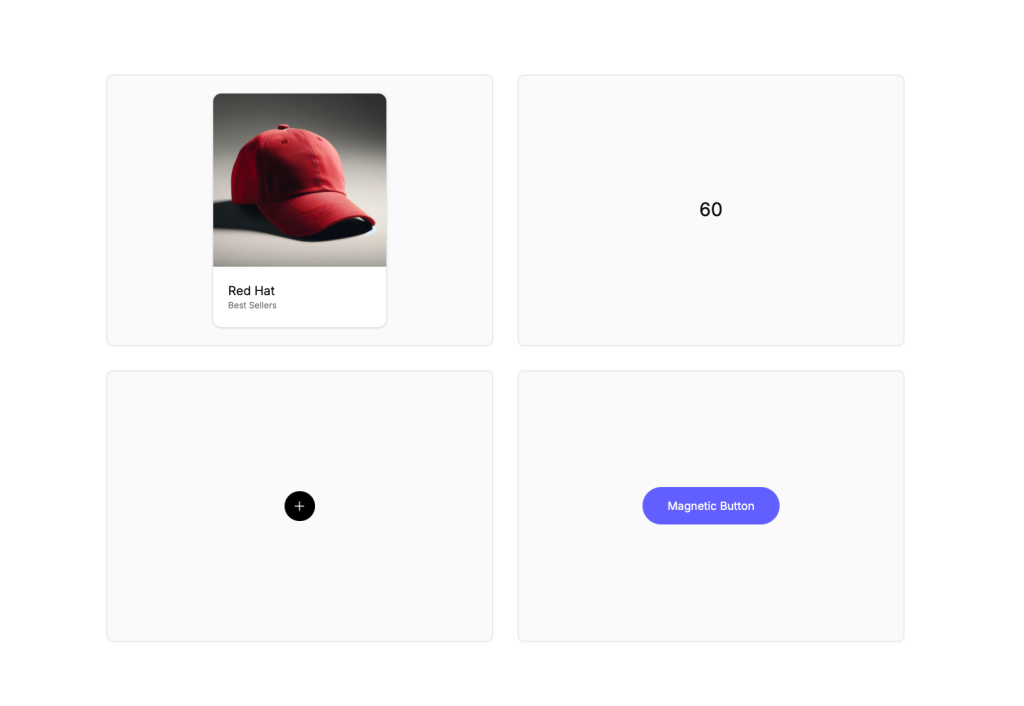
Animated Tailwind components using Framer Motion
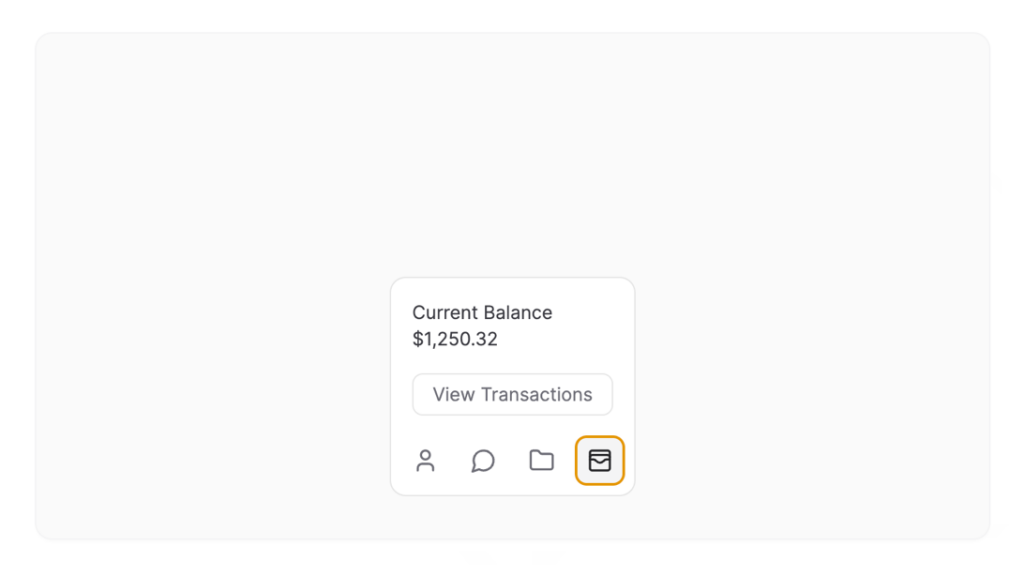
Framer Motion components from ibelick
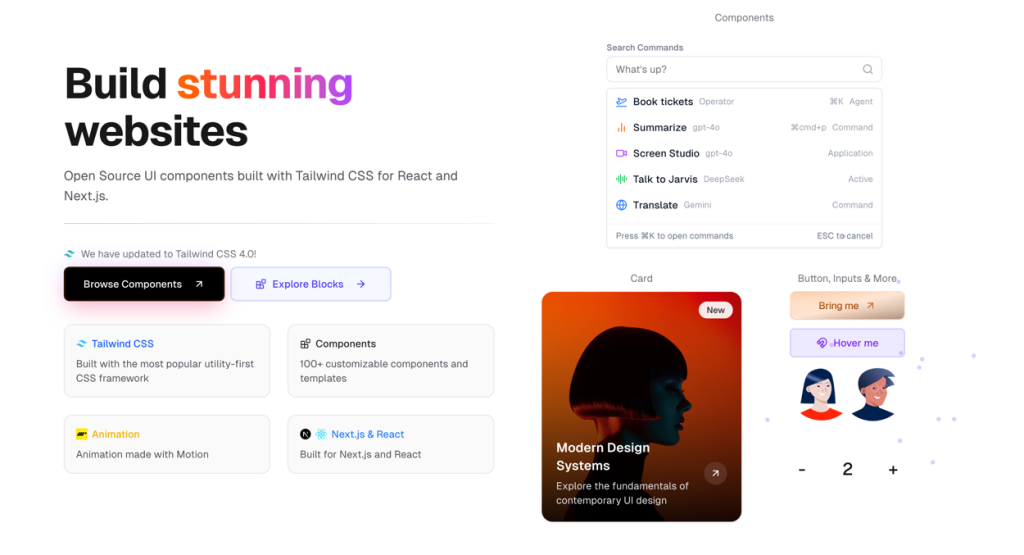
UI components built with Tailwind CSS for React and Next.js
Production-ready Tailwind components for React, Next.js, Vue & HTML. Responsive, accessible UI blocks optimized for Tailwind v4 with MCP integration.
200+ ready-to-use Tailwind CSS components with MCP integration. Let AI generate complete pages from your prompts — one command, production-ready UI.
Explore Components
Animated Tailwind components bring motion and interactivity to your web applications through CSS transitions, JavaScript libraries, or animation frameworks like Framer Motion.
These pre-built components handle complex timing functions, easing curves, and responsive animations while maintaining Tailwind's utility-first approach.
Using animated components significantly improves user engagement by providing visual feedback for interactions, guiding attention to important elements, and creating memorable experiences that feel modern and polished. Professionally animated interfaces reduce perceived loading times and help users understand state changes intuitively.
This page showcases animated Tailwind components from leading third-party libraries and specialized collections. You'll find everything from subtle hover effects and smooth page transitions to complex timeline animations and scroll-triggered interactions.
Each library offers different animation approaches - some leverage CSS animations for performance, others integrate with popular JavaScript animation libraries, and many provide framework-specific implementations for React, Vue, and other ecosystems.
Explore the collections below to find animated Tailwind CSS components that match your project's technical requirements and design aesthetic.
Pre-built animated components solve the challenge of implementing smooth, performant animations without writing complex animation code from scratch. Quality animation libraries handle browser compatibility, GPU acceleration, and accessibility concerns like respecting prefers-reduced-motion settings—technical details that are easy to overlook but critical for production applications.
The best animated Tailwind components offer multiple animation styles from micro-interactions (button hovers, input focus states) to macro-animations (page transitions, modal entrances, carousel effects).
Look for libraries that provide timeline controls, stagger effects for lists, and scroll-based animations that trigger as users navigate your content.
Framework-specific implementations often include optimized solutions like React's useInView hooks or Vue's transition components.
Performance considerations matter significantly with animated components. CSS-based animations typically offer better performance than JavaScript alternatives since they can be hardware-accelerated.
Libraries that integrate Framer Motion or GSAP provide powerful capabilities for complex sequences but add bundle size. Many developers start with lightweight CSS animation utilities and upgrade to JavaScript libraries only when building advanced interactive experiences.
Free options like DaisyUI's built-in transitions work well for standard interfaces, while premium libraries offer sophisticated animation systems with extensive customization options.
Q4: Can I use animated Tailwind components with Vue or Angular?
A4: Yes, many animation libraries provide framework-agnostic HTML/CSS implementations that work with any JavaScript framework. Some collections offer dedicated Vue 3 or Angular versions with framework-specific directives and composition APIs. Look for libraries explicitly mentioning your framework, or choose CSS-based animation utilities that integrate universally through class manipulation.
Q5: What's the difference between CSS-animated and JavaScript-animated Tailwind components?
A5: CSS-animated components use Tailwind utilities combined with CSS transitions or keyframes, offering excellent performance and smaller bundle sizes ideal for simple hover effects and state changes. JavaScript-animated components (using Framer Motion, GSAP, or similar) provide precise timeline control, complex sequences, and dynamic animations responding to user interactions, but require additional dependencies and careful performance optimization.
You can find answers for commonly asked questions about components.
Top choices include libraries with Framer Motion integration like Aceternity UI and Motion Primitives, which provide React hooks and components optimized for Next.js. Look for collections offering TypeScript support, Server Component compatibility, and built-in animation variants. Many React-focused libraries include useInView hooks for scroll-triggered animations and optimized motion components that reduce bundle size.
Many animated component libraries offer free tiers with basic animations, while premium versions unlock advanced effects, timeline controls, and commercial licenses. Open-source options like DaisyUI include simple transitions at no cost. Premium libraries typically range from $49-$299 and provide extensive animation collections, Figma files, and framework-specific implementations with ongoing updates and support.
Well-optimized animated Tailwind components use CSS transforms and GPU acceleration to maintain 60fps performance. Choose libraries that implement will-change properties appropriately, avoid animating expensive properties like width or height, and respect prefers-reduced-motion for accessibility. JavaScript animation libraries add 10-50kb to bundle size but offer more control for complex sequences.
Well-optimized animated Tailwind components use CSS transforms and GPU acceleration to maintain 60fps performance. Choose libraries that implement will-change properties appropriately, avoid animating expensive properties like width or height, and respect prefers-reduced-motion for accessibility. JavaScript animation libraries add 10-50kb to bundle size but offer more control for complex sequences.