Lighter on Tokens
Components load smart, not bloated. Your API bill will thank you.

200+ production-ready components your AI already knows. Just describe your UI — get clean code, ship faster.


works with Claude, Cursor & more
Connect Tailkits UI to your AI assistant via Model Context Protocol (MCP). Get instant access to all components.
Ask AI what you need in plain English
AI creates best UI for your needs
Build entire landing pages with multiple sections
"I just built a micro saas that tracks MRR and churn for indie hackers. Need a landing page with hero, features, pricing, and FAQ."
I'll build that using Tailkits UI components...
hero-5 + features-14 + pricing-2 + faq-1Customized with maker-focused copy and bootstrapper-friendly pricing.
"Add testimonials and make it dark mode"
Updated theme + added testimonials-2
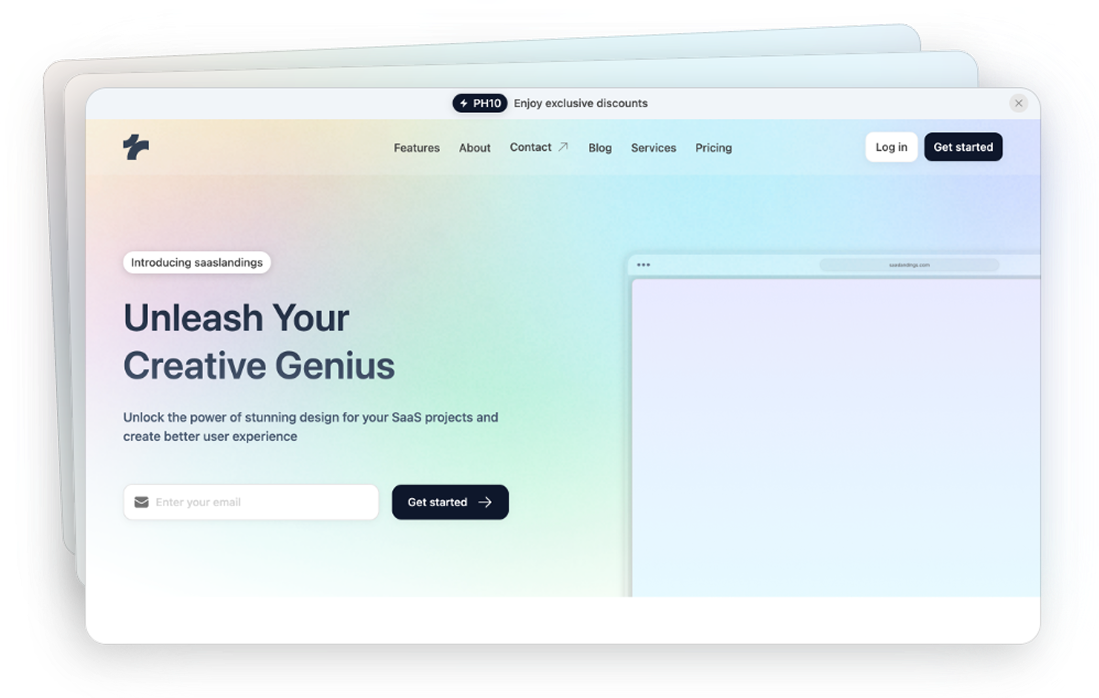
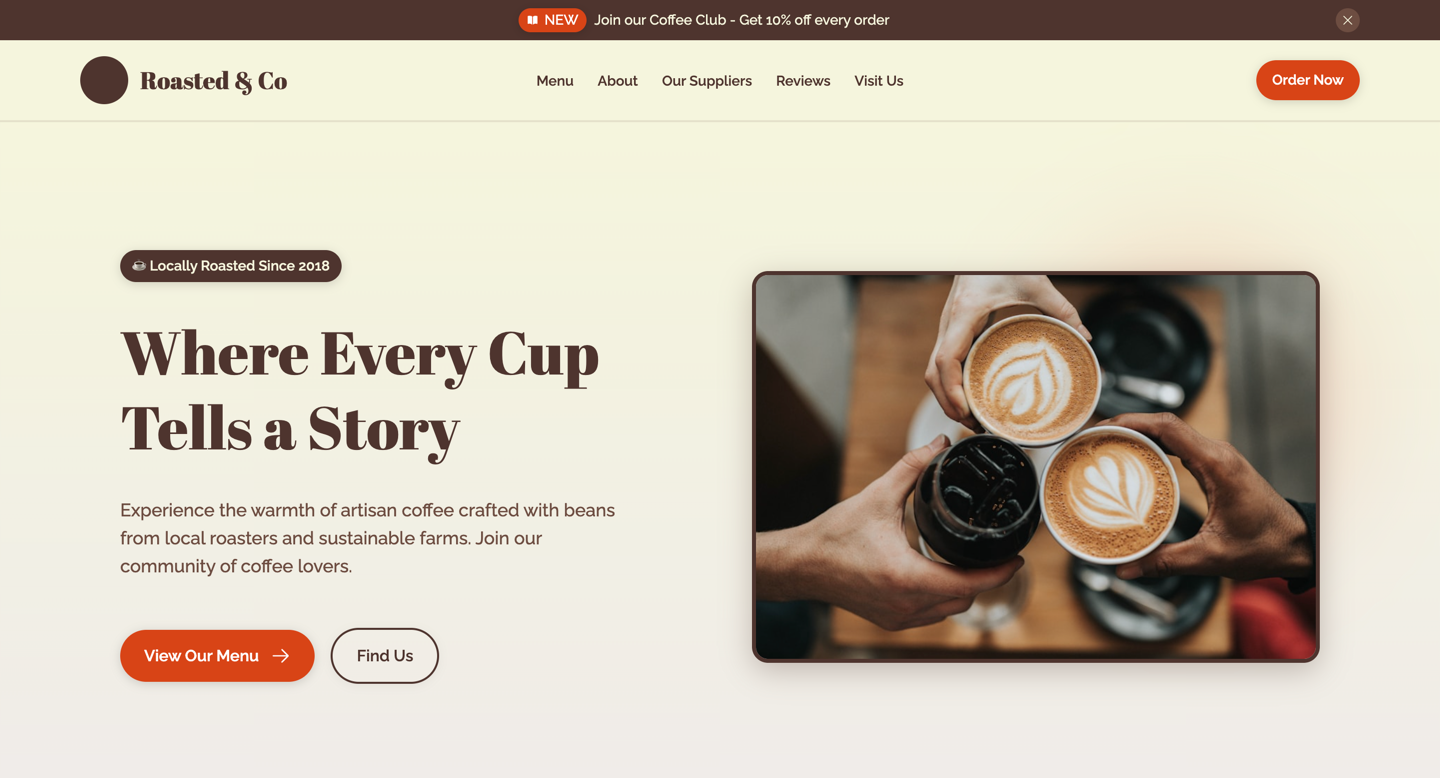
We asked AI to build a landing page. One had Tailkits UI, one didn't. Guess which one you'd actually ship.
The exact prompt we used
"Design a warm, inviting page for 'Roasted & Co' with at least 6 distinct sections."
Looks like AI made it. Because it did.
Every section feels like it was designed by a different person on a different day.
Good luck reusing any of this. It's spaghetti classes all the way down.
Five prompts later, you're still tweaking. And your context window is toast.
*Fine for a demo. Painful for production.
One prompt. Actually shippable.
Built from real components—the same ones you'd pick yourself.
Clean code, consistent spacing, zero cleanup needed.
Drops right into your codebase like it belongs there.
*200+ components that actually know how to work together.
Components load smart, not bloated. Your API bill will thank you.
Real components mean fewer "why did it do that?" moments.
Hero, features, pricing—all share the same design language.
Describe what you want. Ship it tonight.
Three ways to build. Here's how they actually compare.
AI without MCP | Copy-paste library | Tailkits UI MCP | |
|---|---|---|---|
| Design consistency across pages | |||
| Shared design tokens and spacing | |||
| Production-ready in one prompt | |||
| Works with ChatGPT, Claude, Cursor, etc. | |||
| No manual copy-paste needed | |||
| Efficient AI context (less tokens) | N/A | ||
| 200+ Tailwind components | |||
| Responsive by default | Sometimes |
With Tailkits UI's components and layouts, build beautiful and responsive projects — all built for AI-first development.
You can use Tailkits UI components with any framework.
Get our 200+ premium Tailwind components for only $49/year!
Built with Tailwind's default classes - just Ask your AI assistant to build, and watch it work.
Ready-to-use and open source. Jump in with 30+ free components across 20+ categories.
All components adapt perfectly to any screen size. Perfect display, everywhere.
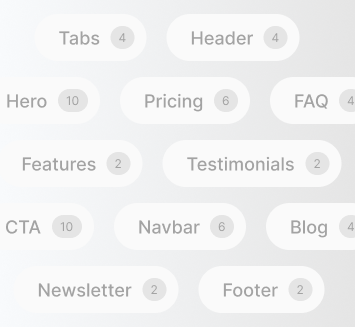
200+ AI-ready Tailwind components that work the way you think. Everything you need, AI-accessible.
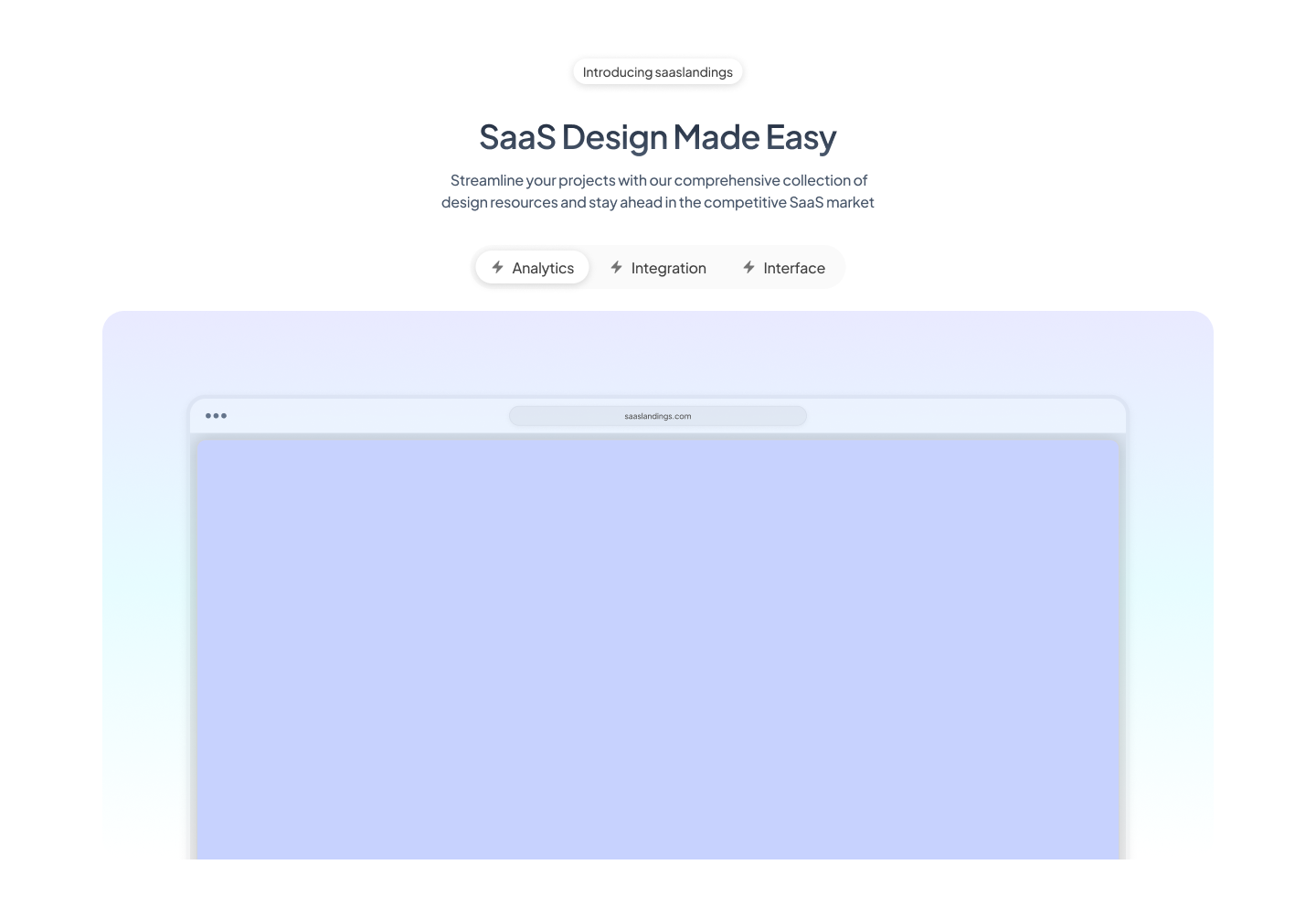
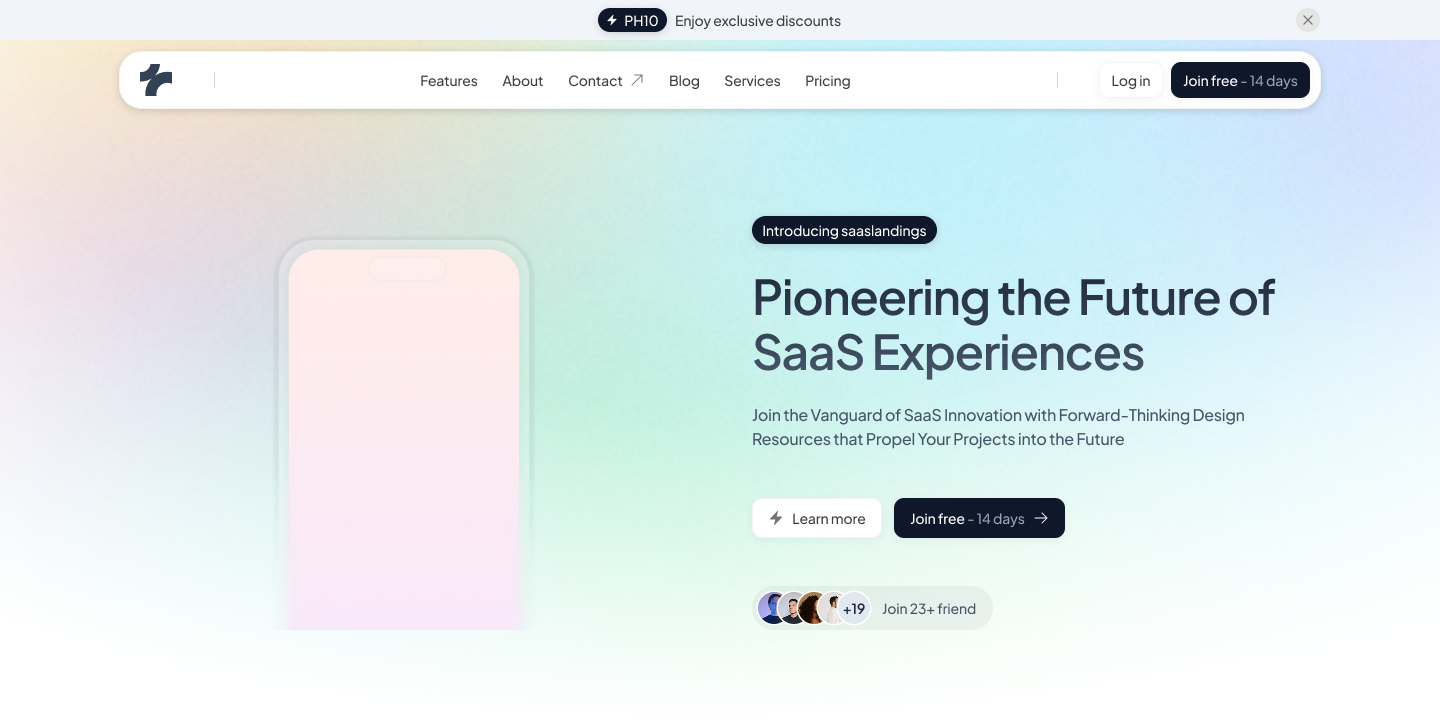
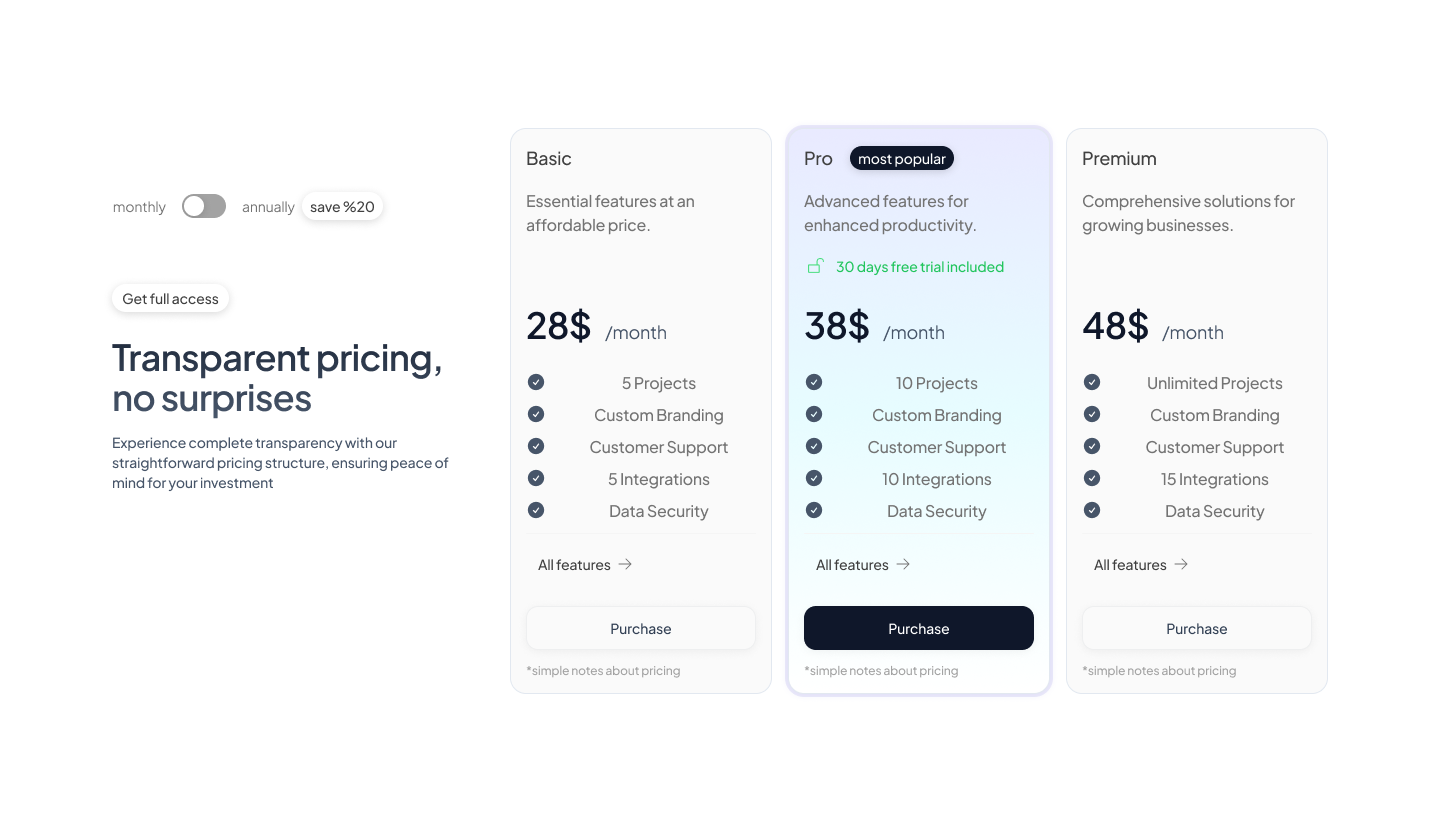
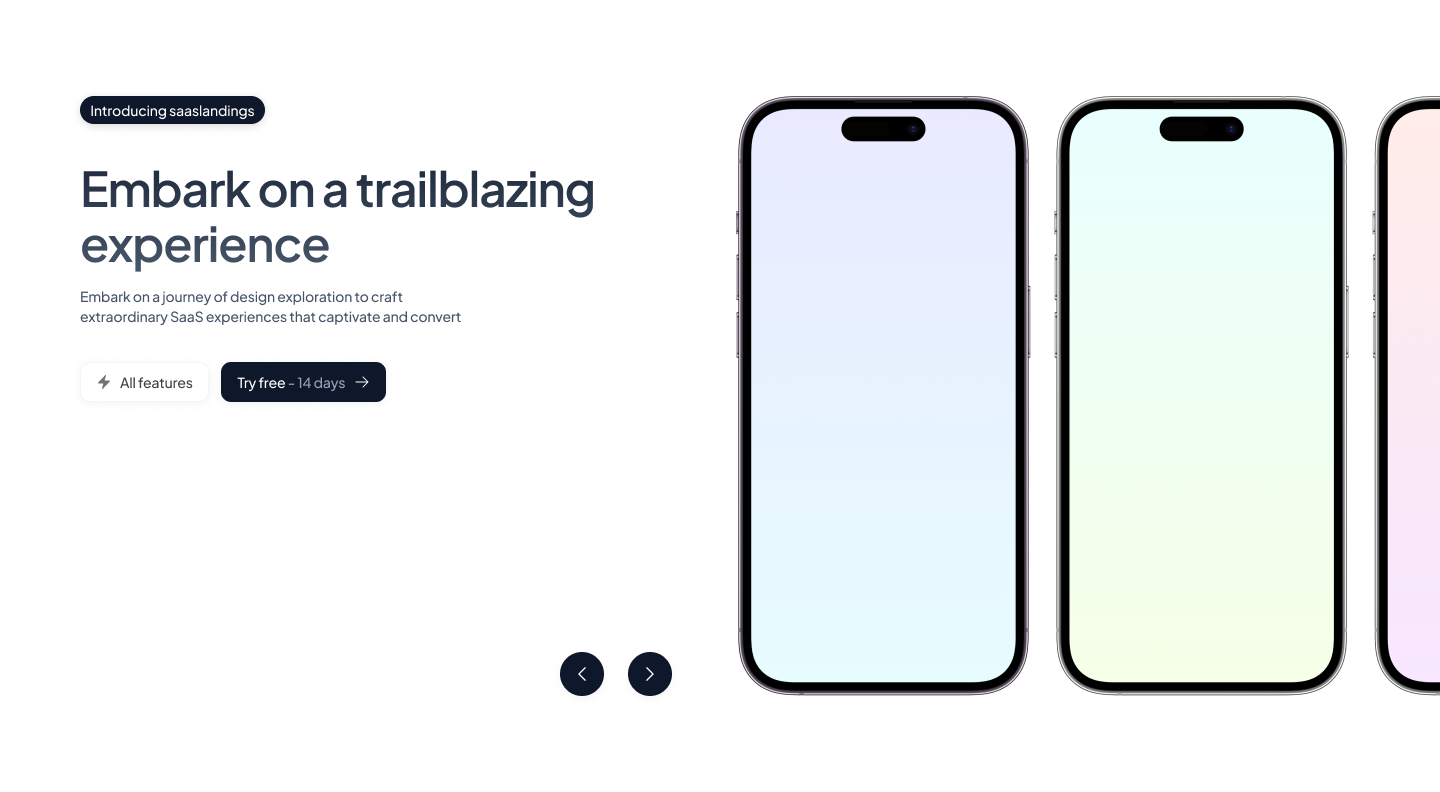
Browse 200+ components across 21 categories. Find what you need, copy the code, paste it into your project. Done.
Pick from 21+ categories — heroes, pricing, features, navbars, and more.
Grab the HTML + Tailwind CSS code. Clean, readable, ready to go.
Paste into any project — React, Vue, Astro, Laravel, or plain HTML.
Every section you need to ship a complete website — and more are added regularly.

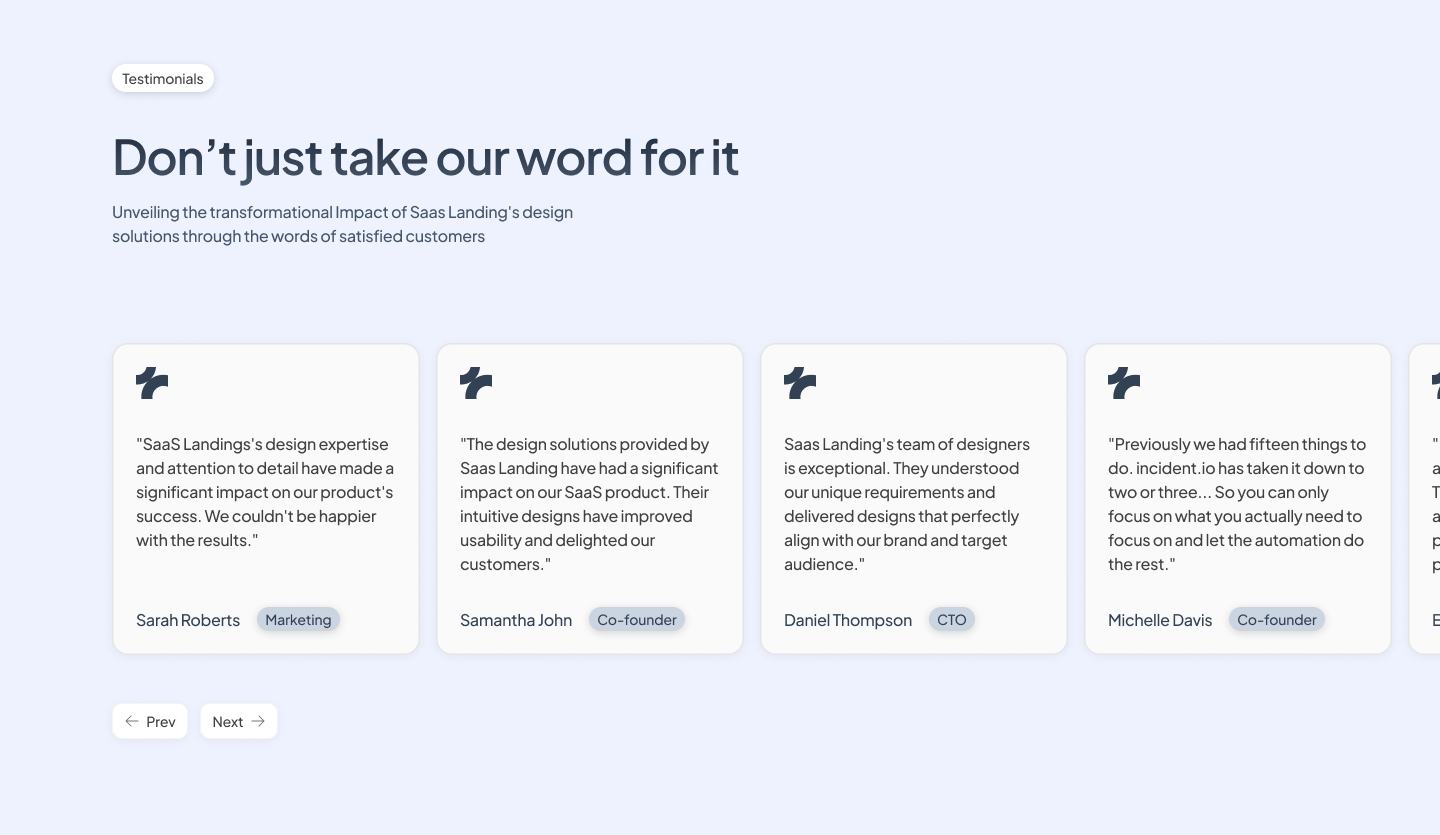
“We’ve been using Tailkits UI across our landing pages and it’s saved us so much time. The MCP integration is perfect for spinning up marketing pages quickly while keeping everything visually consistent with the rest of our product.”
200+ Tailwind components with native MCP support for Claude, Cursor, Windsurf and more.
Everything you need to ship solo projects.
All 200+ components
Native MCP support
Copy-paste library
Unlimited projects
Unlimited MCP usage
Updates while subscribed
For teams building together with shared access.
Save $60 · Limited time pricing
All 200+ components
Native MCP support
Copy-paste library
Unlimited projects
Unlimited MCP usage
Updates while subscribed
Up to 10 team members
· One design system shared with AI ·
Frequently asked questions
200+ production-ready Tailwind components across 30+ categories. Copy-paste ready HTML + CSS, plus MCP integration for AI assistants.
All of them. The components are pure HTML + Tailwind CSS, so they work with Next.js, React, Vue, Nuxt, SvelteKit, Laravel, Astro, or plain HTML.
Yes. All components use standard Tailwind utility classes compatible with v3+ and ready for v4.
Absolutely. Edit Tailwind classes directly or configure brand tokens (colors, spacing, fonts) in your tailwind.config.js to apply changes across all components.
MCP connects Tailkits UI components directly to your AI coding assistant (Claude, Copilot, Cursor, etc.). Ask your AI for a component, and it fetches the code and docs instantly, no manual browsing needed.
The MCP server runs locally and connects your AI assistant to Tailkits UI's official component library. When you ask for a component, it fetches real code and documentation, guaranteed accurate, no hallucinations.
Claude Code, VS Code (Copilot), Cursor, Windsurf, JetBrains IDEs, Antigravity and Zed. Setup takes under 2 minutes, just add the server config to your editor settings.
No. Components are HTML + Tailwind CSS only. You add your own JavaScript or use your framework's built-in features for interactivity (menus, modals, tabs, etc.).
Portability and flexibility. HTML + Tailwind works everywhere, and you control when and how to add JavaScript; use what you need, skip what you don't.
Can’t find the answer?
Contact us