
Self-hostable workflow automation with AI Agent nodes and an agent builder
OpenClaw
Free, open-source AI assistant for 20+ chat apps and ClawHub skills
FreeAgents
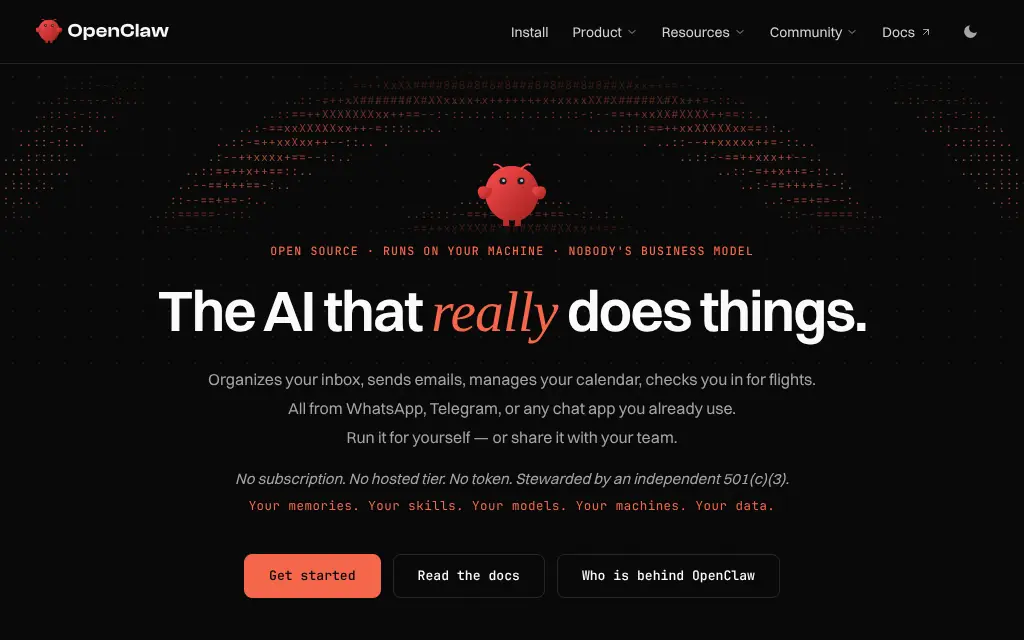
openclaw.aiExplore the product
AT A GLANCE
- Website
- openclaw.ai
- Pricing
- Free
- Categories
- Agents
- Listed
- Nov 2026
- Updated
- Nov 2026
Details about OpenClaw
Short verdict: OpenClaw is the open-source personal assistant that started as Clawdbot in November 2025 and became the most-starred project in this category: it runs on your own computer or server, uses the models you choose, and answers in WhatsApp, Telegram, Slack, iMessage and 20+ other chat apps. It is MIT-licensed and completely free, with no paid tier or hosted service, and is now run by the nonprofit OpenClaw Foundation. The trade-off is risk you have to manage yourself: tools run on the host by default, the project has published 722 security advisories, and its ClawHub skills registry has hosted malware. It suits technical users who will sandbox it and vet every skill; anyone who wants an assistant without that work should pick a hosted agent.
How we reviewed it: We did not install or run OpenClaw: it is an autonomous agent with shell access, and this is a public-evidence review. On 12 November 2026 we read openclaw.ai, the docs on ClawHub and its security audits, the GitHub repository (README, SECURITY.md, releases and the advisories list), ClawHub's listings and one skill page, and the npm package metadata and download counts. Security incidents are reported from the researchers and press who published them.
What OpenClaw costs and includes
| Item | OpenClaw, 12 November 2026 |
|---|---|
| Type | Self-hosted personal AI assistant: a local Gateway that connects models, tools, skills and chat channels, with a Control UI, CLI, TUI and companion apps |
| Price | Free. "No subscription. No hosted tier. No token," per openclaw.ai; you pay only your model provider |
| License and governance | MIT; stewarded by the OpenClaw Foundation, a US 501(c)(3). donors include Amazon, OpenAI and Red Hat, and NVIDIA gives infrastructure support; the README says OpenAI "is a donor, not an owner" |
| Names | Released as Clawdbot in November 2025, renamed Moltbot in January 2026 after Anthropic objected to the name, then OpenClaw days later |
| Where it runs | macOS, Linux and Windows (installer or npm install -g openclaw, Node 24.16+), Docker, Nix; desktop apps for macOS 15+, Windows 10/11 and Linux; companion apps for iOS and Android |
| Models | Hosted and local providers; models and agent harnesses (Claude, Codex, local models) are swappable plugins |
| Chat apps | Discord, iMessage, Slack, Microsoft Teams, Telegram, WhatsApp, Google Chat, Signal and "20+ more" |
| Skills | ClawHub registry with 84.7K skills plus plugins; install with openclaw skills install |
| Project health | 394.4k GitHub stars, 82.9k forks, 3,628 contributors; 2026.11.3 on 10 November 2026; 112 stable npm versions since 29 January 2026; 2,885,425 npm downloads from 2 to 8 November 2026 |
What we found
Free, local and model-agnostic
OpenClaw keeps state, memory and credentials on your hardware. By default it contacts its own servers only for a daily version check; anonymous feature statistics are opt-in, and update.checkOnStart: false turns both off, per the README. Your prompts still go to the model provider and chat platforms you connect. One Gateway can run a personal assistant on a laptop or a shared one for a team; the configuration is the only difference.
Chat apps, desktop apps and phone nodes
Besides 20+ chat services, OpenClaw has native apps on five platforms and companion "nodes" that add voice, camera, screen and device actions on phones and computers. That reach is why the project's own security guide asks you to treat every inbound message as untrusted input.
Security defaults put the host first
According to SECURITY.md, agents.defaults.sandbox.mode is off by default, so tools for the main session run directly on the host unless you configure a sandbox. Unknown senders in direct messages must be paired before the assistant answers them, which is on by default. The trust model is one trusted operator per Gateway: anyone who can operate an agent "can make it do anything that agent can do", so the project recommends one machine or VPS per user rather than shared Gateways.
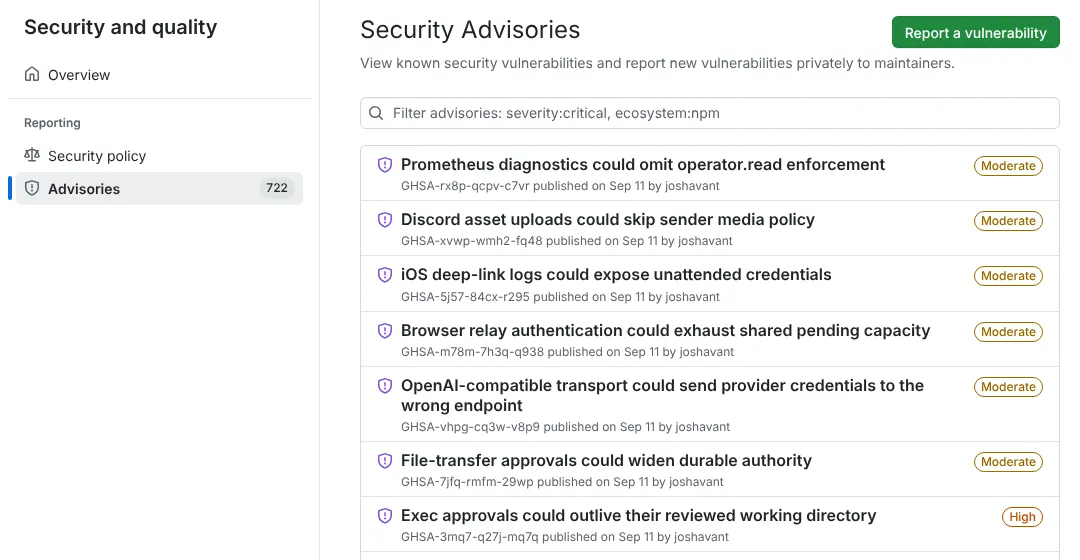
722 advisories: a big attack surface, handled in the open
The repository lists 722 published security advisories, many rated Moderate or High, such as approvals that outlive their reviewed directory or a WhatsApp login tool reachable by non-owners. Read that both ways: OpenClaw discloses and fixes issues publicly at a pace few projects match, with a policy that names security maintainers from NVIDIA and Tencent, but the code that touches your accounts changes constantly. Update often; the project also ships an "extended-stable" line (2026.9.37) for slower upgrades.
ClawHub: 84.7K skills, and a malware history
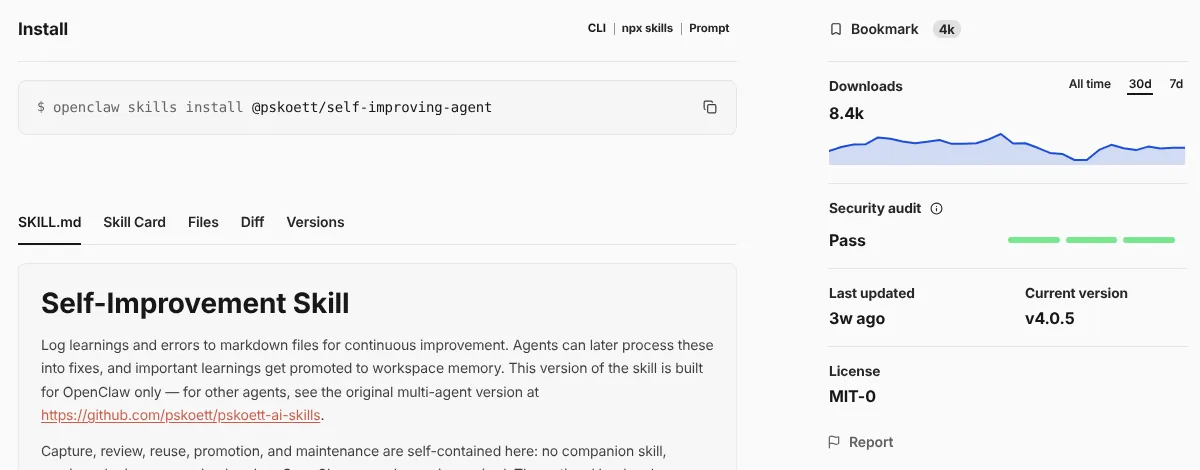
ClawHub is open by default: anyone with a GitHub account old enough to pass the upload gate can publish. In February 2026 Koi Security reported that 341 of the 2,857 skills then on ClawHub were malicious, 335 from one campaign it named ClawHavoc, which used fake "prerequisite" installs to deliver the Atomic macOS Stealer (as reported by eSecurity Planet). ClawHub now audits every release with its own ClawScan risk analysis plus scanners including Tencent's A.I.G, and shows a status (Pass, Review, Warn, Malicious) on each skill page. Its docs add that a Pass "does not replace your own judgment", and the OpenClaw security policy treats a malicious skill installed by the operator as out of scope.
What you still have to set up
A model account. OpenClaw is free, but the model is not unless you run one locally.
Isolation. Turn on sandboxing or run the Gateway on a separate machine or VPS; read the exposure runbook before making the Gateway reachable remotely.
Channel allowlists and pairing for every chat app you connect.
A skill review habit. Read each skill's files before installing, check its audit status, and prefer official publishers.
Pros and cons
Pros
Free and MIT-licensed, with no paid tier pulling features away.
20+ chat channels plus native desktop and phone apps.
Run by a nonprofit foundation, with very active development.
Security issues are disclosed publicly, with an extended-stable release line.
Cons
Tools run on the host by default; sandboxing is opt-in.
ClawHub has distributed malware, and audits do not guarantee safety.
722 advisories so far mean frequent security updates.
No hosted option: you run and update it yourself (the npm package alone is 275.5 MB unpacked).
OpenClaw alternatives
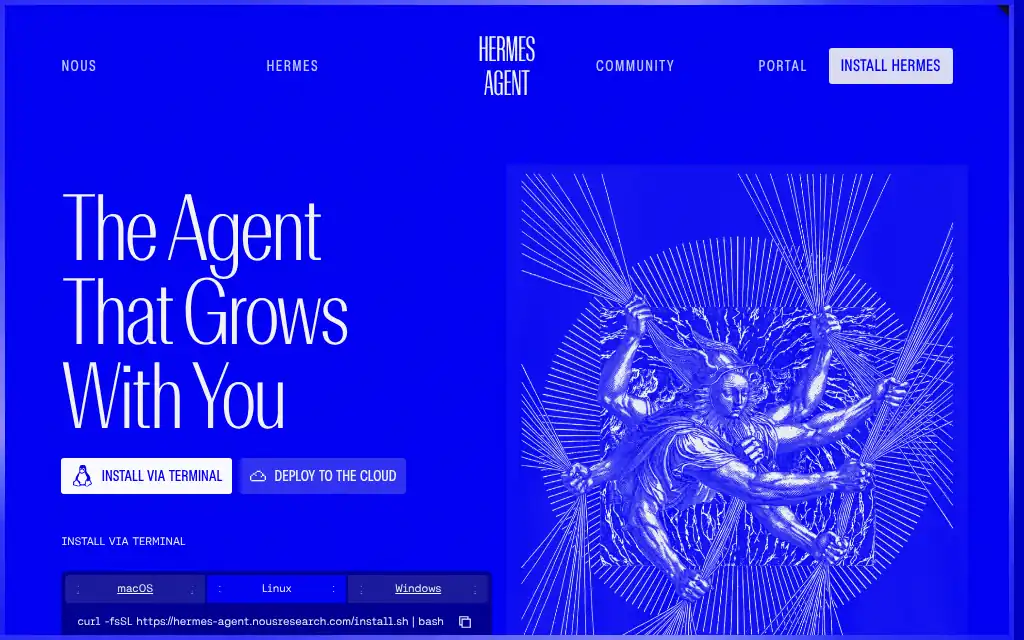
Hermes Agent is the closest alternative: also MIT, self-hosted and model-agnostic in 20+ chat apps, written in Python by Nous Research. It writes and improves its own skills, offers six execution backends including Docker and serverless sandboxes, and sells an optional hosted agent from $20 a month; it can import an OpenClaw setup in one command. Choose it if you want a hosted option or the learning loop; OpenClaw has more stars (394.4k vs 262.9k) and phone apps.
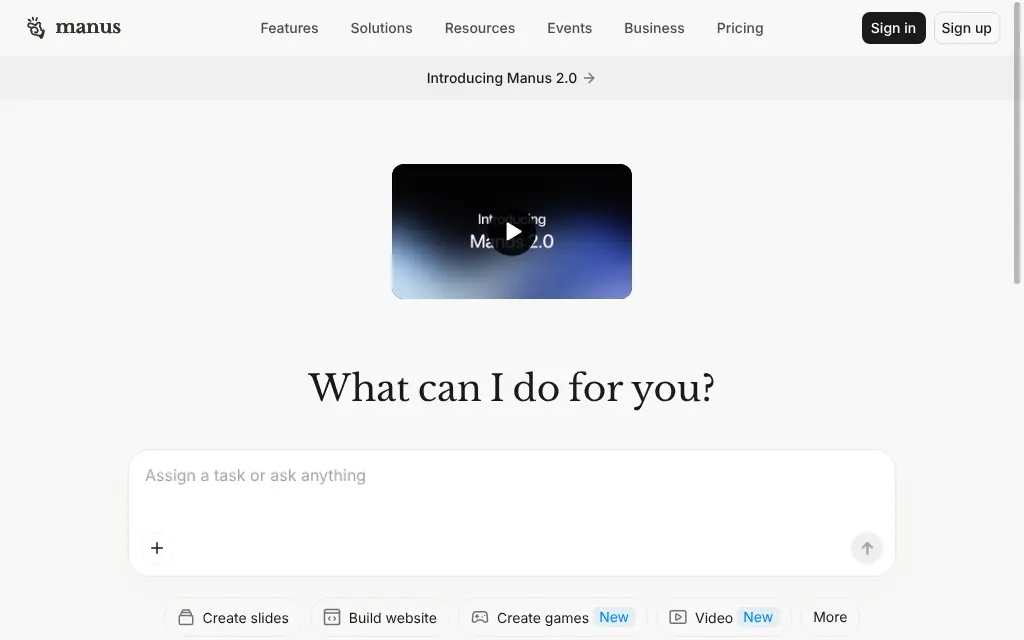
Manus is closed source and runs in Manus's cloud, so there is nothing to install or patch; its free plan gives 300 credits a day and paid plans start at $20 a month. It also answers on Telegram. Choose it for deliverables without running a server.
Claude runs in Anthropic's apps on a paid Claude plan (Pro from $20 a month), with Claude models only. Choose it if you want an assistant for files and tools without self-hosting.
See all AI agents.
Who should use OpenClaw
OpenClaw fits developers and power users who want a free assistant in their own chat apps, on hardware they control, and who will run it in a sandbox or on a dedicated machine, keep it updated and vet skills before installing them. Teams can run it too, but the project recommends one Gateway per trust boundary. Skip it if you need a managed service, cannot keep up with frequent security updates, or want to install community skills without reading them.
FAQ
Is OpenClaw free?
Yes. OpenClaw is free and open source under the MIT license, and as of 12 November 2026 it has no paid tier, hosted service or token. You pay only for the model you connect, or nothing if you run a local model.
Is OpenClaw safe?
It can be, with work. Tools run on your host by default because sandboxing is off unless you turn it on, the project has published 722 security advisories, and ClawHub has hosted malicious skills. Run it in a sandbox or on a separate machine, keep it updated, use pairing and allowlists for chat apps, and read skills before installing them.
What is ClawHub?
ClawHub is OpenClaw's public registry of skills and plugins, with 84.7K skills on 12 November 2026. Anyone with a qualifying GitHub account can publish, and each release gets an automated audit status (Pass, Review, Warn or Malicious), which ClawHub says does not guarantee a skill is safe.
What are the best OpenClaw alternatives?
Hermes Agent is the closest: also MIT-licensed and self-hosted, with self-written skills, sandboxed execution backends and an optional hosted agent from $20 a month. Manus is a hosted, closed-source agent with a free daily credit allowance, and Claude's agent features come with paid Claude plans.
Who owns OpenClaw?
The OpenClaw Foundation, an independent US 501(c)(3), stewards the project and employs the core team. Creator Peter Steinberger joined OpenAI in February 2026; OpenAI is one of the Foundation's donors but, per the README, not an owner.
KEEP EXPLORING
More AI agents Good company for OpenClaw.
Hosted AI agent that turns prompts into research, slides, sites and videos
Self-hosted open-source AI agent that writes its own skills, in 20+ chat apps