
Flux UI
Official Livewire components, free and Pro
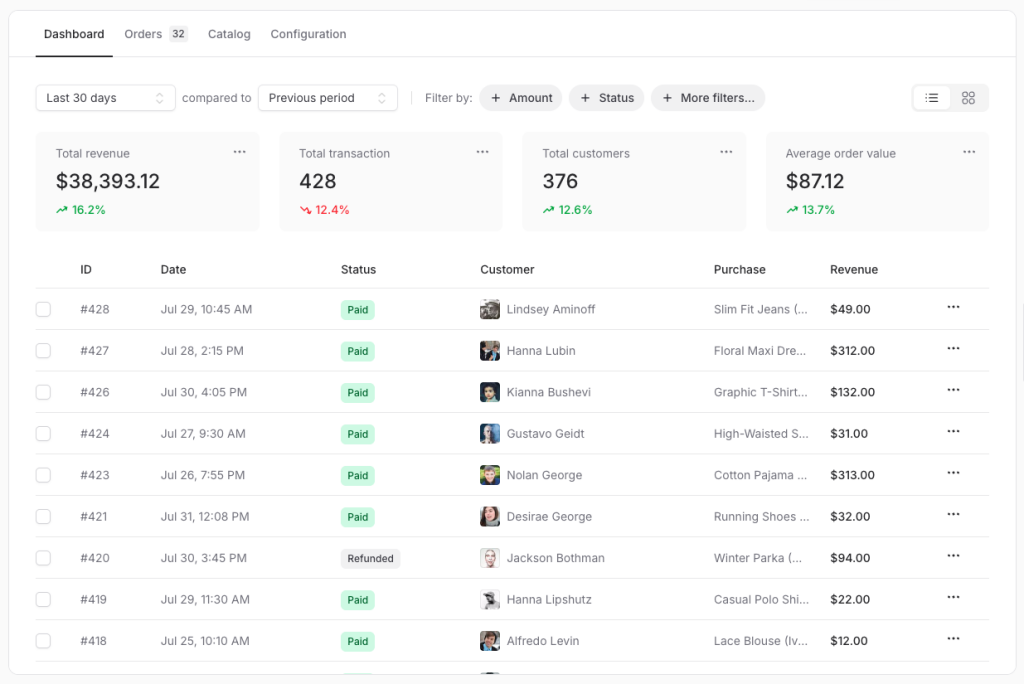
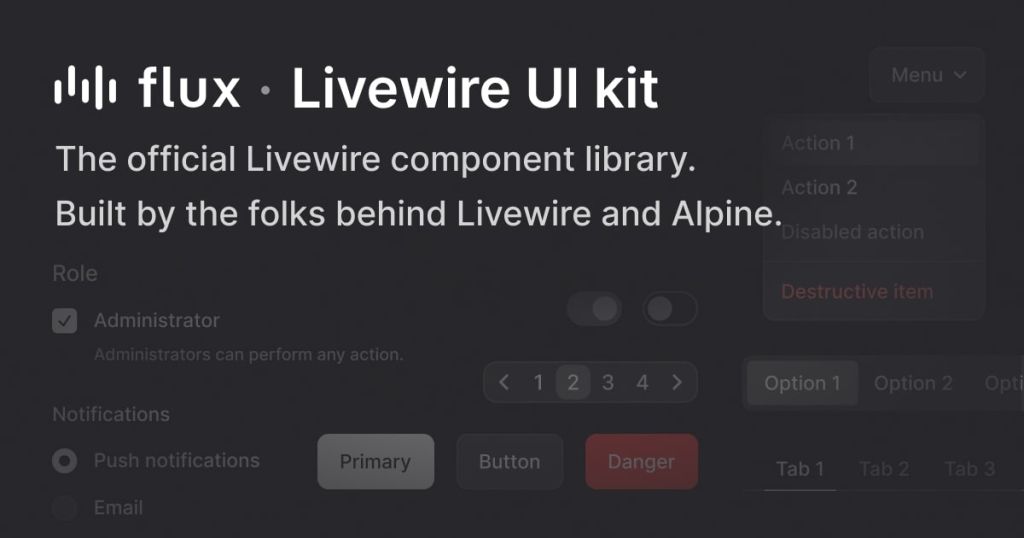
TL;DR: Flux is the official UI component library for Livewire, built by the same team. It gives you production-ready, accessible, dark-mode-friendly components styled with Tailwind CSS - no hacks, no glue code needed. There's a solid free tier and a Pro version with advanced components.
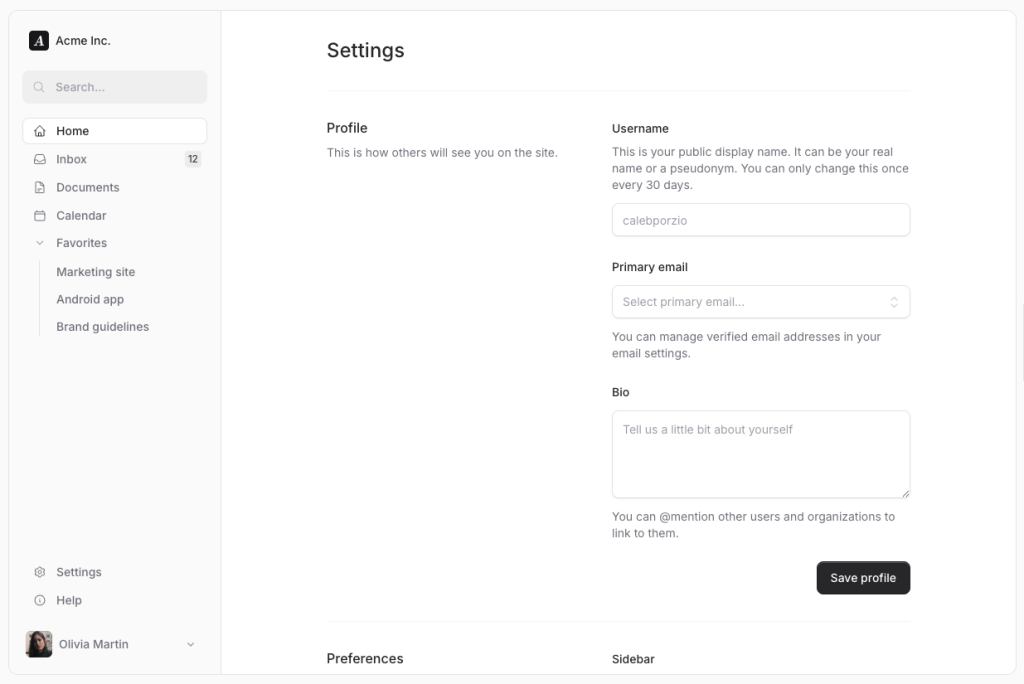
What Is Flux?
Flux is a UI component library made specifically for Livewire, the Laravel full-stack framework. Think of it as the missing design system for your Livewire apps - built by Caleb Porzio and Hugo Sainte-Marie, the same people who created Livewire itself.
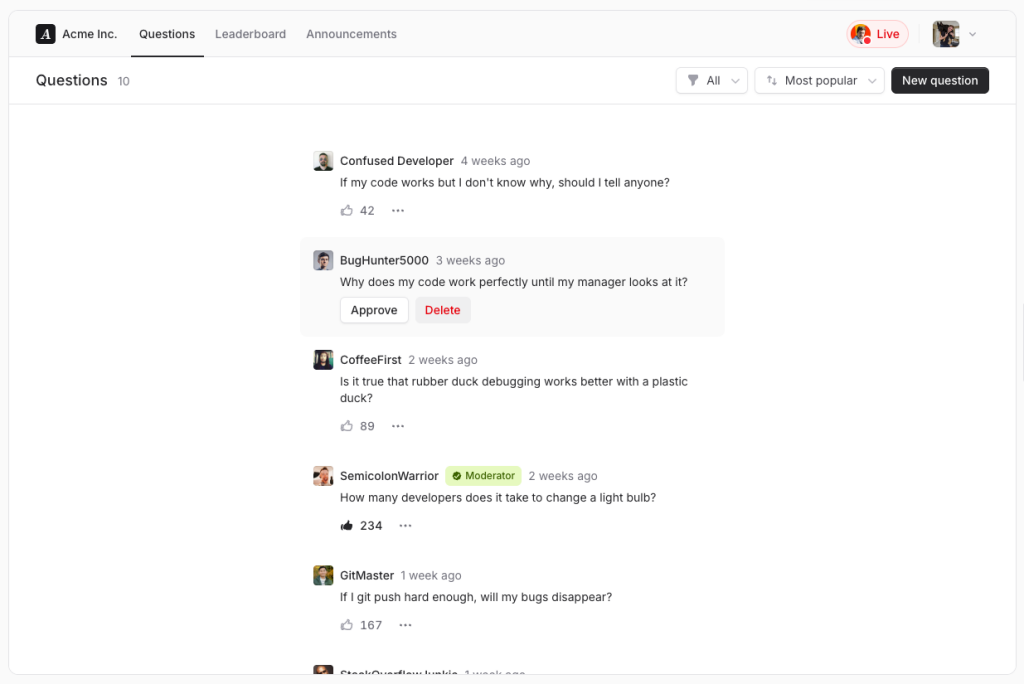
Instead of stitching together third-party components that weren't built with Livewire in mind, Flux gives you components that just work. They're composable, keyboard-accessible, dark mode ready out of the box, and fully responsive. You drop them in and they behave exactly the way you'd expect.
It comes in two tiers: a free version covering all the essentials, and a Pro version unlocking advanced stuff like date pickers, rich text editors, charts, and command palettes.
Features ✨
Composable syntax - components are designed like building blocks you mix and match freely
Dark mode support - every component handles light and dark mode without extra config
Accessibility built in - keyboard navigation and screen reader support on all components
Fully responsive - works on mobile out of the box, no extra CSS needed
Tailwind CSS powered - styling is done entirely via Tailwind, so it fits naturally in any Laravel + Tailwind project
Livewire-native - wire:model, wire:click, and other Livewire attributes all work seamlessly
Free tier available - essential components ship for free, no credit card needed
Included Components 📒
Free components:
Button
Dropdown
Modal
Input
Select
Checkbox Group
Switch Group
Radio Group
Header layout
Sidebar layout
Pro components (paid):
Charts (zero-dependency, lightweight)
Calendar and Date Picker
Command Palette
Rich Text Editor (WYSIWYG)
10+ additional advanced components
Pros and Cons
Pros ✅
Built by the Livewire team - first-party quality, not a side project
Free tier is genuinely useful and not just a teaser
Zero-compromise accessibility on every component
Dark mode works without any extra configuration
Composable API feels natural and flexible
Baked into the official Livewire v4 starter kit
Regular updates alongside Livewire releases
Cons ⚠️
Requires Livewire - not usable in vanilla Laravel or other stacks
Pro license is per-project, which can add up for agencies
Component library is still growing - some niche components aren't there yet
Tailwind v4 required, which may force an upgrade in older projects
Published component customization requires ejecting files, which can complicate future updates
Integration
Laravel - requires Laravel v10 or higher
Livewire - requires Livewire v3.5.19+ or v4.0+
Tailwind CSS - requires Tailwind v4.0+
PHP - requires PHP 8.1+
Blade templates - integrates directly into your existing Blade layout files via
@fluxAppearanceand@fluxScriptsdirectivesLaravel Forge - supported via Forge's Packages section for Pro license authentication
Laravel Cloud - supported via Build Commands for Pro package authentication
Composer - installed and managed as a standard Composer package (
livewire/flux)
FAQ
Does Flux work with Alpine.js alone, without Livewire?
No. Flux is built specifically for Livewire. If your project doesn't use Livewire, Flux isn't designed for it and won't work properly.
Is the free tier actually useful or just a stripped-down demo?
It's genuinely useful. The free tier includes buttons, inputs, dropdowns, modals, selects, checkboxes, switches, and layout components - enough to build most standard app interfaces without paying anything.
What's the difference between Flux and other Tailwind UI libraries like Shadcn or Preline?
Those libraries are framework-agnostic or React-focused. Flux is built specifically for Livewire's reactivity model, which means wire:model bindings, Livewire events, and server-side state all work natively - no wrappers or workarounds required.
Can I customize the components to match my own design?
Yes. You can publish any component's Blade file to your project and modify it directly. Just keep in mind that heavily customized published files may need manual updates when Flux releases breaking changes.