
Tailkits UI vs daisyUI
Compare Tailkits UI vs daisyUI for Tailwind projects
Tailkits UI and daisyUI both speed up Tailwind CSS development, but they do it in very different ways. Tailkits UI is oriented around production-ready sections and an AI-first MCP workflow, while daisyUI is a Tailwind plugin that gives you semantic component class names plus a theme system.
What They Are
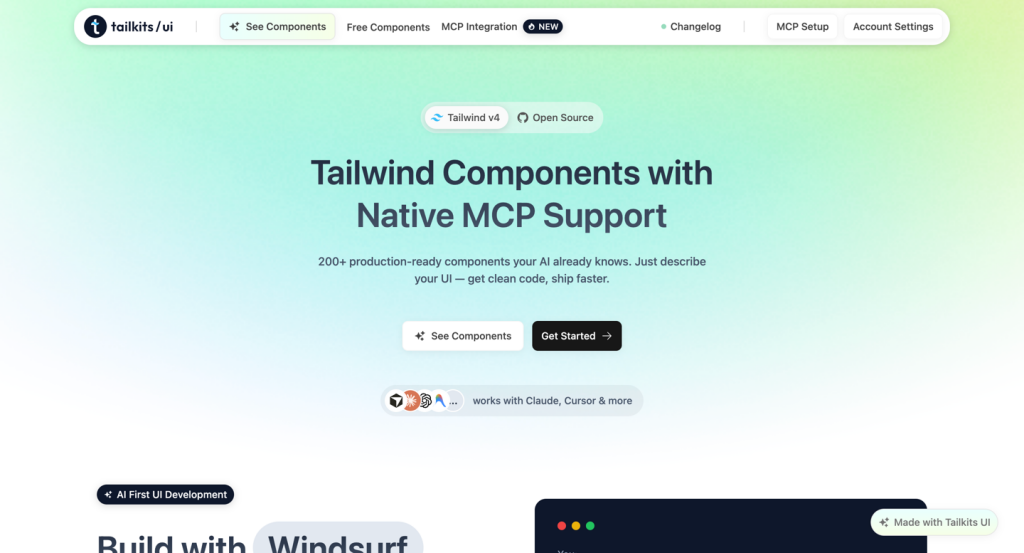
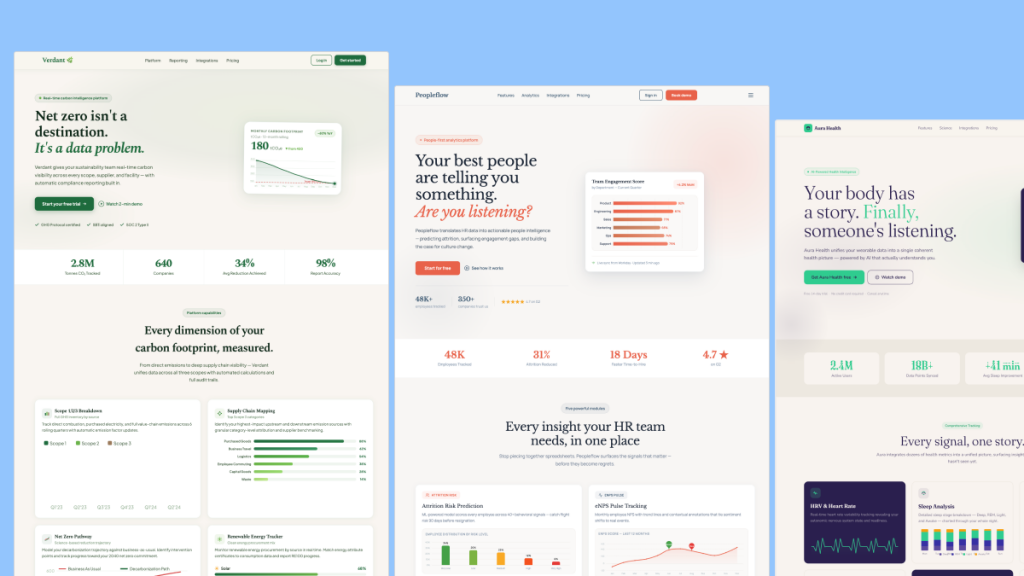
Tailkits UI is a library of 200+ production-ready Tailwind components/sections (HTML + Tailwind) designed to be copy-paste friendly and compatible with many frameworks. It also offers native MCP integration: the MCP server runs locally and lets your AI assistant fetch the actual component code and docs on demand.
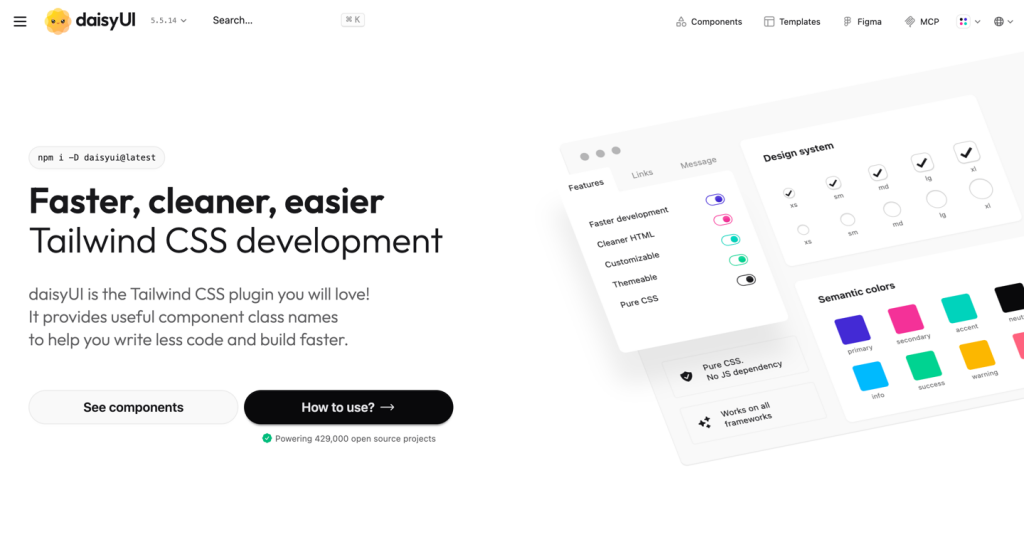
daisyUI is a Tailwind CSS plugin that adds a collection of semantic, human-friendly class names (like buttons, cards, toggles) and is “pure CSS” with no JS dependency. It’s framework-agnostic, and it includes built-in theming (35 built-in themes, plus custom themes).
Comparison Table
Feature | Tailkits UI | daisyUI |
|---|---|---|
Primary form | Copy-paste HTML + Tailwind sections/components | Tailwind plugin that adds semantic component classes |
Best for | Landing pages and full sections you can assemble fast | App UI primitives with consistent styling + themes |
AI/MCP workflow | Native MCP: local server fetches real code + docs | Optional MCP options (Blueprint/GitMCP) for better LLM context* |
Themes | Tailwind-driven branding via tokens/config | 35 built-in themes + custom themes |
JavaScript | No JS included (HTML + Tailwind only) | No JS dependency (pure CSS) |
Install/setup | Use as snippets; MCP requires local server setup |
|
Framework support | Works broadly (HTML + Tailwind across frameworks) | Works on all frameworks (plugin output is CSS) |
Pricing/licensing | Paid plans for full library; free subset exists | Free and open-source (MIT)* |
*Official MCP solution for daisyUI is “Blueprint,” and it requires a separate paid license (you get a license key and use it to activate the MCP server). Blueprint can be purchased as monthly, yearly, or lifetime
Core Differences
1) “Sections library” vs “component class system”
Tailkits UI is optimized for shipping whole page sections (hero, features, pricing, FAQ, etc.) as ready-made blocks you drop into your app, and it leans hard into AI-assisted assembly via MCP.
daisyUI is a design-system-like layer on top of Tailwind: you write simpler, semantic classes (btn/card/etc.), then customize and theme globally.
2) Theming approach
With Tailkits UI, you typically customize by editing Tailwind classes or applying your own Tailwind tokens/config.
With daisyUI, theming is a first-class feature: you can enable built-in themes (35) and switch via data-theme, or create your own.
3) MCP positioning
Tailkits UI’s MCP pitch is “your AI can pull official components and docs instantly,” reducing guesswork.
daisyUI supports MCP-oriented workflows too (for example, its Blueprint MCP positioning and GitMCP docs access), but daisyUI’s core value remains the plugin + classes + themes.
When to Choose Which
Choose Tailkits UI if: you want ready-to-ship landing page sections, prefer copy-paste HTML + Tailwind, and you like the “AI pulls official blocks via MCP” workflow for building whole pages quickly.
Choose daisyUI if: you want a semantic component system inside Tailwind, built-in theming out of the box, and a lightweight CSS-only approach for consistent UI across an app.
Strengths & Use Cases
Tailkits UI strengths
Fast assembly of marketing pages and multi-section layouts from a catalog of sections.
AI-first workflow: MCP can return vetted component code and documentation instead of guessing
Portable HTML-first output across frameworks.
daisyUI strengths
Cleaner, more readable markup through semantic component classes.
Built-in themes and dark mode patterns, with easy switching.
Pure CSS, no JS dependency, works across frameworks.
Potential Drawbacks
Tailkits UI
If you primarily need low-level UI primitives (and a standardized class-based design system), a sections-focused library may feel less “systemic” than a plugin approach.
Full access is tied to paid plans, while only part of the library is free.
daisyUI
If your goal is to rapidly compose polished landing pages from ready-made sections, you may still need to build higher-level layouts yourself (even if the base components are fast).
The theme system is powerful, but you’ll want to align it with your brand tokens and component usage conventions to avoid “theme drift” in larger teams.
Conclusion
Pick Tailkits UI when you want copy-paste sections and an AI-first MCP workflow that fetches official blocks and docs as you build.
Pick daisyUI when you want a semantic Tailwind plugin, CSS-only components, and built-in themes for consistent app UI at speed.

Yucel is a digital product creator and content writer with a knack for full-stack development. He loves blending technical know-how with engaging storytelling to build practical, user-friendly solutions. When he's not coding or writing, you'll likely find him exploring new tech trends or getting inspired by nature.