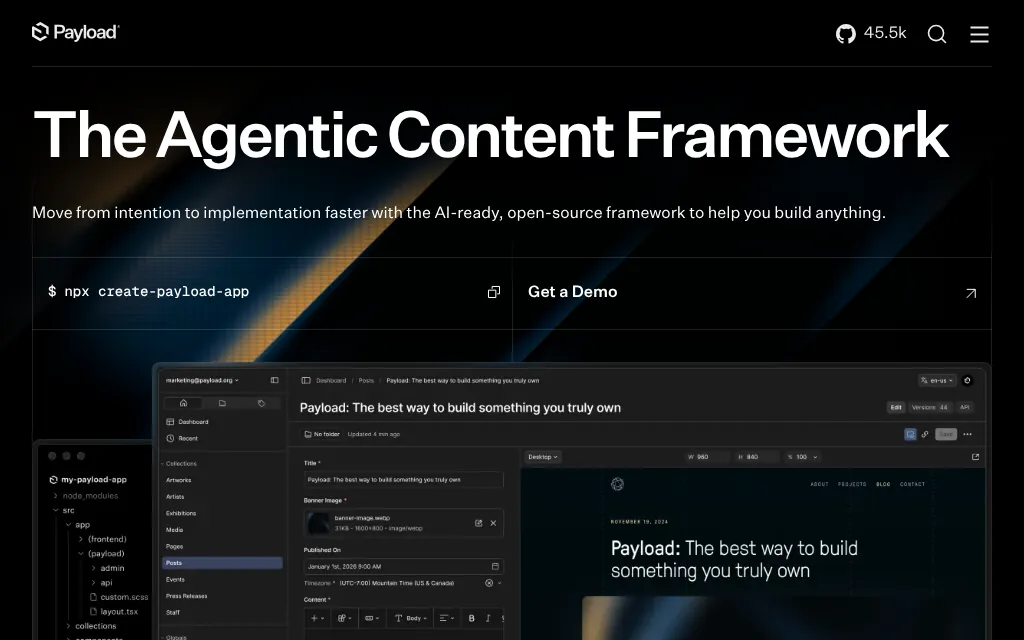
Code-first TypeScript CMS that runs inside your Next.js app, MIT licensed
Sanity
Hosted headless CMS with a GROQ API and an open-source React Studio
FreemiumCMS
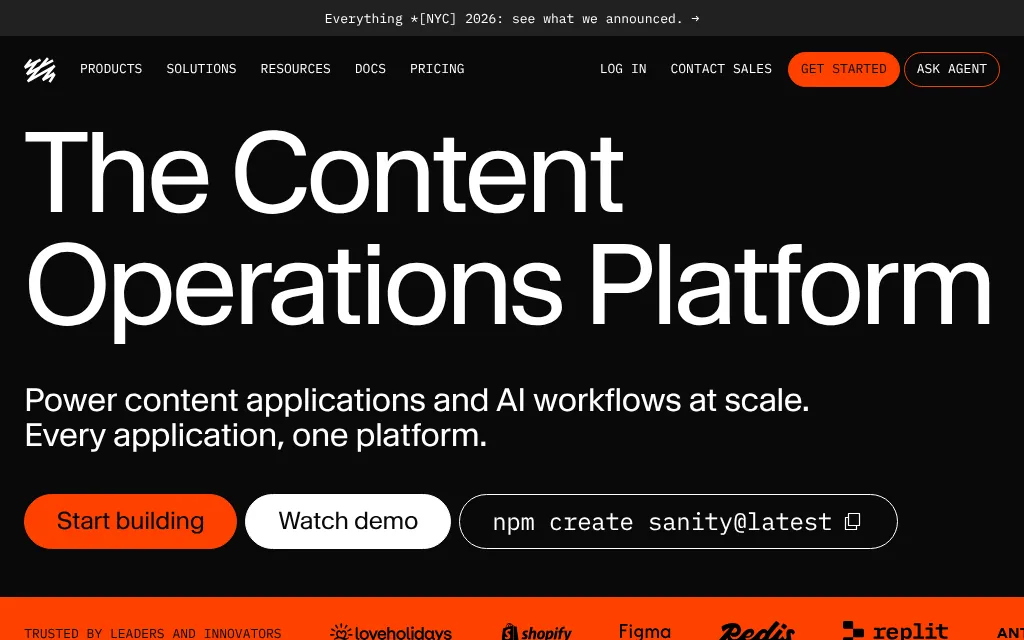
sanity.ioExplore the product
AT A GLANCE
Details about Sanity
Short verdict: Sanity pairs an open-source React editor, Sanity Studio, with a hosted content database you query in GROQ, and its Free plan already includes real-time co-editing, visual editing and 20 seats. The catch is that content can only live on Sanity's servers: you can host the editor yourself, but not the data. Editor roles, private datasets and usage past the hard caps cost $15 per seat a month, and single sign-on needs an Enterprise contract. It suits developer teams who model content in code and feed several front ends from one API. Teams that must keep content on their own servers, or need SSO on a fixed budget, should look elsewhere.
How we reviewed it: We did not create a Sanity account or use the hosted backend, so editing, publishing, visual editing, the AI features and deployment are untested. On 25 October 2026 we ran the docs quickstart until it asked us to log in, installed Sanity 6.20.0 from the official clean template with a placeholder project ID, built it, and opened the local Studio in Chromium while logging every request that left the machine. We also queried the public demo dataset from Sanity's docs without a token, and read the pricing page, docs and status page. Timings come from a 4-core cloud container with an empty npm cache, so treat them as rough.
What Sanity costs and includes
Prices and quotas from Sanity's pricing page on 25 October 2026, in USD, billed monthly.
| Free | $0. 20 seats, but only the Administrator and Viewer roles; 2 public datasets; 10,000 documents; 1 million API CDN requests, 250,000 API requests and 100 GB of bandwidth a month, all hard-capped. |
|---|---|
| Growth | $15 per seat a month, up to 50 seats; viewers are free. Adds Editor, Developer and Contributor roles, private datasets, 25,000 documents, comments, scheduled drafts and AI Assist. Overage: $1 per 250,000 API CDN requests, $1 per 25,000 API requests, $0.30 per GB of bandwidth. |
| Enterprise | Custom price. Adds SAML single sign-on, custom roles, Content Releases (add-on), a full audit trail, backups and an uptime SLA. |
| Our two cases | Case A, 3 editors on one marketing site: $0 on Free if all three can be Administrators and content can be public; otherwise Growth, 3 × $15 = $45 a month. Case B, 10 editors with SSO: Enterprise quote (Growth without SSO: 10 × $15 = $150 a month). |
| Account | Required before the CLI creates anything: Google, GitHub, email or SSO login. |
| Data location | Sanity's Content Lake on Google Cloud, backend in Belgium, per Sanity. SOC 2 Type 2 (vendor) and a DPA with EU Standard Contractual Clauses. |
| Open source | Studio, CLI and JavaScript client under MIT; GROQ is an open specification. The datastore and APIs are proprietary. |
| Version | sanity 6.20.0, released 19 October 2026; needs Node.js 22.12 or later. 22 stable releases in the last 90 days and 1,216,473 npm downloads in the week of 28 September 2026. |
| SDKs and integrations | Official JavaScript and PHP clients; official packages for Next.js, Astro and SvelteKit, plus a Nuxt module; a hosted MCP server with 54 tools. |
What we found
The quickstart's first question is a login
The Studio quickstart is one command: npm create sanity@latest -- --dataset production --template clean --typescript --output-path studio-hello-world. With an empty npm cache it spent 69.5 seconds downloading the CLI (706 packages, 344 MB), then asked us to "log in or create a new account" with Google, GitHub, email or SSO. We stopped there. The page never says an account is needed, beyond a step 3 reference to how "you logged in to the CLI", and it omits that Sanity 6 needs Node.js 22.12 or later.
An open-source Studio that runs on Sanity's servers
To get past the login, we generated the clean template's files with the CLI's own functions, using the project ID placeholder, and added the quickstart's post type. The dev server was ready in 0.4 seconds. Besides its code and a font from Sanity's CDN, the Studio sent only GET requests: six checks of who was logged in and a CORS check, with nothing of ours in them. With those requests blocked, the Studio showed a network error; with them allowed, the screen below.
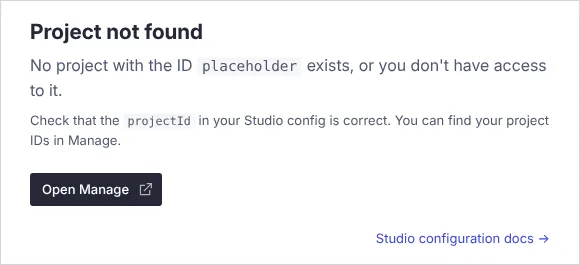
New studios are created with auto-updates on, so the default build is only 616 KB; loading it up to that screen pulled 1.9 MB of Sanity's code from modules.sanity-cdn.com, resolved to the newest compatible 6.x release. Even a self-hosted Studio runs code Sanity serves, unless you set autoUpdates: false for a 23 MB build.
GROQ on Sanity's public demo dataset
Free-plan datasets are public: anyone with the project ID can read published documents, though never drafts. We used that on the movie dataset from Sanity's docs (372 documents). One GROQ query followed references to return the three most popular films with director, two cast members and poster URL, in 24 ms of server time. Median requests from our container took 0.30 seconds on the live API and 0.11 seconds on the cached API CDN. Adding ?w=400&auto=format to a 1.0 MB poster URL returned a 35.7 KB WebP. GraphQL exists too, but read-only.
What the Free plan covers, and when you pay
With only two roles on Free, anyone who edits content is an administrator who can also change project settings. The quotas are hard caps: once API, API CDN or bandwidth runs out, requests fail with HTTP 402 and, per Sanity, "Sanity content will fail to load in your production application or website" until the next month or an upgrade. Growth bills overage instead, but its 25,000-document limit stays a hard cap unless you add the $299 a month quota add-on.
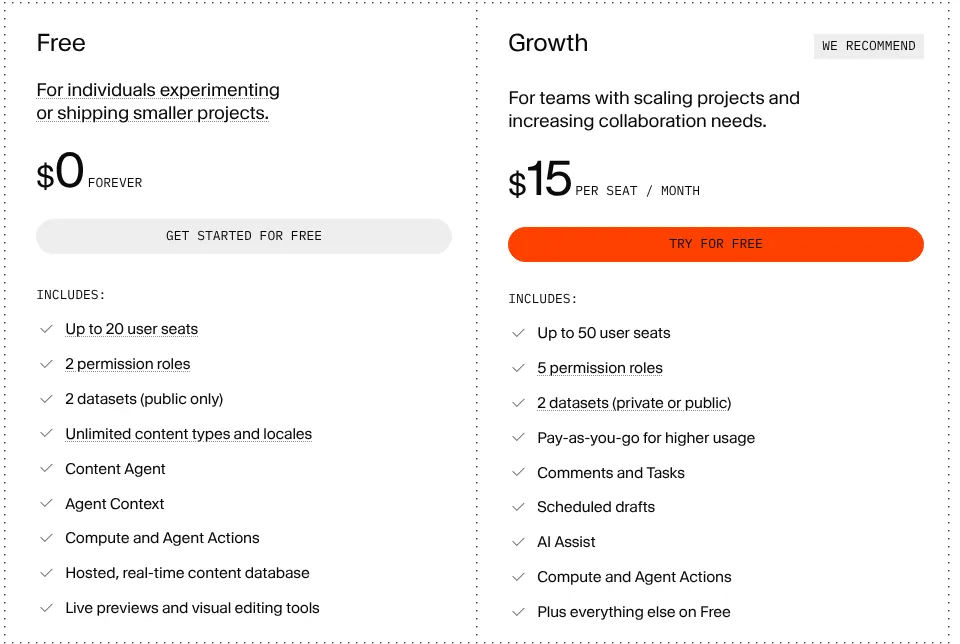
Three more details matter before you choose. New projects start a Growth trial of unstated length, and if you don't upgrade, "Private datasets will become public". SAML SSO is Enterprise-only: one CLI page still mentions a Growth add-on, but the add-ons page lists none. And a dataset allows 2,000 unique attributes (field paths) on Free and 10,000 on Growth, a limit Sanity's docs say Enterprise doesn't raise; large page builders and field-level translations can hit it.
Visual editing is free, with an Astro catch
The Presentation tool, click-to-edit overlays and live preview are on every plan, with guides for Next.js, Nuxt, SvelteKit, React Router and Astro. For Astro the guide requires output: "server" ("Static output mode will not work"), and each edit reloads the preview page, where Next.js updates in place. Static Astro sites can still fetch content at build time through @sanity/astro. TypeGen turned our schema and a GROQ query into TypeScript types in 3.3 seconds without a login, though our required title came out as string | null.
Reliability and developer experience
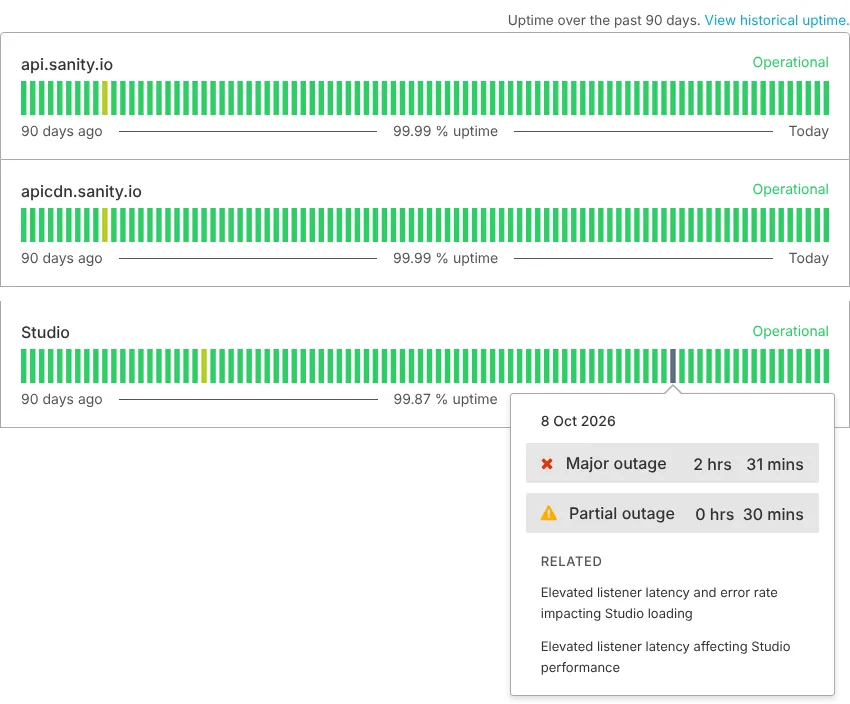
The status page showed 99.99% uptime over 90 days for the API and API CDN and 99.87% for Studio, with 14 incidents since 27 July. The worst, on 8 October, slowed Studio loading from about 09:10 to 14:28 UTC, recorded as 2 hours 31 minutes of major outage; a second incident that evening delayed Functions. An uptime SLA is Enterprise-only.
| Measurement | Result |
|---|---|
| Studio install, empty npm cache | 103 s; 1,079 packages, 631 MB of node_modules |
| Production-only install | 106 s; 971 packages, 596 MB |
sanity build, default | 3.6 s first run, median 3.5 s over the next five |
sanity build, auto-updates off | 10.6 s first run, median 8.5 s over the next five; 979 files |
npm audit | 14 advisories (3 high), all in the CLI's dependencies |
The install is heavy because sanity pulls in its own CLI and Vite tooling, a video player and Sentry. The audit advisories sit in that CLI tooling, and npm's only suggested fix is a downgrade to version 5. The CLI sends telemetry only for logged-in users who consent, which is the default outside GDPR regions; DO_NOT_TRACK=1 turns it off.
What you still have to set up
An account, a project and a plan. Decide whether your editors can all be administrators on Free.
The content model in code. A developer makes every schema change.
CORS origins and tokens. Drafts and private datasets need a read token kept on the server.
Rebuilds for static sites. A publish webhook triggers them; Free includes two webhooks.
A server route for Astro previews. Static output can't show drafts.
Backups. Managed backups are Enterprise-only, so schedule
sanity dataset export.
Pros and cons
Pros
Real-time co-editing, visual editing and 20 seats on the Free plan.
GROQ follows references in one request, and the image pipeline resizes and converts images by URL.
MIT-licensed Studio that you can host yourself or for free on sanity.studio.
Active project: 22 stable releases in 90 days, about 1.2 million npm downloads a week.
TypeGen and a hosted MCP server help with typed code and AI-assisted work.
Cons
Content can only live in Sanity's hosted Content Lake.
Free has only Administrator and Viewer roles, public datasets and hard caps that stop content from loading.
SSO, custom roles, multi-document releases and an uptime SLA need Enterprise.
Heavy install: 1,079 packages and 631 MB.
The quickstart skips the account and Node.js 22.12 requirements.
How Sanity compares
Payload also keeps its content model in TypeScript, but it runs inside your Next.js app and stores content in your own MongoDB, Postgres or SQLite database, at $0 with no seat or project limits. It has no real-time co-editing (document locking only), and Payload Cloud is paused, so you host it yourself. Pick it if content has to stay in your own database.
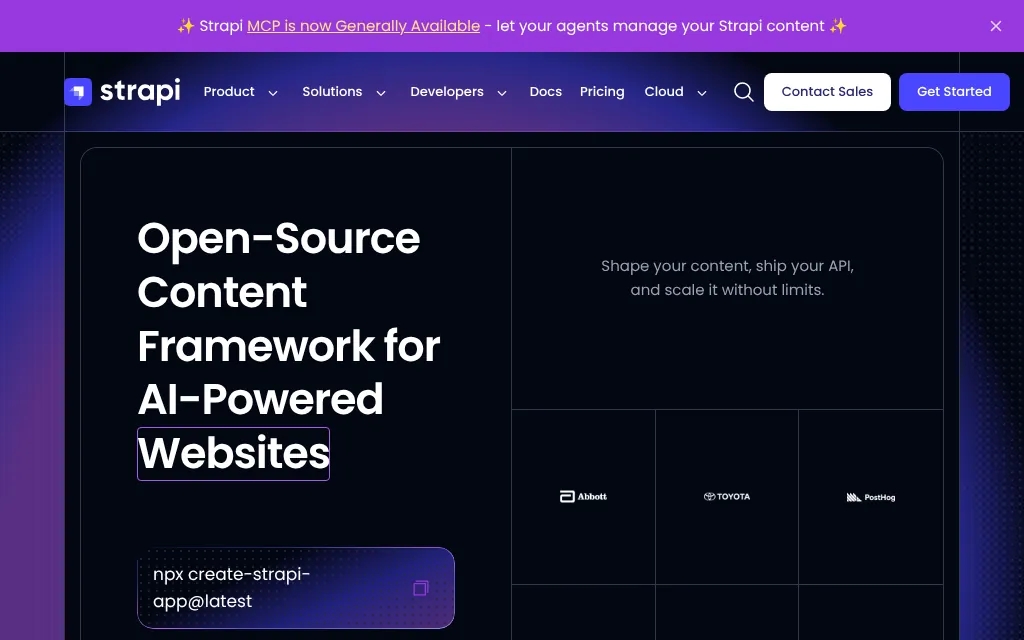
Strapi keeps content in your own SQL database, and developers can build content types in a UI in development mode. For 3 editors (Case A) it costs $0 self-hosted or $35 a month on Strapi Cloud Starter, and unlike Sanity it publishes an SSO price: $650 a month self-hosted for 10 editors (Case B), by our reading of its pricing page. Pick it for SSO without an Enterprise contract, if you can do without real-time co-editing.
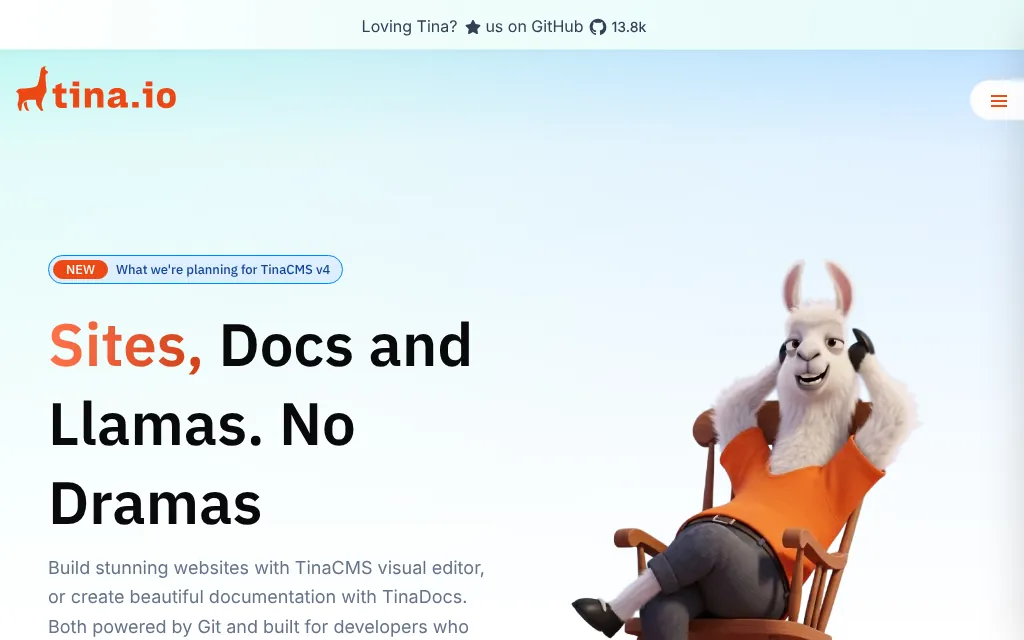
TinaCMS edits Markdown and MDX files in your Git repository, with free click-to-edit visual editing; TinaCloud Team costs $29 a month per project for 3 users. Pick it for an Astro or Next.js site whose content should live in Git, as long as you don't need scheduled publishing.
See all CMS platforms we list.
Who should use Sanity
Use Sanity if your developers want to define content in TypeScript, your editors want real-time collaboration with a live preview, and one API should feed several front ends, at $15 per editing seat once you outgrow Free. It fits Next.js teams, and Astro sites that can run a server for previews. Look elsewhere if content must stay on your own servers or in a region you pick, if you need SSO without an Enterprise contract, or if editors expect to change the content model themselves.
FAQ
Is Sanity free?
Yes, for up to 20 seats on the Free plan, with limits: only the Administrator and Viewer roles, public datasets, and monthly quotas that block API requests when they run out. The Growth plan costs $15 per editing seat a month and bills overage instead.
Can I self-host Sanity?
Only the editor. Sanity Studio is MIT-licensed and can run on your own hosting, but content is stored in Sanity's hosted Content Lake, and the Studio doesn't work without it. There is no self-hosted backend.
Does Sanity work with Astro?
Yes. The official @sanity/astro integration fetches content for static and server-rendered sites. Visual editing in Sanity's Presentation tool needs server rendering (output: "server") and reloads the page after each edit.
Does Sanity include single sign-on?
Only on the Enterprise plan, which has no published price. On Free and Growth, people log in with Google, GitHub, or email and password.
Where does Sanity store my content?
On Google Cloud, with the backend in a single EU region (Belgium), according to Sanity's security page. Sanity says it is SOC 2 Type 2 certified and offers a DPA with EU Standard Contractual Clauses. We found no option to choose a region.
KEEP EXPLORING
More CMS platforms