
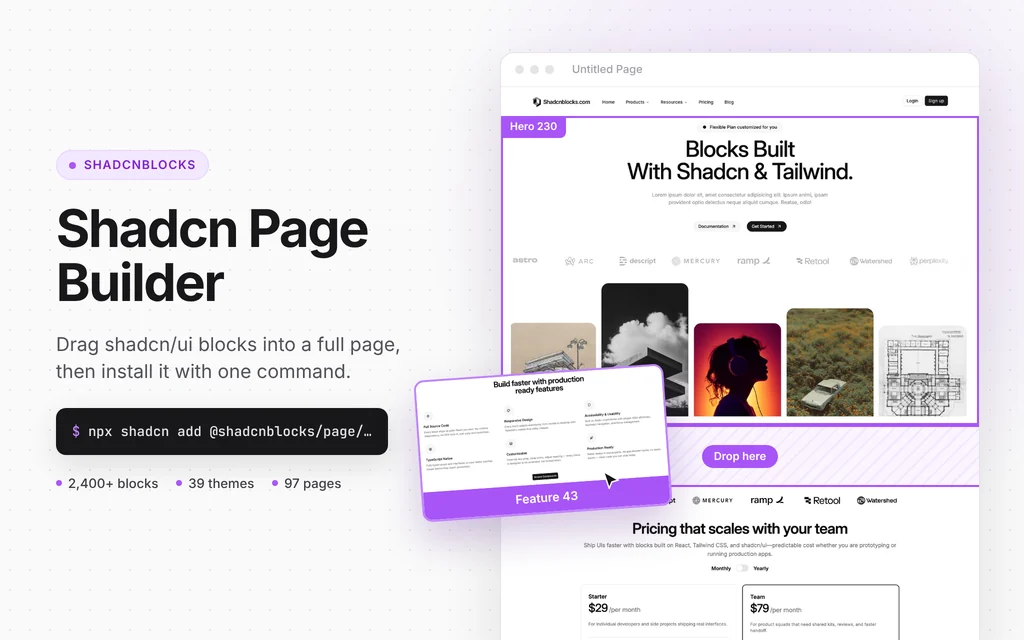
Drag-and-drop shadcn/ui page composer that installs pages with the shadcn CLI
Figma Make
Figma's prompt-to-app tool that turns your designs into published web apps
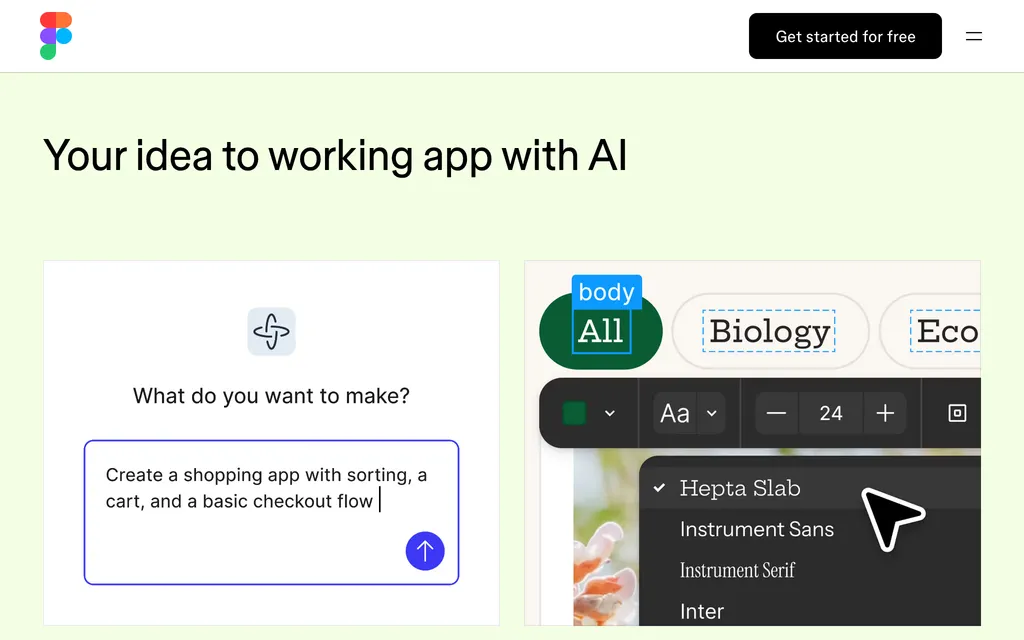
figma.comExplore the product
AT A GLANCE
- Website
- figma.com
- Pricing
- Freemium
- Categories
- AI App BuildersDesign
- Listed
- Sep 2026
- Updated
- Oct 2026
Details about Figma Make
Short verdict: Figma Make turns a prompt, or frames and components from your Figma files, into a working prototype or web app that you can edit visually, back with a hosted database and publish on a figma.site address or your own domain. Its edge is design context: it reads your components, library styles and Make kits. The cost is in AI credits: a Professional Full seat ($20 a month, or $16 billed yearly) includes 3,000 a month, Figma estimates 100 or more for one app built from scratch, and extra credits are priced only in the admin dashboard. It suits designers and product teams already working in Figma, less so developers who want an agent in their own codebase.
How we reviewed it: We did not sign in to Figma or create a Make file. On 21 October 2026 we read the Figma Make page, the pricing page, Figma's help center articles on Make, AI credits, publishing, backends and model choice, its page on AI data use and the release notes. Credit costs change as models change; check How Figma AI credits work before you plan around them.
What Figma Make costs and includes
| Item | Figma Make on 21 October 2026 |
|---|---|
| Type | Design-to-code app builder inside Figma: prompt or designs in, functional prototype or web app out |
| Where it runs | In Figma, as Make files created from the file browser; "Make mobile" opens a Make on your phone; a mode for working in your own codebase is listed as coming soon |
| Models | An unnamed default model plus GPT-5.6 Terra, GPT-6.1 Sol, Claude Sonnet 4.5, Claude Opus 5.5, Gemini 3.8 Flash and Gemini 4 Argon; no bring-your-own-key option documented |
| Free tier | Starter: 500 AI credits a month, at most 150 a day; no team libraries for style context; publishing to the web requires also publishing to the Figma Community |
| Paid plans | Professional Full seat $20 a month or $16 billed yearly, with 3,000 credits; Organization $55 and Enterprise $90 per Full seat a month, billed yearly, with 3,500 and 4,250 credits. Dev and Collab seats can only try Make in drafts |
| How usage is limited | Per-user monthly credits that do not roll over, shared with Figma's other AI features; admins can buy a credit subscription or turn on pay-as-you-go up to a spending limit |
| Open source | No; code can be viewed, edited and exported, and the built-in backend uses the open-source Payload framework |
| Data use | Content training is on by default for Starter and Professional teams (admins can turn it off) and off for Organization and Enterprise; Figma does not let model providers train on your data |
| Latest notable release | 15 October 2026: Make scaffolds a Payload backend with a CMS, database, file storage, auth and admin panel, hosted by Figma, rolling out on all plans |
What Figma Make does well
It starts from your design system
You can attach Figma frames and components, images, video, audio, text files and PDFs to a prompt, or paste frames straight into the chat. Make kits sync npm packages, library styles and written guidelines so the output uses your real components, and on paid plans team libraries supply style context. Going the other way, on paid plans a preview can be copied back to Figma Design as layers, so designers can keep iterating on the canvas.
Editing is visual as well as prompted
A point-and-edit tool selects an element in the preview and changes its properties in a Figma-style panel; a draw tool and annotations mark up areas for the next prompt. Plan mode writes an editable plan before code is generated, several chats can run at once in one file, version history keeps every AI and manual edit, and a code editor lets you change files directly.
A hosted backend and one-click publishing
Since 15 October 2026 Make can create a Payload backend: a database, file storage, authentication and an admin panel at your app's /admin address, with Figma hosting both the app and its data. You can still connect your own Supabase project from Make settings instead. Publishing puts the app on a three-random-words.figma.site address, hidden from search engines unless you change that. Professional plans can connect 10 custom domains, shared with Figma Sites; Organization and Enterprise have no limit and can restrict an app to an internal audience.
Credits, seats and stale fine print
Make needs a Full seat. On paid plans, Dev, Collab and View seats can try Make in drafts but cannot share or publish their files, so each person who builds needs the $16 to $20 seat on Professional.
Credit burn is hard to predict. Figma's examples with the default model are about 30 or more credits to change a font, 75 or more to make a design interactive and 100 or more to generate an app from scratch. Plan mode bills the plan and the build separately, non-default models "may use substantially more credits", and since 6 October 2026 the Figma agent draws from the same balance.
Extra credits have no public price. Subscription tiers and the pay-as-you-go rate appear only in the admin dashboard.
Public by default. On Starter and Professional, anyone with the URL can open a published app, and Starter users can only publish to the web if they also publish to the Figma Community.
Training default. Starter and Professional teams share content for AI training unless an admin turns it off, and turning it off only stops use of new content and edits.
Out-of-date help pages. The Make FAQ still says custom domains are free "through 2025", that limits may change "after 2025" and that hosting is included "while publishing is in beta". The 2025 dates have passed, and we found no current statement on custom domain pricing or on whether Make publishing is still in beta.
Pros and cons
Pros
Uses your Figma components, styles and Make kits as context, and returns previews to the canvas as layers.
Visual editing with a properties panel, annotations and version history alongside prompts.
Built-in Payload backend and one-click publishing with custom domains.
A free Starter plan with 500 credits a month to try it.
Cons
3,000 monthly credits on a Professional Full seat cover at most about 30 apps generated from scratch, at Figma's estimate of 100 or more each.
Extra-credit prices are not public.
Content training is on by default for Starter and Professional teams.
Help pages on domains and hosting are out of date, and local codebase support is still "coming soon".
How Figma Make compares
v0 from Vercel also imports Figma designs but works Git-first: every chat gets its own branch and pull request, and Publish deploys to Vercel. Free gives a one-time $5 of credits; Plus costs $30 per user a month. Choose it for Next.js apps headed to Vercel.
Lovable builds full-stack web apps on a Supabase-based backend with two-way Git sync on every plan, and prices plans by credits rather than seats: Pro costs $25 a month for 100 credits shared by unlimited members. Choose it if people without Figma seats will build.
Google AI Studio is free within Gemini's free-tier limits and adds a Firebase database, sign-in and one-click Cloud Run hosting. Choose it to prototype at no cost when you don't need your Figma design system.
Compare more vibe coding platforms in all AI app builders.
Who should use Figma Make
Figma Make suits designers, product managers and design-system teams who already pay for Figma Full seats and want clickable, data-backed prototypes or small published web apps that match their components. It is less suited to people who do not work in Figma, to developers who want an agent working inside an existing repository, which Make lists as coming soon, and to heavy builders who need predictable costs, since credits are metered per user and extra credits are priced only in the admin dashboard.
FAQ
Is Figma Make free?
Yes, on the free Starter plan, with 500 AI credits a month and at most 150 a day, but Starter users can only publish to the web if they also publish to the Figma Community. For regular use, Make comes with a Professional Full seat at $20 a month, or $16 a month billed yearly, with 3,000 credits (prices as of 21 October 2026).
How many AI credits does Figma Make use?
It varies with the model, the task and the context you attach. Figma's examples with the default model are about 30 or more credits to change a font, 75 or more to make a design interactive and 100 or more to generate an app from scratch; plan mode and non-default models can cost more.
Does Figma train on my Make files?
It can, depending on your plan. Content training is on by default for Starter and Professional teams, and admins can turn it off; it is off by default for Organization and Enterprise. Figma does not let its third-party model providers train on your data.
Can I publish a Figma Make app on my own domain?
Yes. Published apps get a figma.site address, Professional plans can connect up to 10 custom domains (shared with Figma Sites), and Organization and Enterprise plans have no limit. Figma's Make FAQ still says custom domains are free "through 2025", which is out of date, and we found no current price for them.
KEEP EXPLORING
More AI app builders Good company for Figma Make.
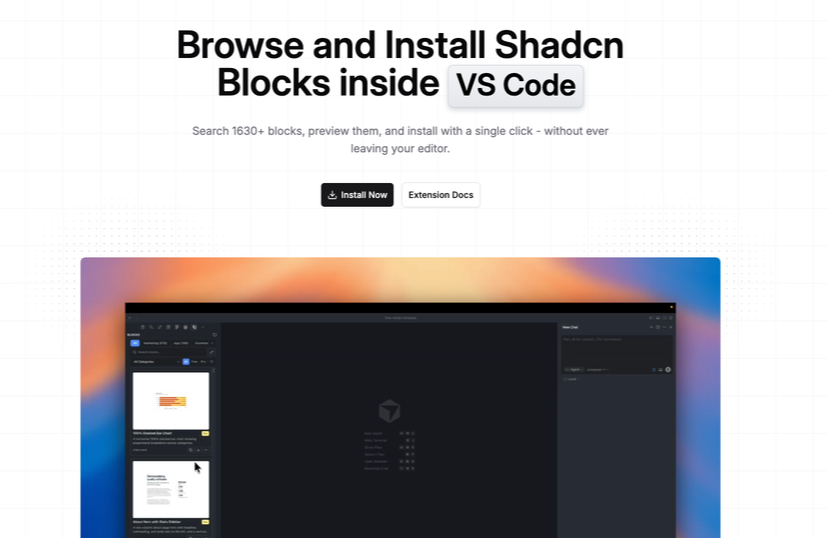
Install shadcn/ui blocks without leaving your IDE
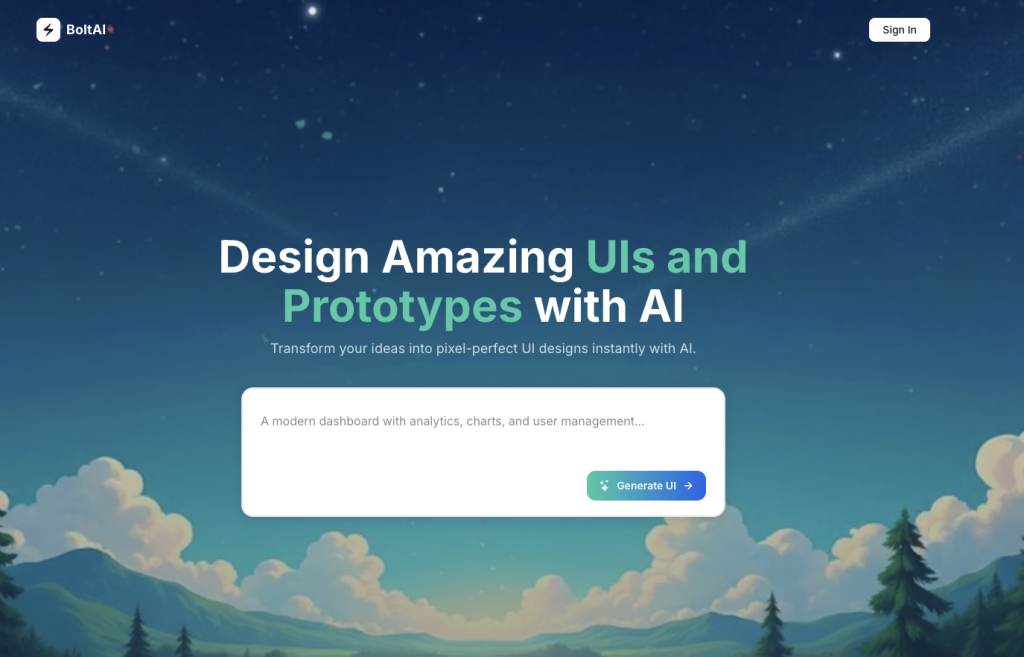
AI-powered platform fo web and application designs.