
Antigravity vs Cursor
Antigravity is Google's agent platform: a desktop app that runs agents in parallel, a CLI, its own IDE and extensions for five editors, with a free plan and Google AI Pro at $19.99 a month. Cursor is an AI code editor with cloud agents, sold in The X Subscription. The biggest difference is models: Google AI Pro includes Gemini 4 Argon and Claude Sonnet and Opus 5.5, while Cursor's plans include only Grok and Composer, with Claude and GPT at API list price from Premium ($30 a month).
Google's agent-first app, CLI and IDE; free tier, more quota from $19.99
AI code editor with parallel cloud agents, sold in The X Subscription from $8
Key differences
- What it is. Antigravity is an agent app with a CLI (
agy), the Antigravity IDE, extensions for VS Code, Visual Studio, JetBrains IDEs, Zed and Xcode, and a Python SDK. Cursor is a desktop code editor with a terminal agent, cloud agents, a web app and an iOS app. - Free plan. Antigravity's individual plan is $0, with unlimited Tab completions and a weekly agent quota; Google said Claude Sonnet 4.6, Claude Opus 4.6 and GPT-OSS 120B would leave it on 2 November 2026, leaving Gemini 3.8 Flash. Cursor's Free plan includes limited Agent and Chat with Cursor's own models.
- Models in the plan. Google AI Pro ($19.99 a month) adds Gemini 4 Argon, Claude Sonnet 5.5 and Claude Opus 5.5. Cursor's included pool is Grok and Composer; Claude, GPT and Gemini cost API list price from Premium ($30) up.
- Your own keys. Antigravity has no bring-your-own-key or custom endpoint. Cursor takes your own OpenAI, Anthropic, Google, Azure OpenAI or AWS Bedrock key on Premium, Super and Ultra.
- How agents report. Antigravity's agents report through plans, screenshots and browser recordings you can comment on, and
/schedulesets one-off or cron tasks. Cursor's cloud agents run on their own virtual machines and return pull requests with screenshots, videos and logs, and Bugbot reviews pull requests. - Limits. Antigravity has a weekly quota on Free, and on Pro and Ultra a quota refreshed every 5 hours up to a weekly limit, which Google says depends on capacity. Cursor has one weekly pool shared with Grok's apps.
- Data. Google uses Antigravity interactions to improve its products, with human review, unless you opt out. With Privacy Mode on, Cursor says neither it nor its model providers train on your code; it is on by default for teams.
Antigravity and Cursor side by side
From our reviews, checked on 21 October 2026. Plans and limits change often; check each vendor's pricing page before you pay.
| What | Google Antigravity | Cursor |
|---|---|---|
| Type | Desktop agent app (Antigravity App), terminal agent (Antigravity CLI, agy), AI code editor (Antigravity IDE), IDE extensions and a Python SDK. Made by Google; public preview from 18 November 2025, version 2.0 on 19 May 2026 | AI code editor (desktop app) with a terminal agent (agent), cloud agents, a web app and an iOS app. Made by Anysphere, Inc., acquired by SpaceX (announced 14 August 2026) |
| Where it runs | App on macOS 12 or later, Windows 10 and 11 (x64, ARM64), Linux (x64, ARM64) and Googlebook; CLI on macOS, Linux and Windows; extensions for VS Code, Visual Studio 2026, JetBrains IDEs, Zed and Xcode; Remote Control from any browser | macOS, Windows and Linux on x64 and ARM64; the CLI on macOS, Linux, WSL and Windows; web at cursor.com/agents; iOS; cloud agents start from Slack, GitHub, Bitbucket and Linear; JetBrains IDEs through the Agent Client Protocol on paid plans |
| Models | Free and Google AI Plus: Gemini 3.8 Flash, plus Claude Sonnet 4.6, Claude Opus 4.6 and GPT-OSS 120B until 2 November 2026, per Google. Paid Google AI Pro adds Gemini 4 Argon, Claude Sonnet 5.5 and Claude Opus 5.5. No bring-your-own-key | Included pool: Grok 4.7, Grok 4.6, Grok 4.5 and Composer 2.5. Premium and up, at API list price: Claude Opus 5.5, Sonnet 5.5, Fable 5.1 and Haiku 5.5, GPT-5.6 Sol, Terra and Luna, Gemini 4 Argon, 3.1 Pro and 3.8 Flash, Muse Wonder. Your own OpenAI, Anthropic, Google, Azure OpenAI or AWS Bedrock key (not on Plus) |
| Free tier | $0: unlimited Tab completions and Command requests, agent use within a weekly quota | $0: Agent and Chat with limited usage, Cursor models only |
| Paid plans | Google AI Pro $19.99 a month; Google AI Ultra $99.99 (5x Pro's quota) or $199.99 (20x), per Google. Businesses: Gemini Enterprise Standard or Plus from $30 per seat a month, or pay-as-you-go. Antigravity pricing | Plus $8 a month (Grok models only), Premium $30, Super $100, Ultra $200; yearly $80, $300, $1,000 and $2,000. Teams $30, $100 or $200 per seat; Enterprise custom. Prices exclude tax. Cursor pricing |
| How usage is limited | Free: a quota refreshed weekly. Pro and Ultra: a quota refreshed every 5 hours until a weekly limit. Pro and Ultra can buy AI credits for overage at Gemini Enterprise consumption prices | One weekly pool shared with Grok's apps; Premium gets 4x the Plus pool, Super 15x and Ultra 50x (per Cursor). Past the pool you pay per token from prepaid credit, e.g. Grok 4.7 at $2 input and $6 output per million tokens |
| Open source | App, IDE and CLI are proprietary; the Python SDK is Apache-2.0 (3.8k GitHub stars) | No. The public GitHub repository holds a README and issue templates (33.3k stars) |
| Data use | Google records your interactions and uses them to improve Google and Alphabet products and machine learning, unless you opt out in settings. Gemini Enterprise accounts run under Google Cloud terms | With Privacy Mode on, Cursor says neither it nor its model providers train on your code (zero data retention agreements); with it off, Cursor may use code data for training. On by default for team members and Enterprise |
| Latest notable release | Gemini 4 Argon for Google AI Pro and Ultra in the App and CLI, 13 October 2026; CLI 1.4.4, 21 October 2026 | 16 October 2026: interactive canvases from cloud agents, an Environments API in beta and cloud environments with up to 300 repositories; editor version 3.24 on 9 October 2026 |
Choose Antigravity if
- You want a free agent with a weekly quota and unlimited Tab completions.
- You want Gemini 4 Argon and Claude Opus 5.5 inside a $19.99 plan.
- You came from Gemini CLI: Google points its users to Antigravity CLI.
- You want to keep your editor: Antigravity has extensions for VS Code, Visual Studio, JetBrains IDEs, Zed and Xcode.
Choose Cursor if
- You want an AI-first editor with Grok 4.7 and Composer 2.5 included.
- You need your own API keys, which Antigravity doesn't support.
- You want cloud agents on their own machines that return pull requests with screenshots and videos, plus Bugbot reviews.
- Your team wants Privacy Mode on by default instead of an opt-out.
FAQ
Is Antigravity or Cursor better?
It depends on the models you want and how you pay. Antigravity is free to start and puts Gemini 4 Argon and Claude 5.5 models in Google AI Pro at $19.99 a month. Cursor is an editor built around Grok and Composer, with parallel cloud agents and Bugbot, and bills Claude and GPT at API list price from Premium.
Is Antigravity free?
Yes. As of 21 October 2026, the individual plan costs $0 with unlimited Tab completions and Command requests and agent use within a weekly quota. Google said the free plan's Claude Sonnet 4.6, Claude Opus 4.6 and GPT-OSS 120B would leave on 2 November 2026, leaving Gemini 3.8 Flash.
Can I use Claude in Antigravity or Cursor?
In Antigravity, Claude Sonnet 5.5 and Opus 5.5 come with a paid Google AI Pro ($19.99 a month) or Ultra plan. In Cursor, Claude is billed at API list price from prepaid credit on Premium and up, or through your own Anthropic key. Prices as of 21 October 2026.
Can I use my own API key in Antigravity or Cursor?
In Cursor, yes, on Premium, Super or Ultra. Antigravity has no bring-your-own-key option, and Google's terms say using an Antigravity login from other tools can get the account suspended.
Do Antigravity and Cursor train on my code?
Google's Antigravity terms say it records your interactions to improve Google products and that people may review them, unless you opt out in settings; Gemini Enterprise accounts follow Google Cloud terms. Cursor says that with Privacy Mode on, neither it nor its model providers train on your code; it is on by default for team members and Enterprise.
More comparisons
Read both reviews.
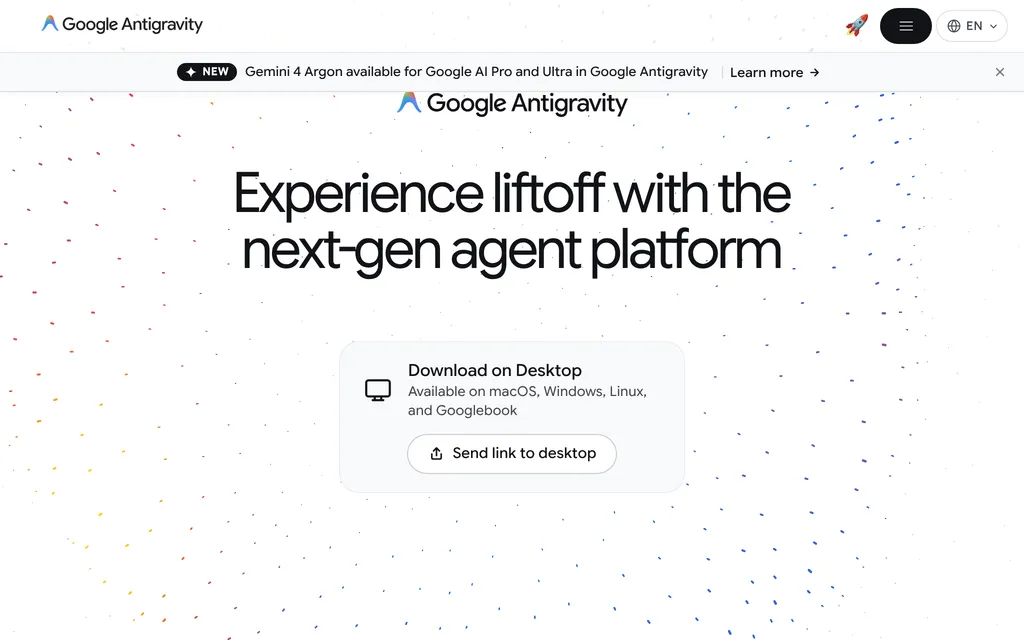
Google's agent-first app, CLI and IDE; free tier, more quota from $19.99
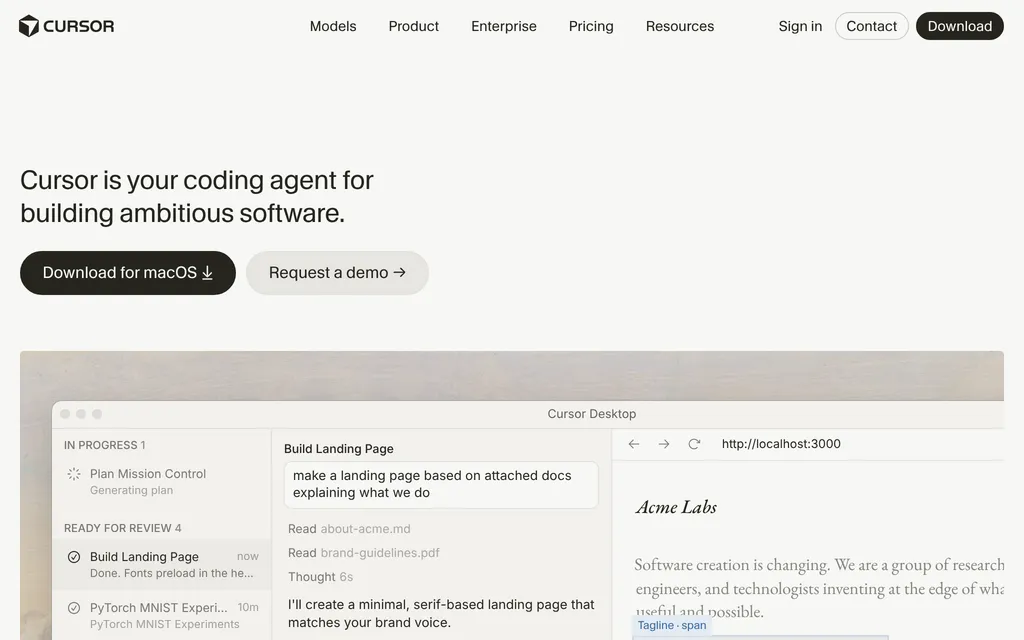
AI code editor with parallel cloud agents, sold in The X Subscription from $8